

Introduction to MediaMonkey Pro
Are you a music enthusiast searching for a comprehensive music management app that simplifies organizing your collection? Look no further than MediaMonkey Pro. Designed for serious music collectors, this app unlocks a suite of powerful features that elevate your listening experience and streamline your library management. Whether you’re a casual listener or a dedicated audiophile, MediaMonkey Pro aims to be your all-in-one music player and library organizer.
Unlock Premium Features with MediaMonkey Pro
MediaMonkey Pro acts as a license that unlocks advanced features in the free version of MediaMonkey. To get started, you'll first need to install the basic app, then upgrade to Pro to access these extras. Some standout capabilities include Wi-Fi Sync, which allows you to wirelessly synchronize your music library, including ratings, play history, and volume levels, between your Windows PC and mobile device. This seamless synchronization makes managing your extensive music collection effortless and efficient.
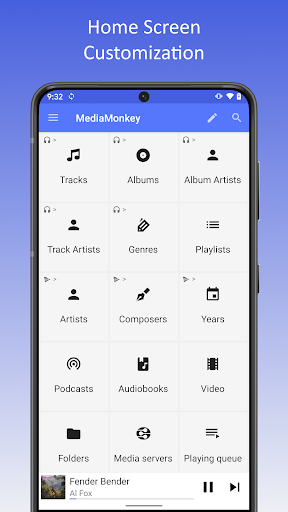
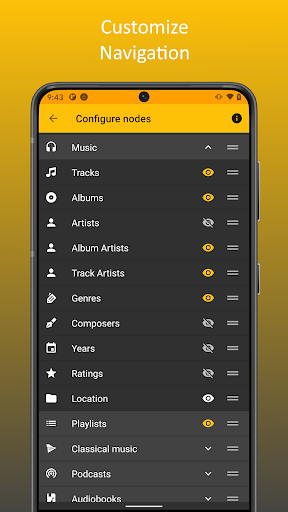
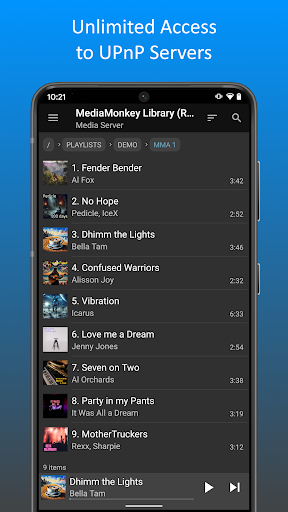
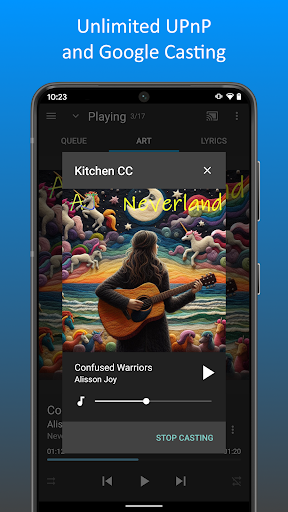
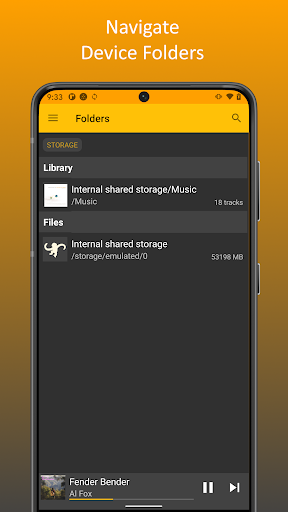
Additionally, MediaMonkey Pro supports UPnP/DLNA streaming, enabling you to play or download content directly from compatible servers. The device’s folder browsing feature allows you to navigate your media library using the phone or tablet’s physical file hierarchy, making it easier to find specific tracks or albums. The customizable home screen lets you choose what content appears upon launch, ensuring your most-used features are always within reach.
These features empower users to personalize and optimize their listening setup, transforming MediaMonkey into a versatile music management tool suited for both casual and power users.
Features Designed for Music Lovers
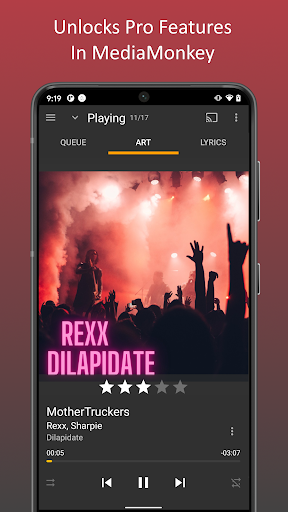
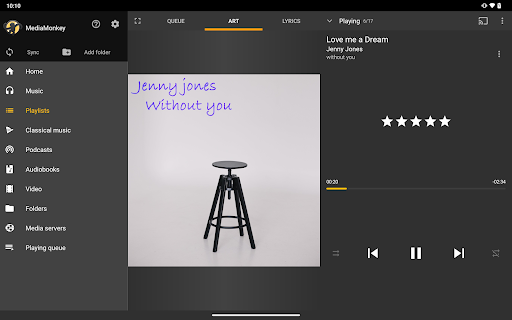
For those passionate about their music, MediaMonkey Pro offers an array of customization options to create a tailored listening environment. From fine-tuning equalizer settings to configuring advanced playback controls, this app acts like your own personal DJ.
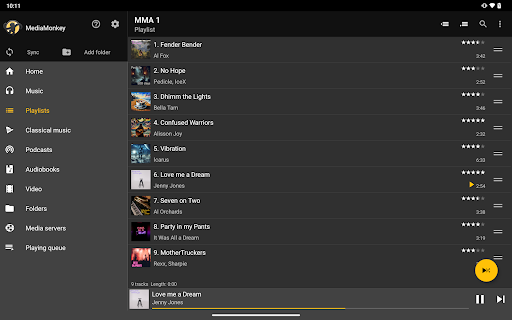
Handling a large music library? No problem. MediaMonkey Pro can effortlessly organize thousands of tracks, automatically renaming and sorting files based on your preferences. Say goodbye to clutter and misnamed files—this app keeps your collection neat and easily navigable.
Power users will appreciate its support for a variety of audio formats and built-in audio conversion tools. The volume leveling feature ensures consistent sound levels across all your tracks, while party mode and sleep timer functionalities add convenience, whether you're throwing a party or winding down for bed.
Final Verdict
Ultimately, MediaMonkey Pro is a highly recommended app for music collectors seeking robust management features combined with intuitive usability. Its ability to seamlessly sync, customize, and enhance your music library makes it a standout choice for anyone serious about their sound experience. Once you start using MediaMonkey Pro, you might wonder how you ever managed without it. Invest in this app, and enjoy a more organized, personalized, and enjoyable music listening journey.
Pros
- Strong media management capabilities.
- Compatible with various audio formats.
- Seamless synchronization across multiple devices.
- Advanced options for audio and video playback.
- User interface can be customized.
Cons
- Requires payment; no free version available.
- Interface may be complex for new users.
- Podcast management features are limited.
- Full synchronization needs MediaMonkey server.
- Does not support cloud storage integration.











