


Discover the Power of Screen Mirroring Pro for Roku
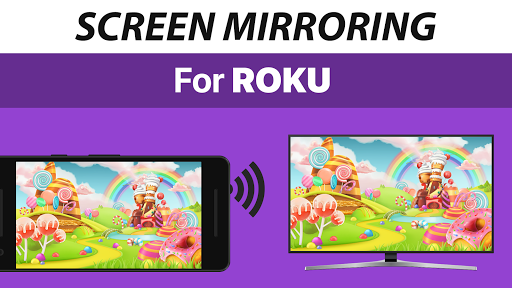
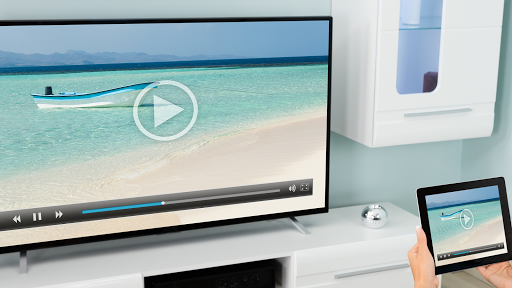
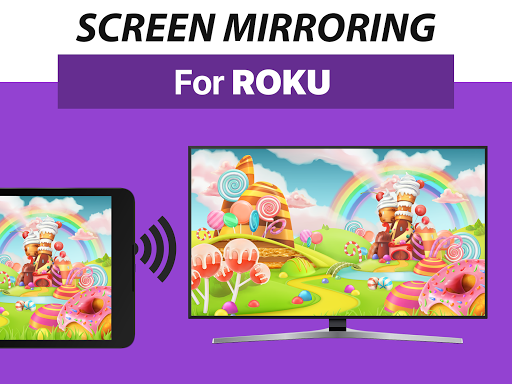
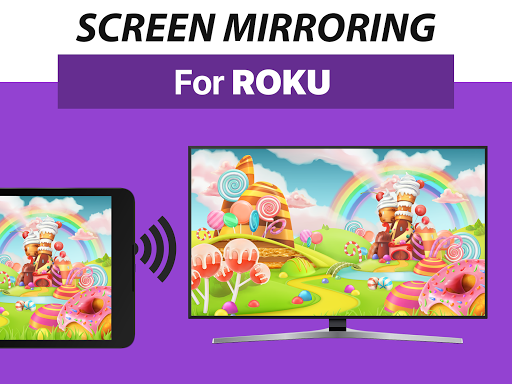
Screen Mirroring Pro for Roku is a highly efficient app designed to seamlessly mirror your smartphone or Android device onto your Roku TV, Roku Stick, or Roku Box. Whether you own a popular TCL TV, Hisense TV, or any other Roku-enabled device, this application provides a hassle-free way to share your screen in stunning HD quality without any wires or complicated setups.
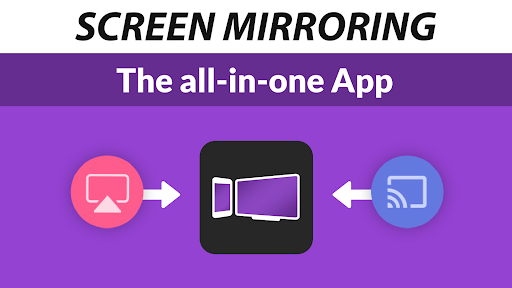
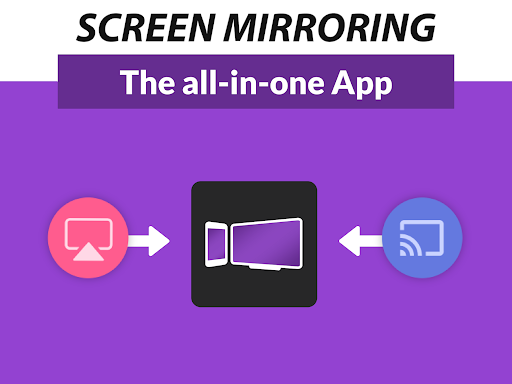
This application stands out as the #1 Screen Mirror, thanks to its fast, user-friendly interface that makes sharing photos, videos, games, websites, documents, and presentations straightforward. It surpasses the default Roku built-in Miracast-based screen mirroring solution with its broad device support and enhanced performance.
Key Features of Screen Mirroring Pro for Roku
Universal Device Support
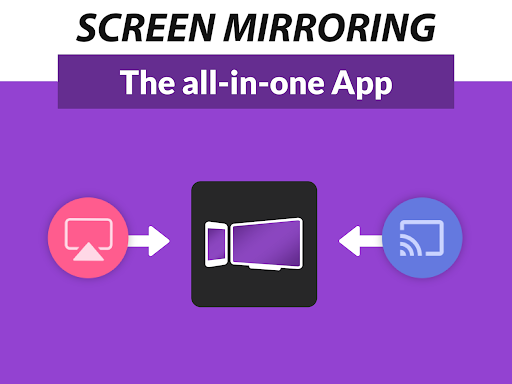
The app supports all Android devices running Android 5.0+ along with a wide range of Roku devices including Roku Sticks, Roku Boxes, Roku TVs, and models like Roku Express 3700 / 3710. This ensures compatibility for most users and simplifies the sharing process across different devices.
Simple and Unified Setup
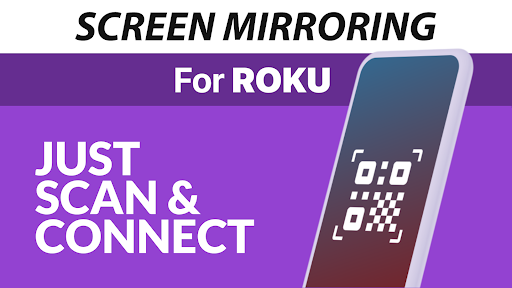
Getting started requires a basic connection process—no need to tweak Android settings or Wi-Fi configurations. Just ensure that both your Android device and Roku are connected to the same Wi-Fi network. For optimal results, avoid using VPNs, proxies, VLANS, or subnets that could interfere with the connection.
Performance & Connectivity
The application delivers high-quality performance, especially with good Wi-Fi conditions. A 5GHz Wi-Fi network is recommended for the best streaming experience, reducing lag and buffering during video playback or gaming. As long as your device is on a stable network, you'll enjoy smooth, lag-free mirroring.
Additional Support & Functions
With built-in support for various media types, including photos, videos, and audio, you can enhance your entertainment and presentation sharing. You can also adjust streaming quality based on your network speed, ensuring a seamless experience whether you're viewing high-definition videos or hosting a professional presentation.
Why Choose Screen Mirroring Pro for Roku?
This app is developed by the creators of VIDEO & TV CAST, a globally renowned video casting solution with over 100 million downloads. Its ease of use makes it ideal for all users—from casual streaming to professional presentations. The intuitive interface ensures you spend less time fiddling with settings and more time enjoying content on your big screen.
Whether you're sharing family vacation memories, streaming movies, or projecting work presentations, Screen Mirroring Pro for Roku provides a reliable and high-quality mirroring experience. Its robust support, minimal lag, and rich compatibility make it a top choice among screen mirroring apps for Roku users.
Conclusion
If you're looking for a fast, easy-to-use, and reliable solution to mirror your mobile device to your Roku TV, Screen Mirroring Pro for Roku is definitely worth trying. Its ability to handle various media types, support for multiple Roku devices, and optimized performance ensures a seamless screen sharing experience. Upgrade your entertainment setup today and enjoy your content on the big screen effortlessly.
Pros
- Simple setup process
- Excellent video quality streaming
- Works on various devices
- Intuitive user interface
- No advertisements
Cons
- Needs a stable Wi-Fi connection
- Few free features available
- May have occasional lag issues
- Not compatible with all Roku devices
- Paid version could be expensive











