

Introducing Command Pro: The Ultimate Solution for Trail Camera Management and Command-Line Convenience
Are you tired of the hassle involved in managing trail cameras or navigating complex command-line interfaces on your devices? Look no further than Command Pro—a powerful, user-friendly app designed to streamline your outdoor scouting and tech management tasks. Whether you're a passionate hunter, outdoor enthusiast, or a tech-savvy user looking to merge mobile convenience with desktop power, Command Pro offers a comprehensive suite of features tailored to meet your needs.
Seamless Trail Camera Management and Advanced Scouting Tools
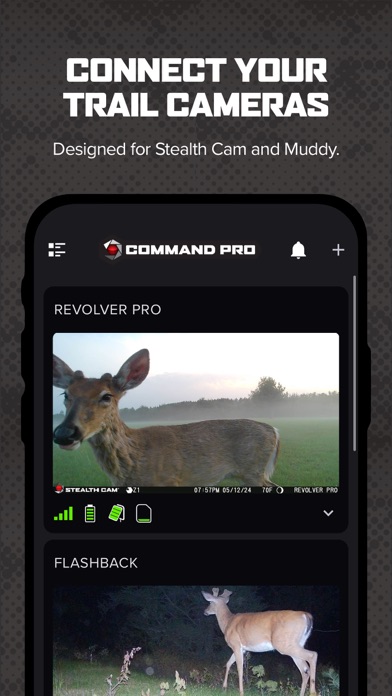
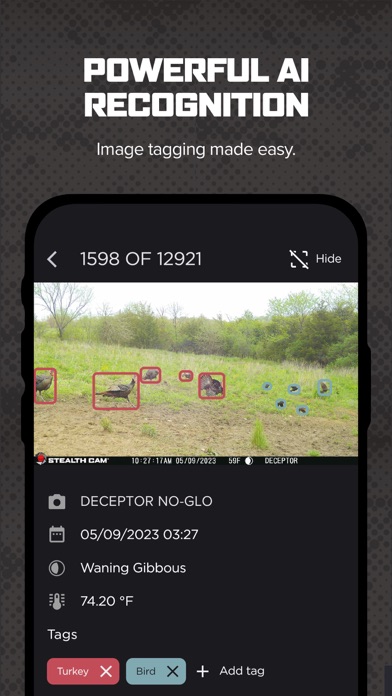
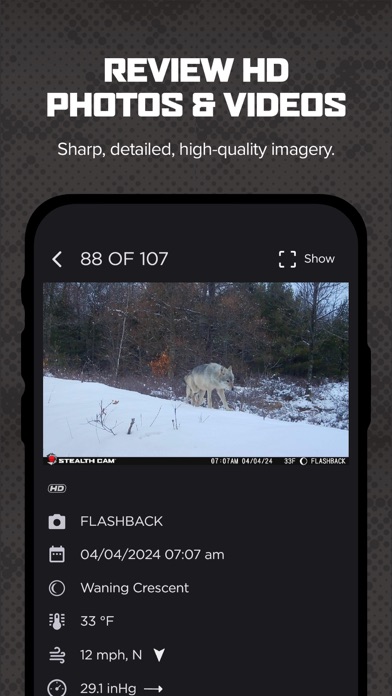
With Command Pro, managing your Stealth Cam and Muddy cellular trail cameras has never been easier. The app provides a centralized platform where you can view, share, analyze, and configure your trail cameras effortlessly. Bringing AI subject recognition into play, it can automatically tag images, helping you identify game movements and patterns with precision. Combining this with integrated weather and solunar data, Command Pro enables hunters and outdoor managers to spot natural activity peaks and optimize their scouting efforts.
Powerful Remote Monitoring and Camera Features
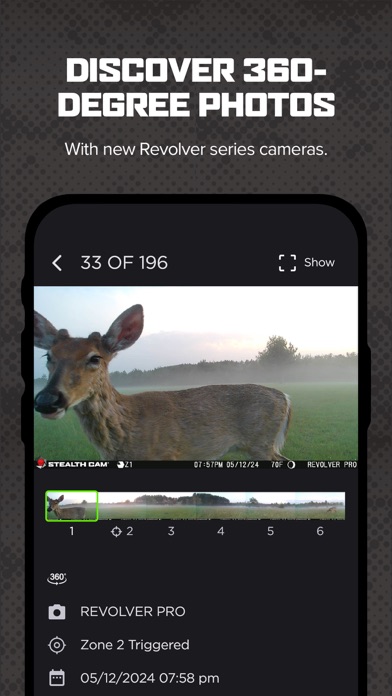
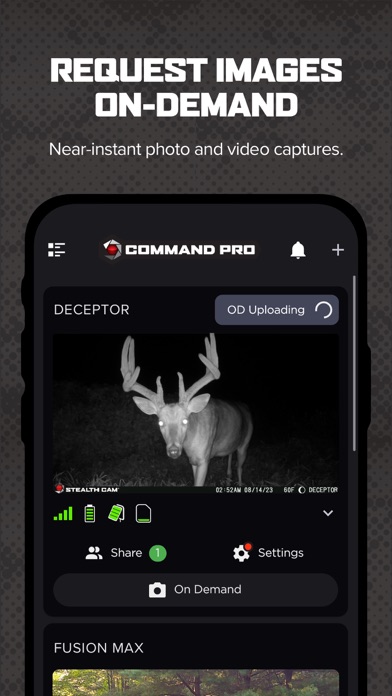
Say goodbye to waiting days for your trail camera footage. Request Near-Instant HD Photos and Videos with a single tap using the On-Demand feature, which provides real-time updates directly from your camera. Support for new Revolver and Revolver Pro 360-degree cellular trail cameras elevates your experience, allowing you to view panoramic 360 and 180-degree images seamlessly within the app. These features make it easier than ever to monitor game movement and plan your hunts remotely.
Enhanced Mapping and Land Management Capabilities
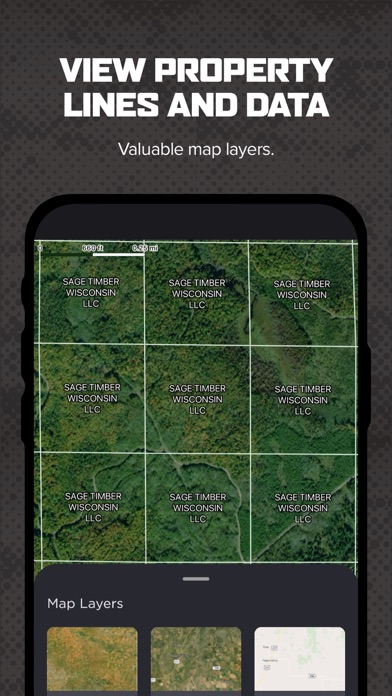
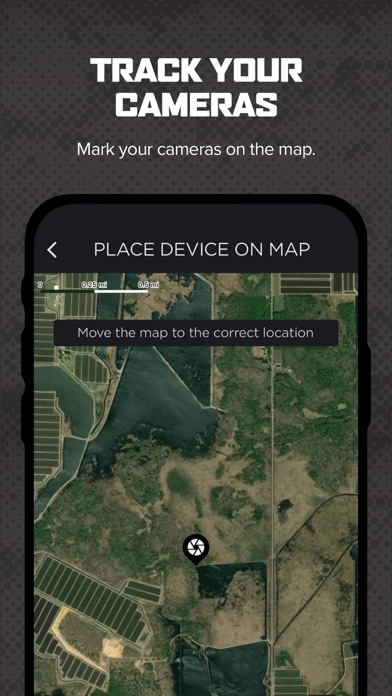
With advanced mapping layers like property lines and hunting land maps, Command Pro enhances your scouting and land management. From managing camera placements to planning your routes, these mapping tools give you a comprehensive view of your terrain, helping you maximize your hunting zones and optimize your land use strategies.
Key Features for an Optimized Hunting and Scouting Experience
- Quick Camera Setup: Easily activate and configure your cameras through the app.
- Device Monitoring: Access and monitor all compatible cellular trail cameras from one interface.
- Data Management: Manage your cellular plans and billing without hassle.
- High-Resolution Content: Download, review, and share HD photos and videos effortlessly.
- Smart Tagging: Use AI-driven or manual tagging for efficient image organization.
- Group Management: Create and organize camera groups, making filtering and management straightforward.
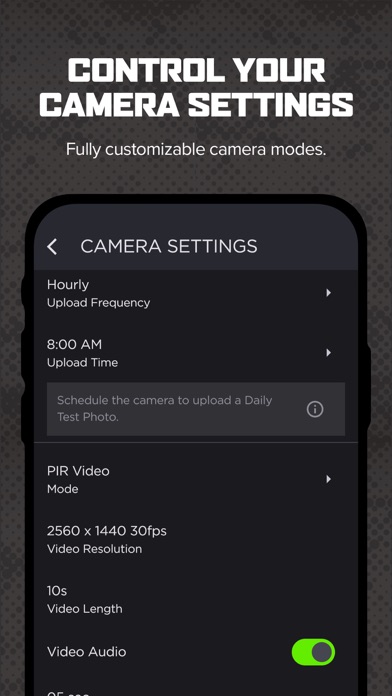
- Transmission Settings: Customize how often your cameras transmit data—instant, hourly, daily, or grouped.
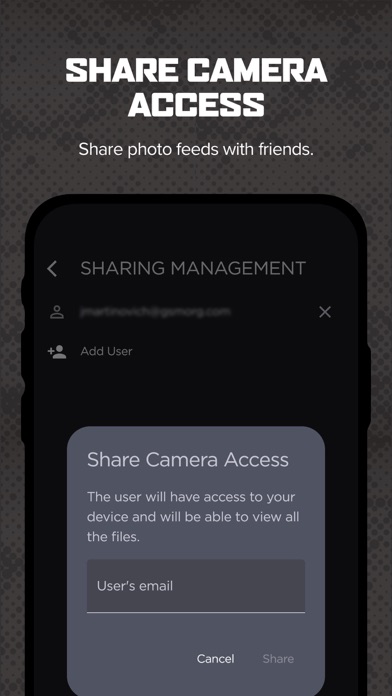
- Sharing Access: Share view-only access with other users securely, facilitating collaboration.
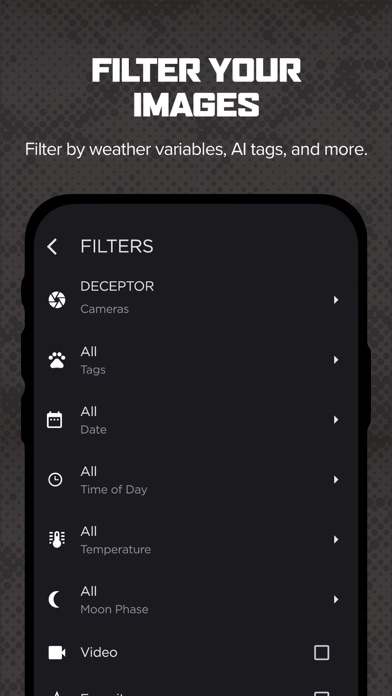
- Advanced Filters: Search images based on AI tags, weather, solunar activity, or time of day.
- Night-Time Enhancement: View IR photos in color, improving your nighttime observation.
- Push Notifications: Stay updated instantly when new photos are available.
Getting Started with Command Pro
Follow these simple steps to harness the power of Command Pro:
- Download the app for your device (available on Android and iOS).
- Create an account or log in if you already have one.
- Add your trail camera by tapping the “+” icon and scanning the camera’s QR code.
- Follow the in-app instructions to complete the setup.
- Start monitoring, analyzing, and managing your trail cameras and data seamlessly.
Empowering Command-Line Management with Command Pro
Beyond outdoor scouting, Command Pro offers a revolutionary approach to managing your computers via command-line interfaces on both Android and iOS devices. The app’s sleek and intuitive interface means you don’t have to be a tech expert to execute commands remotely. Its cross-platform compatibility enables you to run commands on your desktop from your phone or tablet, providing unmatched flexibility. Whether managing files, executing scripts, or performing system administration tasks, Command Pro makes command execution straightforward and accessible.
User-Friendly and Secure Operation
Designed with simplicity in mind, Command Pro features comprehensive tutorials, a help section, and a clean interface, making it suitable for beginners and experienced users alike. The app employs robust security measures, including encryption, to protect your sessions and data, ensuring your commands and sensitive information remain safe from unauthorized access.
Experience the Power of Command Pro
Whether you’re managing your trail cameras remotely or executing commands on your devices, Command Pro offers a versatile and reliable platform that bridges the gap between mobile convenience and desktop control. Its breadth of features, ease of use, and emphasis on security make it an essential tool for hunters, tech enthusiasts, and professionals seeking efficient remote management solutions. Unlock the full potential of your outdoor gear and digital devices with Command Pro—your all-in-one app for smarter, faster, and more secure control.
Pros
- User-friendly interface for easy navigation.
- Extensive library of commands.
- Ability to customize shortcuts.
- Offline mode for remote work flexibility.
- Regular updates introducing new features.
Cons
- Limited integration options with other applications.
- Steep learning curve for new users.
- Occasional bugs in recent updates.
- No free version available.
- Limited customer support options.











