
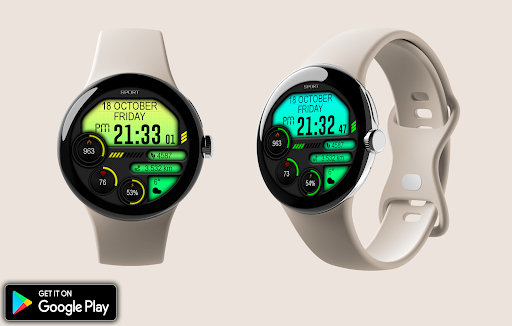
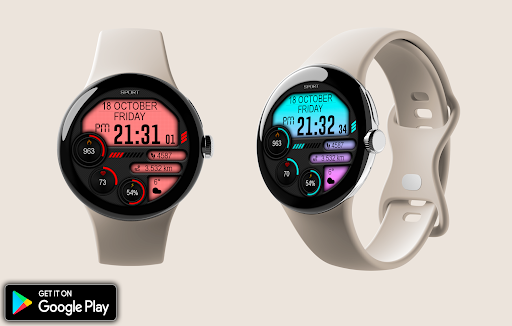
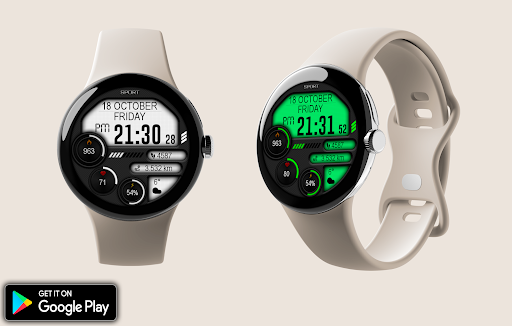
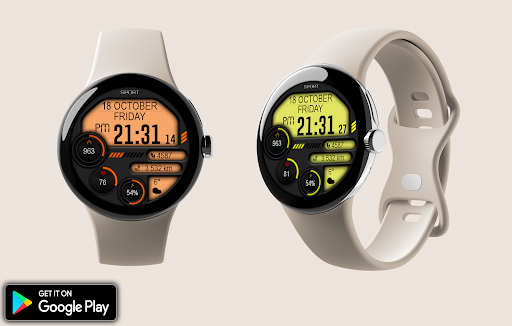
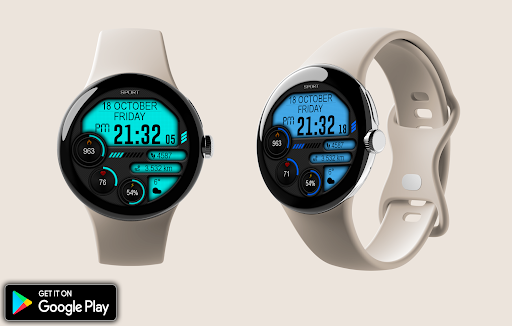
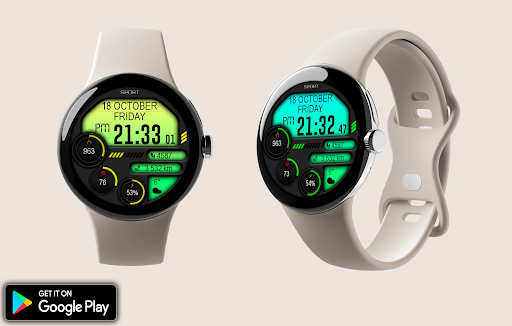
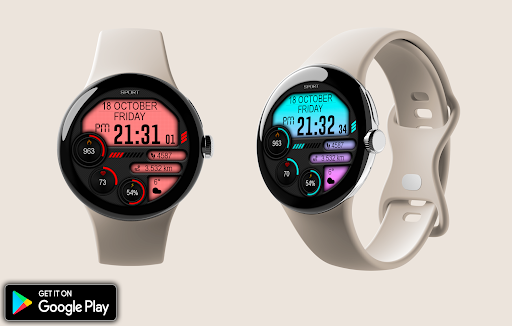
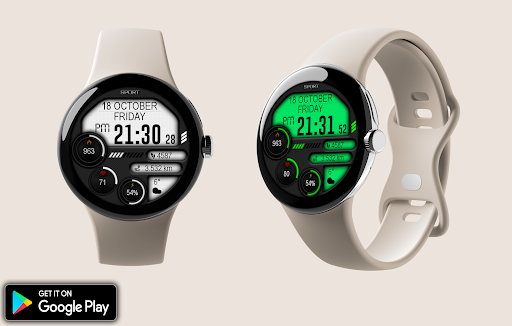
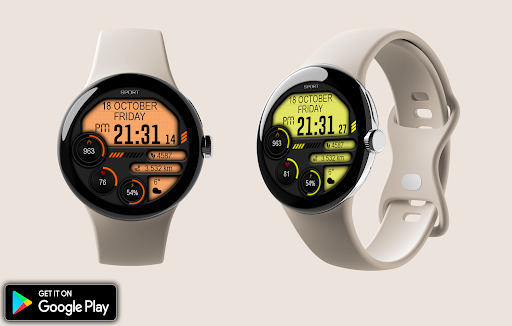
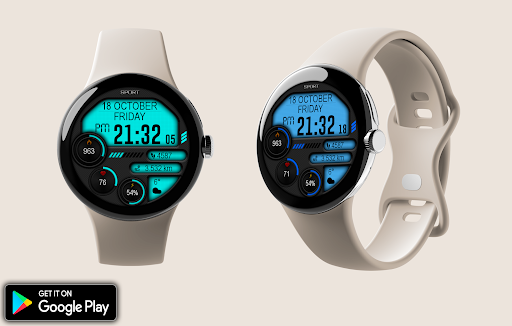
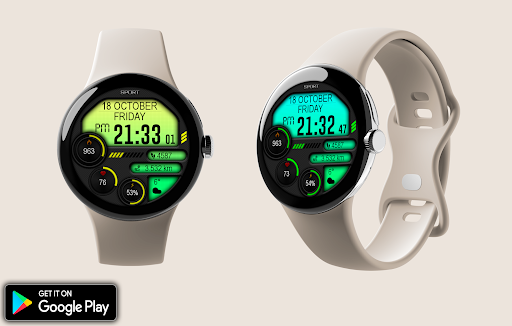
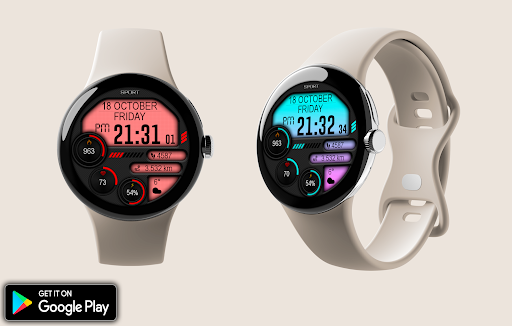
Introduction to the Digital Iwasa Watch Face
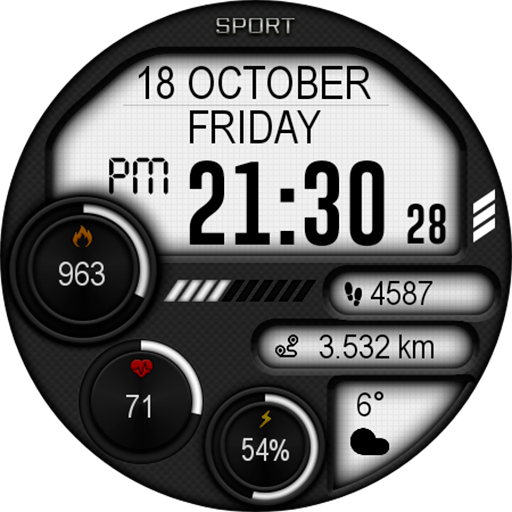
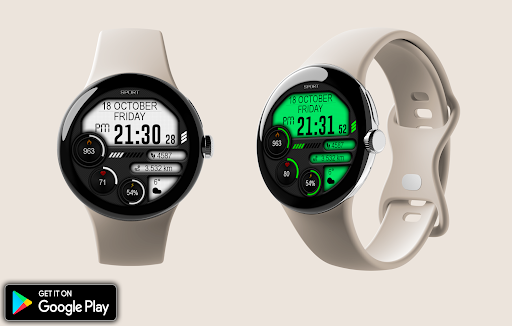
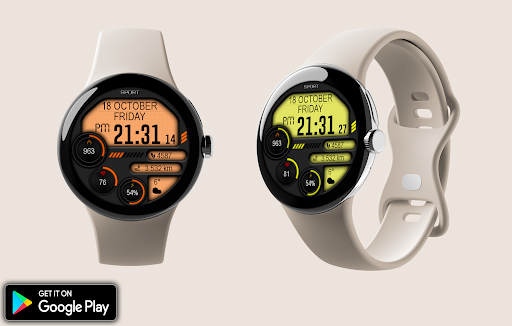
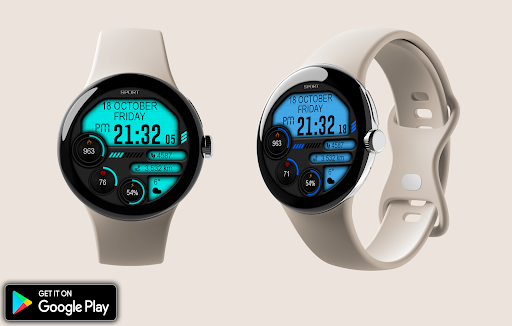
The Digital Iwasa Watch Face is a stylish and highly customizable watch face designed exclusively for Wear OS devices. If you're looking to elevate your smartwatch experience, this app offers a perfect blend of aesthetic appeal and functional features. Whether you prefer a minimalist look or a more feature-rich display, the Digital Iwasa Watch Face allows you to personalize your watch to match your style and needs seamlessly.
Key Features of the Digital Iwasa Watch Face
This innovative watch face supports multiple essential functions to keep you informed and enhance your smartwatch experience. It offers an array of customization options to make your device truly yours.
Design and Customization Options
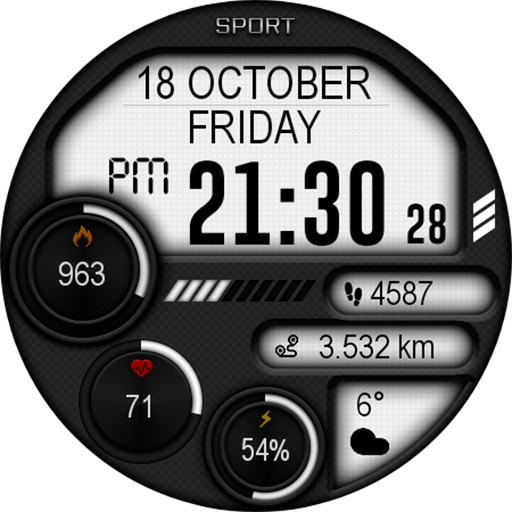
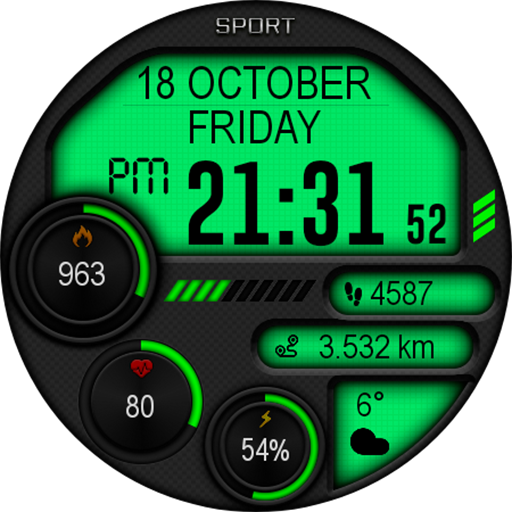
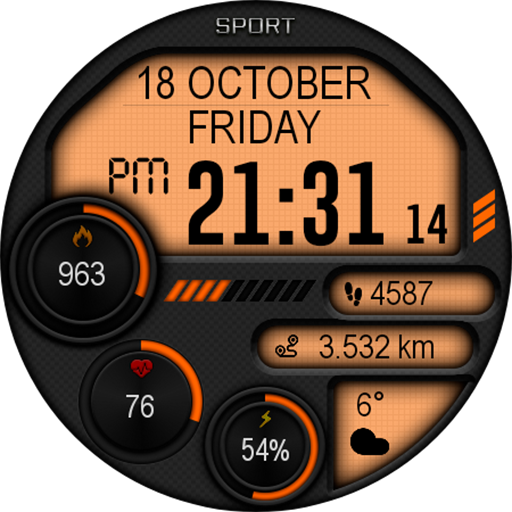
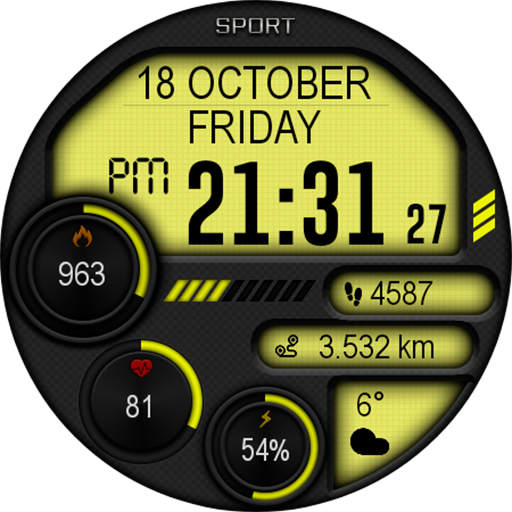
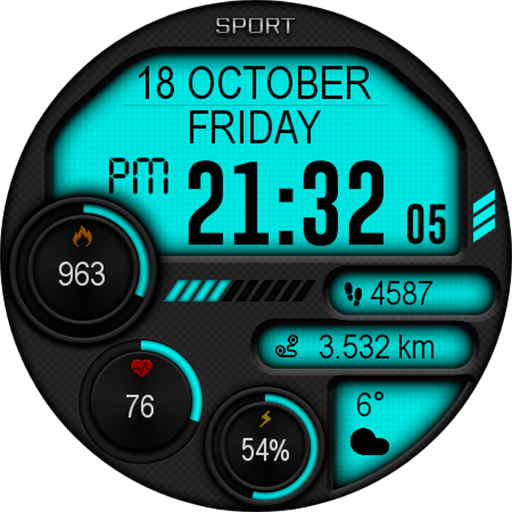
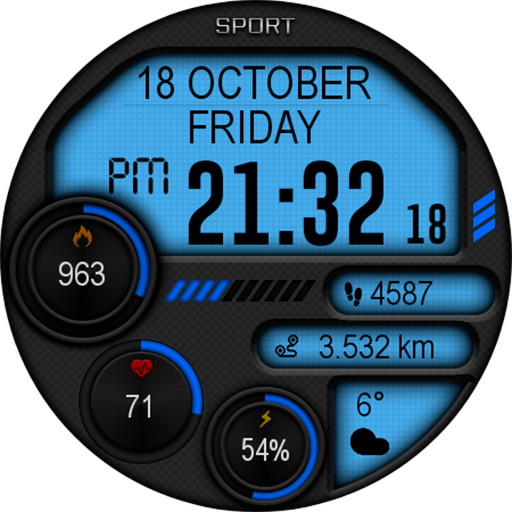
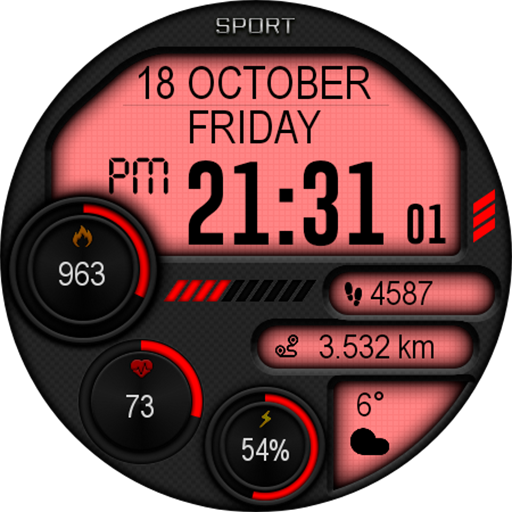
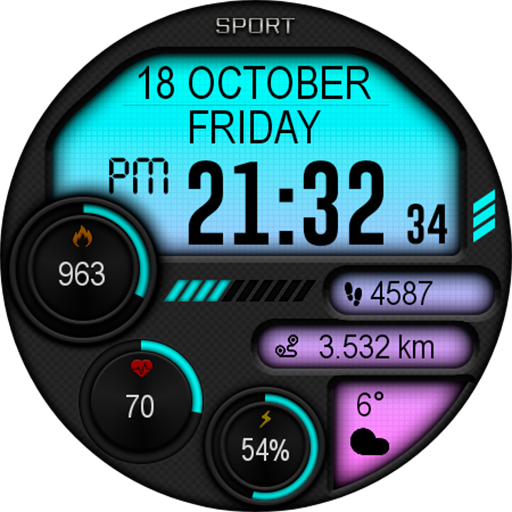
- Change color: Easily modify the color scheme to match your mood or outfit, utilizing the watch face settings.
- Automatic 12h/24h format switching: The dial adjusts automatically to display time in either 12-hour or 24-hour format according to your preference.
- Weather updates: Set the watch face to display current weather information for your location.
- Digital time display: Clear and crisp digital time readout for quick glances.
- Date display: Keep track of the date effortlessly.
- Battery charge indicator: Monitor your watch's battery level to prevent unexpected shutdowns.
- Fitness metrics: View your steps taken, calories burned, and heart rate directly on your watch face.
- Multilingual support: Designed to cater to a broad audience, offering multiple language options.
- AOD mode: Supports Always-On Display mode for continuous visibility without draining the battery.
Personalization and User Experience
When it comes to personalizing your Android smartwatch, the Digital Iwasa Watch Face app is like finding that perfect pair of jeans that just fits right. It combines style, functionality, and a touch of elegance, transforming your watch into a reflection of your personality.
Impressive User Interface
Right from the start, the app greets you with a sleek and intuitive interface. Designed to be user-friendly, navigating through the settings is an enjoyable experience. You don’t need to be a tech expert to customize your watch face; everything is just a few taps away, making personalization straightforward and enjoyable.
Rich Customization Options
One of the app’s standout features is its extensive customization options. You can choose from various watch face designs, ranging from minimalistic to vibrant, dynamic styles. The ability to change design components quickly allows you to switch themes based on your mood or occasion without any hassle. Furthermore, you can add or remove information such as weather, heart rate, steps, or calories, giving you a tailored experience—much like a mini smartphone on your wrist.
Performance, Reliability, and Efficiency
The Digital Iwasa Watch Face impresses not only with its looks but also with its performance. The app runs smoothly, with no lag or stuttering, thanks to thoughtful optimization by the developers. You can enjoy all its features without worrying about draining your watch’s battery quickly. Designed for efficiency, this app ensures you get all the benefits without compromising on battery life, making it an excellent choice for everyday wear.
Final Thoughts: Elevate Your Smartwatch Experience
Overall, the Digital Iwasa Watch Face stands out as a versatile and reliable app to personalize and enhance your Wear OS device. With its easy-to-use interface, extensive customization options, and performance efficiency, it’s an ideal solution for both tech enthusiasts and casual users eager to add a personality touch to their watches. Discover the perfect look and functionality that fits your style—give the Digital Iwasa Watch Face a try and let your wrist become a statement piece.
Pros
- Highly customizable watch face.
- Clear and easy-to-read design.
- Battery-efficient performance.
- Compatible with most Android devices.
- Regular updates and support.
Cons
- Limited free features.
- Occasional synchronization issues.
- Advertisements present in the free version.
- Some settings are difficult to locate.
- Requires Android 6.0 or higher.











