


Introduction to Fluent Reader Lite - RSS Clien
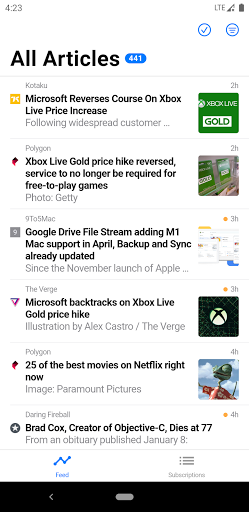
Fluent Reader Lite is a simplistic, cross-platform, and open-source RSS client designed to help users manage their news feeds efficiently. Supporting a variety of self-hosted and commercial RSS services, it offers a seamless reading experience with a clean and intuitive interface. Whether you prefer to connect through the Fever API with plugins like TT-RSS Fever, FreshRSS, or Miniflux; the Google Reader API with services like Bazqux Reader or The Old Reader; or services like Inoreader and Feedbin (official or self-hosted), Fluent Reader Lite provides robust support for all.
The app is designed to simplify your news consumption, offering key features such as dark mode for comfortable reading, configurable content loading options, organized subscription management, and support for multitasking on tablets. Its minimalist approach makes it an ideal choice for users seeking an easy-to-use and efficient RSS reader.
Key Features of Fluent Reader Lite
UI and Theme Customization
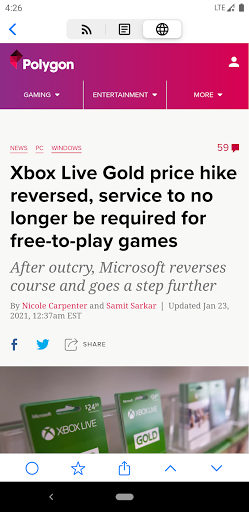
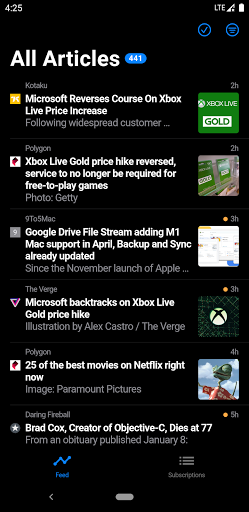
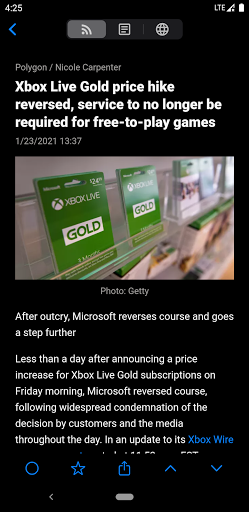
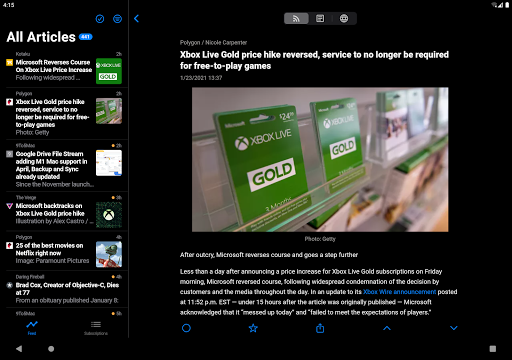
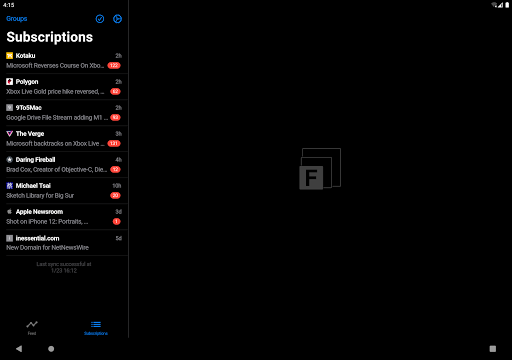
The application supports dark mode for both the user interface and reading panels, enhancing comfort during extended reading sessions. Users can also configure how sources load content—either displaying full articles or just webpage previews by default.
Subscription Management and Organization
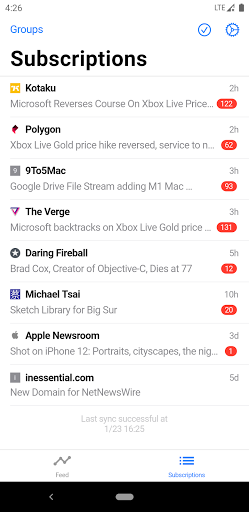
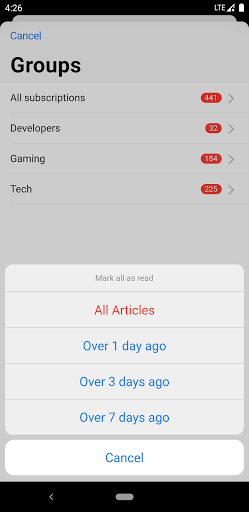
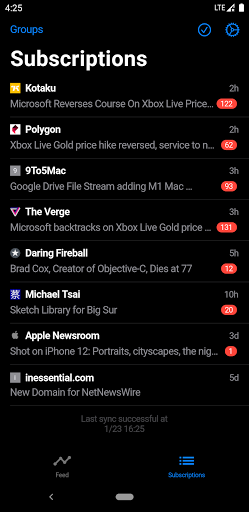
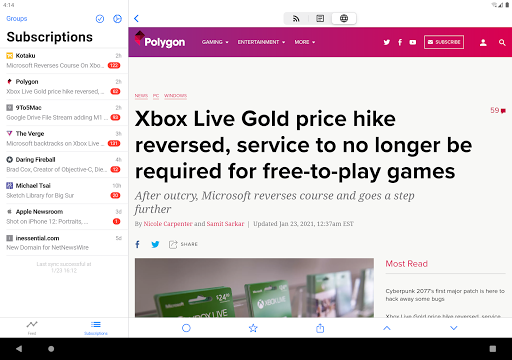
A dedicated subscriptions tab showcases your feeds organized by latest updates, featuring article titles for quick browsing. You can easily organize subscriptions into groups, making your feed management more structured and accessible.
Search and Filtering
The app allows you to search for local articles and filter content by read status. Additionally, users can filter articles based on specific keywords, focusing only on the content that interests them most.
Supported Viewing Modes
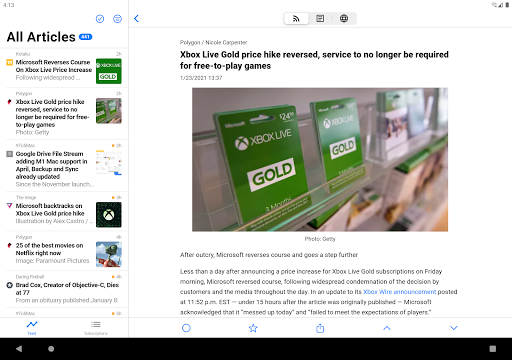
Support for two-pane view and multitasking features make Fluent Reader Lite especially suitable for tablets, providing a more versatile reading environment and enhancing productivity.
Note on Desktop Features
It’s important to note that certain features available in the desktop version are not present in this lightweight version. These include: local RSS support and source/group management, importing/exporting OPML files, background article fetching with push notifications, full data backup & restore, and keyboard shortcuts.
Why Choose Fluent Reader Lite? A User-Friendly News Organizer
Feeling overwhelmed by the constant influx of news and articles? Fluent Reader Lite offers a streamlined solution to keep your news feeds organized and accessible. Its minimalist design ensures a clutter-free interface, making it suitable for both tech-savvy users and newcomers to RSS feeds.
One of the app's remarkable features is seamless syncing—you can easily import your subscriptions from platforms like OPML with just a few clicks, ensuring all your favorite sources are readily available. The support for both light and dark themes further enhances user comfort, especially during late-night browsing sessions.
For users on the move, offline reading capability is a major perk—download articles to your device and access them without an internet connection. Whether during commute hours or while waiting in line, staying updated becomes effortless. The app responds well to customization preferences, allowing adjustments such as font size and organizing feeds into tailor-made categories—perfect for those who want a personalized news hub.
Content filtering by keywords enables users to focus only on pertinent articles, saving time and increasing productivity. Overall, Fluent Reader Lite is a highly effective tool designed to elevate your news consumption experience, combining simplicity with powerful features. If you’re seeking a modern RSS reader that adapts to your reading habits and helps manage overwhelming news feeds, this app is a compelling choice. Your digital inbox will thank you for making your news browsing more organized and enjoyable.
Pros
- User-friendly interface
- Easy to navigate
- Supports multiple RSS feeds seamlessly
- Offline reading capability for convenience
- Customizable themes for user preference
- Fast syncing with minimal data usage
Cons
- Limited advanced features in free version
- Occasional sync issues with some feeds
- No integrated social media sharing options
- Lacks built-in podcast support
- Requires manual feed updates occasionally











