

Introducing the FaxCover Pro Create Cover Page App
Are you tired of the hassle that comes with traditional faxing? Need a more efficient way to send professional-looking faxes without digging out your old machine? Meet FaxCover Pro Create Cover Page, a powerful and versatile app designed to streamline the entire faxing process. Whether you're a busy professional, student, or business owner, this app transforms your smartphone into a reliable fax solution, making sending faxes faster, easier, and more customizable than ever before.
Streamlined and User-Friendly Faxing Experience
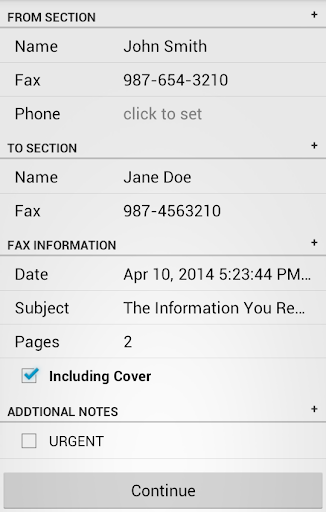
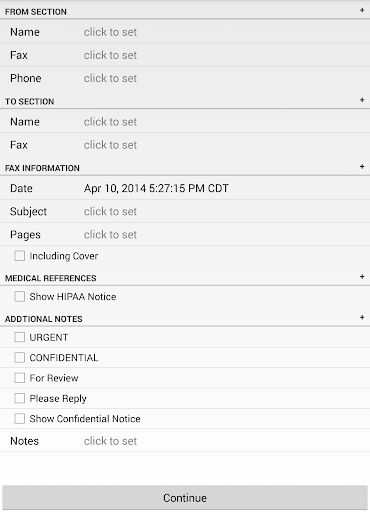
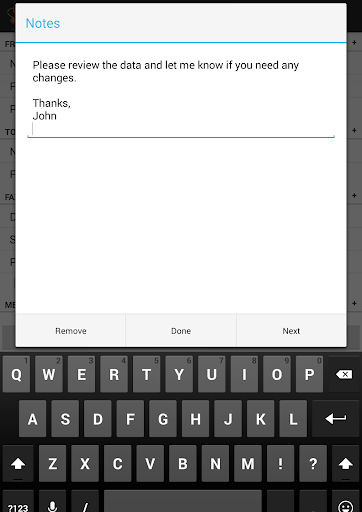
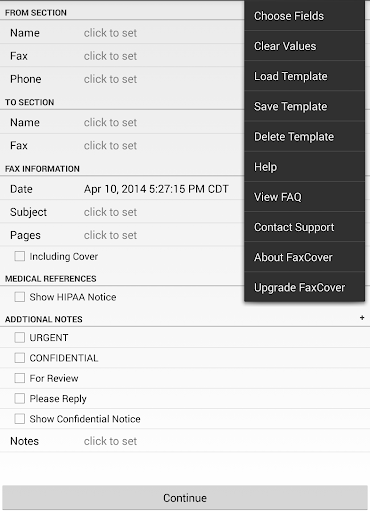
Gone are the days of complex setups and clunky machines. With FaxCover Pro, the entire process of creating and sending a fax is simplified into a smooth, intuitive experience. The app provides a clear, step-by-step interface that guides you through drafting your cover page, attaching the necessary documents, and sending your fax—all with just a few taps. Whether you're tech-savvy or new to digital faxing, you'll appreciate the straightforward workflow that makes faxing as simple as sending an email.
Customizable and Professional Cover Pages
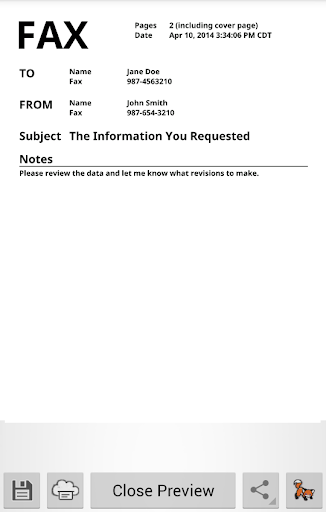
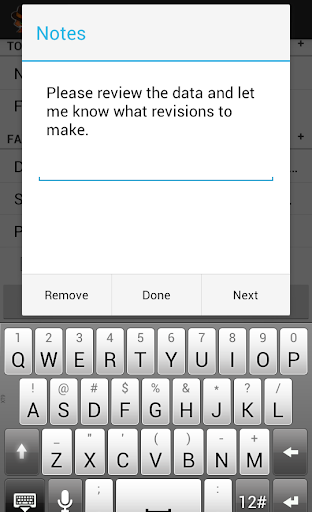
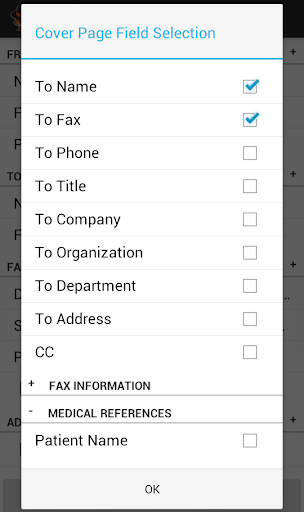
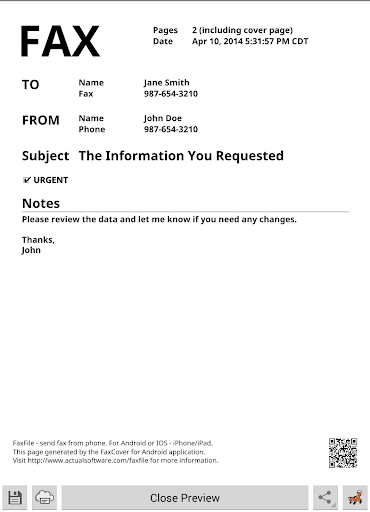
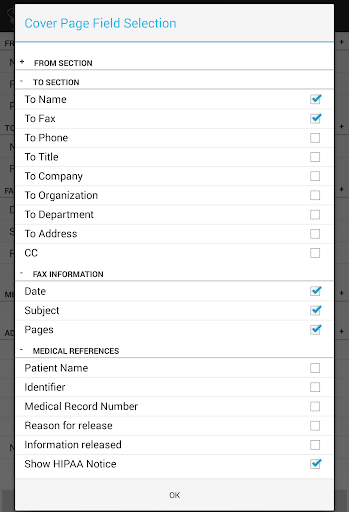
A key feature that sets FaxCover Pro apart is its ability to create customizable cover pages. You can choose from a variety of pre-designed templates or craft your own from scratch for a personalized touch. Add your company logo, edit the text, and adjust the layout to match your branding or specific needs. This level of customization ensures your communication appears professional and tailored for each recipient. Additionally, the app includes built-in disclaimers such as confidentiality notices and HIPAA compliance statements, which can be added effortlessly to your cover sheets for added legal and privacy protections.
Versatile Document Support and Compatibility
FaxCover Pro supports a wide range of document formats, including PDF and Word, making it highly adaptable for various professional and personal purposes. Whether you're transmitting contracts, research papers, or business proposals, this app can handle it all. Moreover, it’s compatible with both Android and iOS devices, offering flexibility regardless of your mobile platform. Cloud integration features allow you to access and fax documents directly from services like Google Drive and Dropbox, so your files are always within reach no matter where you are.
Enhanced Security and Tracking
Security is crucial when transmitting sensitive information. FaxCover Pro employs robust encryption protocols to protect your data during transmission, ensuring your documents stay confidential. The app also keeps detailed records of all sent faxes, allowing you to track your communications conveniently. This feature is particularly beneficial for business users who need to maintain an audit trail for legal or compliance purposes.
Additional Features and Benefits
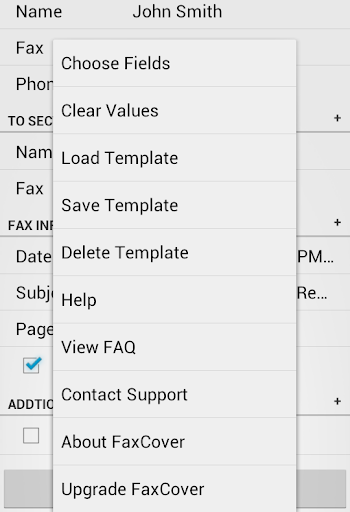
Beyond its core capabilities, FaxCover Pro offers the ability to create and save templates for frequently used faxes, saving time on repetitive tasks. If you previously used FaxCover Free, upgrading to FaxCover Pro ensures access to all premium features without promotional footers. The app's PDF generation and print options mean you can use your cover pages whether you prefer digital sending or physical faxing. Overall, it combines professional-grade features with ease of use, making it an essential tool for anyone who needs to fax regularly or sporadically.
Conclusion
In summary, FaxCover Pro Create Cover Page revolutionizes how you send faxes by combining convenience, customization, and security in a single app. No longer do you need to rely on outdated machines or complicated software—your smartphone becomes your portable fax machine. With its user-friendly interface, versatile document support, and sturdy security measures, this app is perfect for business professionals, students, and anyone looking for an efficient digital fax solution. Embrace the future of faxing today and experience the convenience of FaxCover Pro.
Pros
- Intuitive user interface.
- Seamless fax sending feature.
- No advertisements or distractions.
- High-quality cover page templates.
- Fast processing and delivery.
Cons
- Requires in-app purchases.
- Limited free features.
- Occasional bugs in updates.
- Lacks support for multiple languages.
- Requires internet connection for full functionality.











