
Overview of OpenDocument Reader Pro
Are you tired of juggling multiple document formats across various apps? OpenDocument Reader Pro is your all-in-one solution for seamlessly viewing, editing, and managing documents on-the-go. Designed to support an extensive range of file formats, this app transforms your mobile device into a powerful document hub, ensuring you stay productive wherever you are.
Main Features and Capabilities
Versatile Document Support
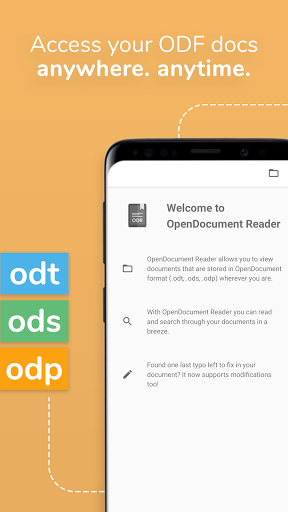
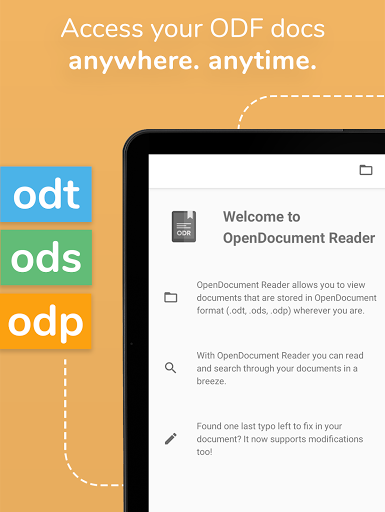
OpenDocument Reader Pro excels at handling •OpenDocument formats like ODT, ODS, ODP, ODG, which are commonly used by office suites such as LibreOffice and OpenOffice. Thanks to its robust compatibility, you can open and modify documents created with these programs without any hassle. But the app doesn’t stop there – it also supports popular file formats including PDF, Microsoft Office files (DOCX, XLSX, PPTX), and even Apple’s Pages, Numbers, and Keynote formats. Whether it’s a spreadsheet, presentation, or text document, you can count on it to handle your needs.
Reading and Editing on the Move
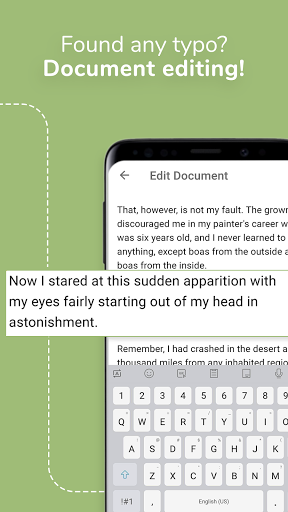
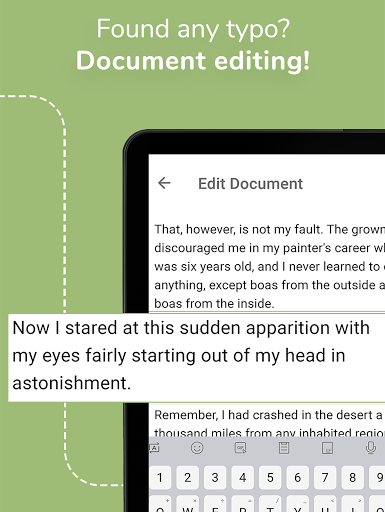
The app offers an intuitive reading experience with full-screen mode to eliminate distractions. It enables you to search for keywords within your documents and highlights them for quick reference. Need to make quick edits? The integrated file editor allows basic modifications like fixing typos, adding sentences, or adjusting formatting easily. You can also open password-protected files for secure editing, making it a versatile tool for sensitive documents.
Additional Document Handling Features
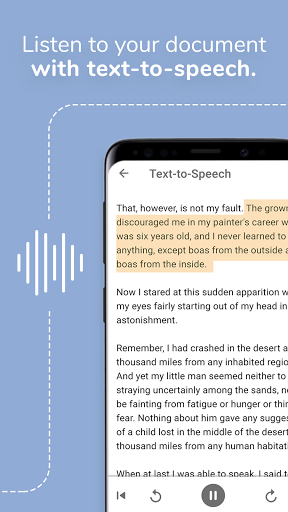
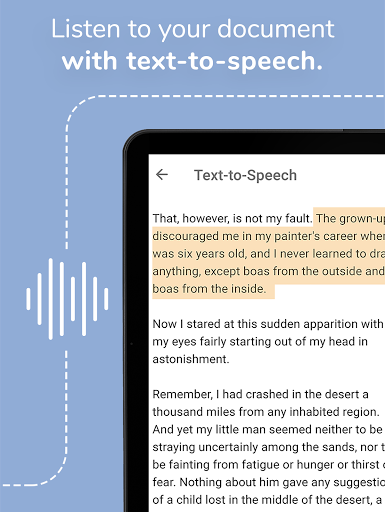
Beyond viewing and editing, OpenDocument Reader Pro offers many handy features: supporting printing directly from your device, copying text for sharing, and listening to documents via Text-To-Speech technology for a hands-free experience. Offline access ensures you can work with your documents anytime, anywhere, without needing an internet connection.
File Compatibility and Integration
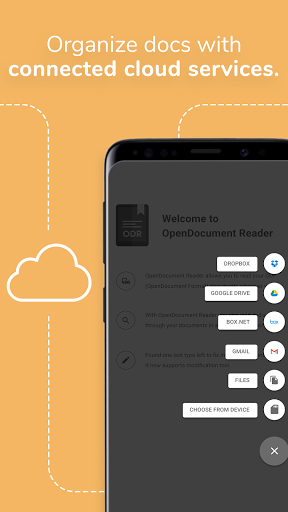
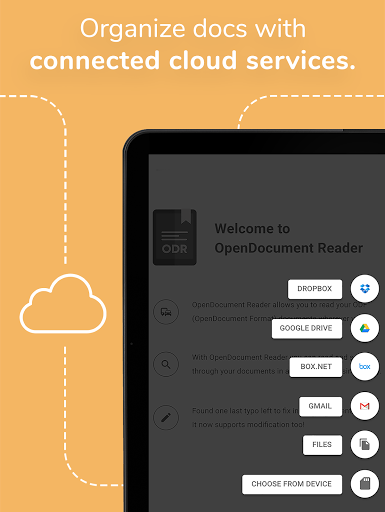
This application bridges gaps across multiple formats, including images (JPG, PNG, SVG), videos (MP4, WEBM), audio (MP3, OGG), archives (ZIP), and more. It also integrates seamlessly with popular cloud services like Google Drive, OneDrive, iCloud, Dropbox, and others, giving you flexible options for accessing and managing your files. Moreover, the built-in file explorer lets you browse files directly on your device, providing a smooth and streamlined workflow.
How OpenDocument Reader Pro Enhances Your Productivity
If you’re someone who works with documents in different formats, this app is indispensable. Its powerful support for •open document formats ensures compatibility with tools like NeoOffice, StarOffice, IBM Lotus Symphony, and many others. The responsiveness and user-friendly design make it easy to navigate through complex documents, including those with embedded images, graphs, and advanced formatting.
One standout feature is its ability to handle large files swiftly, providing a smooth user experience without frustrating lag moments. Accessibility options such as voice commands and various visual aids demonstrate a commitment to inclusive usability, ensuring everyone can benefit from its features.
Customization options like adjusting themes and font sizes, combined with cloud sync functionalities, make this app a flexible companion for students, professionals, or anyone managing multiple documents. Whether you’re reviewing a presentation during your commute or editing a spreadsheet before a meeting, OpenDocument Reader Pro simplifies your workflow and keeps your files at your fingertips.
Conclusion
In summary, OpenDocument Reader Pro is a comprehensive, efficient, and user-friendly app for managing various document formats on mobile devices. Its extensive compatibility, combined with powerful reading and editing features, make it an essential tool for anyone looking to stay productive on the go. With support for both offline work and cloud integration, this app ensures your documents are always within reach—no matter where you are. Give it a try and discover how it can transform the way you handle your digital documents, making your workflow faster, smarter, and more flexible.
Pros
- Supports a wide range of file formats.
- Intuitive and user-friendly interface.
- Loads files quickly.
- Can be used offline without internet connection.
- Regular updates enhance stability.
Cons
- Occasional advertisements appearing as pop-ups.
- Features in the free version are limited.
- Some files may load slowly.
- Advanced features require a premium subscription.
- Potential crashes on older devices.











