Introducing Stitch Photos: Long Screenshot
Are you tired of the hassle involved in capturing and consolidating long web pages, conversations, or memes into a single seamless image? Look no further than Stitch Photos: Long Screenshot, an innovative app designed to make your screenshot stitching experience effortless and efficient. Whether you're a casual user wanting to share memorable moments or a professional aiming for high-quality visual documentation, this app has you covered.
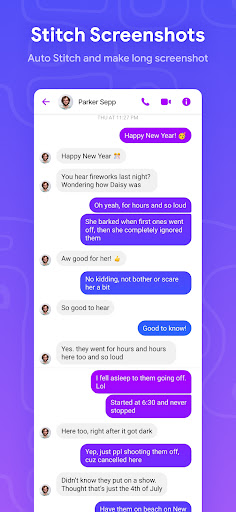
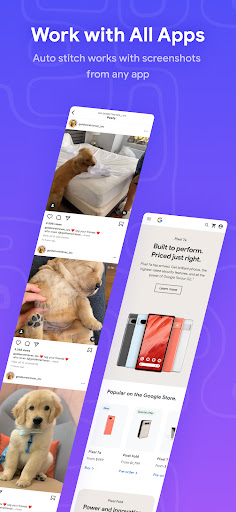
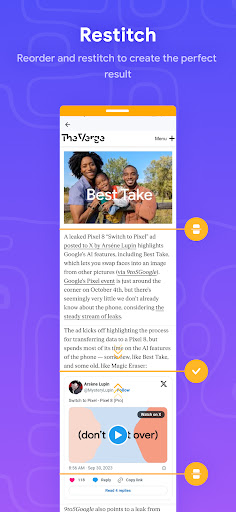
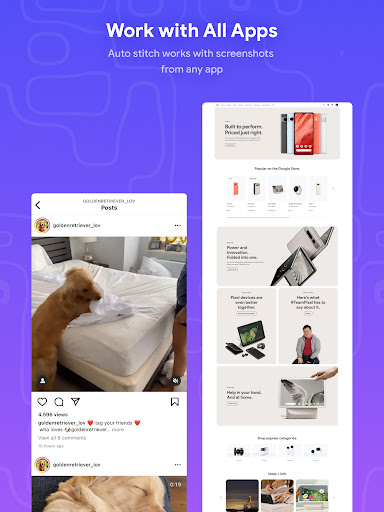
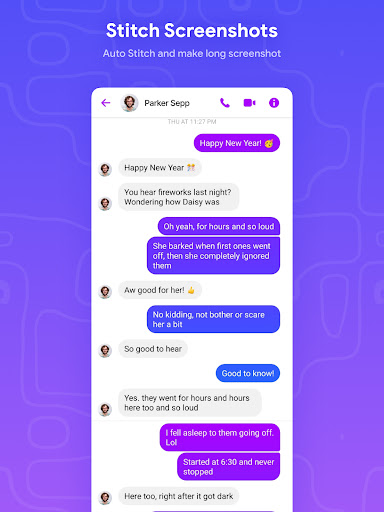
Stitch Photos is your ultimate photo stitching companion. Powered by advanced AI technology, it can automatically recognize overlapping sections in your screenshots and seamlessly merge them. This intelligent capability ensures you don’t need to spend valuable time manually aligning images or employing complex editing skills. Simply take your screenshots—whether they are long chats, detailed articles, or wide landscapes—and let the app handle the rest.
Key Features of Stitch Photos
Automatic Vertical and Horizontal Stitching
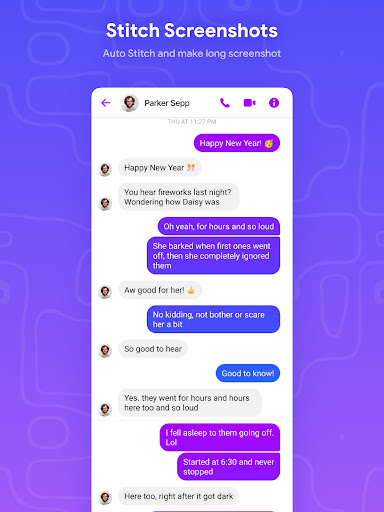
The app excels at automatically stitching photos both vertically and horizontally. This means you can capture the full length of a web page or an extensive conversation with just a few taps, and the app will assemble the images into a continuous, high-resolution shot.
Seamless Long Screenshot and Website Capture
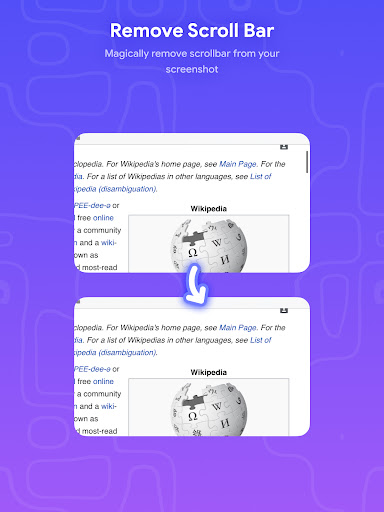
One of the standout features is the ability to easily create seamless panoramas and website captures. No more overlapping images or awkward joins—just smooth, professional-looking results every time.
High-Resolution Output
Stitch Photos supports saving in high definition, ensuring that your consolidated images maintain their clarity and detail. This is especially beneficial for sharing high-quality screenshots on social media or for professional documentation.
Intuitive User Interface
Designed with user experience in mind, the app offers a friendly interface that makes the stitching process quick and easy, even for those unfamiliar with photo editing or stitching tools. With straightforward navigation, you'll be producing flawless long screenshots in no time.
Why Choose Stitch Photos?
If you've ever faced the frustration of trying to piece together multiple overlapping screenshots, you'll appreciate how Stitch Photos automates this otherwise tedious task. Its intelligent detection of overlapping areas simplifies the process, saving you time and effort.
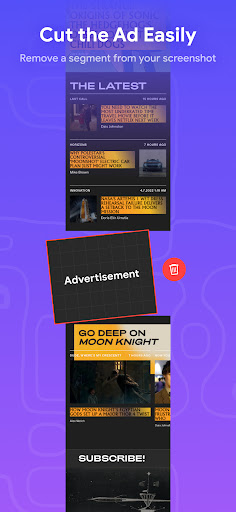
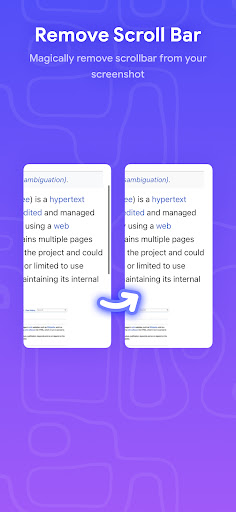
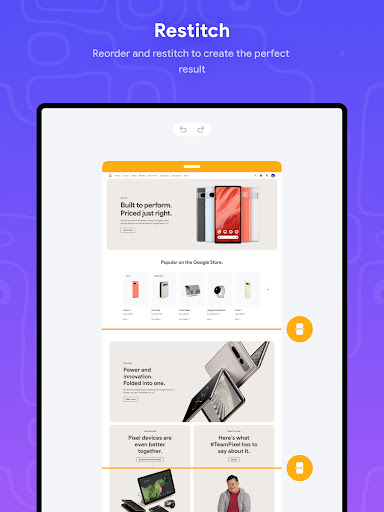
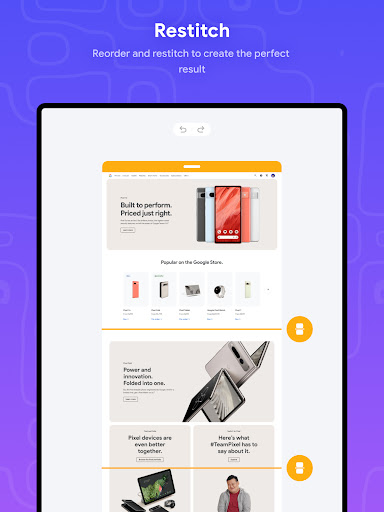
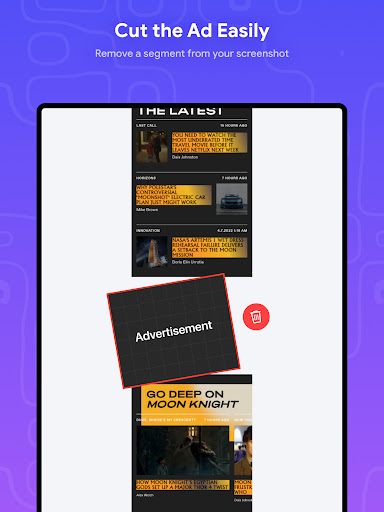
Beyond merging images, the app provides robust editing features, including cropping, annotating, and customizing your images. These tools allow you to highlight key sections or add notes, making your screenshots more informative and visually appealing.
During use, users find that the app performs reliably without lag or crashes, ensuring a smooth experience from start to finish. The quick processing time combined with high-quality output makes Stitch Photos an essential app for anyone who needs to capture lengthy content accurately and efficiently.
Perfect for Diverse Needs
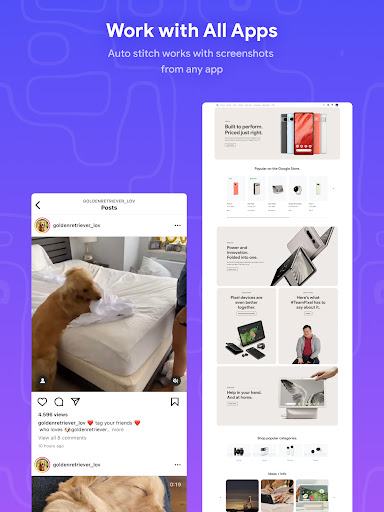
Whether you're a student capturing a lengthy lecture, a professional documenting a project, or a social media enthusiast sharing engaging stories, Stitch Photos adapts to your needs. Its versatile stitching capabilities work for everything from long conversations to extensive web pages.
Say goodbye to the frustration of managing multiple images or dealing with misaligned screenshots. With just a few taps, you can generate a single, continuous image ready to be shared directly via social media or saved for later use.
Download Stitch Photos Today
Experience the convenience and power of seamless photo stitching with Stitch Photos. Download now and see how this intuitive app can simplify your digital life, whether for casual sharing or professional presentations. Embrace a new level of ease in capturing and creating stunning long screenshots—try Stitch Photos: Long Screenshot today and enjoy flawless panorama creation at your fingertips!
Pros
- Easy to capture long screenshots.
- Intuitive user interface.
- Supports multiple image formats.
- Fast stitching process.
- High-quality output.
Cons
- Limited editing features.
- Occasional app crashes.
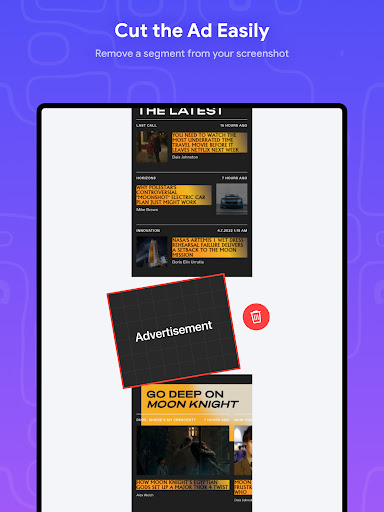
- Ads can be intrusive.
- Requires in-app purchases for some features.
- Limited sharing options.