Overview of the Print Photo - Print to Size App
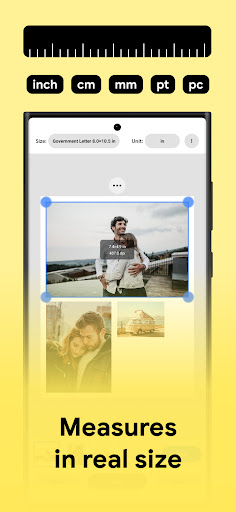
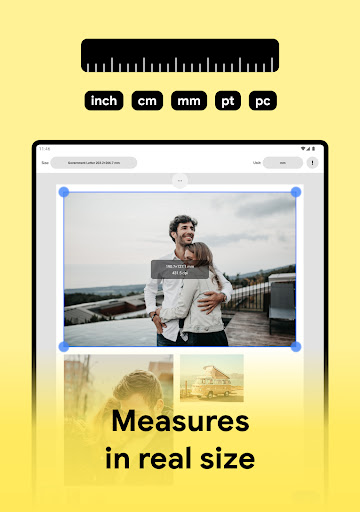
The Print Photo - Print to Size app is a versatile tool designed for seamless photo printing, scanning, and creating images that fit perfectly for various needs such as badges, labels, and passport photos. Serving as your personalized photo printing studio, this application simplifies the process of getting high-quality prints directly from your mobile device. Compatible with popular printers like HP smart, Samsung print, Pixma Canon, Brother Iprint, and Epson print, the app enables users to print multiple photos, adjust DPI, and choose print resolutions with ease. Whether you want to print photos in specific sizes or create custom layouts, the app offers a user-friendly experience that caters to both casual users and photography enthusiasts.
Key Features of the App
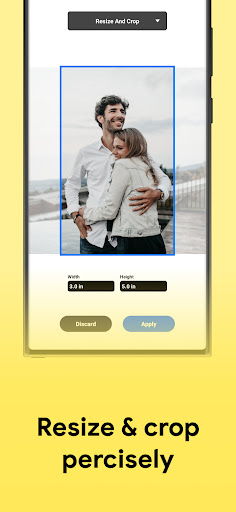
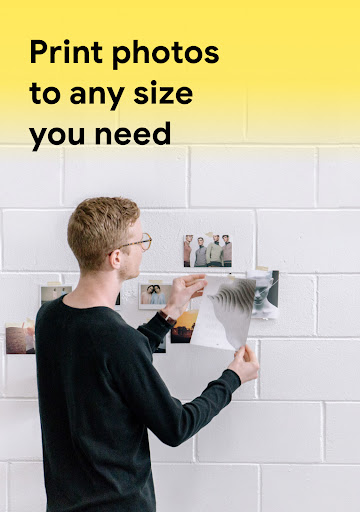
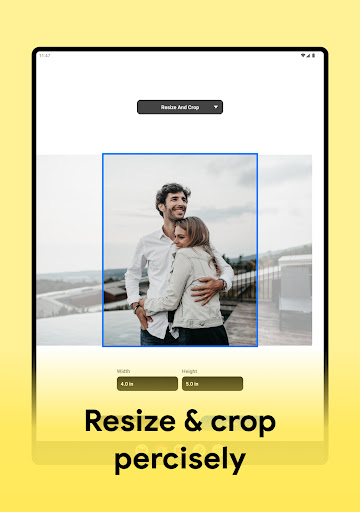
Print to size and crop images
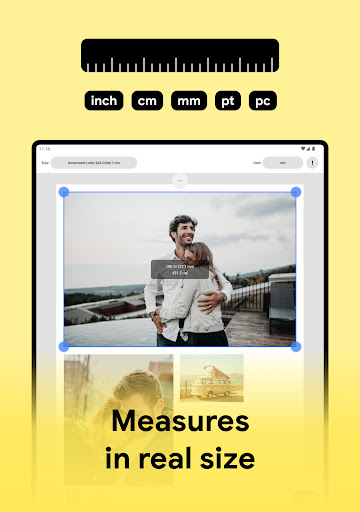
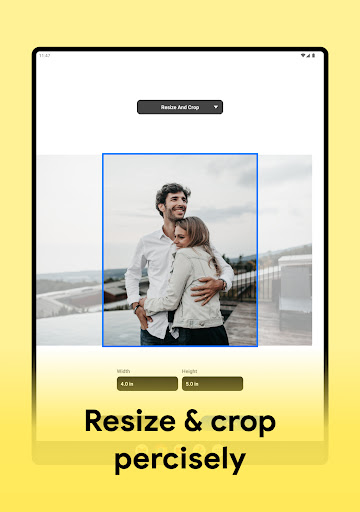
The core functionality includes prints photo with options to crop and adjust print resolution, ensuring every picture is optimized to your preferences.
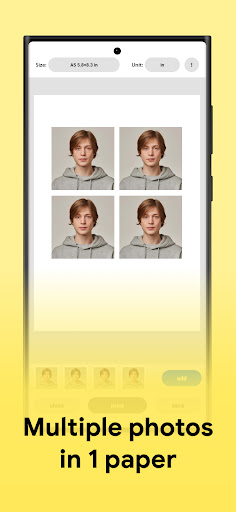
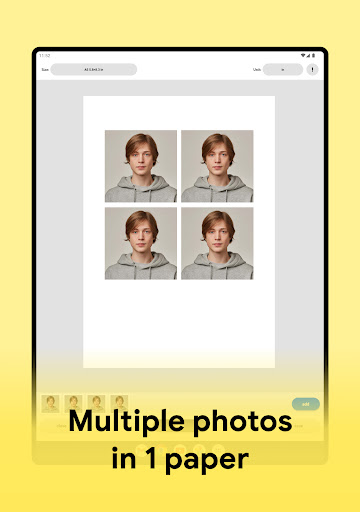
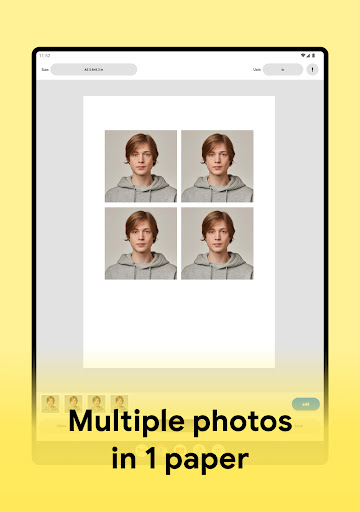
Create passport-sized photos
Need a quick passport photo? The app allows you to assemble passport size photos with multiple images on a single sheet, making the process fast and hassle-free.
High-resolution printing
Enjoy maximum quality prints thanks to adjustable print resolution, ensuring your photos come out sharp and vibrant.
Multiple save formats and cloud support
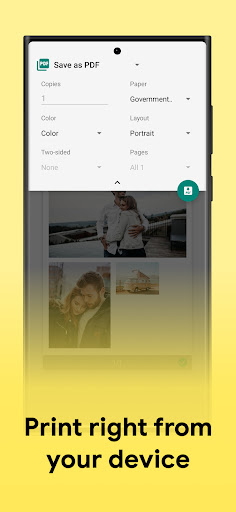
You can save your images as PDF, PNG, or JPG files, or instantly send them to your preferred cloud storage services, facilitating easy sharing and archiving.
Flexible paper sizes and templates
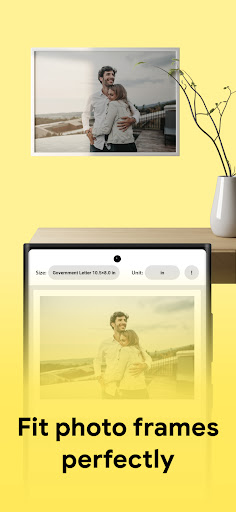
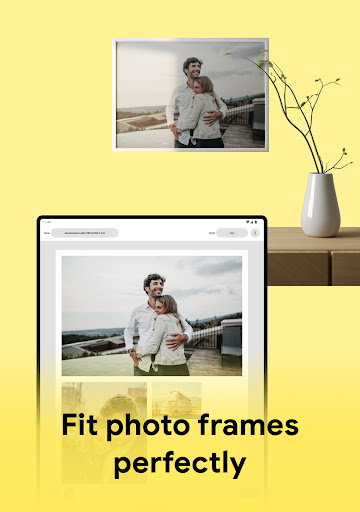
Choose from a variety of templates or create your own custom formats, making the app suitable for printing on any paper size.
Supported printers and connectivity
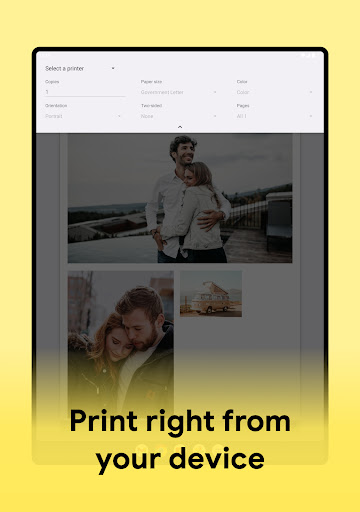
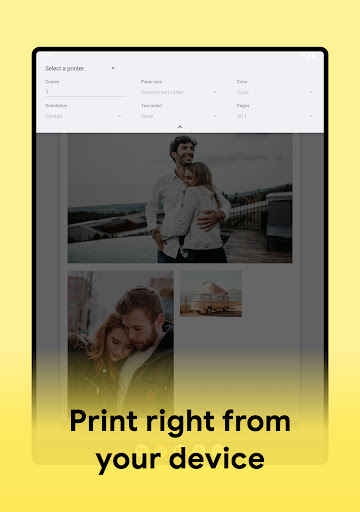
The app supports almost all major photo printers, including models from Canon, HP, Samsung, Epson, and Brother. Connecting to your printer is straightforward, whether via Wi-Fi or other wireless options.
How Does the Photo Printer Work?
Getting started is simple:
- Select your preferred paper size or customize a new format
- Upload your photo for printing
- Adjust the photo layout and sizing to your liking
- Save your design or directly send it to your paired photo printer
- Enjoy crisp, high-quality printed photos
Supported Photo Printers
The Print Photo - Print to Size app boasts broad compatibility with most popular photo printing models, including Pixma Canon printers, HP smart, Samsung print, Brother Iprint, and Epson print. This extensive support guarantees users can easily connect their devices and print high-quality photos without compatibility concerns.
Why Choose Print Photo - Print to Size?
If you’ve ever found yourself scrolling through your phone’s gallery, wishing you could hold those cherished moments in your hands, this app turns that wish into reality. It’s like having your own personal photo printing studio right in your pocket. Its user-friendly interface makes navigating through different options effortless, even for those who aren’t tech-savvy. With features like drag-and-drop photo arrangements, flexible layout options, and support for various paper sizes, the app caters to both casual users looking for quick prints and creative minds wanting to design personalized photo layouts.
Enhance Your Photo Printing Experience
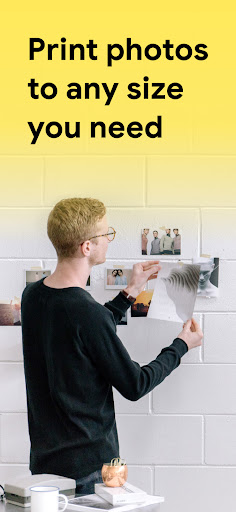
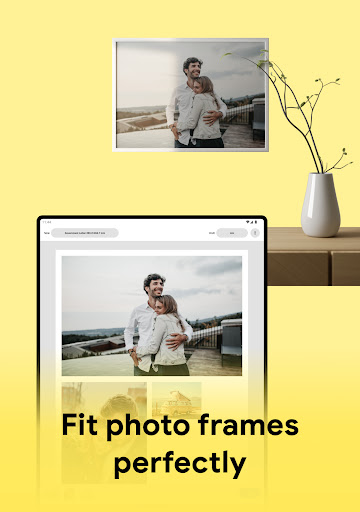
The ability to effortlessly print memories in any size — from small wallet photos to large frames — makes this app an invaluable tool for capturing and sharing moments. Its support for multiple image formats ensures compatibility with your favorite photos, while the high-quality output provides professional results. Whether you’re preparing for a special occasion, creating personalized gifts, or updating your photo albums, Print Photo - Print to Size streamlines the entire process, making photo printing accessible, enjoyable, and instant.
Final Thoughts
In summary, Print Photo - Print to Size is a comprehensive photo printing app designed to elevate your printing experience. It combines simplicity with powerful features, allowing you to easily create and print stunning images tailored to your needs. Its broad printer support and customization options make it suitable for all users — whether you’re printing a single passport photo or multiple images for a scrapbook. Download this app today and bring your digital memories to life with just a few taps!
Pros
- User-friendly interface for easy navigation
- Supports multiple photo formats
- High-quality print output
- Customizable print sizes
- Fast processing and printing
Cons
- Limited editing features
- Requires an internet connection
- Subscription needed for some features
- Occasional app crashes
- Limited support for older devices