
ZoiPer Pro - SIP Softphone Overview
Discover the powerful features and seamless user experience of ZoiPer Pro - SIP Softphone, an advanced application designed to revolutionize mobile VoIP communications. Whether you're a business professional, service provider, or casual user, ZoiPer Pro offers a reliable and flexible solution for making voice calls over the internet using the Session Initiation Protocol (SIP).
Key Features and Benefits
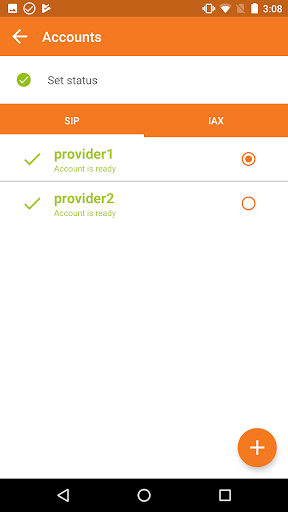
Designed with versatility and quality in mind, ZoiPer Pro supports multiple protocols such as SIP, IAX, and even XMPP. This broad compatibility allows users to connect with a wide range of VoIP services and providers. The app’s support for multiple accounts provides added convenience for individuals managing various numbers or service accounts.
One of the standout features of ZoiPer Pro is its exceptional call quality. Thanks to the utilization of advanced codecs like g711 (ulaw, alaw), Speex, iLBC, and GSM, users enjoy clear voice communication even on networks with less-than-ideal connectivity. The app also incorporates echo cancellation and wideband audio support, ensuring conversations remain crisp and natural.
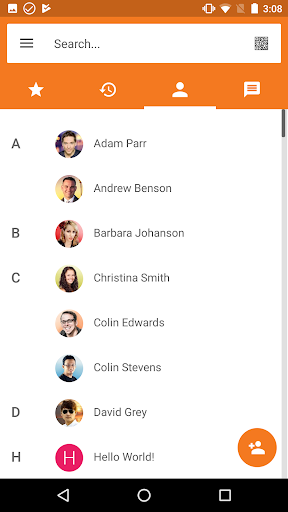
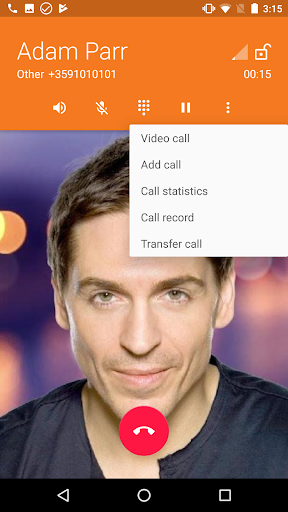
Further enhancing the user experience, ZoiPer Pro offers robust support for Bluetooth (beta), background multitasking, and integration with the native Android contact list. Additional features include call transfer, call waiting, support for DTMF signaling, and secure connections via ZRTP/TLS. Customizable ringtones, video support, transport options (UDP/TCP), and support for STUN servers make it a comprehensive VoIP solution.
For organizations and developers, ZoiPer Pro also provides options for white-label branding and the VoIP SDK to build customized communication applications.
Recent Updates and Improvements
Fans of ZoiPer Pro can now participate in the public beta to experience the latest enhancements. Major updates include a redesigned GUI, multiple customizable color themes, improved Bluetooth support, a reworked network change system, and a new notification system.
It's important to note that In-app purchases made from the free version do not sync with the premium version. Alongside all advanced features of Zoiper Gold, the premium version offers an ad-free experience and a host of professional-grade functionalities.
To maximize user convenience, ZoiPer Pro supports automatic provisioning via OEM solutions, simplifying configuration and deployment for service providers and enterprise users.
Warning: ZoiPer is a standalone client and does not include a VoIP service provider. Users must subscribe to compatible SIP or IAX providers to make and receive calls.
User Experience and Practical Considerations
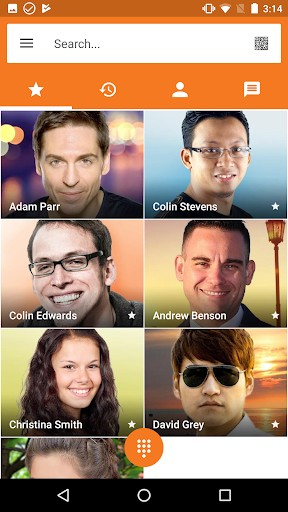
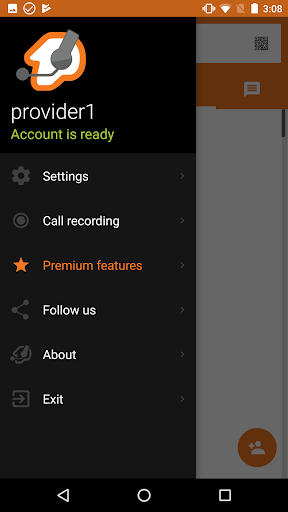
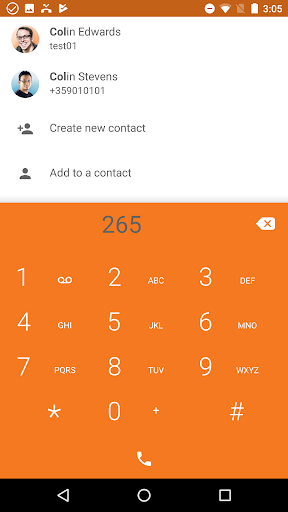
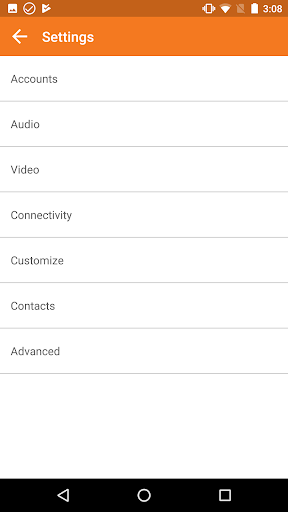
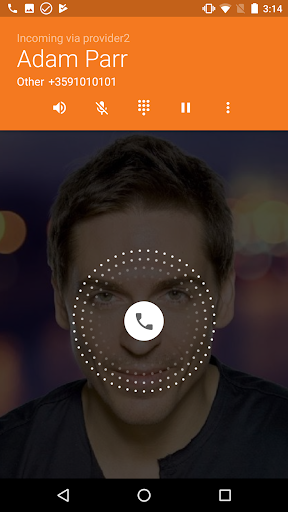
Getting started with ZoiPer Pro is straightforward. Its minimalistic, intuitive interface makes setup and daily use effortless, even for those new to VoIP technology. Configuring SIP accounts involves simple guided instructions, and the app's flexibility allows personalization of the interface and ringtones to match individual preferences.
The app is optimized for reliability and stability, consuming minimal battery power while maintaining high call quality. For compatibility, it’s advisable to avoid unstable devices with known audio issues, such as certain models in the Alcatel and HTC series.
Considering the cost, ZoiPer Pro is a valuable investment for those seeking a professional-grade SIP softphone. It offers regular updates, dedicated support, and advanced features that are often lacking in free alternatives. This makes it ideal for business use, remote workers, or anyone needing dependable VoIP communication on their mobile device.
Note: Using ZoiPer as a default dialer may interfere with emergency services dialing such as 911. Always use attentively and with awareness of local regulations.
Conclusion
In conclusion, ZoiPer Pro - SIP Softphone stands out as a comprehensive and user-friendly application that enhances mobile communication. Its support for multiple protocols, high-quality audio, customizable features, and ongoing updates make it a top choice for individuals and organizations seeking reliable VoIP solutions. Whether for personal use or enterprise deployment, ZoiPer Pro offers the versatility and robustness needed for effective VoIP calling on the go.
Pros
- High-quality voice calls
- Supports multiple protocols
- User-friendly interface
- Secure communication
- Low battery consumption
Cons
- Requires purchase
- Complex setup for beginners
- Limited free features
- Occasional connectivity issues
- No video call support











