
Overview of Realtime Charts for Torque Pro
Realtime Charts for Torque Pro is an innovative plugin designed specifically for the Torque Pro app, transforming your vehicle data into insightful and customizable charts. Whether you’re an automotive enthusiast, a professional mechanic, or a dedicated DIY car owner, this app empowers you to monitor, analyze, and tune your vehicle’s performance directly from your Android device. It’s like having a personal automotive dashboard at your fingertips, capable of graphing multiple engine sensors simultaneously in real-time. From RPM, Speed, MPG, HP, to • PIDs, the app can display up to 10 different sensor data streams concurrently, making it a must-have tool for in-depth vehicle diagnostics and performance analysis.
Key Features of Realtime Charts for Torque Pro
Real-Time Monitoring and Graphing
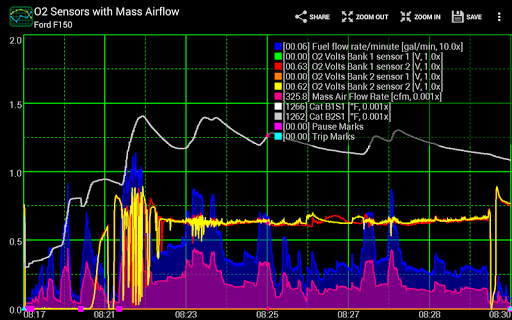
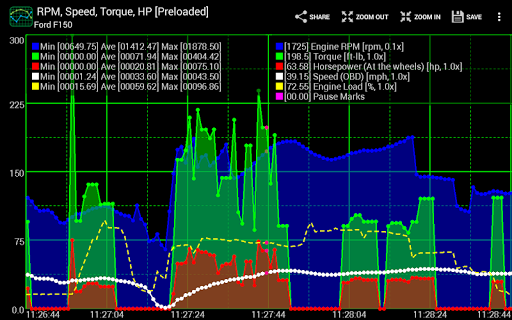
The core strength of Realtime Charts for Torque Pro lies in its ability to visualize engine sensor data as live graphs on your smartphone or tablet. You can observe multiple parameters such as engine RPM, vehicle speed, fuel efficiency, horsepower, and torque, all in real time. This feature allows car enthusiasts and professionals to get instant feedback on how their vehicle behaves under different conditions, aiding in tuning or troubleshooting.
Customizable Charts and Data Analysis
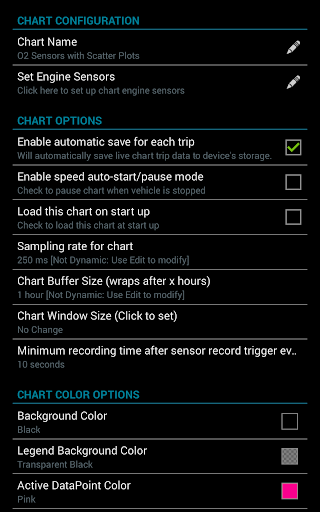
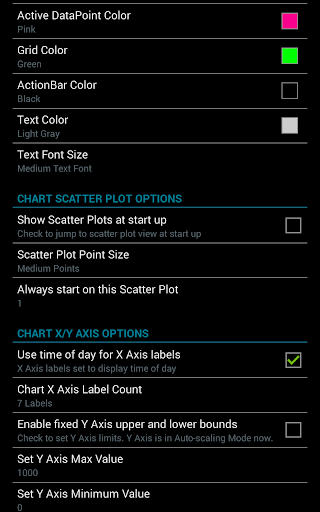
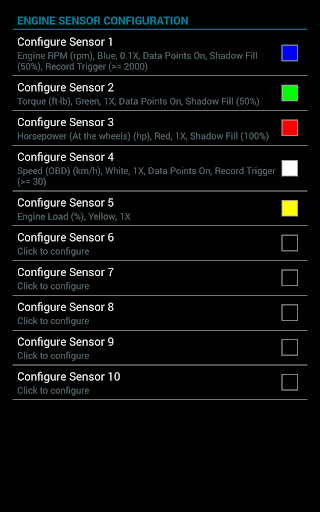
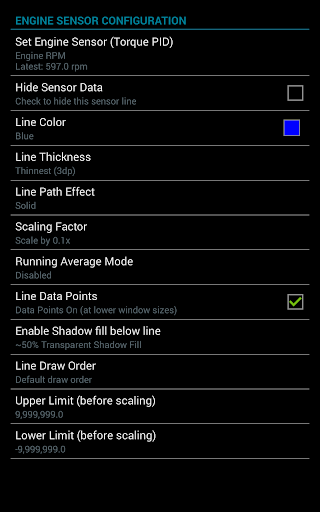
Create up to 100 custom charts by selecting your preferred sensors, adjusting sampling frequency, and customizing chart colors and attributes. The app also supports functions like scroll and zoom, making it easy to examine specific data points. Additionally, you can export data to CSV files or save screenshots to share on social media and automotive forums, fostering a community of car geeks and engineers.
Advanced Data Capture and Analysis
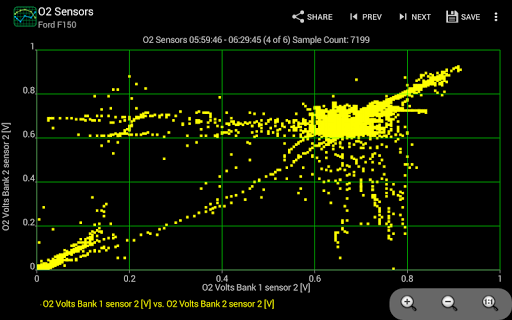
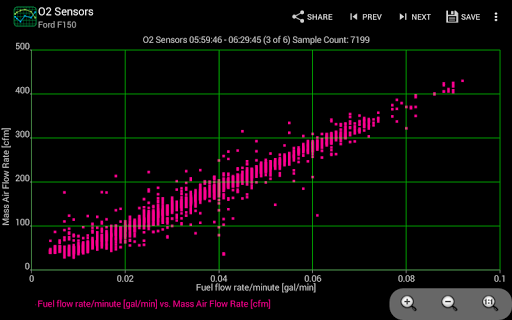
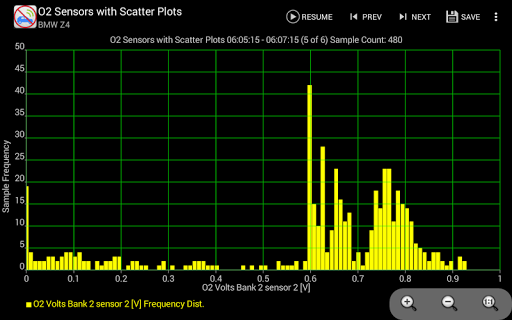
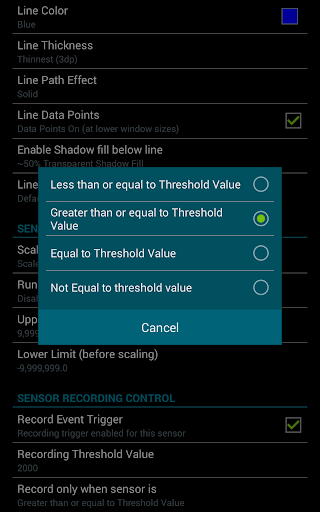
New features enhance your data collection. In V1.16, you can initiate sensor data capture based on custom criteria, such as RPM reaching a specific threshold or speed conditions. Version V1.14 introduces support for scatter plot analysis, enabling real-time or recorded session visualization. With these tools, you can perform detailed diagnostics and performance profiling.
Enhanced User Experience
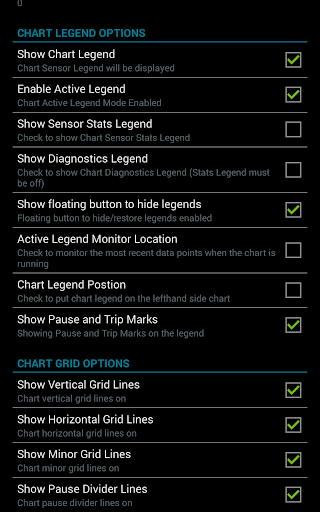
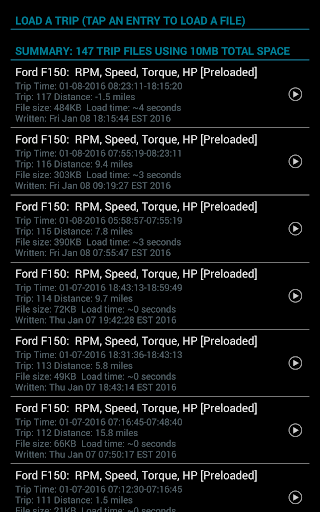
The app includes features like auto-pause when your vehicle stops, auto-saving trip data, and session pause/resume with time adjustments, making data management effortless. Users can also add or remove sensors dynamically on active charts, modify series attributes, and set upper and lower sensor limits. These functionalities provide a flexible and user-friendly interface suited for both amateurs and seasoned mechanics.
Installation and Compatibility
To maximize the benefits of Realtime Charts for Torque Pro, you'll need a wireless • OBD 2 adapter and the Torque Pro app installed on your device. The app supports a wide range of Android versions from V2.3 and above, and has been tested on various devices including the Motorola Electrify, Samsung Tab, and Lenovo V7.1 series. Setting up the app is straightforward, and it integrates seamlessly with your vehicle’s existing diagnostics system—making it accessible even for beginners.
Why Choose Realtime Charts for Torque Pro?
This app acts as your vehicle’s translator, converting complex sensor data into clear, visual insights. Whether you’re trying to optimize your car’s performance, detect potential issues early, or just satisfy your curiosity about how your car operates, Realtime Charts for Torque Pro brings detailed analytics right to your pocket. Its live graphing capability, customizable charts, and comprehensive data analysis tools make it a vital accessory for any vehicle owner eager to understand their car better. Plus, it supports both English and Metric units, providing flexibility for users worldwide.
In essence, Realtime Charts for Torque Pro transforms raw vehicular data into an intuitive visual experience, helping you make informed decisions on maintenance, tuning, or performance improvements. It’s more than just an app—it’s your personal automotive diagnostic assistant, ready to decode your car’s language and offer insights that keep your vehicle running at its best.
Pros
- Provides real-time data display for improved monitoring.
- Offers customizable charts for tailored insights.
- Integrates seamlessly with the Torque Pro app.
- Features an intuitive interface for easy navigation.
- Supports a broad range of vehicle sensors.
Cons
- Requires Torque Pro to access full features.
- Limited to vehicles compatible with OBD2.
- May cause battery drain during extended use.
- Occasional connectivity issues can occur.
- Interface might be complex for new users.











