


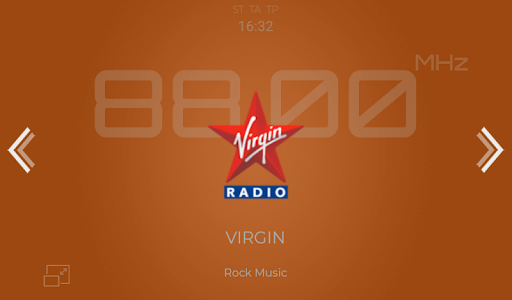
Discover the Features of NavRadio+
Have you ever found yourself fumbling with multiple apps just to tune into your favorite radio stations while on the road? If so, NavRadio+ is here to change that experience entirely. Designed for radio enthusiasts and drivers alike, this innovative app combines ease of use with powerful customization options, providing a seamless listening experience that keeps you connected with your favorite stations anytime, anywhere.
Seamless Integration and Intuitive Design
One of the standout qualities of NavRadio+ is its effortless integration with various Android car head units. The app works flawlessly on head units based on MTC/HTC firmware, equipped with CPUs like PX3, PX5, PX6, and PX30. It also supports devices built on TopWay platform with Allwinner T3, T8, and other chipsets, as well as head units running on FYT or DUDUOS firmware. This broad compatibility ensures that regardless of your vehicle’s setup, NavRadio+ can enhance your in-car entertainment system with minimal fuss.
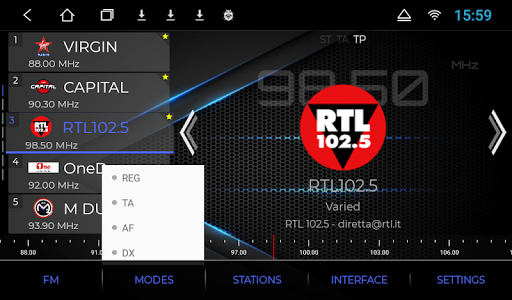
The user interface is designed with simplicity at its core. Whether you're a tech newbie or an experienced user, you'll find navigating through the menus intuitive. The app’s layout allows quick access to station lists, customization settings, and other features. Furthermore, with an optional free version available for testing, users can verify compatibility without committing to a purchase.
Highly Customizable Listening Experience
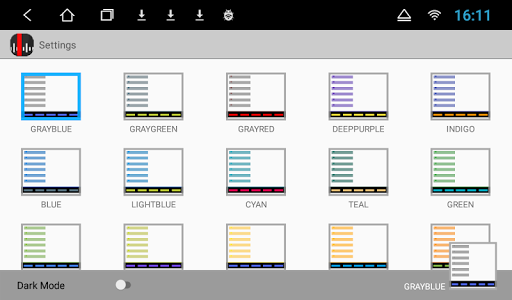
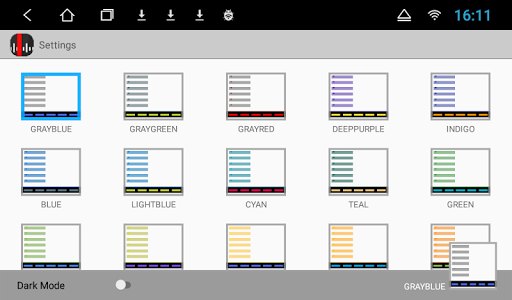
NavRadio+ offers extensive customization options to tailor your radio listening experience perfectly. Users can select from about 30 predefined wallpapers, use their own photos, or choose solid colors for the background. The app supports a variety of color themes, including 20 predefined options and the ability to create personalized themes. Night mode, which can be set to turn on automatically based on the time or car lighting conditions, enhances visual comfort during nighttime driving.
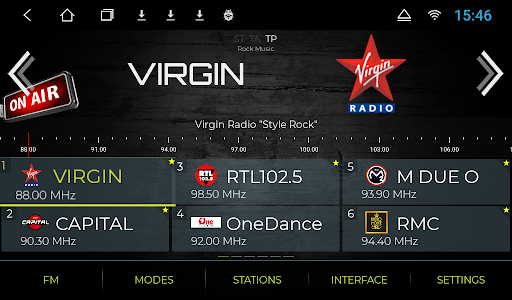
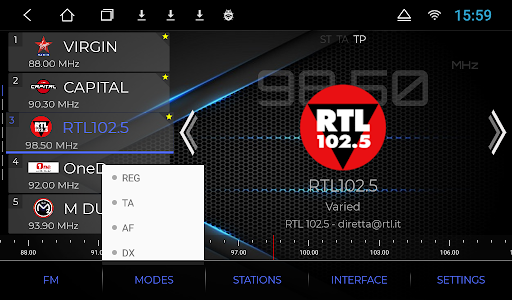
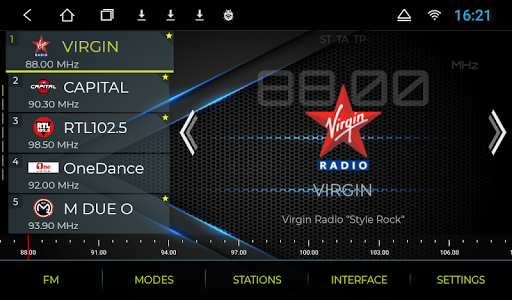
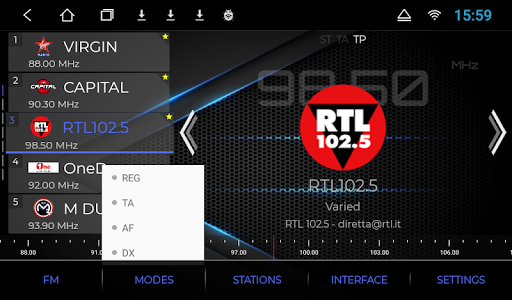
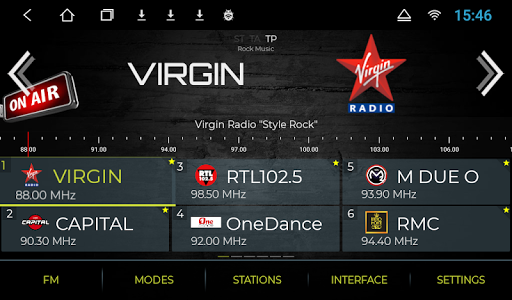
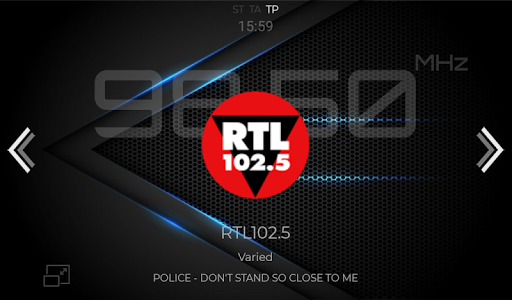
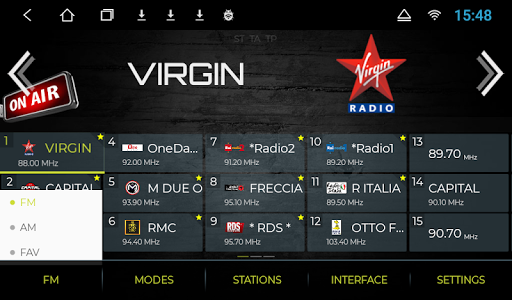
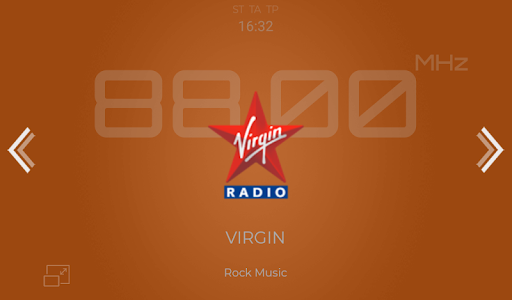
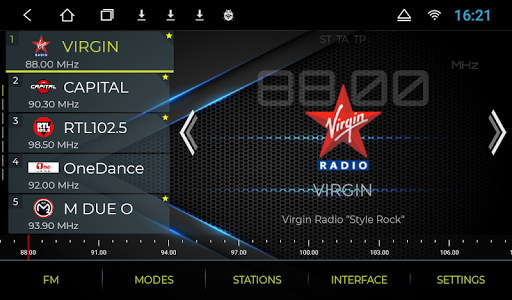
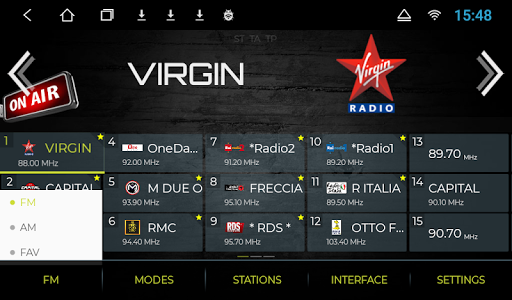
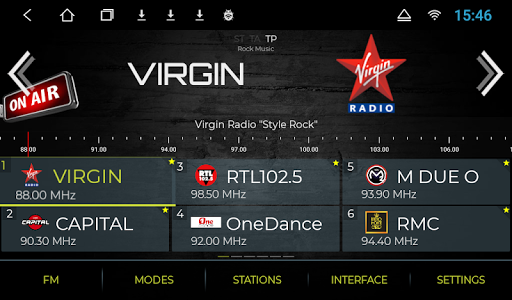
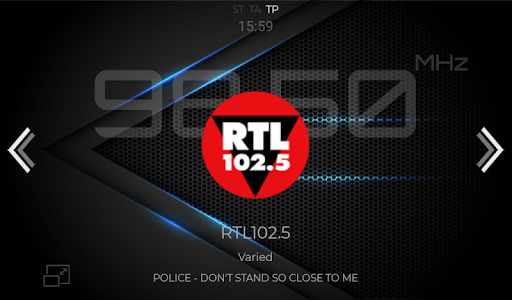
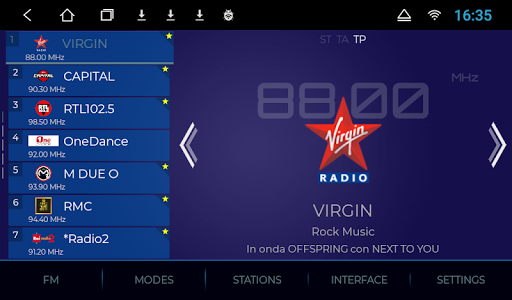
The app’s display adjusts with features like resizable text elements and multiple view modes—ranging from **Vertical List**, **Horizontal Grid**, to **Fullscreen**. The fullscreen mode can be activated through double taps or predefined time intervals, and users can customize whether to show elements like the StatusBar, Clock, and GPS speed—making the interface adaptable to different preferences and driving conditions.
Another remarkable feature is the automatic logo assignment. Based on RDS ID or station name scraping, the app fetches and displays station logos, which can be downloaded directly within the app or sideloaded from the internet. Whether you prefer sorting your station list by name or frequency, NavRadio+ allows easy organization, saving your customized list in JSON format for future use.
Advanced Station Management and Regional Customization
Creating a personalized radio experience is straightforward with station management options. Users can edit station details such as **Position, Frequency, Name, and Logo**, and mark favorite stations for quick access. Support for multiple radio regions ensures compliance with local broadcasting standards—making the app versatile for international users. The app also features two homepage widgets (horizontal and vertical), floating widgets, and support for autostart on device boot, facilitating quick access and continuous operation while driving.
Versatile Performance and Compatibility
<NavRadio+ is optimized to support multiple display resolutions, including 800x480, 1024x600, 1280x720, and 1920x1080. Its reliable performance ensures stable connectivity whether you're in the city or in rural areas, minimizing interruptions. The app intelligently switches between online and offline modes, allowing you to enjoy pre-downloaded content even without an internet connection. This feature is especially valuable for long trips and areas with poor network coverage.
Expand Your Radio Experience with Extensive Logo Support
To enhance the visual appeal, NavRadio+ includes a rich collection of station logos from various regions and countries. The app provides access to logos from continents such as Europe, South America, North America, Asia, and Oceania. This international support ensures that your station list looks vibrant and organized, adding an extra layer of personalization to your listening experience.
Why Choose NavRadio+
If you’re seeking a reliable, customizable, and user-friendly radio tuner solution for your in-car entertainment system, NavRadio+ is an excellent choice. Its compatibility with a wide range of head units, coupled with features like logo management, regional customization, and multiple viewing modes, makes it a standout in the crowded world of car radio apps. Whether you want to enjoy music, stay updated with the latest news, or listen to your favorite shows, NavRadio+ delivers a plug-and-play experience that enhances every journey.
Pros
- User-friendly interface
- Accurate GPS navigation
- Customizable settings
- Frequent updates
- Low battery consumption
Cons
- Limited offline maps
- Subscription required for full features
- Occasional ads
- May drain data quickly
- Not compatible with all devices











