
Discover the Features and Benefits of Car Launcher Pro
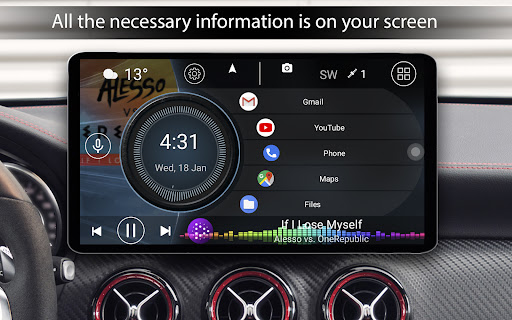
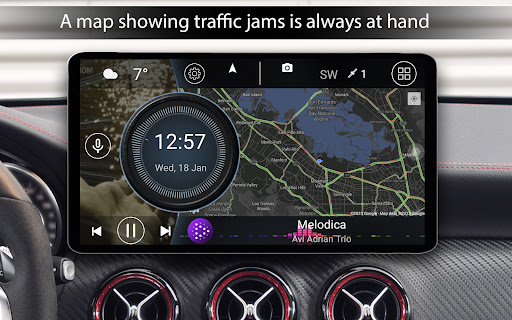
If you're passionate about transforming your vehicle into a high-tech hub of convenience and style, Car Launcher Pro is the perfect solution. Crafted specifically for use in cars, this innovative app turns your Android device into a customizable dashboard that enhances safety, entertainment, and vehicle monitoring. Whether installed in a touchscreen phone, tablet, or integrated into your car's radio tape recorder, Car Launcher Pro offers a seamless interface optimized for driving. Its versatile functionality combines fast app access, real-time GPS data, and an onboard computer—delivering an engaging driving experience tailored to your needs.
Seamless Integration and Customization
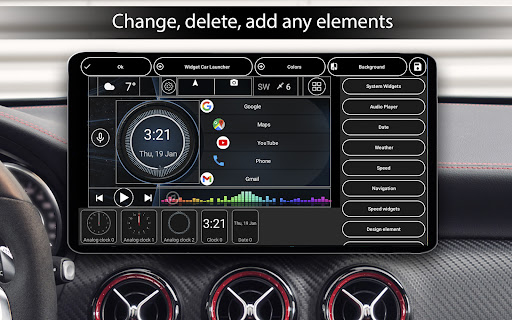
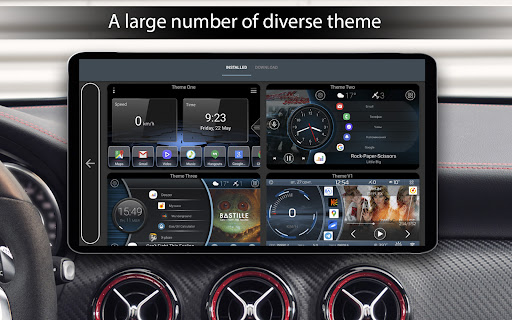
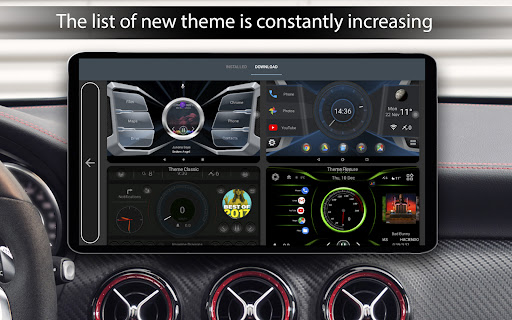
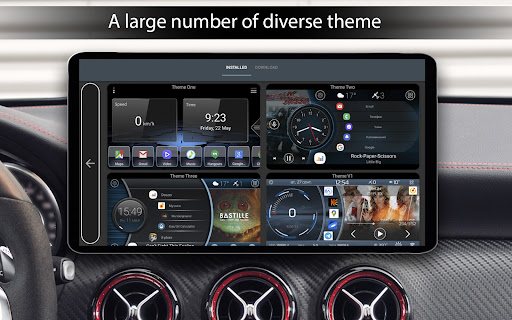
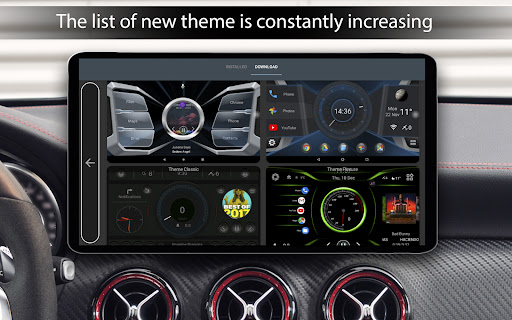
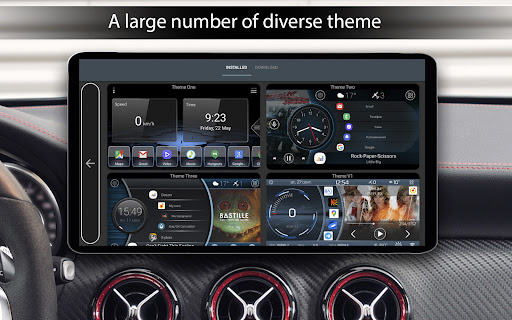
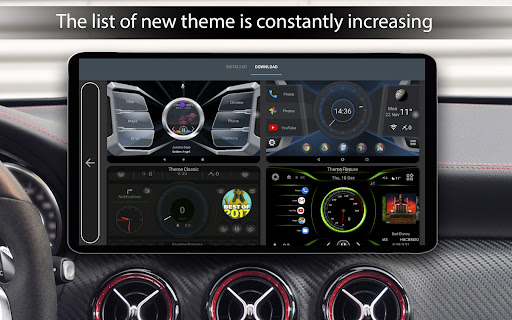
Upon launching Car Launcher Pro, users are greeted with a sleek, user-friendly interface designed for quick customization. The app's primary advantage is its extensive ability to tailor the dashboard appearance and functionality. You can set your preferred themes, adjust color schemes, and insert personalized wallpapers or images, creating a unique visual environment. The app supports multiple themes and allows easy editing of widgets, ensuring your dashboard suits your style and driving habits. Additionally, support for third-party themes and icons means you can further personalize your interface to match your aesthetic preferences.
Key Functions That Enhance Your Driving Experience
Easy Application Access and Management
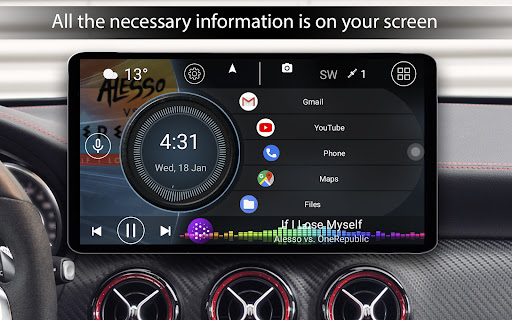
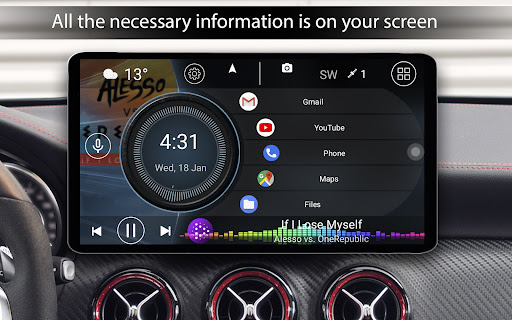
You can add any number of applications to the main screen for instant access, including navigation, music, weather, and more. The program supports creating folders for organization and allows editing existing app shortcuts by simply long-pressing the icons. Quick access to your apps reduces distraction and keeps your focus on the road.
Onboard Computer and GPS Navigation
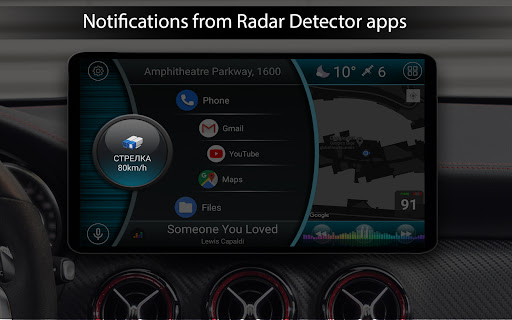
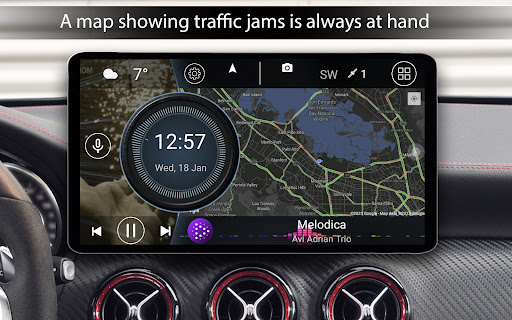
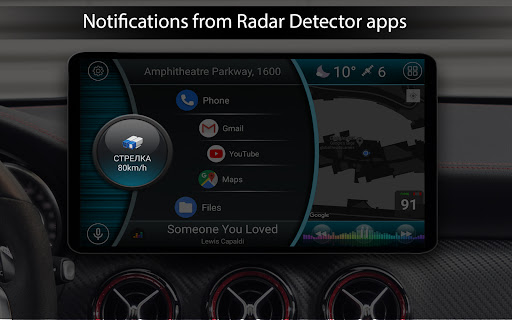
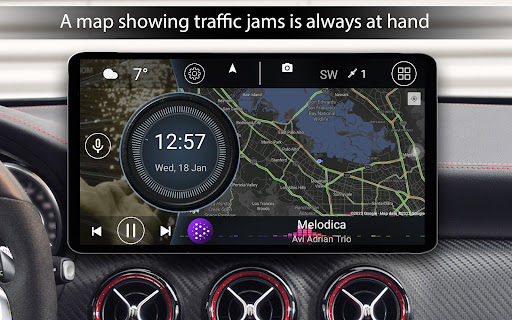
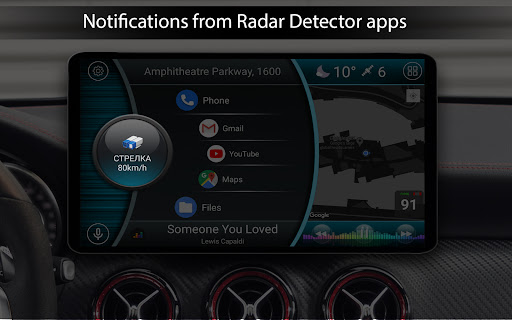
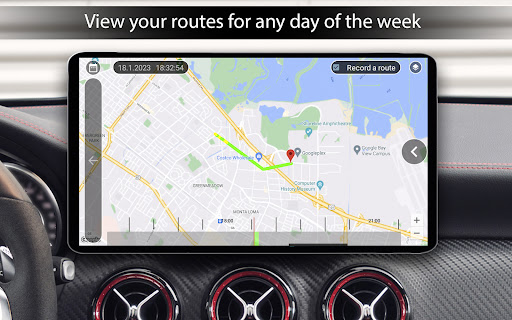
One of the standout features is the integrated onboard computer, which displays real-time data such as • speed, • distance traveled, • average speed, and maximum velocity. The app accesses GPS data to provide precise speed measurements and trip analytics—perfect for drivers interested in performance tracking. You need to grant background GPS permission to enable these features fully, making it ideal for both everyday driving and track days.
Real-Time Speed and Trip Monitoring
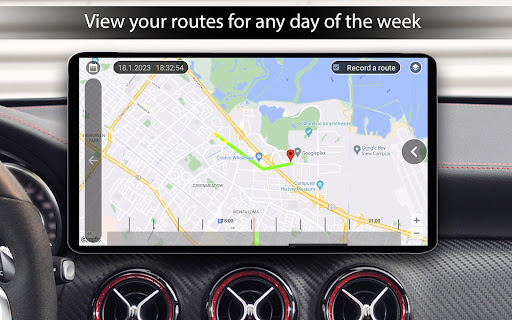
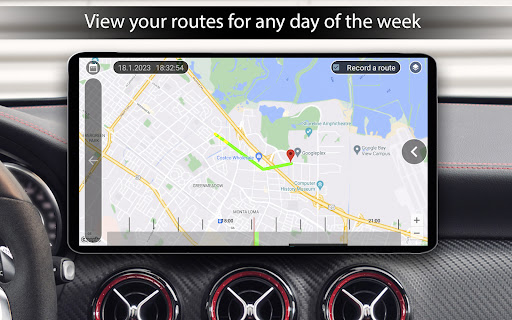
The app displays your current speed directly on the main interface and provides quick toggles between miles or kilometers. You can also record trip data — such as distance, time, and speeds — which can be reset at any moment. For those who like to analyze their driving habits, Car Launcher Pro summarizes various metrics, including acceleration times (from 0 to 60, 100, or 150 km/h), best times, and average speeds.
Additional Features for Convenience and Safety
The app includes features like weather updates based on GPS or manual input, showing current weather conditions and forecasts with a refresh setup. It supports system widgets and multiple secondary screens, allowing users to customize their interface further. Brightness adjusts automatically depending on the time of day, enhancing visibility without straining your eyes. The screen saver feature offers various templates, fonts, and customization options for displaying time, date, and other data elegantly.
Enhanced User Control and Personalization
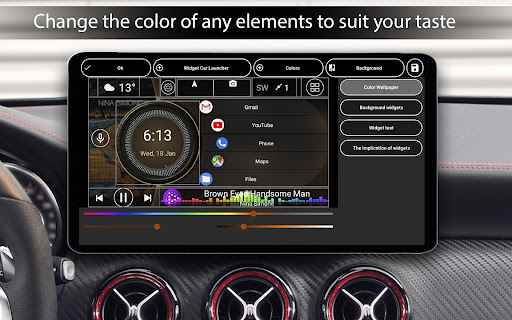
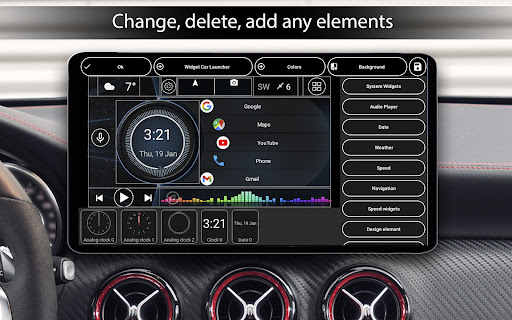
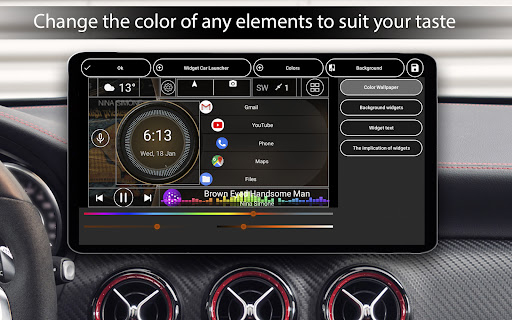
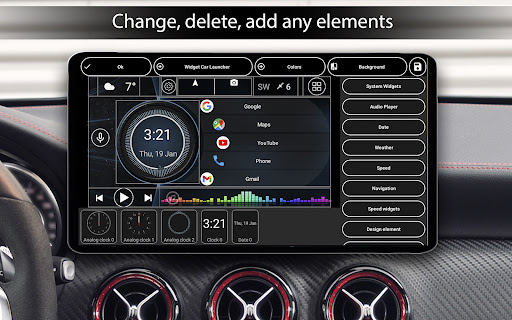
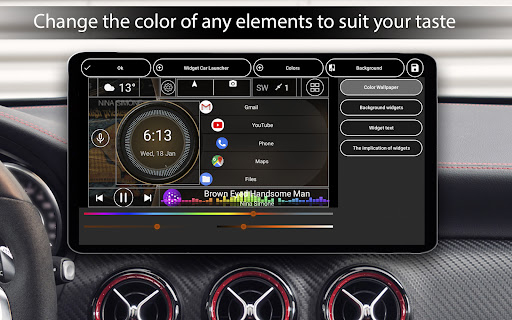
With Car Launcher Pro, you can modify nearly every element of your dashboard. This includes stretching or moving widgets, changing colors, renaming icons, and setting up specific actions for each widget. Users can add custom logos, adjust the grid layout, and select background images. The app also facilitates locking widgets or shortcuts to prevent accidental modifications—perfect for maintaining a consistent interface during drives.
Extended Widget Support and Custom Features
The app boasts an expanded set of widgets, including:
- • Analog clock
- • Speedometer
- • Address display
- • Movement timer
- • Max speed indicator
- • Stopping time
- • Acceleration metrics
Final Thoughts: Is Car Launcher Pro Right for You?
Overall, Car Launcher Pro is a comprehensive tool that elevates your driving experience by integrating navigation, multimedia, and vehicle data into a single, slick interface. Its rich feature set caters to tech-savvy drivers who want to merge functionality with style. Although it requires some initial setup and tweaking—especially for those unfamiliar with customization—it offers a rewarding way to transform your vehicle into a modern, efficient cockpit. Whether you aim to monitor speed and performance, enjoy personalized visuals, or seamlessly access your favorite apps, this app delivers all these benefits with an intuitive design. Take your car’s dashboard to the next level and enjoy safer, more informed journeys with Car Launcher Pro.
Pros
- Highly customizable user interface
- Responsive and smooth performance
- Supports multiple widgets
- Displays GPS speed
- Easy-to-use navigation
Cons
- Limited features in the free version
- Occasional minor bugs
- No support for landscape mode
- Can consume battery quickly
- Advertisements present in the free version











