
Discover the Power of inCarDoc Pro | OBD2: Your Car’s Personal Doctor
Are you curious about the inner workings of your vehicle? inCarDoc Pro | OBD2 transforms your smartphone into a comprehensive car diagnostics system. Designed for both casual drivers and automotive enthusiasts, this app offers detailed insights into your vehicle’s health, performance, and fuel efficiency. Whether you're checking engine codes or tracking trip data, inCarDoc Pro | OBD2 is your trusted companion on the road. With support for various OBD2 adapters and real-time data monitoring, it’s like having a professional mechanic right in your pocket.
How inCarDoc Pro | OBD2 Works
This innovative app connects seamlessly with your car's OBD-II (On-Board Diagnostics) system using a compatible ELM327 or similar scanner—available via Bluetooth, WiFi, or BLE (Bluetooth Low Energy). Once connected, inCarDoc Pro | OBD2 reads various parameters from the vehicle's electronic Control Units (ECUs), providing detailed diagnostics and real-time monitoring. It taps into the vehicle's sensors, capturing data such as engine speed, coolant temperature, oxygen sensor readings, and more. This ability to access live and stored data makes troubleshooting straightforward and efficient.
Key Features of inCarDoc Pro | OBD2
Diagnostic Troubleshooting and Fault Code Management
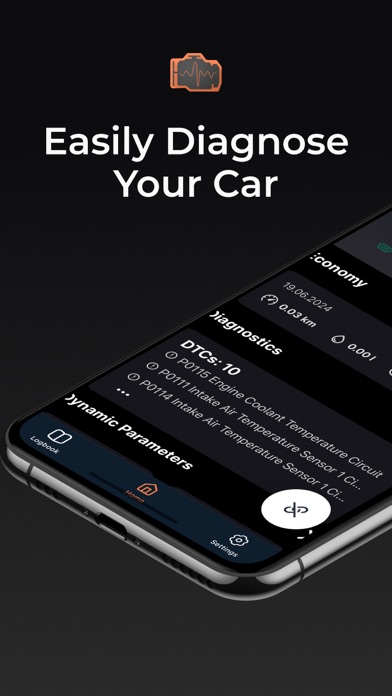
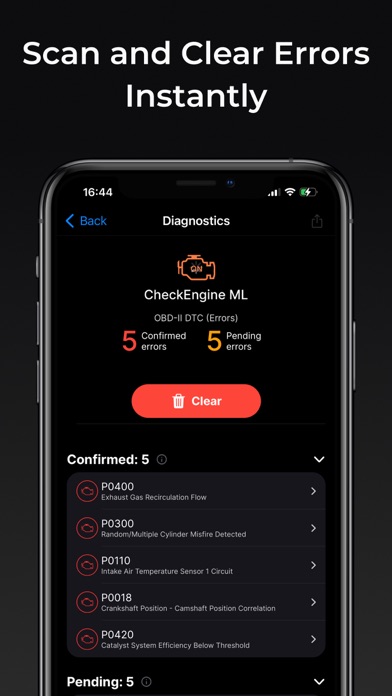
The app functions as a powerful OBD2 scanner capable of reading and clearing diagnostic trouble codes (DTCs). It reveals the status of your check engine light, providing detailed descriptions of issues and freeze frame data—snapshots of sensor information at the time of trouble. Saving and sharing diagnostic reports makes it easier to seek professional repairs or simply keep detailed maintenance records.
Real-Time Data Monitoring
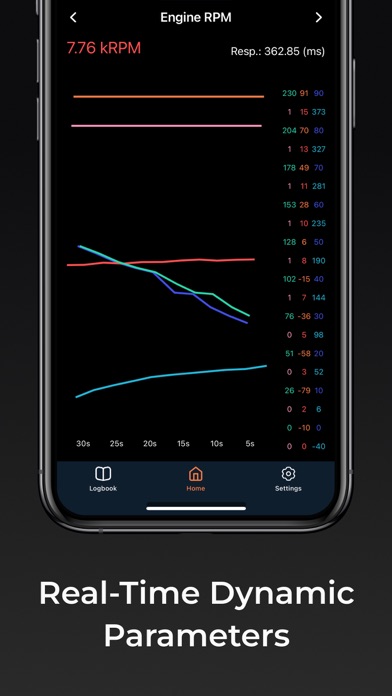
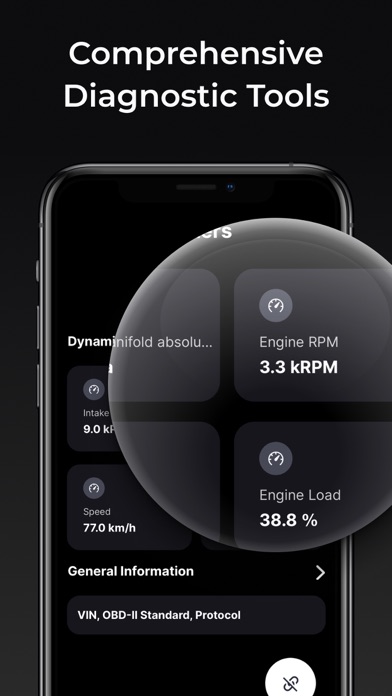
Monitor essential vehicle parameters in real-time, including speed, RPM, coolant temperature, and oxygen sensor output. Data visualization tools like charts and analog gauges help you interpret engine performance instantly. Note that the exact list of monitored parameters depends on your car make, model, and year.
Fuel Economy and Trip Monitoring
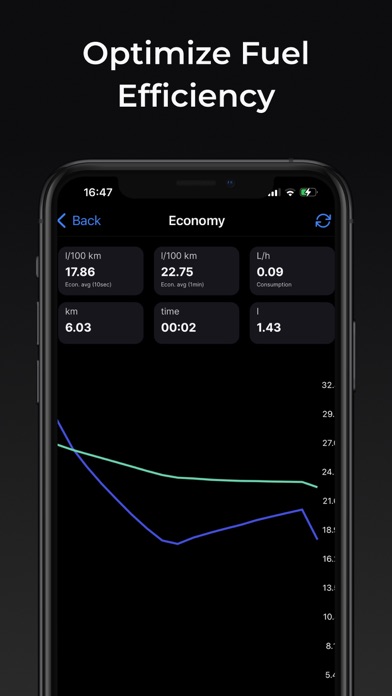
The app offers a Trip Computer mode that tracks your vehicle's fuel consumption, presenting both instant and average miles per gallon (MPG). You can also view trip-specific stats and overall fuel efficiency over days or weeks. To ensure accurate calculations, you might need to input engine displacement and volumetric efficiency. This feature helps you optimize driving habits and save on fuel costs.
Additional Functionalities
Other notable features include:
- Logbook notes for recording fueling, maintenance, and repairs
- GPS data such as speed and altitude
- Data upload to web servers for backup or analysis
- Console mode for advanced users to send custom OBD2 commands
- Custom parameter configurations for non-standard protocols and sensors
- Extended widgets displaying fuel economy and acceleration data
Supported Devices and Compatibility
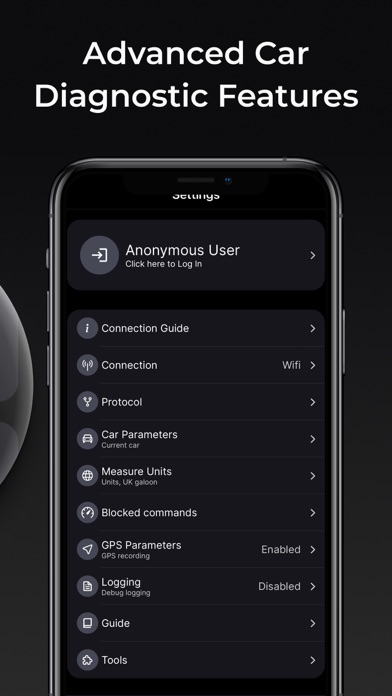
InCarDoc Pro | OBD2 supports a range of OBD-II adapters, including Bluetooth, WiFi, and BLE options like Kiwi 3, V-Gate iCar 3, Veepeak, Carista, and Vinli. Before upgrading to the Pro version, it’s recommended to evaluate compatibility using the free version. Please note that limited functionalities, such as basic speed and altitude monitoring, are available without an ELM327 scanner in GPS mode.
Ease of Use and User Experience
Getting started with inCarDoc Pro | OBD2 is simple. Plug your compatible OBD2 scanner into your vehicle’s port, pair it via Bluetooth or WiFi, and launch the app. Its intuitive interface ensures a smooth experience, even for those without technical expertise. Multilingual support broadens accessibility, making it a user-friendly choice worldwide.
Safety Tips and Considerations
Ensure that only one OBD2 reading app runs simultaneously to prevent conflicts or disconnections. Avoid using cheap clone adapters, which may cause connectivity issues. For optimal performance, keep your app updated and regularly check for compatible hardware. Remember, the app covers parameters compliant with the OBD-II standard, mainly for engine and emission systems.
Conclusion: Your All-in-One Car Diagnostics Solution
inCarDoc Pro | OBD2 elevates your driving experience by offering advanced diagnostics, real-time data, and insightful trip info—all from the convenience of your smartphone. Whether you’re keen to troubleshoot engine problems, monitor fuel efficiency, or keep maintenance logs, this app serves as a reliable and cost-effective car diagnostic tool. With its comprehensive features and user-friendly design, it’s perfect for everyone—from everyday drivers to automotive enthusiasts wanting at-a-glance vehicle insights. Install inCarDoc Pro today and take control of your vehicle’s health like never before.
Pros
- Comprehensive diagnostics features.
- Real-time vehicle monitoring.
- User-friendly interface.
- Supports a wide range of vehicles.
- Detailed error code descriptions.
Cons
- May require additional hardware.
- Occasional connection issues.
- Limited free features.
- Complex for beginners.
- In-app purchases can be costly.











