

Introducing the HiSense Smart TV Remote App
Are you tired of digging through couch cushions or frantically searching for your remote control? The HiSense Smart TV Remote app is here to simplify your entertainment experience. Designed to transform your smartphone into a versatile remote control, this app ensures that controlling your HiSense Smart TV becomes effortless and clutter-free. Whether you’re managing volume, switching channels, or launching apps, this remote app offers a seamless way to enhance your smart home setup.
Easy Setup for Instant Control
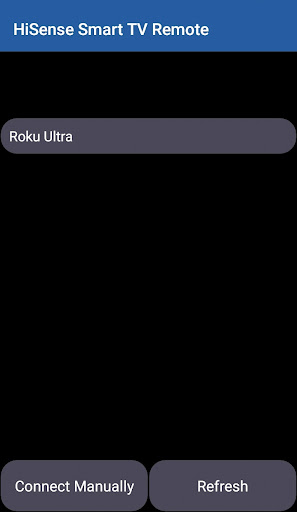
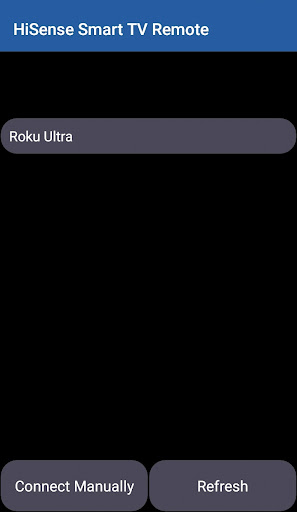
Getting started with the HiSense Smart TV Remote app is incredibly straightforward. All you need is a compatible smartphone, a HiSense Smart TV, and a stable Wi-Fi connection. Simply download the app, and it will automatically recognize your TV model. There’s no need for complex code entries or configurations—just a few taps, and you’re ready to control your TV remotely. This user-friendly setup eliminates common “tech hassle” and ensures that even beginners can start enjoying the benefits immediately.
Intuitive User Interface
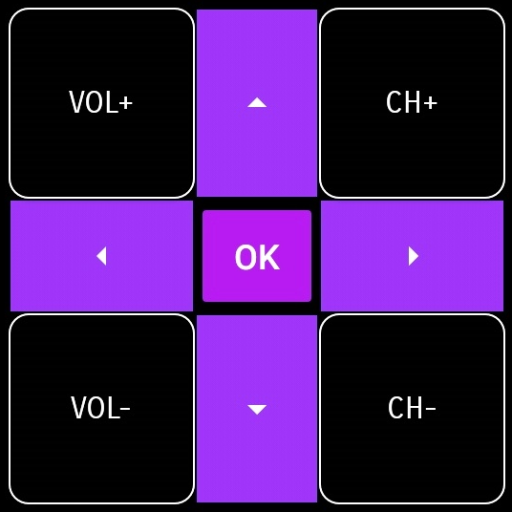
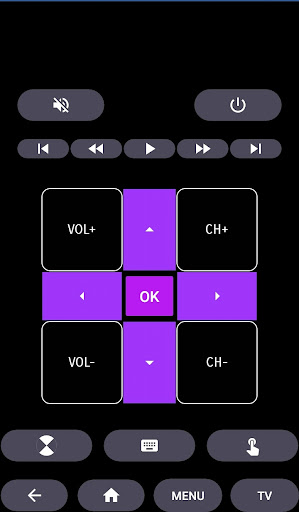
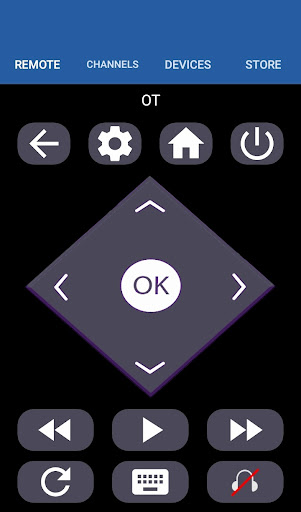
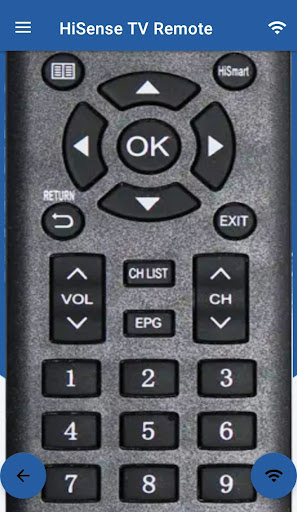
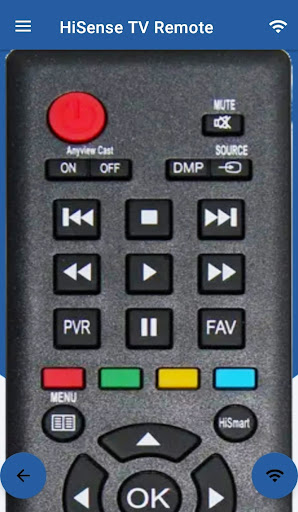
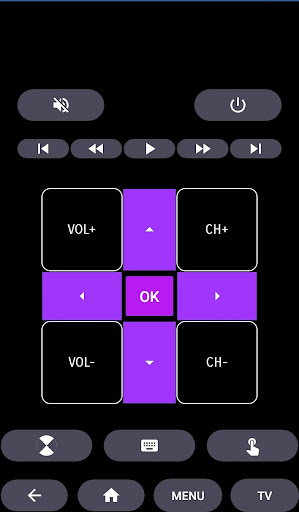
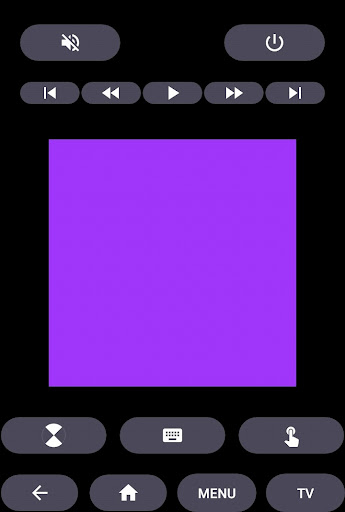
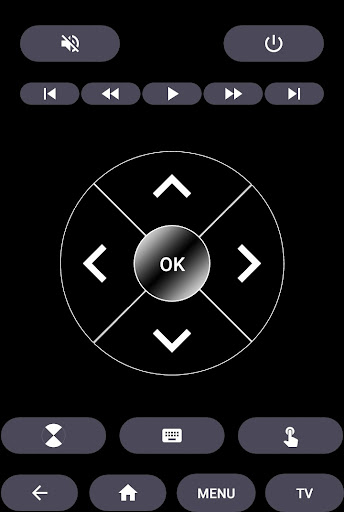
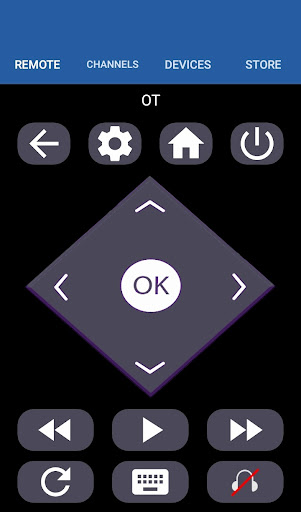
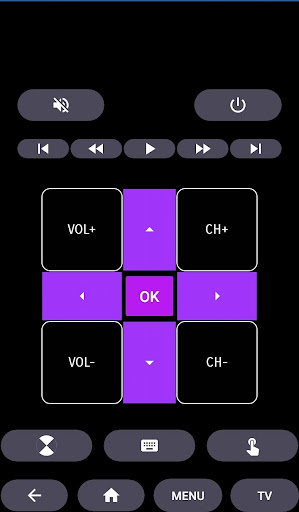
The app features a sleek, modern design that makes navigation intuitive for users of all technical levels. Large, clearly labeled buttons mimic the look and feel of a traditional remote, making it easy to tap without accidental presses. The layout is thoughtfully organized, providing quick access to essential functions such as power, volume, channels, and multimedia controls. This familiar setup helps create a smooth transition from physical remotes to digital control, enhancing overall user satisfaction.
Powerful Features for a Smarter Viewing Experience
What sets the HiSense Smart TV Remote app apart from other remote apps are its rich feature set. It allows you to control multiple aspects of your smart TV, including:
- ON / OFF functions for quick power toggling
- Volume Control and Mute to manage audio effortlessly
- Channel Control for easy navigation through your favorite shows
- Navigation Controls for menu browsing
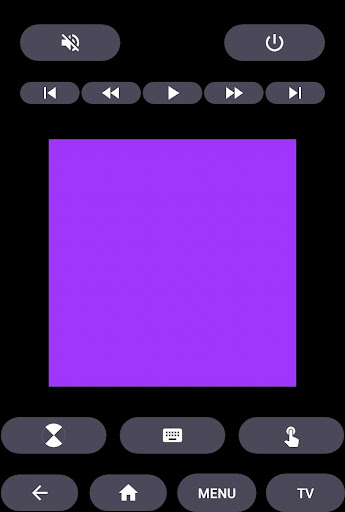
- Multi Media Control to play, pause, or skip content
- Home button for quick access to your TV’s main menu
- Touch Pad for precise cursor movement and easier browsing
Support for Traditional IR Devices
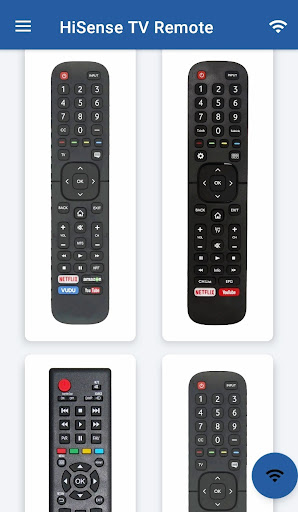
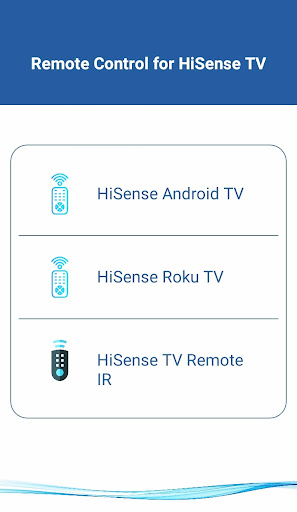
In addition to smart features, the app also supports traditional infrared (IR) devices, including all Philips TVs. For this functionality, your smartphone must be equipped with an IR blaster—making it a universal remote capable of managing a wide range of AV devices.
Compatibility with Different TV Operating Systems
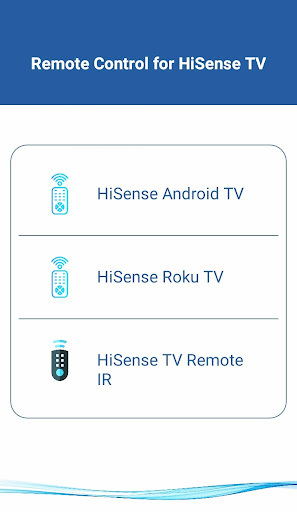
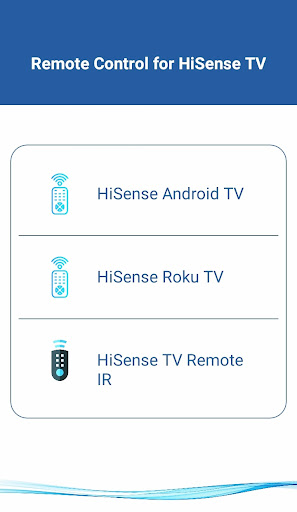
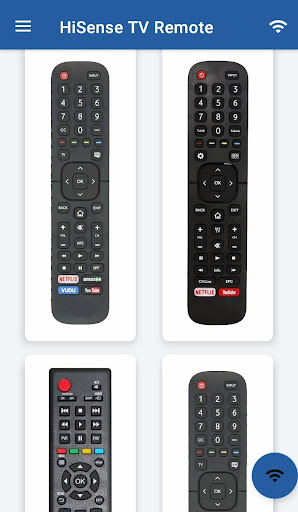
The HiSense Smart TV Remote app is highly versatile, supporting not just HiSense Android TVs and Roku OS-based devices. Whether you own a HiSense Android TV Remote, a HiSense Roku TV Remote, or a traditional Android Chromecast OS device, this app can handle all of them, providing a unified remote control solution.
Performance and Reliability
Users can expect a smooth, lag-free experience when using the HiSense Smart TV Remote app. Once connected via Wi-Fi, the app maintains a stable link to the TV, ensuring quick response times for channel changes, volume adjustments, or multimedia controls. Plus, despite its robust performance, the app is designed to conserve your smartphone’s battery life, so your device won’t drain quickly during extended viewing sessions.
Why Choose the HiSense Smart TV Remote App?
If you are seeking a convenient, feature-rich remote control for your HiSense Smart TV, this app is a game-changer. Its ease of setup, user-friendly interface, and comprehensive functionalities make it a must-have accessory for any smart TV owner. Say goodbye to lost remotes and hello to the ultimate control at your fingertips. Whether you want quick access to favorite channels, voice command capabilities, or a sleek touchscreen replacement, the HiSense Smart TV Remote app offers everything you need to elevate your entertainment experience. Experience the freedom of controlling your TV from your smartphone and enjoy a smarter, more seamless home theater setup.
Pros
- User-friendly interface
- Quick and reliable connectivity
- Highly customizable options
- Compatible with multiple devices
- Includes voice control feature
Cons
- Advertisements may be disruptive
- Reduced support for older devices
- Connectivity can sometimes be unstable
- Requires a stable Wi-Fi connection
- Certain features require in-app purchases











