






Introduction to Smart Data Transfer-File Share
Imagine a world where transferring files between devices is as easy as pie! Smart Data Transfer-File Share aims to provide exactly that seamless experience. If you've ever struggled with cumbersome cables or slow Bluetooth transfers, this innovative app is here to rescue you from your data-sharing woes. It transforms the way you move files across your digital devices, making it quick, secure, and hassle-free.
Whether you're transferring photos, videos, documents, or even entire app data, Smart Data Transfer-File Share simplifies the process with its intuitive interface and robust features. This app works effortlessly across various platforms, including Android and iOS, ensuring compatibility and ease of use for all users. Say goodbye to long waiting times and incompatibility issues—this app makes content sharing as straightforward as a tap, closing the gap between devices with minimal effort.
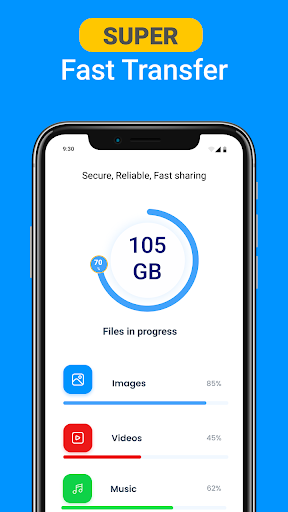
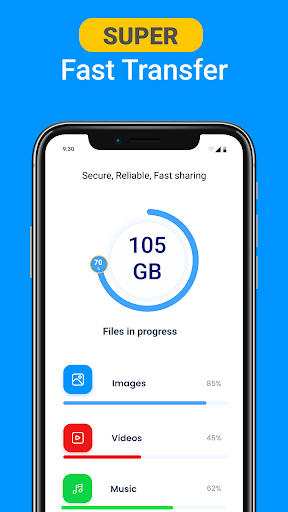
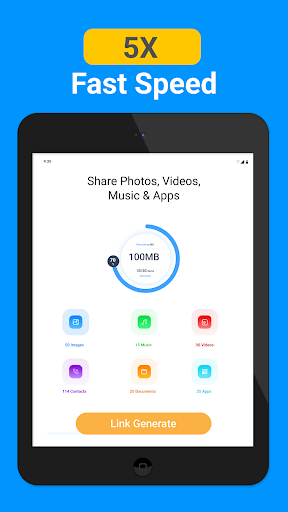
One of the standout features is its high-speed data transfer capability, utilizing Wi-Fi Direct technology for rapid exchanges. This means you can share a full-length movie, a huge photo album, or multiple files in a matter of seconds. The app also employs strong encryption protocols, ensuring your data remains private and secure throughout the transfer process. Whether you’re upgrading to a new device or simply sharing files with friends, Smart Data Transfer-File Share offers a reliable, fast, and safe solution that fits seamlessly into your digital lifestyle.
Key Features of Smart Data Transfer-File Share
Seamless Cross-Platform Compatibility
One of the app’s primary advantages is its ability to allow content transfer across different operating systems. Whether you're on Android or iOS, this app ensures that your files move swiftly and securely. No more worrying about device compatibility—share your files effortlessly and securely across platforms.
Fast and Reliable Data Transfer
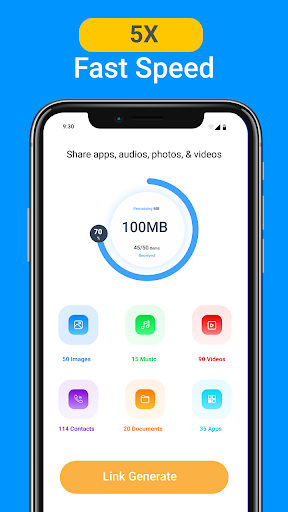
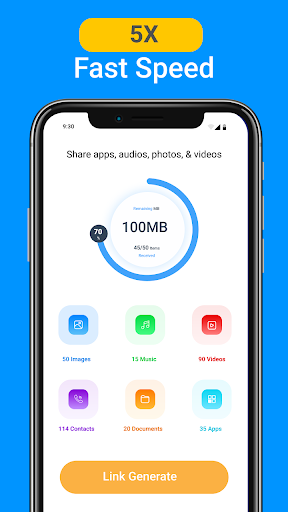
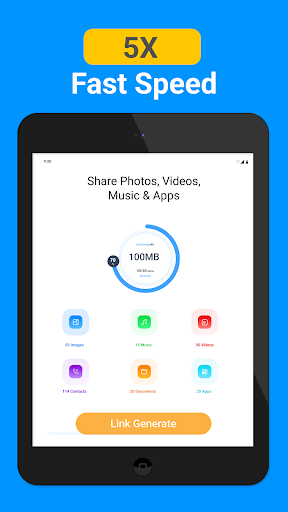
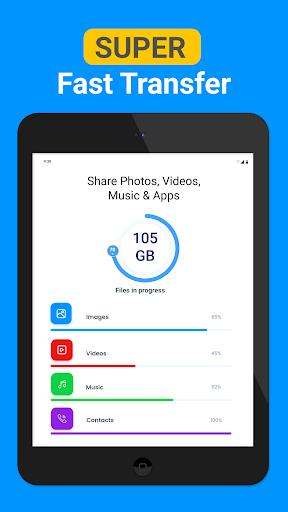
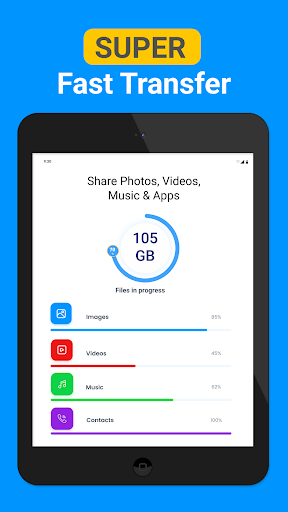
The app’s transfer speed is truly impressive. Thanks to Wi-Fi Direct technology, you can transfer even large files, like videos or extensive photo collections, in a matter of seconds. For instance, sharing a full-length movie can take less than a minute, saving you significant time compared to traditional methods like Bluetooth or cable connections.
Comprehensive Content Support
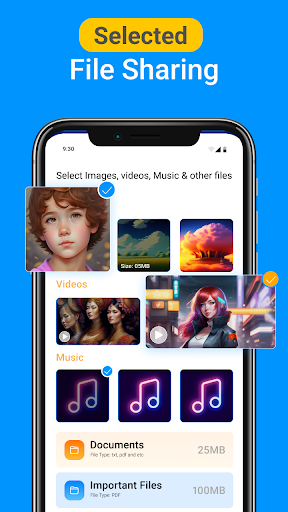
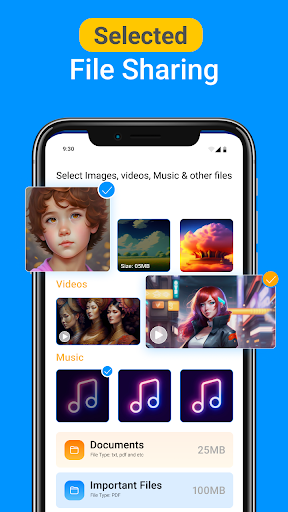
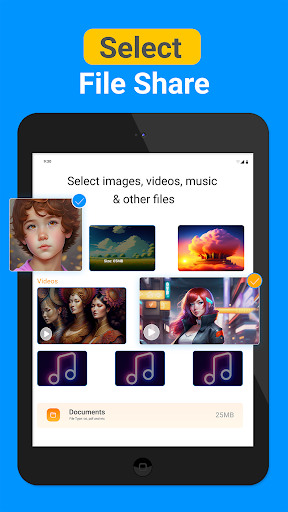
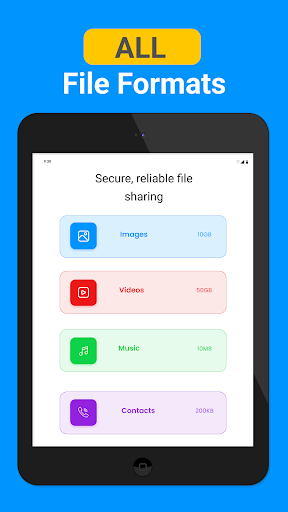
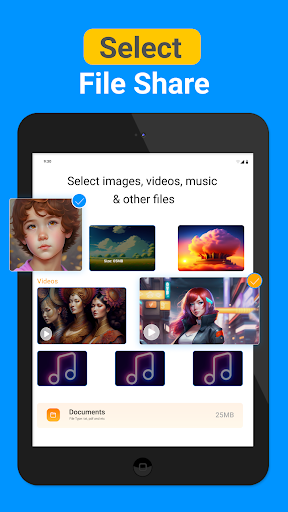
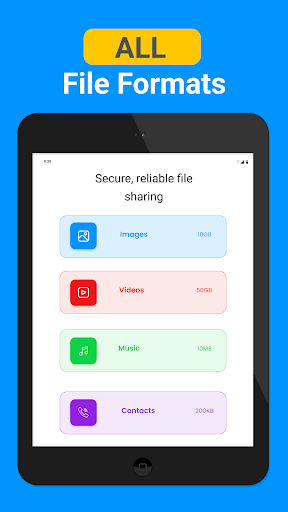
This application handles all types of files—including photos, videos, music, PDFs, and documents—without any hiccups. Its versatility makes it an essential tool whether you're sharing small files or extensive data sets.
Offline and Secure Sharing
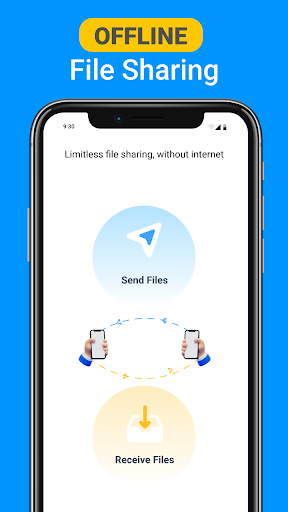
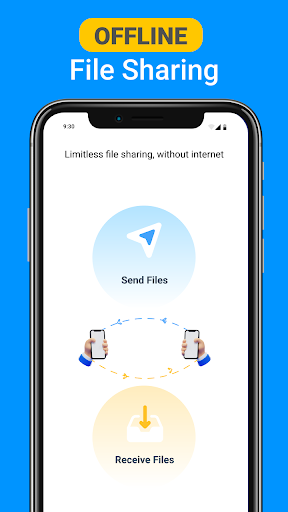
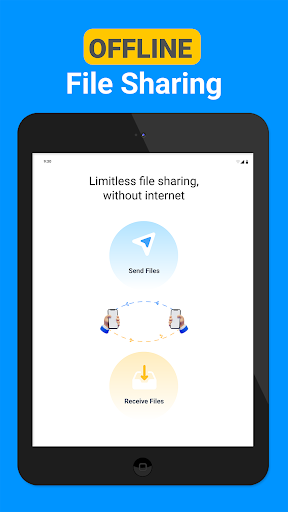
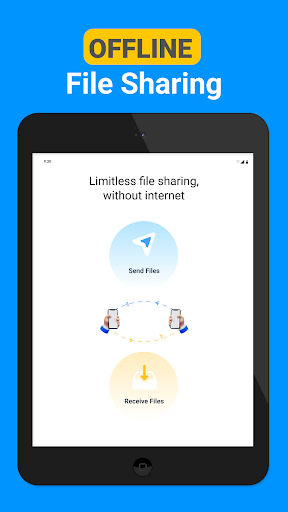
Another benefit is offline operation, meaning you don't need an internet connection to transfer files. The app employs robust encryption, ensuring all data transfers are private and protected from prying eyes. This security makes it a trustworthy choice for sensitive information.
Smart Phone Cloning and Data Migration
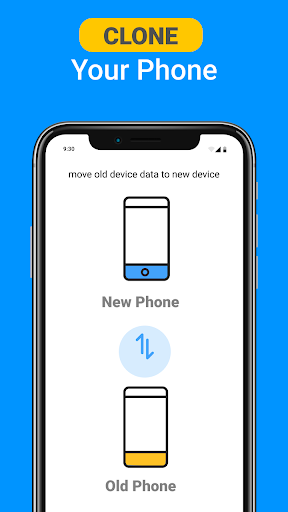
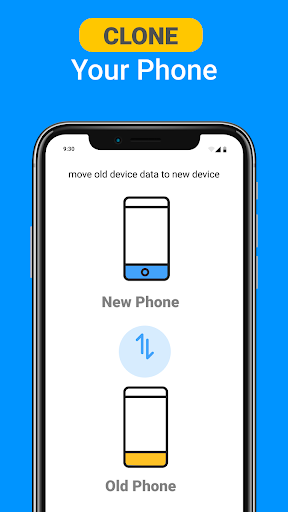
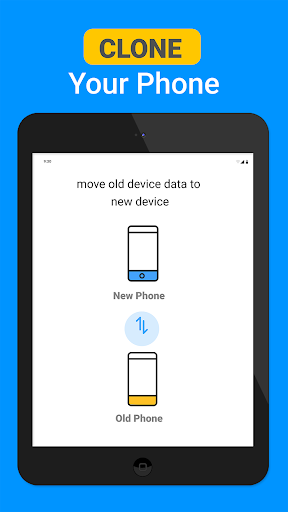
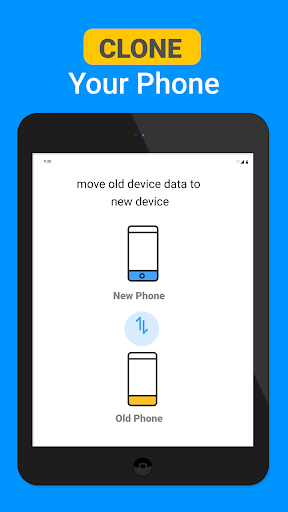
With Quick Share: Phone Clone, users can easily and wirelessly clone their old device’s data to a new one. This includes contacts, apps, photos, videos, and more. The seamless data migration process ensures you don’t lose important data when upgrading your phone, providing a smooth transition without hassle.
Cloud Backup and Share
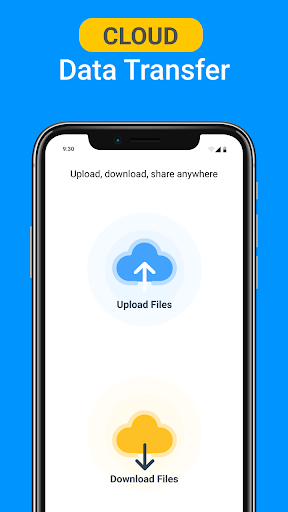
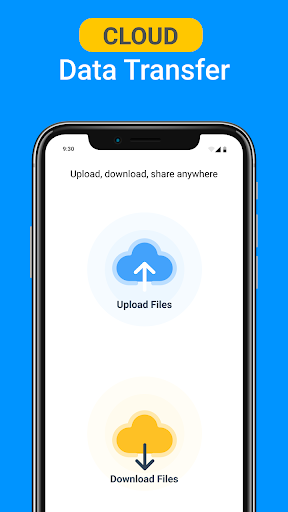
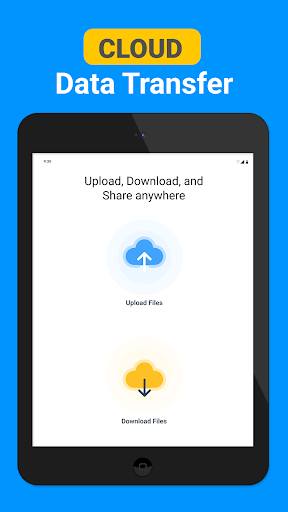
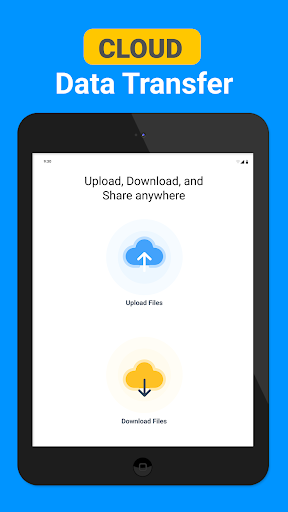
The app also offers cloud backup options, allowing you to upload files to the cloud and generate downloadable links, facilitating effortless sharing and storage management. This feature enhances data accessibility and security, users can manage and transfer their files conveniently anytime, anywhere.
Why Choose Smart Data Transfer-File Share?
So, why should you consider using Smart Data Transfer-File Share? Primarily, it saves you valuable time with its rapid transfer speeds and straightforward setup. The app’s user-friendly interface ensures that even non-technical users can operate it with ease, making file sharing less of a chore.
It bridges the gap between different ecosystems—Android and iOS—making it ideal for households, workplaces, or anyone with multiple device types. Whether you're switching devices or just sharing files with friends, this app provides a reliable, fast, and secure method to get the job done.
Furthermore, its capability to function offline means you’re not reliant on internet connectivity, giving you flexibility in any situation. The app’s encryption protocols guarantee data privacy, which is especially important when sharing sensitive files.
In summary, Smart Data Transfer-File Share is an essential tool for modern digital life, transforming cumbersome file transfer processes into quick, effortless experiences. Its versatility and security make it a must-have for anyone looking to simplify their data management and sharing practices. Whether upgrading your phone or sharing files on the go, this app ensures your data moves smoothly from device to device, anytime and anywhere.
Pros
- High transfer speeds for large files
- Intuitive and easy-to-use interface
- Works across multiple platforms
- Transfers do not require internet connection
- Data is protected with encryption
Cons
- Advertisements may be disruptive
- Limited storage available for free
- Connections can occasionally drop
- Does not offer advanced functionalities
- Premium features require in-app purchases










