


Discover the Ultimate Digital Notebook: Notepad, Notebook, Notes App
What Makes Notepad a Must-Have?
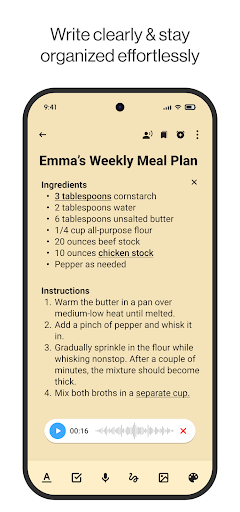
Effortless note-taking is at the core of this app. Its clean and intuitive interface allows you to quickly capture thoughts, whether you're jotting down a quick reminder or drafting a detailed project plan. No complicated menus or confusing options — just open the app and start writing.
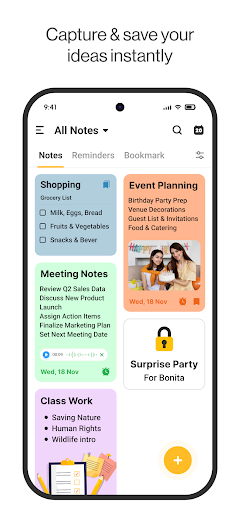
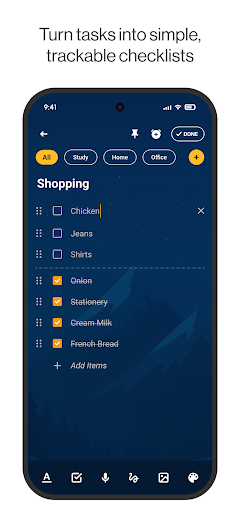
Organization is seamless with features like categories and lists. You can manage multiple notes in separate notebooks, making it easy to keep work, personal, and creative notes distinct and easily accessible. The powerful list maker helps you create to-do lists that keep your tasks in order, from shopping to project deadlines.
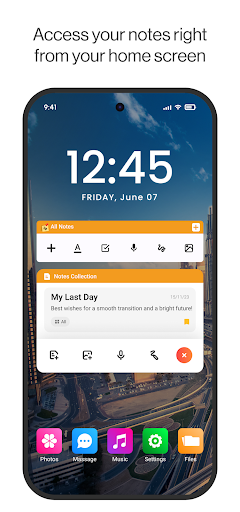
Personalization takes your note-taking experience to the next level. The app offers vibrant color notes and customizable backgrounds, ensuring your digital notebook reflects your style. Keep important snippets at your fingertips with the sticky note widget, which displays critical reminders right on your home screen for priority at a glance.
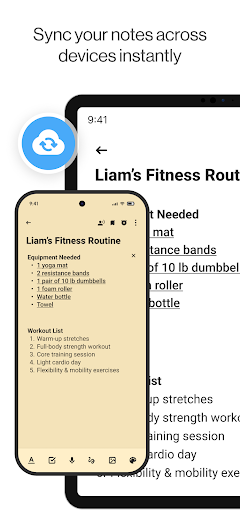
Security and synchronization are also prioritized. The app allows you to sync notes across multiple devices, ensuring your information is always up-to-date whether you're on your phone, tablet, or computer. Sensitive notes can be protected with passwords, giving you peace of mind against prying eyes.
Built-In Productivity Features
Beyond basic note-taking, Notepad enhances productivity with a suite of smart features. The quick search function makes locating any note instantaneous, saving you time and frustration.
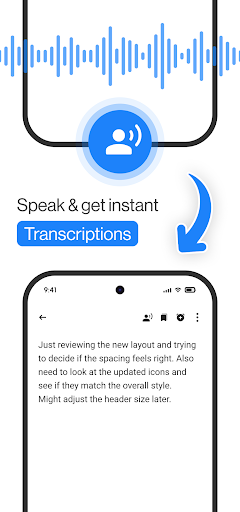
The smart reminders feature lets you set alerts for upcoming tasks and events directly within your notes, ensuring you never miss an important meeting or deadline. Additionally, the app supports voice memos, allowing you to record audio notes for hands-free capturing of ideas or quick thoughts.
If visual organization is your preference, the creative note widgets let you display selected notes on your home screen, keeping essential information always within reach.
Perfect for Everyone
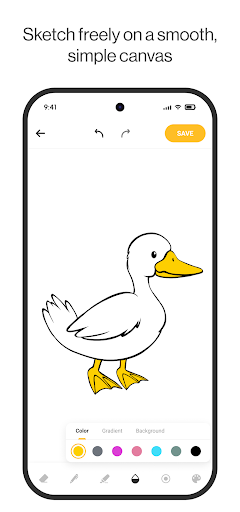
This app caters to a diverse range of users. Students can organize lecture notes, study plans, and assignments easily. Professionals benefit from taking meeting notes, managing projects, and tracking work-related goals. Homemakers can keep shopping lists, meal plans, and household to-dos systematically arranged. Creative users can sketch ideas, write memos, and collect inspiration—all within a single, user-friendly interface.
Get Organized with Notepad Today!
Ready to revolutionize your note-taking and organization? Download the Notepad, Notebook, Notes app now and experience a new level of efficiency. Whether you're managing a busy schedule, brainstorming ideas, or just keeping your daily essentials in check, this app provides the tools you need to stay on top of everything. Embrace the power of a sleek, secure, and feature-rich digital notebook and take control of your day with ease!
Pros
- User-friendly interface
- Easy to navigate
- Quick note-taking with minimal steps
- Supports multimedia notes such as audio
- Seamlessly syncs across devices
- Offers customizable themes for notes
Cons
- Lacks advanced text formatting options
- Limited collaboration features
- Contains ads in the free version
- Does not support handwriting recognition
- Provides only basic organizational tools for notes











