

Introduction to Paylocity
Looking for the perfect app to manage payroll and HR tasks? Paylocity has been making waves in the business world, earning a reputation as a reliable and feature-rich solution for employee self-service and workforce management. Whether you're a small business owner or part of a larger organization, this app simplifies essential HR functions and keeps you connected on the go.
Getting Started with Paylocity
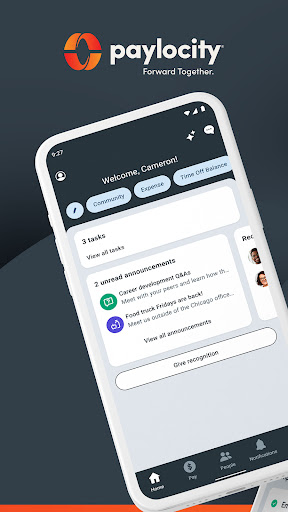
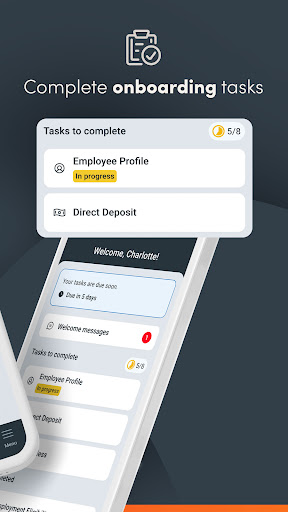
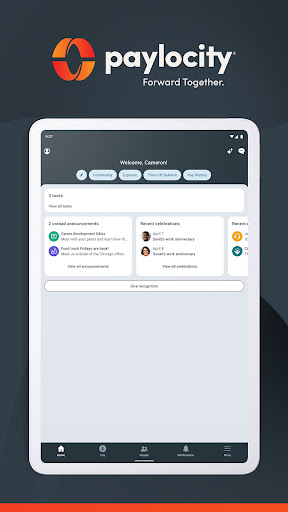
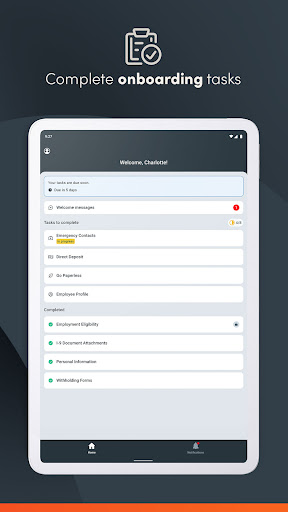
Downloading and setting up Paylocity is quick and straightforward. Available on both Android and iOS, the app can be easily found on your device's app store. Upon installation, the intuitive interface welcomes users with a simple and clean design, ensuring that even those unfamiliar with technology can navigate it effortlessly. The onboarding process is streamlined, making initial setup smooth and user-friendly.
Core Features of the Paylocity App
Employee Capabilities
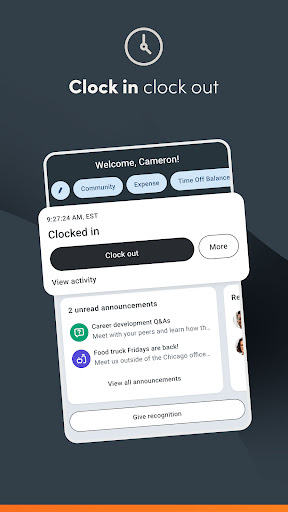
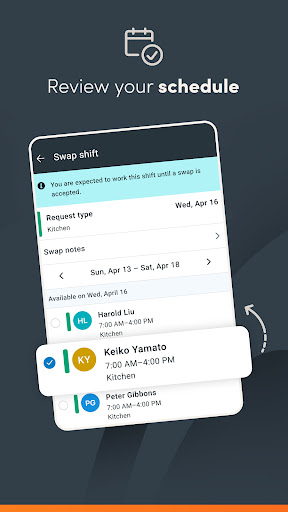
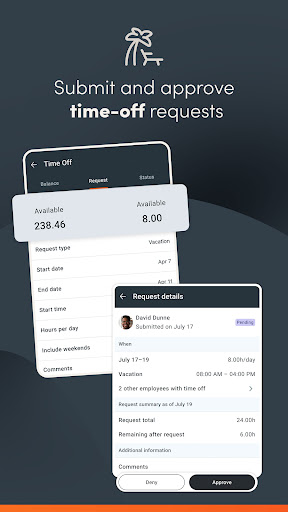
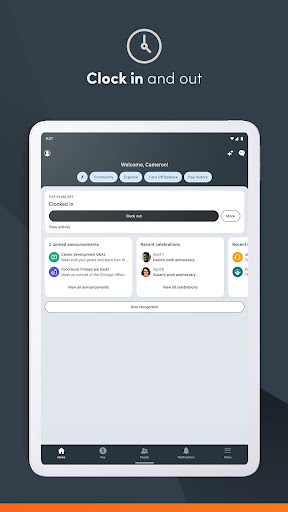
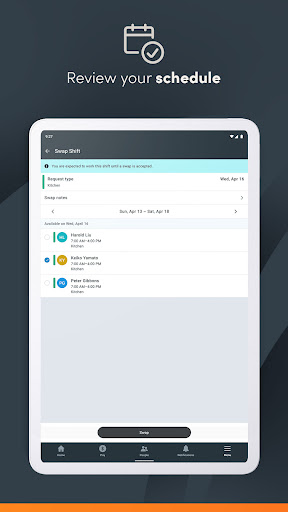
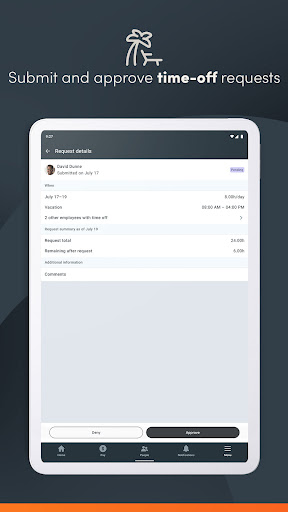
Employees can access and update their HR and payroll information anytime, anywhere. The app allows users to quickly view paychecks, clock in and out, and review schedules and timesheets. A primary advantage is the self-service portal, where employees can retrieve pay stubs, tax forms, and even request time off without needing to visit HR physically.
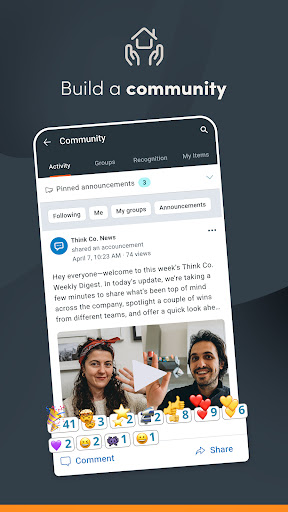
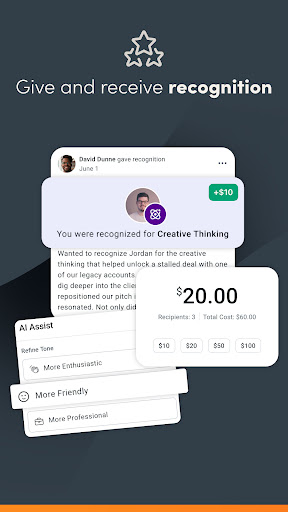
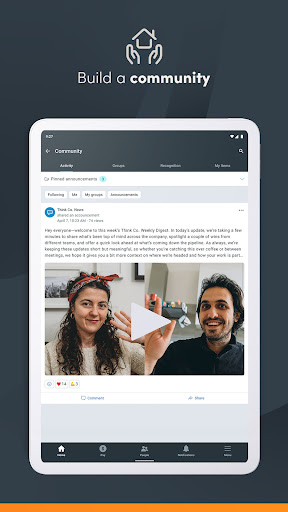
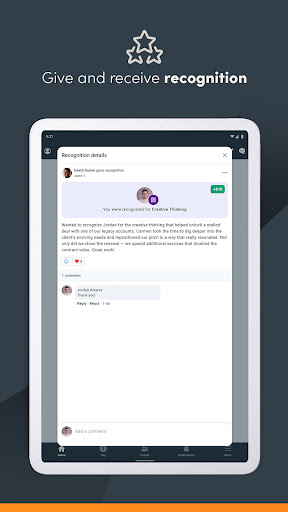
The app also facilitates communication through push notifications for activities like time-off request approvals, when paychecks become available, or for team chats. Additionally, the Community, which is Paylocity's social collaboration hub, connects employees with leadership updates and peer interactions. Notably, employees can request access to a portion of their earned wages before payday, offering greater financial flexibility.
Another convenient feature is the interactive organizational chart, helping users understand company structure and easily reach colleagues within their network.
Supervisor and Manager Functions
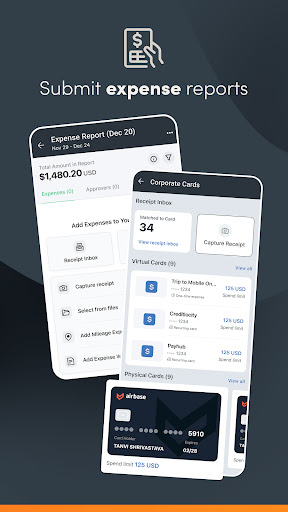
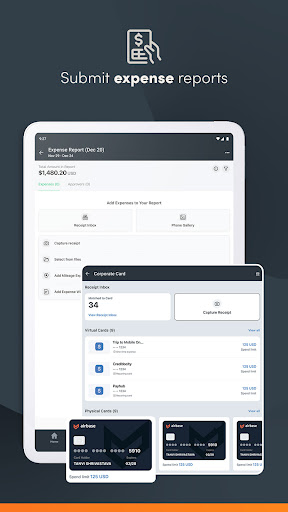
Supervisors benefit from tools that allow them to submit, view, and approve time-off requests, review and approve timecards, and expense reports. They can also manage journal entries for direct reports and create or modify schedules and shifts. Real-time push notifications ensure managers stay updated on approval statuses and staffing needs.
Security Features Ensuring Data Protection
Biometric functions provide secure and quick login options, such as fingerprint or facial recognition. All activities within the app are encrypted and routed securely to Paylocity’s servers. To prevent unauthorized access, sessions automatically time out after periods of inactivity, maintaining data privacy and security across all user interactions.
Note that security role rights and specific access permissions may vary depending on your company's settings and configuration.
Why Choose Paylocity?
In an era where seamless HR management is crucial, Paylocity stands out as a comprehensive HR and payroll app. Its user-friendly interface combined with powerful features makes it ideal for employees who want quick access to their HR data and supervisors who need efficient approval workflows. The app's smooth performance, coupled with robust security measures, ensures that sensitive information remains protected.
Whether for managing employee self-service, streamlining payroll processing, or fostering collaboration through its social hub, Paylocity is a top contender in the realm of HR software. It helps organizations reduce administrative burdens and empower their workforce with at-your-fingertips access to essential information.
Given its variety of features and emphasis on security and ease of use, Paylocity is an excellent choice for modern HR management solutions. Transitioning to this app can streamline your HR workflows, improve employee engagement, and ensure compliance with evolving regulations.
Pros
- User-friendly interface design.
- Wide range of payroll management features.
- Mobile app enabling access anywhere.
- Excellent customer support services.
- Regular updates introducing new features.
Cons
- Limited options for customization.
- Occasional issues with account synchronization.
- Some features come with extra charges.
- Setup process can be complex for beginners.
- Few integrations with third-party services.











