
Discover the Ultimate Document Reader & Viewer App for Mobile Productivity
In today's fast-paced world, having quick and easy access to your documents on the go is essential. Whether you're a student, professional, or casual user, managing various file types seamlessly can significantly boost your productivity. Enter the Document Reader & Viewer app — an all-in-one, lightweight solution designed to open, read, edit, and organize your files effortlessly, anytime and anywhere.
All-in-One Support for Multiple File Formats
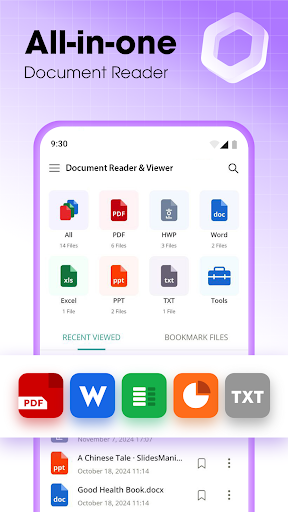
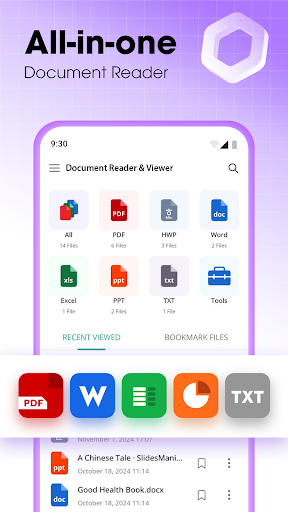
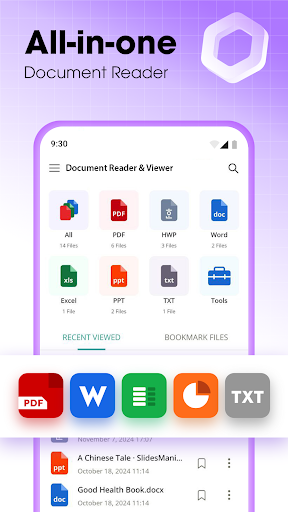
The core strength of the Document Reader & Viewer lies in its exceptional versatility. It supports a wide array of formats, including PDF, DOCX, XLS, PPT, and TXT, among others. This means you no longer need different apps for each file type. Simply open your files directly from internal storage, cloud drives, email attachments, or external storage devices. The app excels at organizing your documents into logical folders, making it quick to locate files whenever needed.
Seamless Offline Document Access
One of the app's standout features is its offline accessibility. Download your crucial documents in advance, and you can view and manage them without an internet connection. This is especially useful in locations with poor connection or when you’re traveling. It allows you to stay productive without interruptions, letting you quickly open PDFs, Word documents, spreadsheets, and presentations on your mobile device—no Wi-Fi required.
Powerful Features for Enhanced Productivity
Document Management & Office Viewing
The Document Reader & Viewer offers a user-friendly interface that makes browsing your files intuitive. Its auto-scan feature detects all PDFs and documents stored on your device. You can convert various formats into PDFs or extract text from images with high accuracy, making it a versatile tool for document processing.
PDF Reading & Annotation
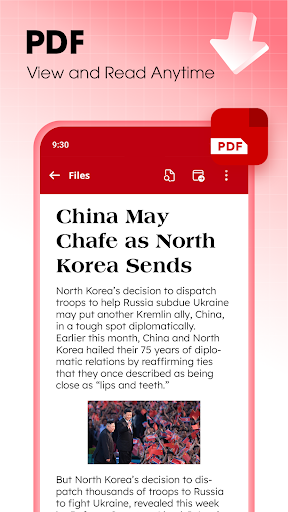
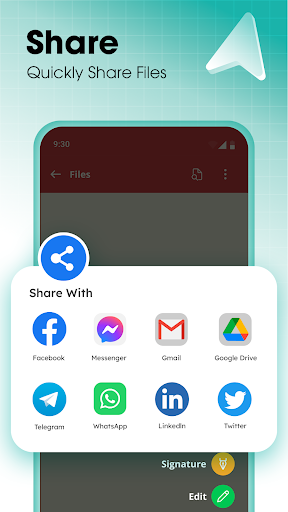
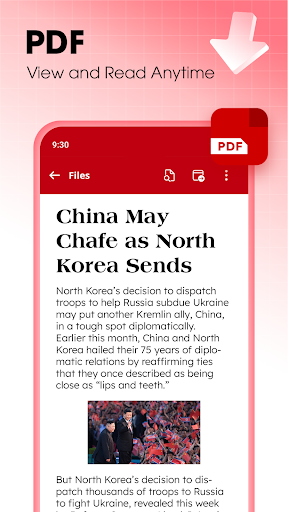
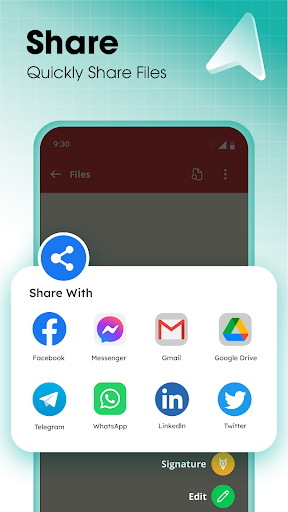
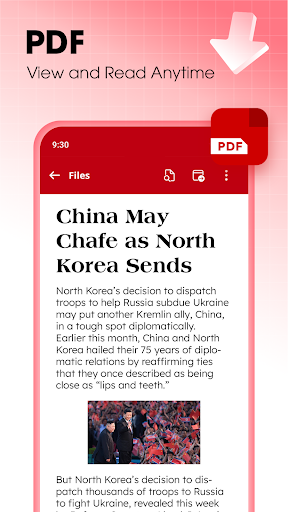
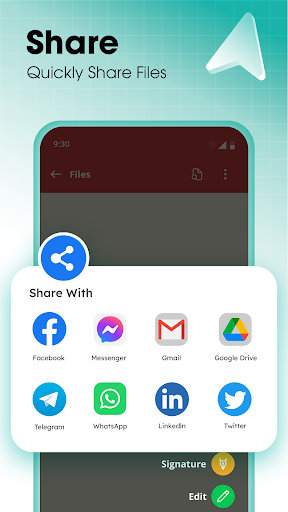
Enjoy a smooth reading experience with the PDF Viewer. The app functions like an e-book reader, allowing you to open large PDF files quickly. Search for specific content, navigate directly to pages, zoom in/out, and switch between view modes such as full-screen or scrolling modes. Sharing PDFs directly from the app is just a tap away, making collaboration simple.
Document Scanning & Conversion
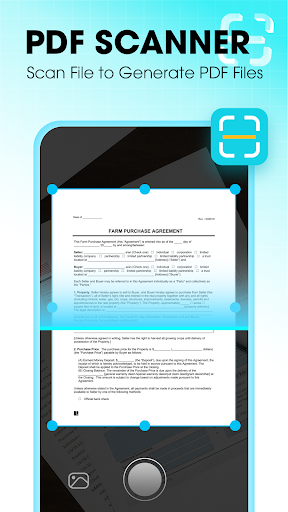
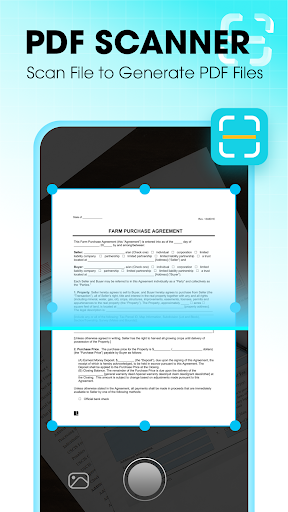
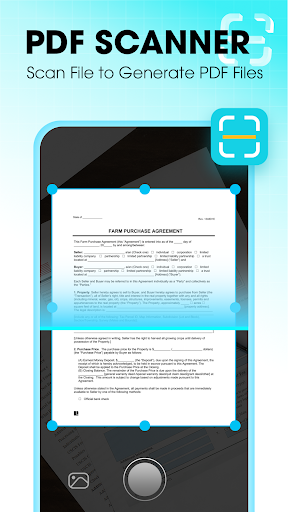
Use your phone's camera to quickly scan physical documents into digital PDFs. The app comes with smart cropping and auto-enhancement features to ensure your scans are clear and professional-looking, whether they are receipts, notes, or certificates. This transforms your phone into a portable scanner, perfect for urgent document digitization.
Read & Edit Office Files
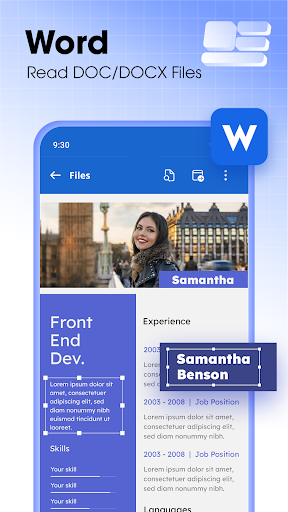
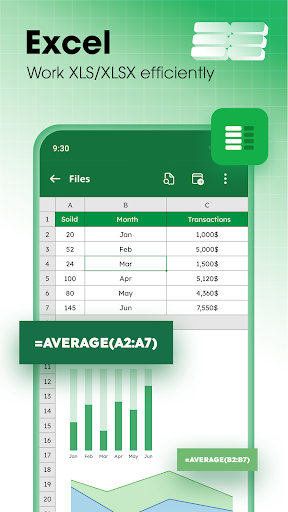
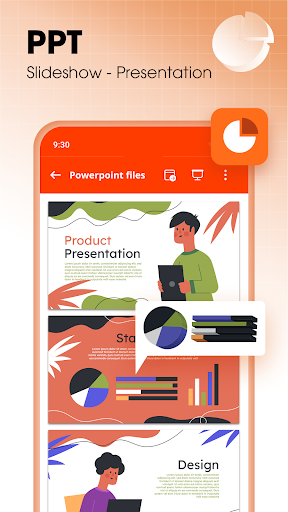
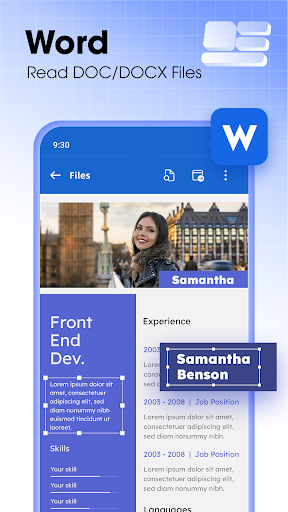
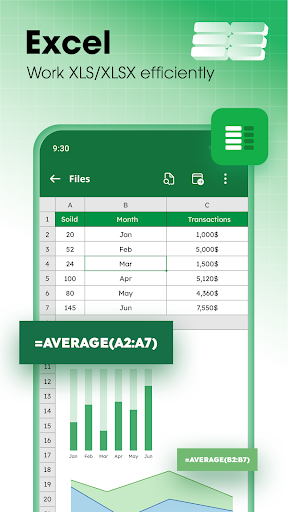
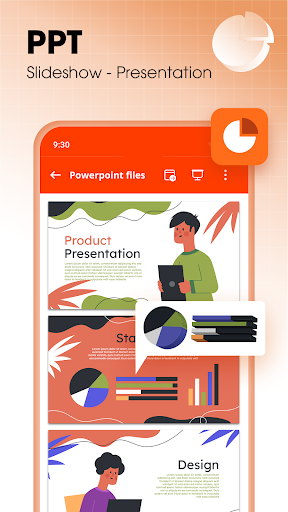
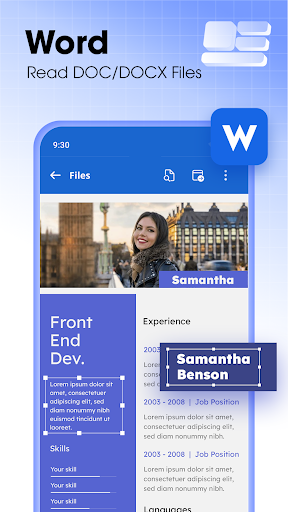
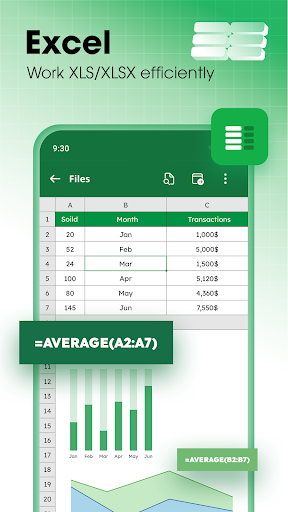
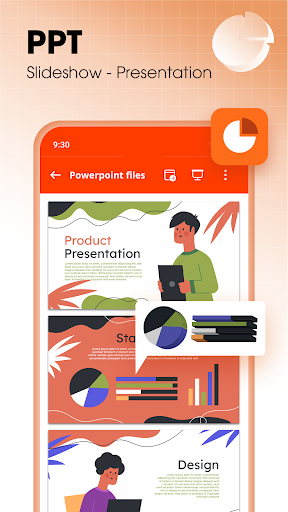
Open and view all your Word documents, including DOCX, DOC, and related formats. Beyond viewing, you can edit text, add or delete content, and save changes directly within the app. The Excel Viewer supports XLS and CSV files, enabling you to manage data, charts, and budgets efficiently. For PPT files, browse slides, deliver presentations, and even create new slides with shape drawing and image insertion—perfect for on-the-go presentations.
Intuitive User Interface & Superior Performance
Designed with user convenience in mind, the app’s intuitive interface facilitates effortless navigation. Whether you're a tech-savvy user or a beginner, you'll appreciate the clean layout and self-explanatory icons. The app maintains stable performance even when handling large files or multiple documents simultaneously, ensuring a lag-free experience. Its small size and quick response time make it a lightweight yet powerful tool for daily document management.
Why Choose Document Reader & Viewer?
If you're tired of juggling multiple apps or facing compatibility issues with different file formats, this all-in-one document solution is your perfect companion. Save time by managing all your files—whether PDFs, Word, Excel, or PowerPoint—within a single app that offers fast, reliable, and high-quality viewing and editing capabilities. It’s a must-have productivity tool for anyone looking to streamline their document workflow directly from their mobile device.
Download Now and Enhance Your Document Handling
Experience the convenience and efficiency of the Document Reader & Viewer app today. Free to download, this versatile application transforms your phone into a powerful office assistant, making document management simple, fast, and accessible anytime you need it. Say goodbye to cumbersome file handling and hello to seamless productivity on the move.
Pros
- Supports multiple file formats
- Fast and simple document loading
- User-friendly interface
- Offline access available
- Annotations and notes feature
Cons
- Contains ads in the free version
- Limited cloud integration
- Occasional loading errors
- Lacks text editing capabilities
- Requires subscription for advanced features











