

Introduction to the "Scan My Tesla" App
Are you a passionate Tesla owner or enthusiast eager to unlock the hidden performance metrics of your electric vehicle? Scan My Tesla is an innovative mobile application designed to provide real-time diagnostic data directly from your Tesla's diagnostics port. Whether you're curious about your battery health, motor statistics, or other critical vehicle data, this app offers a powerful yet user-friendly platform to explore your Tesla in depth. Supporting latest models including the Tesla Model S, 3, X, and now Y, Scan My Tesla bridges the gap between automotive technology and enthusiasts seeking to understand their electric vehicles better.
Core Features and Data Insights
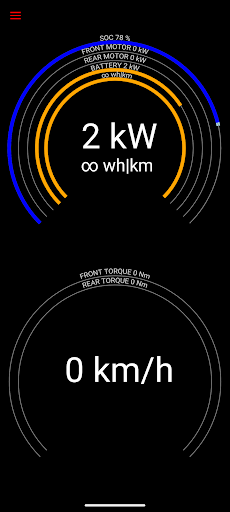
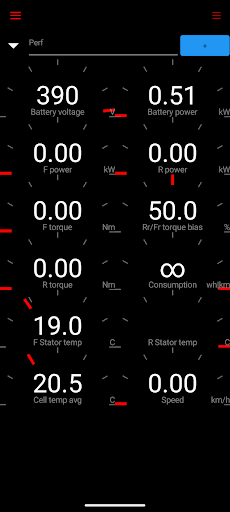
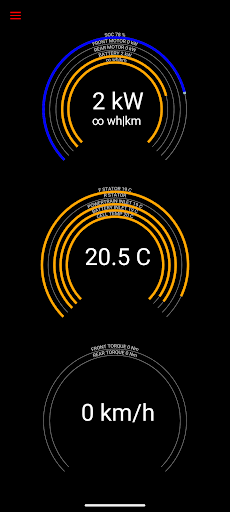
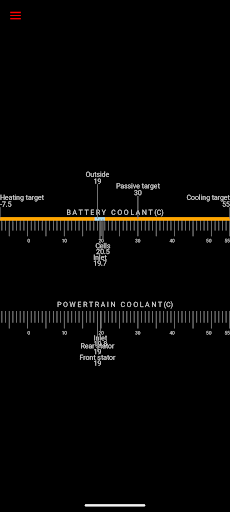
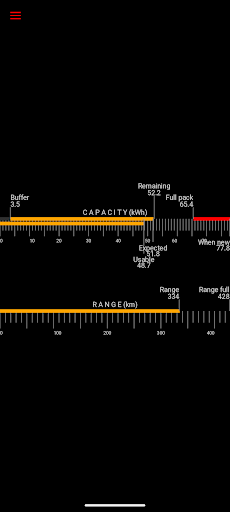
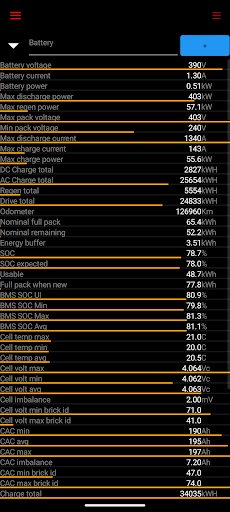
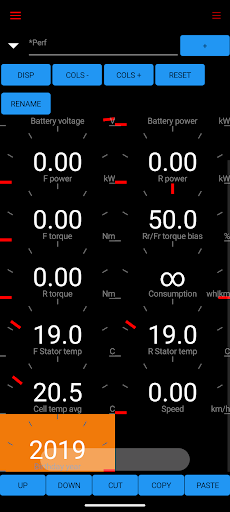
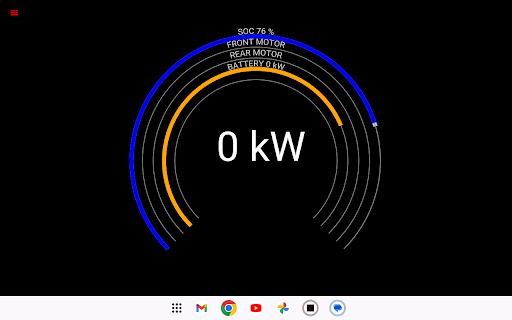
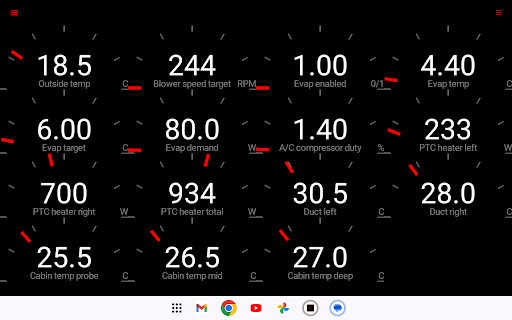
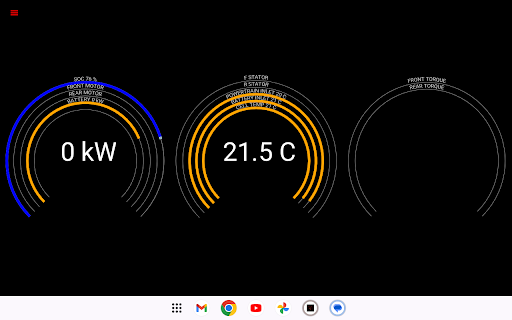
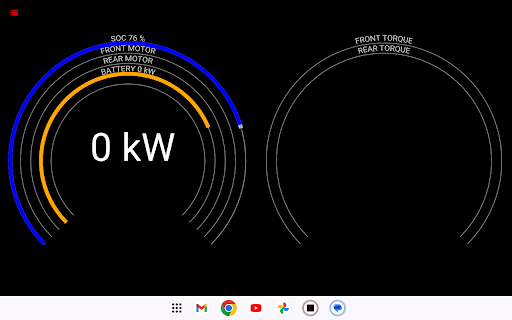
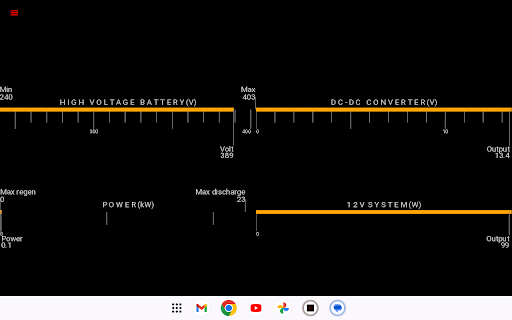
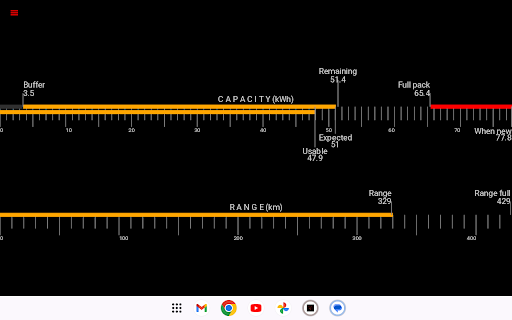
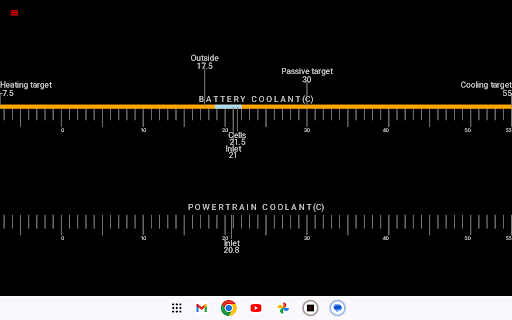
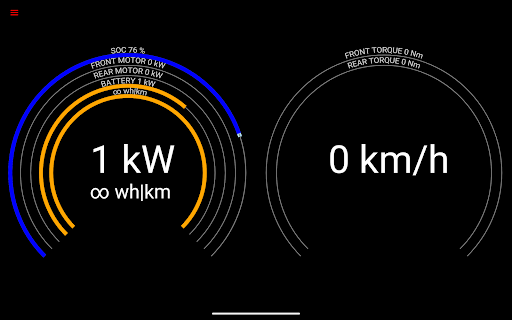
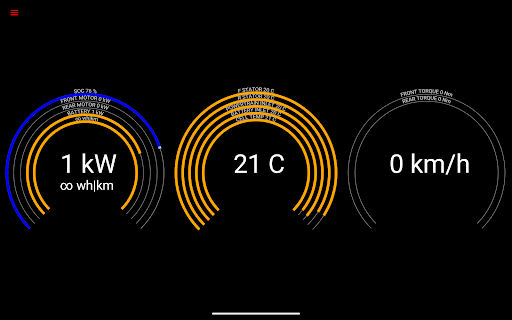
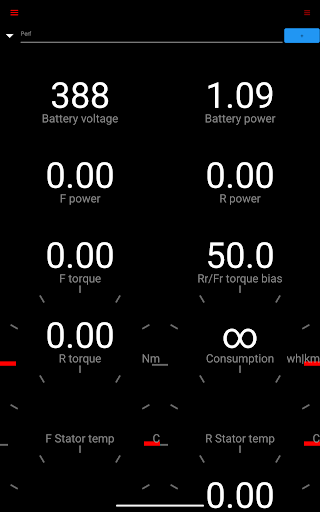
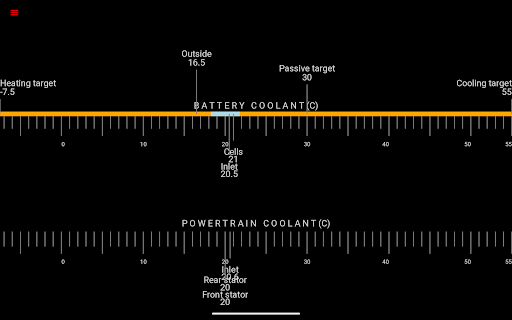
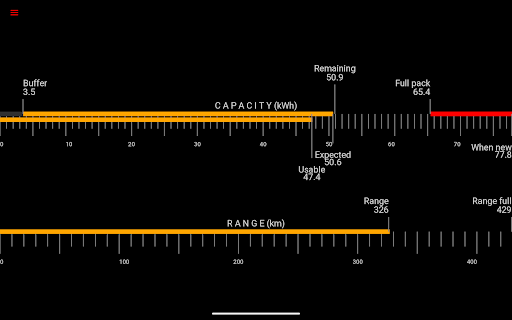
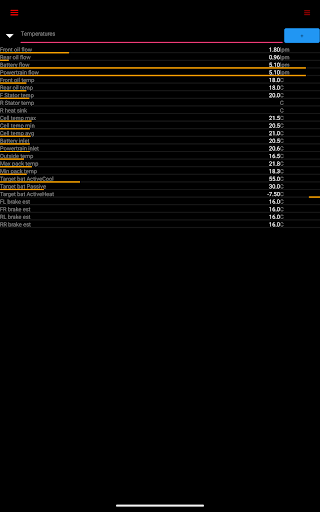
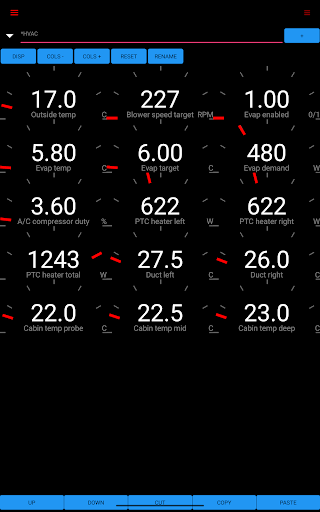
This application offers comprehensive insight into your Tesla's performance through a variety of live statistics:
- Battery power, voltage, current, and temperatures
- Drive unit: electric power, torque, horsepower, RPM, and temperatures
- Battery lifetime stats such as capacity estimates and mileage
- 12V system: current, voltage, and temperature
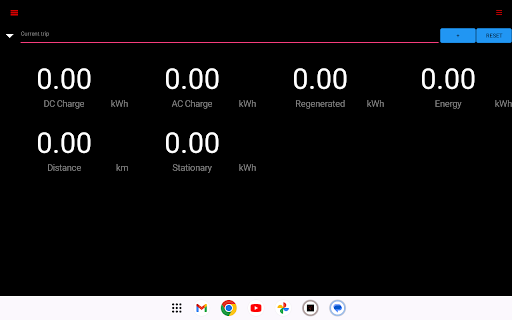
- Trip recording: detailed statistics, including regenerated energy and charging data
Technical Specifications and Compatibility
To operate Scan My Tesla, you'll need an adapter cable and compatible OBD2 adapter. It connects via Bluetooth and decodes data from your Tesla’s CAN bus, a communication network within the vehicle. The app supports multiple Tesla models, with recent updates supporting Model Y (by selecting Model 3 within the app). Notably, some diagnostics like horsepower readings are currently available on models other than Model 3. The application benefits from decoding contributions by renowned community members such as Jason Hughes and Jack Rickard, making the data highly detailed and trustworthy for enthusiastic troubleshooting and monitoring.
Community and Development Support
What truly makes Scan My Tesla stand apart is its vibrant community-driven development. The app incorporates elements of Android OS code under the Apache 2.0 license, continuously evolving through user feedback and collaborating enthusiasts. The community on platforms such as Tesla Owners Online actively shares decoding techniques and insights, especially for Model 3 Data access. Regular updates enhance features and reliability, ensuring owners get the most out of their Tesla diagnostics experience. Support forums and social media pages, like Facebook, provide additional help and community engagement opportunities.
Getting Started with Scan My Tesla
Setting up this diagnostic app is straightforward. First, acquire a compatible Bluetooth OBD-II adapter. Once connected to your Tesla’s diagnostics port, launch the app—available for both Android and iOS. The interface is designed for user-friendly navigation, allowing both novice owners and tech-savvy enthusiasts to access complex vehicle data seamlessly. This setup enables real-time monitoring of multiple vehicle systems, providing instant insights into your Tesla’s performance and health.
Benefits for Tesla Owners and Electric Vehicle Enthusiasts
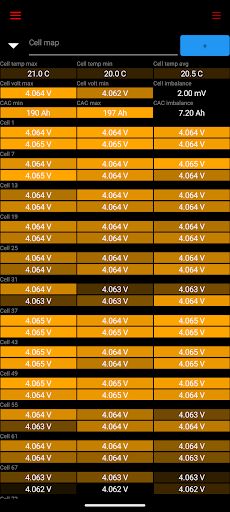
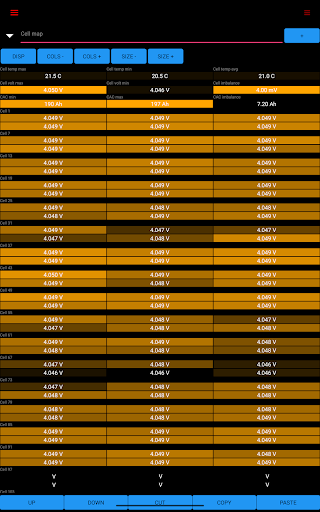
Whether you're aiming to extend your Tesla’s health, optimize performance, or simply satisfy your curiosity about how your electric vehicle operates, Scan My Tesla is an invaluable tool. It empowers owners to monitor battery longevity, observe energy consumption patterns, and even analyze individual cell voltages—a feature crucial for those planning long-term vehicle use or modifications. As a community-supported app, it benefits from continuous updates and shared knowledge, making it an excellent choice for anyone serious about their EV’s internal metrics.
Final Thoughts: Is It Worth It?
In conclusion, Scan My Tesla offers a window into the intricate workings of Tesla vehicles, providing detailed real-time data that enhances your understanding of EV performance. Although it requires some technical setup and familiarity with diagnostic tools, its extensive data, community support, and educational value make it a standout option for Tesla enthusiasts. Whether you're a casual owner interested in battery health or a dedicated hobbyist eager to tinker, this app turns your smartphone into a powerful Tesla diagnostic tool—like having a personal mechanic in your pocket. Dive into the details, explore your Tesla’s secrets, and keep your electric vehicle operating at its peak with Scan My Tesla.
Pros
- Provides comprehensive real-time data visualization.
- Features an intuitive and user-friendly interface.
- Compatible with most Tesla vehicle models.
- Receives regular updates to improve functionality.
- Offers detailed insights into energy consumption.
Cons
- Requires a Bluetooth OBDII adapter for operation.
- Has limited support for older Tesla models.
- The app may occasionally crash or freeze.
- Access to premium features requires additional purchase.
- May cause rapid drainage of smartphone battery.











