

Greenlight Kids & Teen Banking: The Future of Family Finance
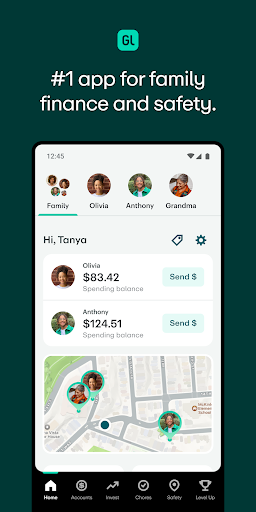
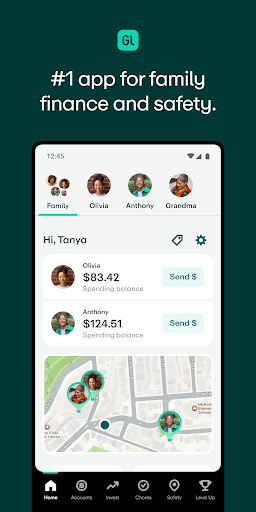
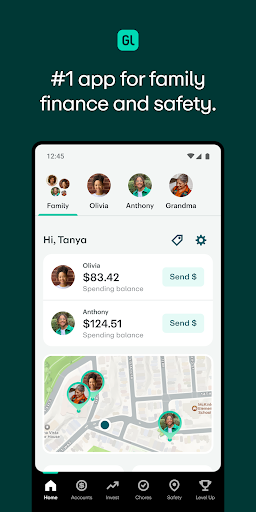
Managing finances with children can often feel challenging, but Greenlight offers a comprehensive solution designed to make money management educational, engaging, and safe for families. As the #1 app for family finance and safety, Greenlight helps parents teach kids and teens essential money skills while providing peace of mind through robust security features. Whether you're looking to introduce your children to saving, spending, or investing, Greenlight provides the tools you need for a seamless financial education experience.
Key Features of Greenlight Kids & Teen Banking
Easy Setup and Family Management
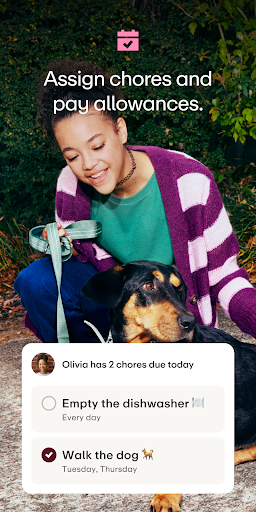
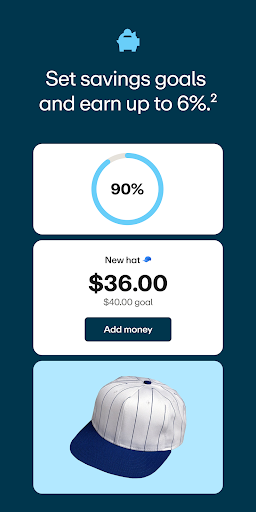
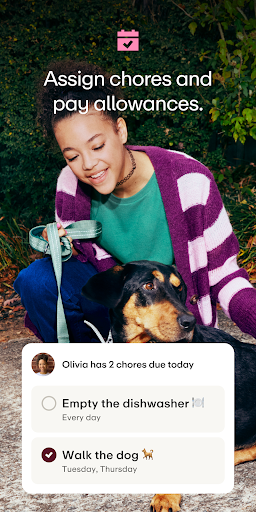
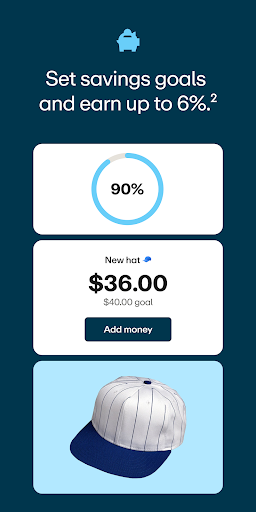
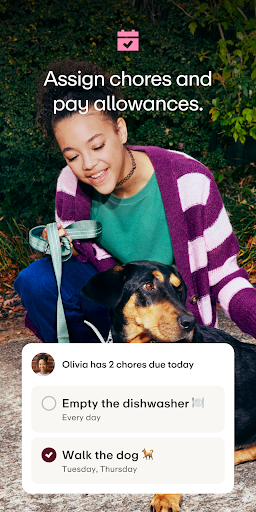
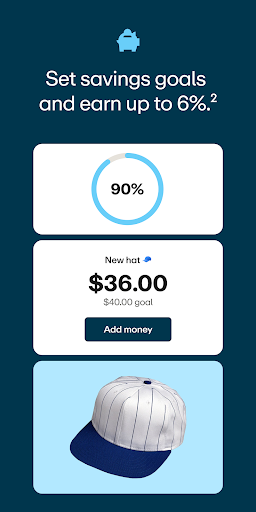
Getting started with Greenlight is straightforward. As a parent, you simply download the app and create accounts for your children. The platform allows you to assign chores, set automated allowances, and encourage savings by offering competitive interest rates of up to 6% on savings. You can also set up direct deposit for working teens, making it convenient for them to receive their paychecks directly into their Greenlight accounts.
Robust Parent Controls and Spending Monitoring
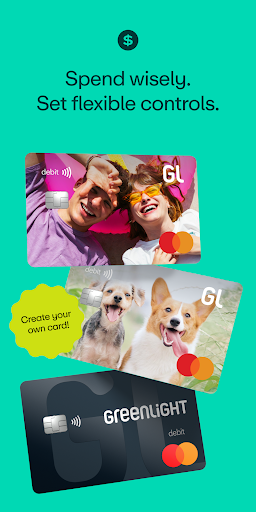
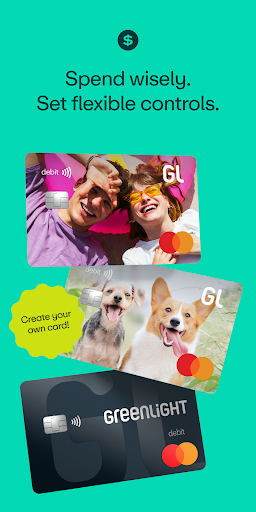
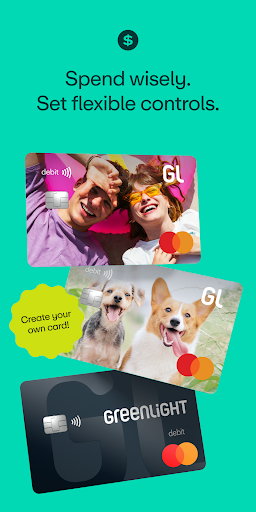
One of Greenlight's standout features is its parental controls. Parents can monitor all spending activity, set spending limits, and restrict where their children can use their debit card. This ensures your kids learn responsible spending habits while giving you control over their financial decisions.
Educational and Engaging Learning Tools
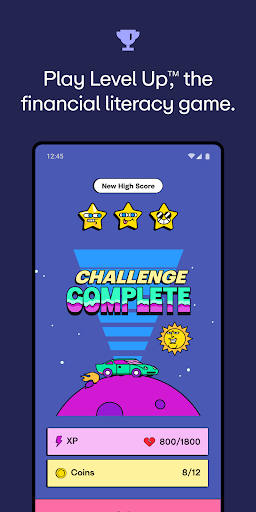
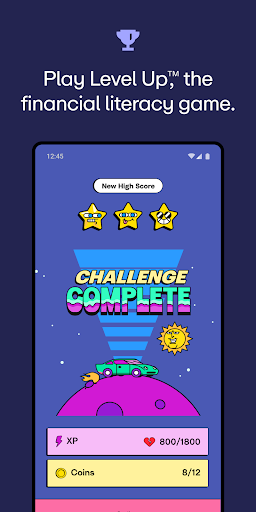
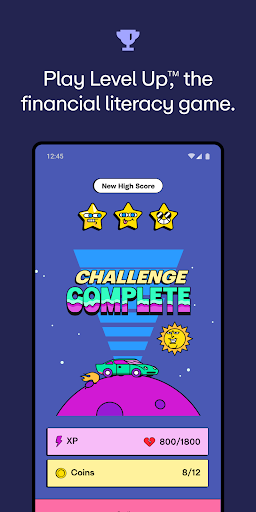
Greenlight isn’t just about managing money; it incorporates financial literacy through interactive features. Kids and teens can learn about saving, budgeting, and investing via the app’s engaging Greenlight Level UpTM game. This educational component aims to instill lifelong money management skills in a way that feels fun and rewarding.
Secure Transactions and Family Safety
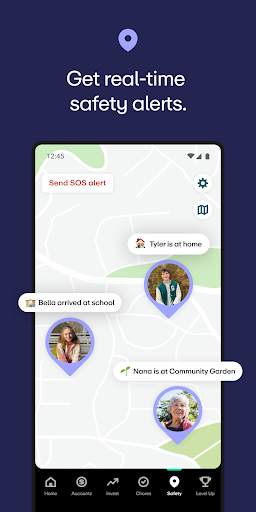
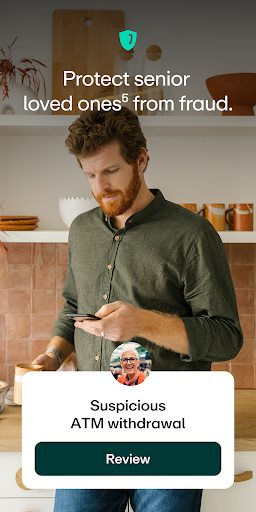
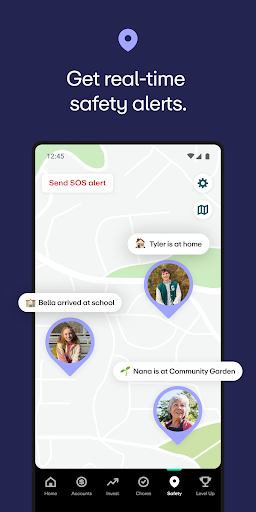
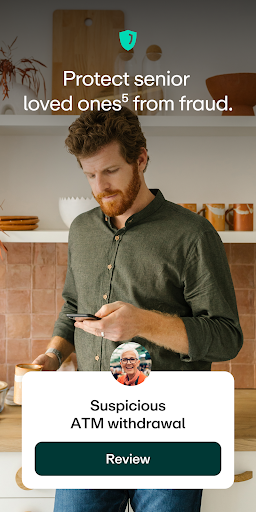
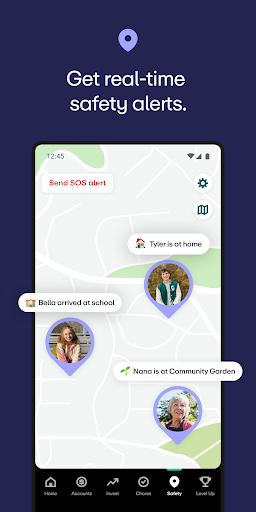
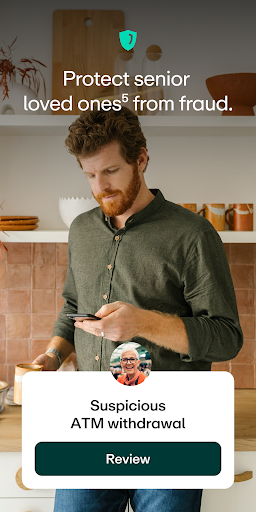
The app provides real-time spending notifications, location sharing, place alerts, SOS alerts, and even crash detection for safe driving. Additionally, for peace of mind, Greenlight offers family identity theft protection, cell phone protection, and senior loved ones’ account monitoring to guard against fraud and scams. Coverage includes up to $1 million in identity theft protection and significant coverage for deceptive transfers, making it a comprehensive safety solution for all family members.
Trusted by Families and Recognized by Experts
Leading organizations endorse Greenlight as a powerful money management tool. The New York Times highlighted how these tools foster important conversations about values and money management. Parents Magazine appreciates how Greenlight grants kids and teens a level of financial independence while maintaining parent oversight.
Customer Testimonials and Family Success Stories
With over 6 million families using Greenlight, real users share positive experiences:
- Shannon M.: "Traditional banks don't make it nearly as easy."
- Patricia A.: "My teen is learning to manage his own money. I wish Greenlight was around when I was a kid!"
- Samantha B.: "It makes paying allowances and managing trip spending effortless."
Flexible Plans to Fit Every Family’s Needs
Core Plan ($5.99/month)
Includes a debit card and educational app for kids and teens to earn, save, spend, and give, with up to 2% in savings rewards.
Max Plan ($10.98/month)
All Core features plus 1% cash back on purchases, 3% on savings, and protection plans.
Infinity Plan ($15.98/month)
Includes all Max features with higher savings rewards of 5%, location sharing, crash detection, and more.
Family Shield ($24.98/month)
All Infinity features plus 6% savings, and comprehensive protections for seniors, including account monitoring and fraud coverage.
Dedicated Support and Privacy
Greenlight offers 24/7 assistance for questions and support via their help portal. Your privacy rights are protected under California Privacy Rights, and you can also request data removal or other privacy options.
Conclusion: Why Greenlight is a Must-Have Family Finance Tool
Greenlight Kids & Teen Banking is designed to empower families to teach essential financial literacy skills while keeping family safety at the forefront. Its user-friendly interface, comprehensive control features, and engaging educational tools make it an ideal solution for parents who want to prepare their children for a successful financial future. Whether you're introducing your kids to saving, spending responsibly, or understanding investments, Greenlight provides a secure, rewarding, and instructive platform that supports your family’s financial well-being.
Pros
- User-friendly and intuitive interface suitable for users of all ages.
- Transparent with no hidden fees or charges.
- Features parental controls to ensure safety and security.
- Includes educational tools to promote financial literacy.
- Offers 24/7 customer support for assistance.
Cons
- Limited capabilities for international use.
- Most functionalities require an internet connection.
- Some features are accessible only through additional payment.
- Occasional issues with transaction updates.
- Limited integration options with third-party applications.











