

Discover the Elegance of Niagara Launcher ‧ Home Screen
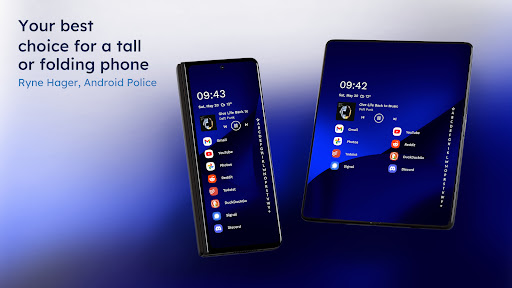
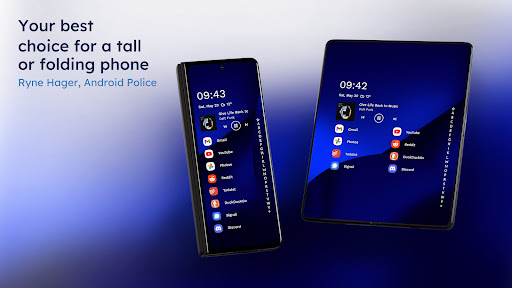
Are you tired of the cluttered and overwhelming interface of traditional smartphone home screens? If so, Niagara Launcher ‧ Home Screen offers a sleek minimalist solution designed to simplify your mobile experience while boosting productivity. This innovative launcher transforms the way you interact with your device, emphasizing ease of use, visually appealing design, and customizable features. Whether you have a small phone or a large display, Niagara Launcher ensures that everything you need is accessible with just one hand, making it perfect for on-the-go multitasking.
Minimalist Design with Maximum Functionality
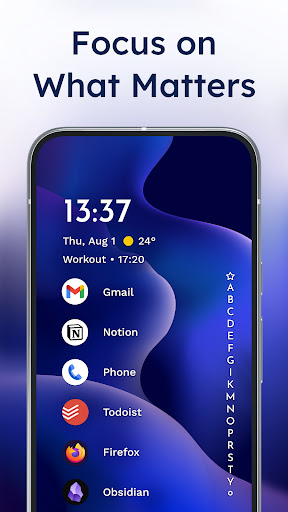
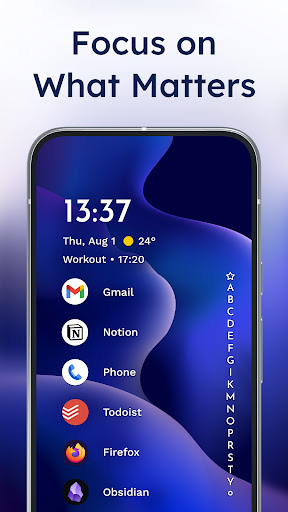
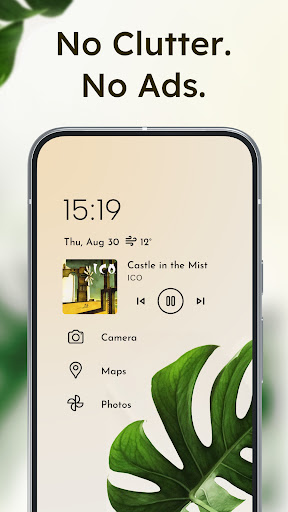
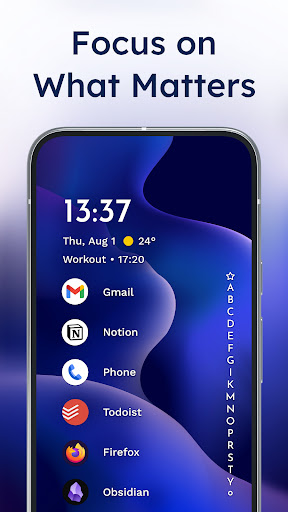
The core feature that sets Niagara Launcher apart is its minimalist aesthetic. Moving away from the traditional grid of icons and widgets, this launcher present your apps in a concise list format. The clean, uncluttered layout not only enhances the visual appeal but also helps you find your favorite apps faster. With a focus on simplicity, Niagara Launcher creates a distraction-free environment that promotes focus on what truly matters.
Intuitive and Personalized App Access
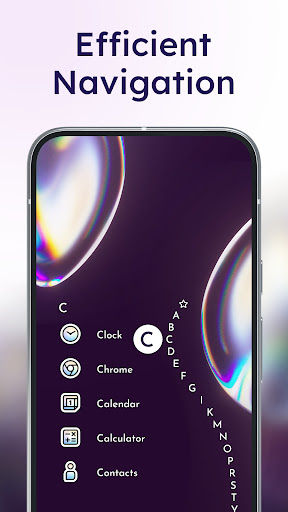
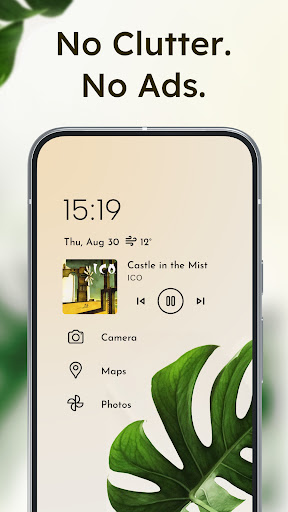
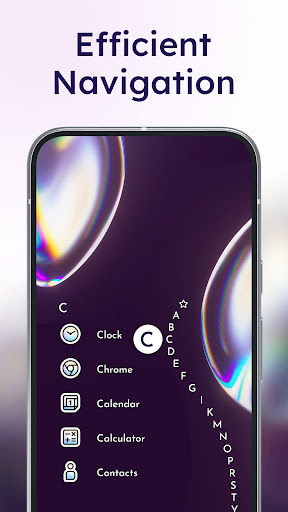
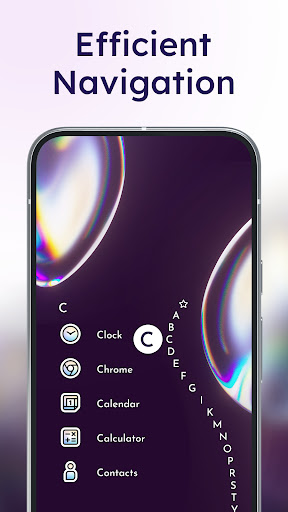
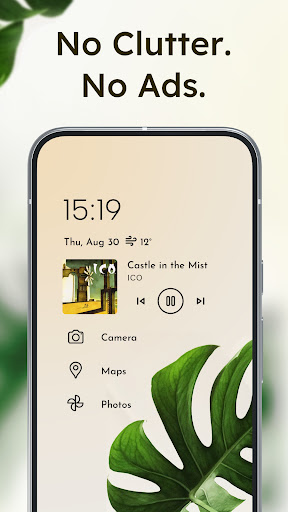
One of the standout features of Niagara Launcher is its adaptive list. Unlike conventional launchers, the list adapts to your needs, dynamically showing media controls, notifications, or calendar events as they arise. Navigation is effortless thanks to a smooth wave alphabet animation, which allows you to reach any app with a simple swipe—no need to open an app drawer. Additionally, you can prioritize your most-used applications by pinning them to the top, enabling quick and efficient access based on your personal preferences.
Embedded Notifications for Seamless Interaction
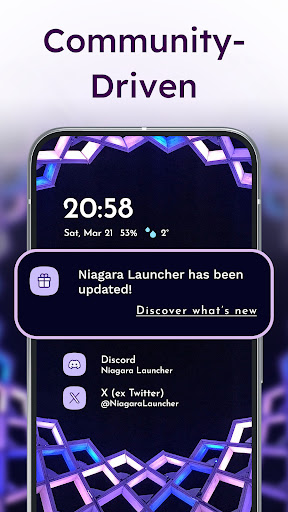
Stay connected without cluttering your home screen. Niagara Launcher integrates embedded notifications that let you read and respond to messages directly from the launcher interface. This feature eliminates the need to switch between apps, making it easier to stay updated while maintaining your focus. Notifications are elegantly incorporated into the clean layout, adding to the overall minimalist experience.
Enhanced Focus and Distraction-Free Use
The streamlined design of Niagara Launcher is crafted to reduce distractions—helping you stay focused on your tasks. By minimizing visual clutter and simplifying the interface, this launcher creates a serene digital environment. It's perfect for users who want to avoid excessive notifications or unnecessary widgets, ensuring a calm and efficient user experience. Plus, the launcher’s compatibility with notification dots guarantees you won't miss crucial updates.
Ad-Free and Lightweight Performance
Enjoy an uncluttered experience without intrusive ads, as Niagara Launcher remains completely ad-free even in its free version. Its lightweight design means the app occupies just a few megabytes, ensuring quick load times and smooth performance on any device. The minimalist approach results in a lightning-fast user experience that conserves battery life and system resources.
Personalization with Material You Theming
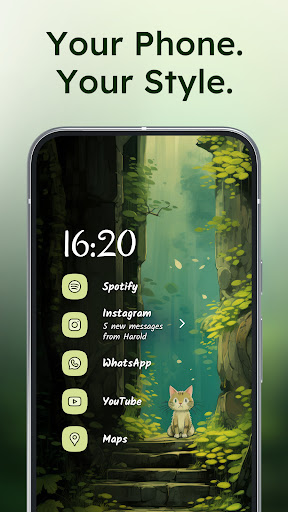
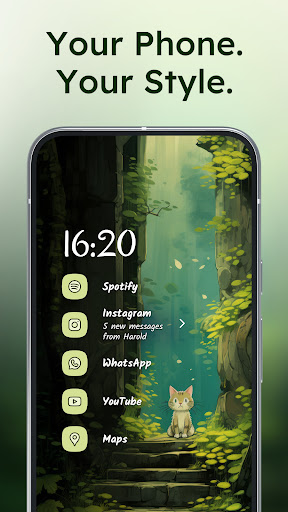
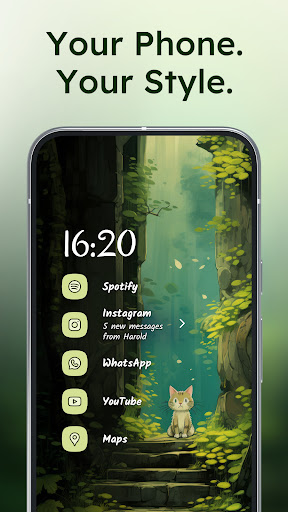
Niagara Launcher brings the power of Material You design—Android’s expressive theming system—to all users. Set a favorite wallpaper, and the launcher will automatically adapt its theme colors to match it. This personalized touch creates a cohesive and aesthetic visual style, making your home screen uniquely yours. The launcher also supports custom icon packs, fonts, and wallpapers, offering extensive options to tailor your device’s look to your taste.
Easy Customization and Active Community Support
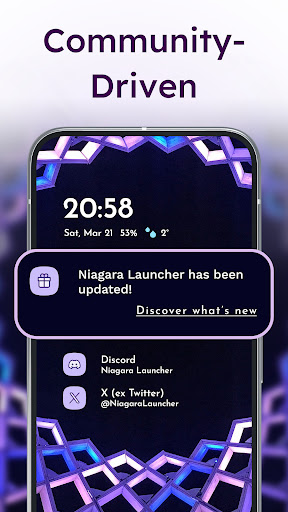
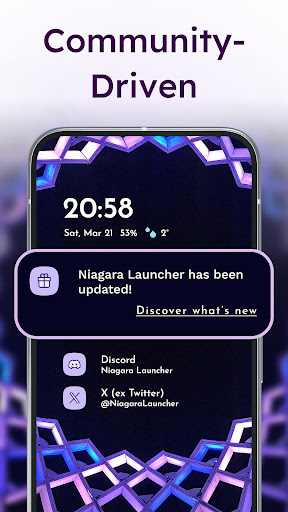
Beyond its minimalist foundation, Niagara Launcher offers a variety of customization options to suit individual preferences. Customize app icons, switch themes, and select wallpapers to create a personalized home screen that impresses friends and enhances your user experience. The launcher is under active development, backed by a supportive community. You can join discussions, provide feedback, and stay updated via social channels like Twitter, Discord, or Telegram.
Additional Accessibility Features
Niagara Launcher also offers helpful accessibility services that allow users to quickly turn off the screen with a simple gesture. This optional feature is designed to enhance usability for everyone, without compromising privacy, as it neither collects nor shares data.
Conclusion
If you’re seeking a user-friendly and stylish way to declutter your smartphone’s home screen, Niagara Launcher ‧ Home Screen could be your ideal choice. Its minimal design, efficient app navigation, and seamless notification management make it a perfect companion for a modern, organized digital life. By combining ergonomic efficiency with extensive customization options and active community support, Niagara Launcher provides a compelling alternative to traditional Android launchers. Embrace simplicity and enjoy a cleaner, more focused mobile experience today.
Pros
- Sleek and minimalistic design.
- Highly customizable interface.
- Efficient one-handed use.
- Smooth and fast performance.
- No ads in the free version.
Cons
- Limited widget support.
- No built-in app drawer.
- Paid features can be pricey.
- Limited gesture controls.
- Occasional minor bugs.











