

Introducing Photo Video Maker - InSlide: Your Ultimate Tool for Creating Stunning Videos
Are you passionate about transforming your cherished memories into captivating videos? Look no further than Photo Video Maker - InSlide. This innovative app is designed to make photo and video editing accessible and enjoyable for everyone, regardless of your experience level. Combining a user-friendly interface with powerful features, InSlide empowers you to craft impressive music albums, slideshows, and compelling short videos with ease.
Key Features of InSlide
Seamless Photo and Video Editing
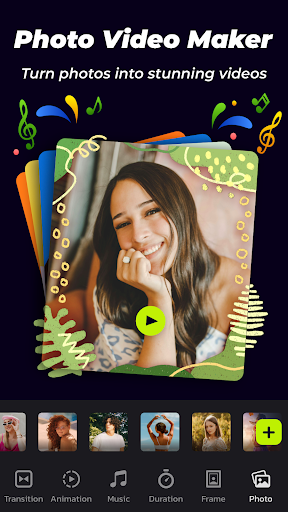
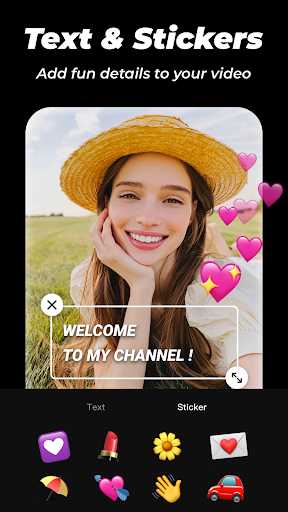
With InSlide, you can effortlessly add music, apply smooth transitions, incorporate stylish frames, and customize aspect ratios & transparency to professionalize your slideshows. The app offers an abundant and well-organized content library that is continuously updated, ensuring you always have fresh options at your fingertips.
Quick Creation Process
Designing stunning videos is simplified into 4 easy steps, allowing you to produce high-quality content swiftly. Whether you're creating a party album, recording life memories, or producing tutorial videos, InSlide makes the process straightforward for everyone.
Watermark Removal & Easy Sharing
Enjoy the ability to remove watermarks and directly publish your videos on social platforms like Instagram, TikTok, Twitter, and more, making sharing your creations effortless and quick.
Creative Possibilities with InSlide
Create Memorable Photo Slideshows
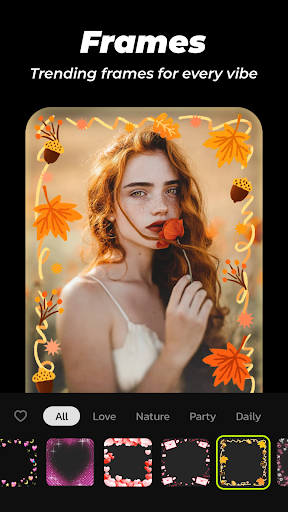
This slideshow maker lets you import multiple photos simultaneously and assemble them into professional-looking videos. Personalize your slideshows with a variety of tailored photo frames categorized by themes such as family, lovers, and travel, ensuring a perfect match for your story.
Enhance Videos with Transition Effects
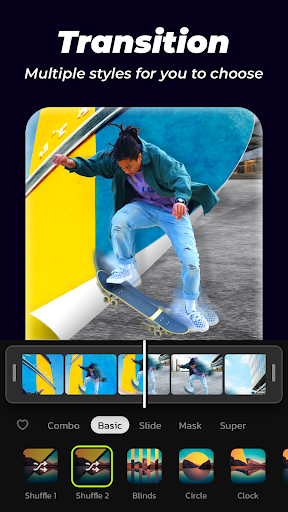
InSlide offers an easy one-click transition feature, eliminating the hassle of manually selecting effects. Choose from a diverse selection of transitions to enhance your visual storytelling with a polished look.
Adding Background Music
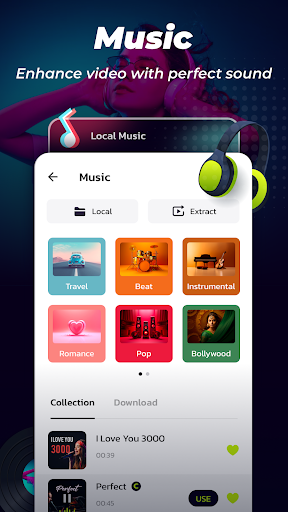
The app provides a broad range of online music styles, including Pop, Bollywood, Love, and more. You can also upload your own music tracks or select from recommended songs like birthday tunes or holiday melodies, adding the perfect soundtrack to your slideshow.
Customize Transition Duration & Output Resolution
You can set transition durations from 0.5 seconds to 8 seconds to achieve smooth flow. Additionally, choose from five resolution options, ranging from 480P to 2K, tailoring your export quality for sharing or high-definition viewing.
Adjust Video Aspect Ratio & Share Instantly
Modify your slideshow's aspect ratio easily, enabling quick uploads to platforms like YouTube, TikTok, Instagram, WhatsApp, and Facebook. Share your precious moments with friends and family instantly.
Manage Your Video Library
The Video Library feature simplifies locating your created videos for easy access and sharing, keeping your content organized and ready to showcase whenever you want.
Why Choose InSlide for Your Video Projects?
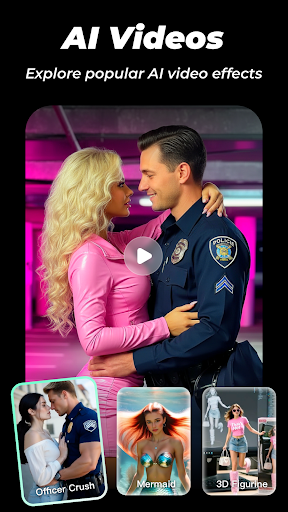
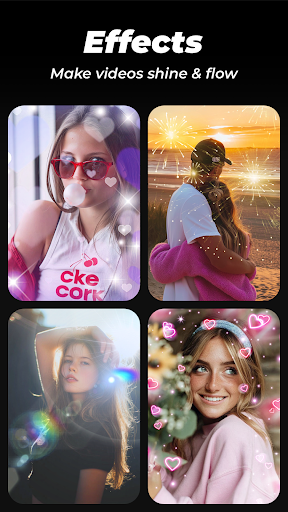
InSlide is not just a photo slideshow maker, it’s a comprehensive video creation tool that combines ease of use with a rich array of features. Whether you want to revitalize dull photos, create visually stunning presentations, or craft catchy videos for social media, InSlide has you covered. Its intuitive interface allows even beginners to produce professional-grade content, while its advanced customization options satisfy more experienced creators.
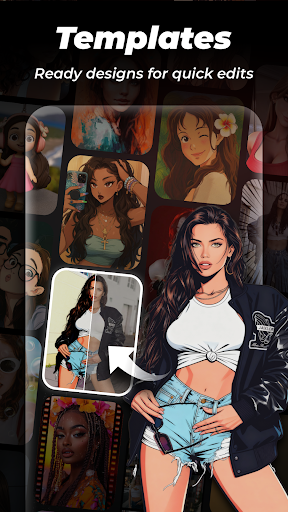
Beautifully designed templates and a robust library of effects mean your videos will stand out. Plus, the high-definition export options ensure crisp and clear results, perfect for sharing across all your favorite platforms.
In short, if you're looking for a powerful yet easy-to-use app for photo video editing and slideshow creation, Photo Video Maker - InSlide is an excellent choice — unlocking endless possibilities for your visual storytelling.
Embark on your creative journey today and bring your memorable moments to life with InSlide! Happy video making!
Pros
- User-friendly interface makes editing easier.
- Extensive selection of customizable templates.
- Fast export options to save time.
- Produces high-quality video output.
- Supports a variety of media formats.
Cons
- Limited options for music libraries.
- Occasional in-app advertisements may be distracting.
- Some features require additional purchases within the app.
- No integration with cloud storage services.
- Lacks advanced editing functionalities.











