



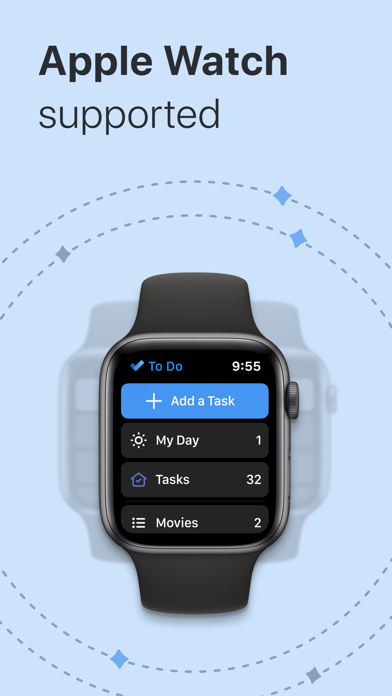
Microsoft To Do: Lists & Tasks — Your Ultimate Task Management Tool
Every now and then, an app comes along that transforms the way you organize your life. Microsoft To Do: Lists & Tasks is precisely that kind of app, designed to streamline your daily routines and boost your productivity with ease. Whether you're managing work responsibilities, personal errands, or special projects, this versatile task management application empowers you to stay organized and focused, making life’s complexities much more manageable.
Getting Started with Ease
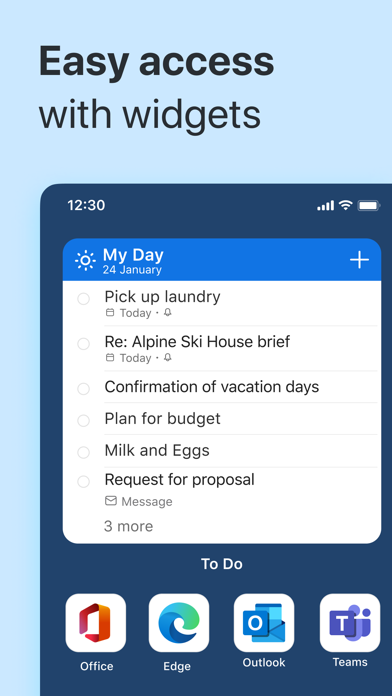
From the moment you launch Microsoft To Do, you'll notice its clean and intuitive interface that makes setup a breeze. Adding your first tasks is straightforward, whether you're familiar with task managers or just beginning your organizational journey. Synchronization across multiple devices ensures seamless access to your lists—be it on your smartphone, tablet, or computer—so you're always in control, no matter where you are.
Key Features That Boost Productivity
• My Day & Suggestions
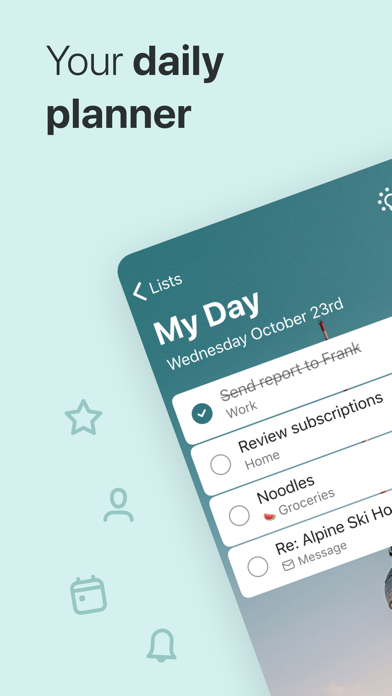
The standout feature, My Day, acts like your personal assistant, helping you pinpoint the most important tasks to focus on each day. It offers intelligent • Suggestions by recommending tasks from your lists, based on what’s relevant. This personalized daily planner encourages you to accomplish meaningful goals, one day at a time, promoting daily productivity and focus.
• Multiple Lists & Categorization
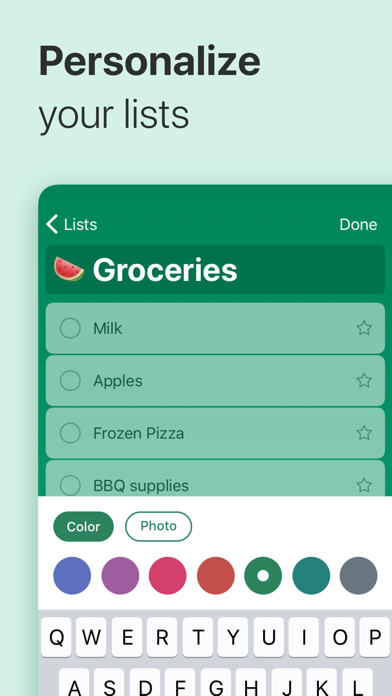
Organize tasks effortlessly by creating various lists—whether for shopping, work projects, or personal goals. You can group related lists by topic or project, ensuring your workflow remains clear and manageable. Need to plan a vacation or coordinate an event? Specific lists make it simple to keep everything in order.
• Task Management & Customization
Break down your • tasks into manageable steps, set reminders (one-time or recurring), and attach files up to • 25 MB directly to tasks. The app also allows you to add notes to any task, making detailed planning possible. Personalize your experience with colorful themes, emojis, and dark mode—creating a visually appealing environment tailored to your style.
• Integration with Microsoft 365
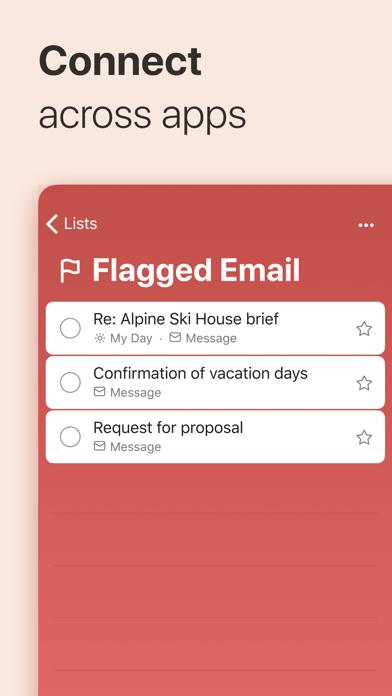
If you're part of the Microsoft ecosystem, the app's powerful integration enhances your workflow. Sync your • reminders and • task lists between Outlook and To Do, and sync with other Microsoft services like Planner and OneDrive. You can also flag emails as tasks directly from Outlook or add tasks via Cortana, consolidating your productivity across platforms.
Collaborate & Share
Microsoft To Do promotes collaboration through shared lists. Whether you're working with colleagues, coordinating with family, or collaborating with classmates, sharing lists and assigning tasks makes teamwork simple and efficient. This feature ensures everyone stays on the same page and contributes seamlessly to collective objectives.
Device Compatibility & Security
The app is free, easy to access across the web, and compatible with • iOS, • Android, • Mac, and • Windows devices. Rest assured, your data is hosted securely on the Microsoft 365 platform, ensuring industry-leading security and privacy protections for your personal and professional information.
Conclusion: Your Personal Organizer
In summary, Microsoft To Do: Lists & Tasks is more than just a to-do list app—it’s a comprehensive productivity companion that adapts to your unique needs. Its user-friendly design, powerful features such as • My Day and • suggestions, and seamless Microsoft integrations make it an indispensable tool for managing every facet of your life. Whether you need to tackle daily chores, coordinate projects, or plan big events, this app helps you stay organized and accomplish what truly matters. If you’re looking to bring order to chaos and elevate your efficiency, give Microsoft To Do a try—it's likely to become your go-to digital assistant for productivity and organization.
Pros
- Seamless integration with Microsoft 365
- User-friendly interface
- Cross-platform synchronization
- Customizable task lists
- Supports subtasks and reminders
Cons
- Limited features in the free version
- No offline mode
- Occasional synchronization issues
- Lacks advanced project management capabilities
- Limited integrations with third-party applications











