




Overview of the QR Code Scanner & Scanner App
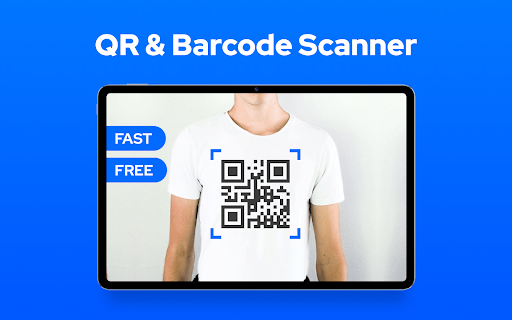
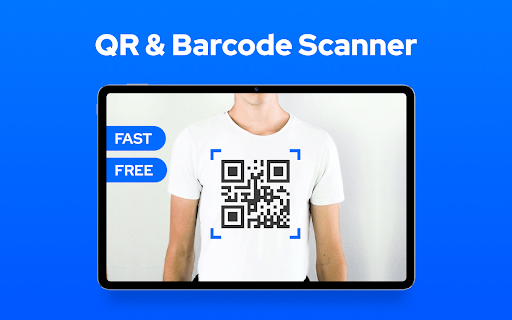
The QR Code Scanner & Scanner App is a comprehensive and full-featured tool designed for all Android devices. It provides a fast and effortless way to scan and decode virtually all types of QR codes and barcodes, making it an essential app for everyday use. Whether you're checking product information, adding contacts, or accessing websites, this app offers a seamless experience with lightning-speed recognition, ensuring you won’t miss out on any important information.
Main Features of the QR Code Scanner & Scanner App
Easy-to-Use Interface
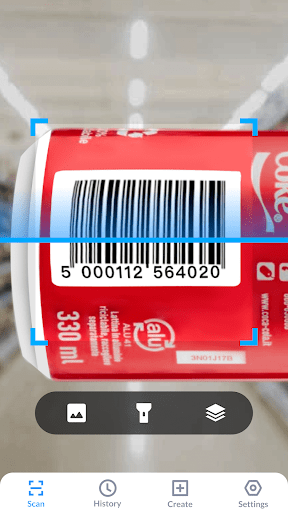
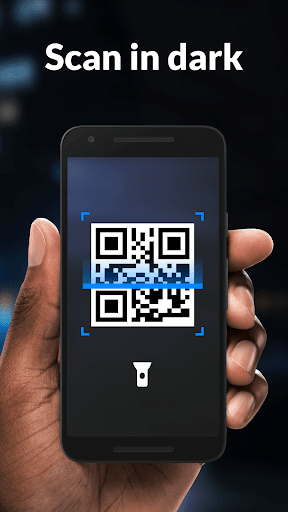
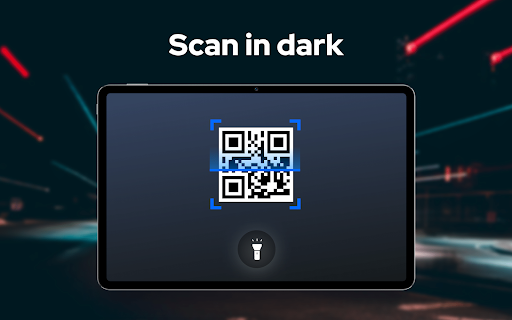
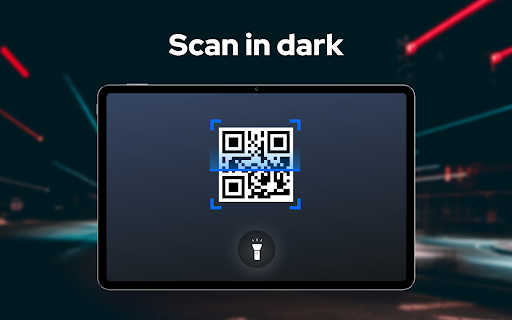
The app features a straightforward interface where simply pointing your device’s camera at a QR code or barcode instantly triggers the shortcut to decoding and displaying relevant results. No complicated steps or confusing menus—just a clean, intuitive design that makes scanning effortless for users of all skill levels. Additionally, the app supports toggling the flashlight to improve performance in low-light conditions.
Support for All QR & Barcode Formats
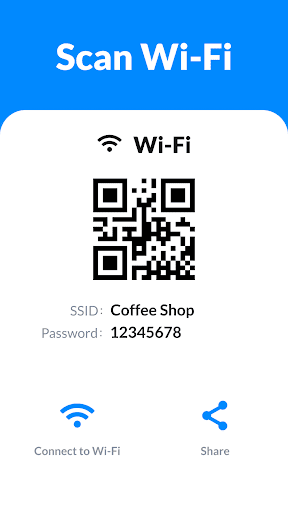
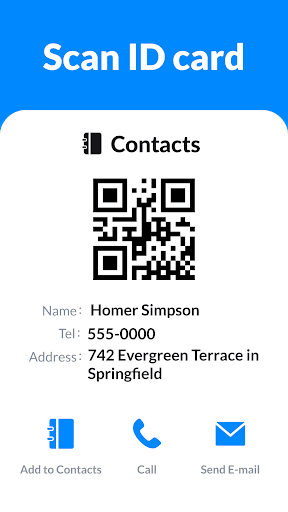
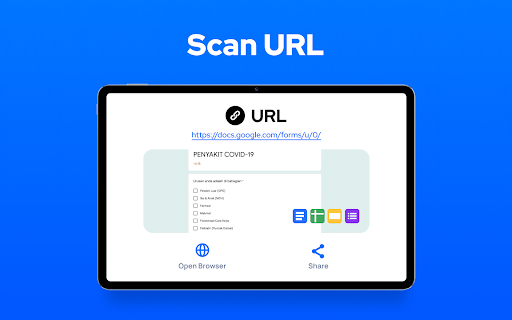
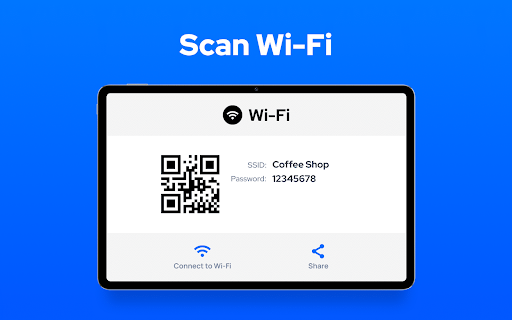
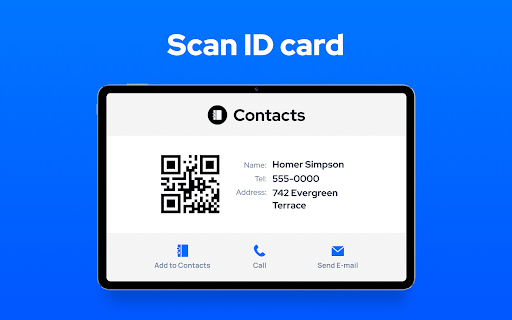
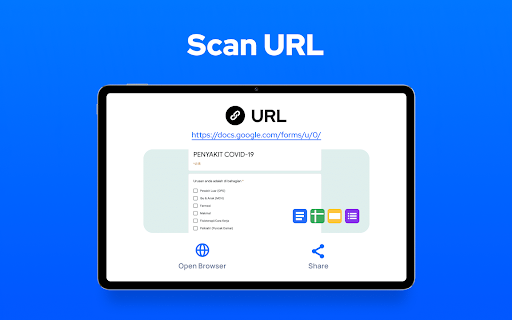
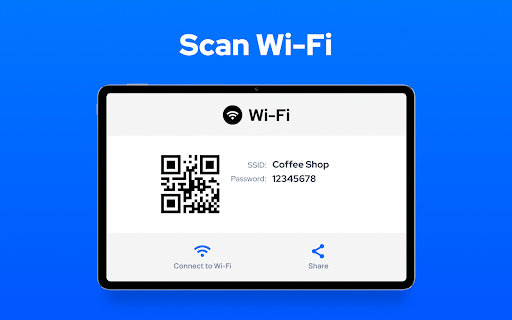
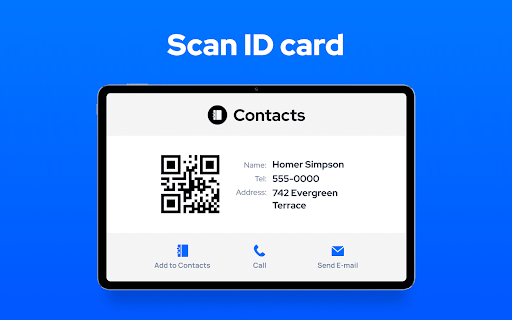
This versatile app supports all QR & barcode formats, including Wi-Fi, contacts, URLs, product codes, text, books, E-mail, location, and calendar. Moreover, it offers batch scanning, allowing you to scan multiple codes rapidly without repetitive manual operation. The app can even scan codes directly from your gallery for added convenience.
Additional Features & Utility
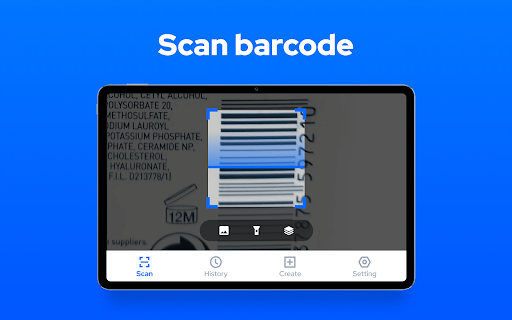
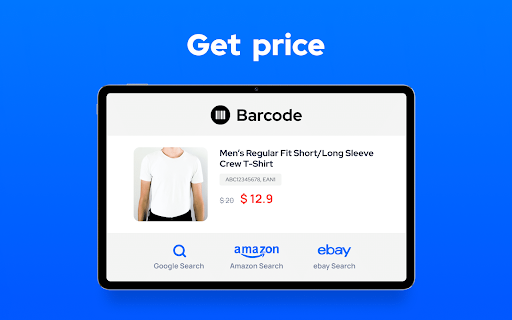
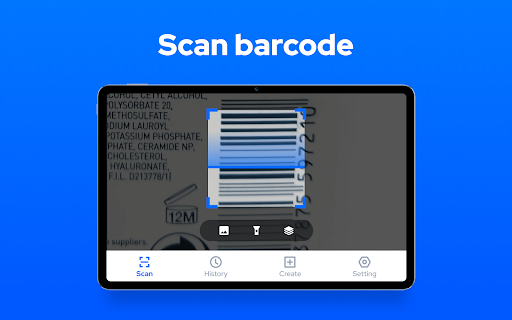
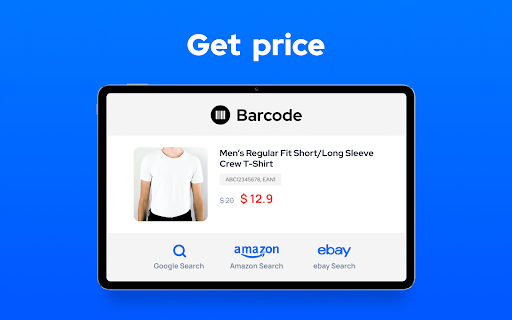
Beyond simple scanning, this app doubles as a price scanner, enabling you to scan product barcodes in stores, verify product sources, view detailed information, and compare prices online. It's also handy for scanning promo or coupon codes to unlock discounts. Plus, users can create their own QR codes for URLs, Wi-Fi credentials, contact info, and text, turning it into a versatile QR code generator.
Privacy & Offline Support
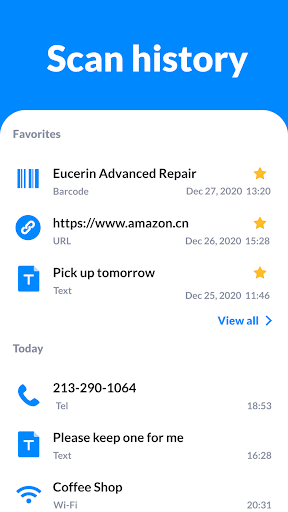
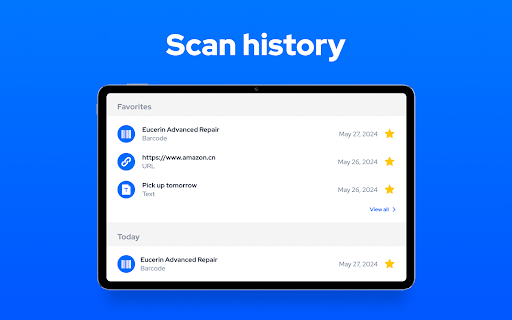
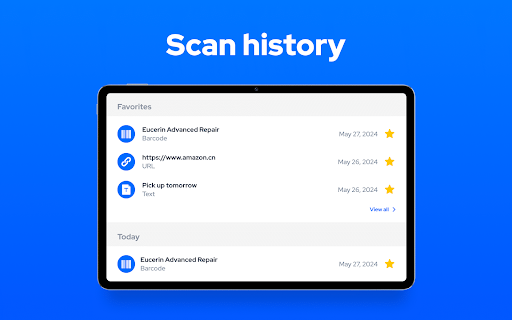
Your privacy is prioritized—this app only requires camera permission and does not access any personal data. Furthermore, it can operate completely offline, making it reliable in environments with limited internet connectivity. The app also saves your scan history for quick access and organization.
Why Choose the QR Code Scanner & Scanner App?
- Support all QR & barcode formats
- Automatic zoom
- Batch scan supported
- Scan from gallery
- History saved
- Dark mode and flashlight support
- Privacy safe
- No internet required
Using the QR Code Scanner & Scanner App
Step-by-step Guide
To get started, simply open the app and point your camera at the QR code or barcode. The app automates the recognition process, instantly decoding the code and presenting relevant options or information. Whether you’re scanning a product label or a URL, the app quickly fetches and displays results for you to act upon.
Seamless User Experience in Everyday Situations
This multifunctional tool is perfect for a variety of practical scenarios—from checking out a restaurant menu by scanning a QR code to adding contacts effortlessly by simply pointing your camera. Its quick response time, high accuracy, and support for offline operation make it a reliable companion whether you’re in a busy shopping mall or at a crowded event.
Moreover, generating your own QR codes to share Wi-Fi credentials or URLs is a breeze, transforming your smartphone into a powerful digital assistant. Its minimal resource consumption ensures your device’s battery and memory stay optimized, providing an additional layer of convenience.
Final Thoughts
In summary, the QR Code Scanner & Scanner App is an essential application for anyone looking to simplify their digital interactions. Its blend of speed, security, and versatility makes it a top choice across different user demographics. Whether you need a barcode scanner for shopping, a QR code generator for sharing information, or a tool that works offline, this app delivers. Download it today and enhance your everyday productivity with this powerful QR code solution!
Pros
- Enables quick QR code scanning
- Features a user-friendly interface
- Supports various code formats
- Does not require internet connectivity for scanning
- Offers customizable scanning settings
Cons
- Includes ads in the free version
- Limited functionalities without a premium plan
- May experience occasional scanning errors
- Interface lacks advanced features
- Consumes significant battery power











