




Introduction to SHAREit: Transfer, Share Files
In today's digital world, sharing files between devices quickly and securely is essential. The SHAREit app has established itself as the ultimate solution for effortless and rapid file transfers across various platforms. Trusted by over 2 billion+ users worldwide, SHAREit offers a comprehensive suite of features designed to streamline your data sharing experience. Whether you're transferring documents, photos, videos, or large files, this app ensures your data moves seamlessly and safely, no matter the device or file size.
Main Features of SHAREit
Super-Fast File Transfer Technology
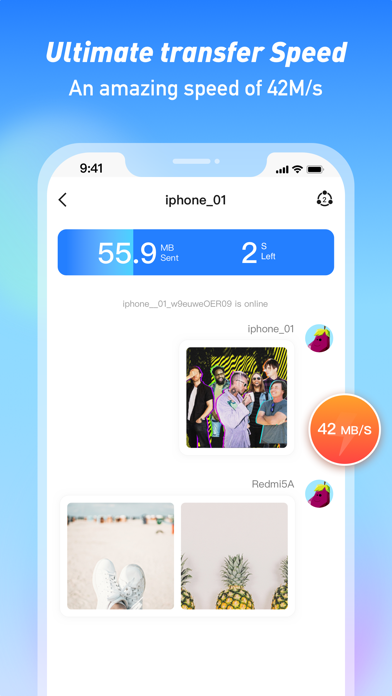
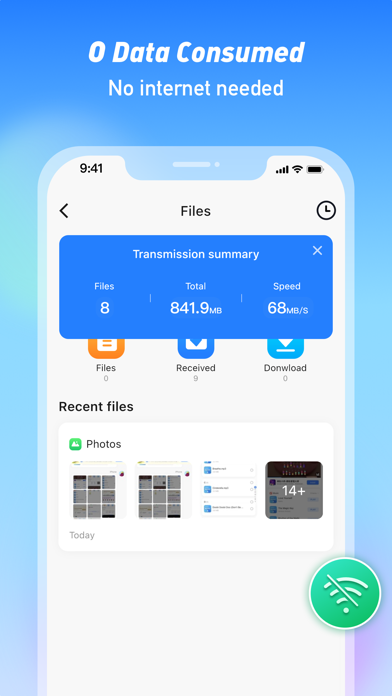
SHAREit employs innovative Wi-Fi Direct technology that outpaces traditional Bluetooth transfer speeds by up to 200 times. With speeds reaching up to 42MB/s, you can transfer a full-length movie in just a couple of minutes, making it ideal for both personal and professional use. The app supports the transfer of all types of files, including apps, games, photos, videos, music, recordings, and documents, with no data consumption or quality loss.
User-Friendly and Intuitive Interface
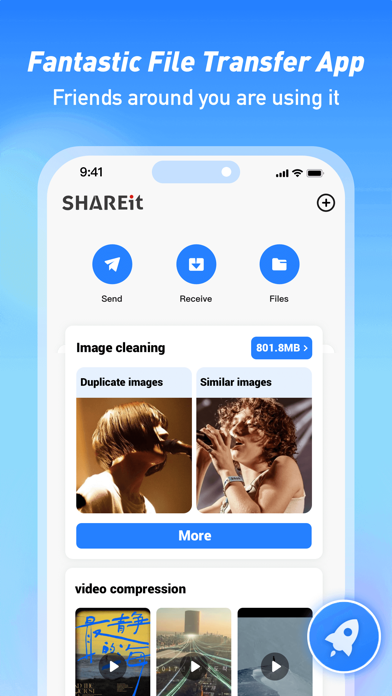
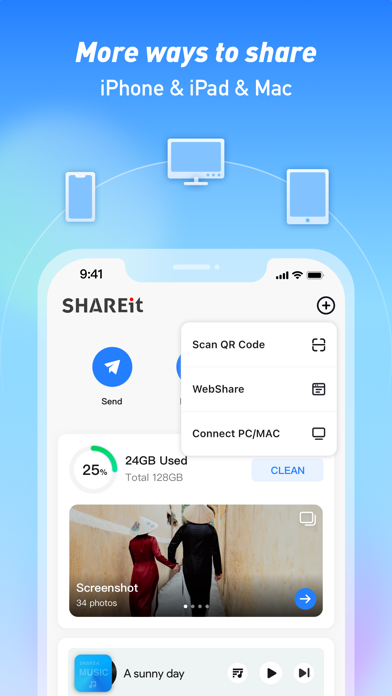
Designed with simplicity in mind, SHAREit features an easy-to-navigate interface suitable for users of all tech levels. The main screen provides quick options to send or receive files via a single tap. Its support for a wide range of file formats ensures seamless handling of everything from a PDF document to high-definition videos, making the app an indispensable tool for everyday file sharing.
Cross-Platform Compatibility
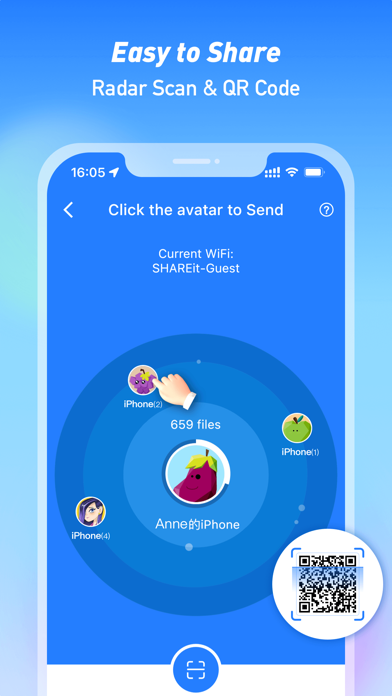
In our multi-device environment, the ability to share files across platforms is paramount. SHAREit excels here, enabling cross-platform transfers between Android, iOS, Windows PCs, and Macs. Whether you're moving data from an iPhone to a Windows laptop or sharing files between Android and Mac devices, SHAREit simplifies the process—no cables, no cables, just smooth transfers.
Additional Handy Features
- Phone Clone: Easily transfer contacts, apps, videos, photos, music, recordings, and documents when switching phones. Support is extensive, including Samsung, Xiaomi, Huawei, Oppo, Vivo, OnePlus, iPhone, and more.
- Downloader: Download videos and images directly from social media platforms like WhatsApp, Facebook, and Instagram to your device with just a tap.
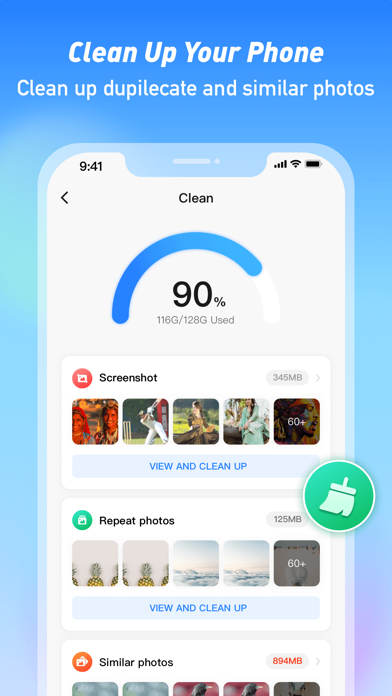
- File Manager: Manage large files, move or delete files, and organize your device storage effortlessly.
- Safebox: Securely hide and encrypt sensitive photos and videos from prying eyes.
- Music Player: Enjoy your favorite songs with the app’s powerful and user-friendly audio player.
- Game Transfer: Transfer large game apps, including PUBG, quickly without re-downloading large cache files.
- PDF Conversion: Convert PDFs to images and vice versa for better document management.
Why Choose SHAREit?
Speed and Efficiency
Say goodbye to slow Bluetooth transfers. With SHAREit, your data moves at lightning-fast speeds, making sharing large files like movies and high-resolution photos a quick and hassle-free experience. This speed is perfect for busy users needing instant data sharing without compromising quality.
Privacy and Security Assurance
Security is a top priority. All transfers happen directly between devices, meaning none of your data is stored on external servers. This peer-to-peer transfer ensures your personal information stays private and protected from third-party access or potential breaches.
Versatile and Compatible
The app’s support for all file types and cross-platform compatibility makes it a versatile choice. Whether you're sharing videos, photos, music, or apps, and across Android, iOS, Windows, or Mac. It’s the perfect tool for students, professionals, and casual users alike who seek a reliable and flexible file sharing solution.
Cost-Free and Easy to Use
Best of all, SHAREit is completely free, with no hidden costs. Its straightforward interface allows users to master file sharing in seconds, making it accessible to everyone regardless of technical expertise.
Conclusion
If you're searching for a highly fast, secure, and user-friendly file transfer app, SHAREit: Transfer, Share Files, should be your number one choice. Its advanced technology, combined with a range of useful features, helps you share and manage files effortlessly across all your devices. Download SHAREit today and experience the ultimate in data sharing convenience—share, watch, and play all day long!
Pros
- Fast file transfer speeds.
- Supports multiple file formats.
- User-friendly interface.
- No internet required for transfer.
- Cross-platform compatibility.
Cons
- Contains ads.
- Privacy concerns with data usage.
- Occasional connectivity issues.
- Limited file size for free version.
- Some features require in-app purchases.











