

Discover the Power of Frame Crop for Samsung Frame TV
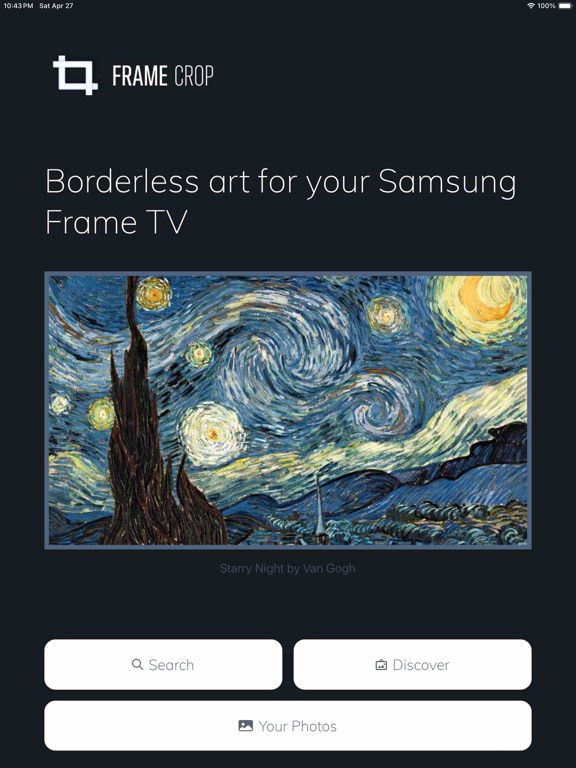
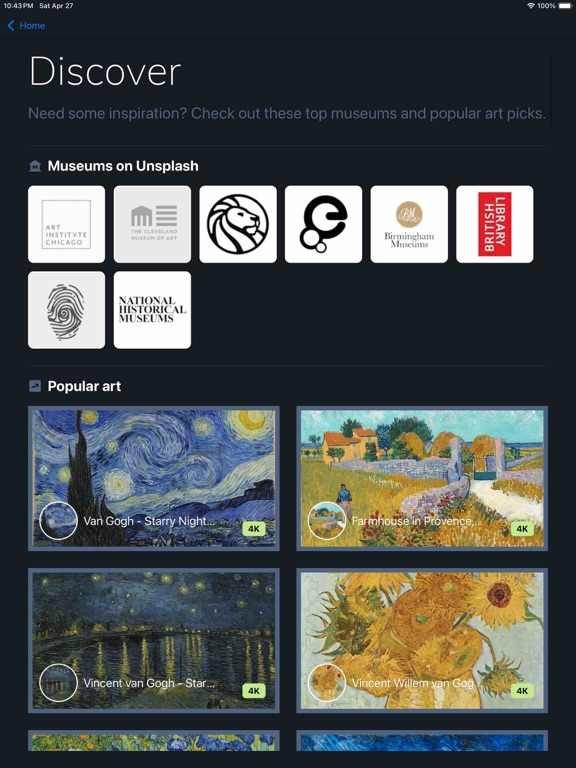
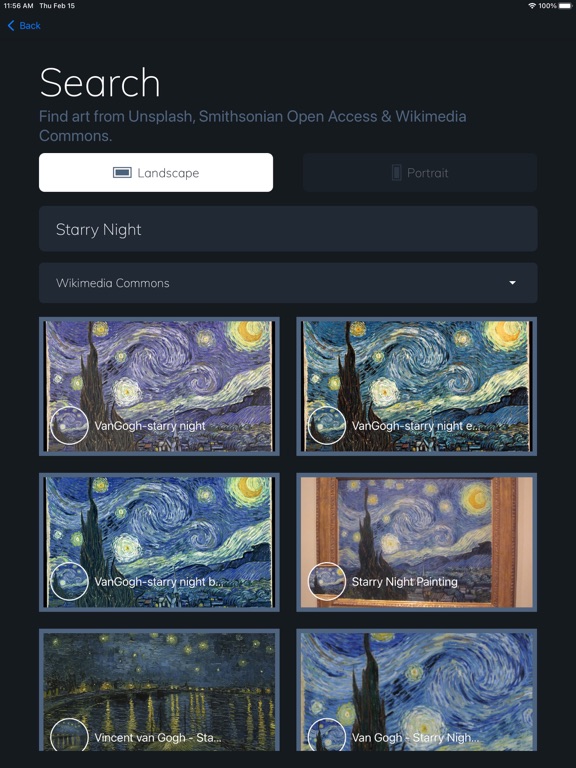
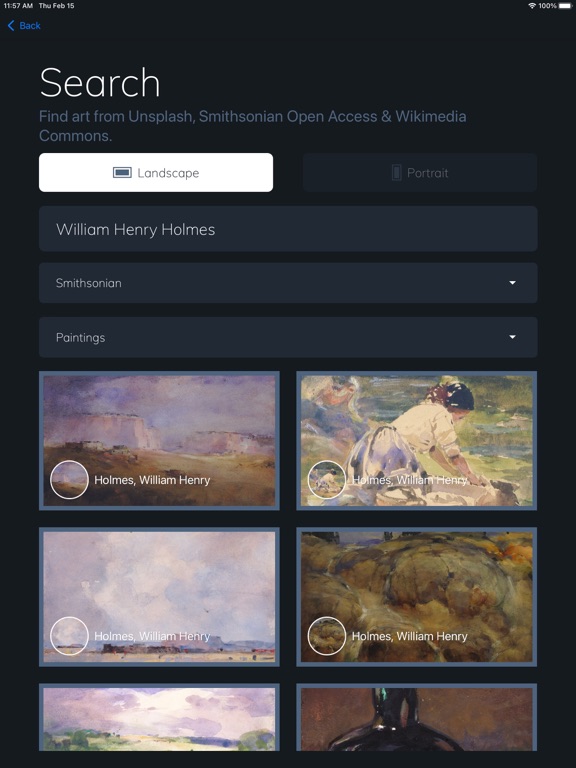
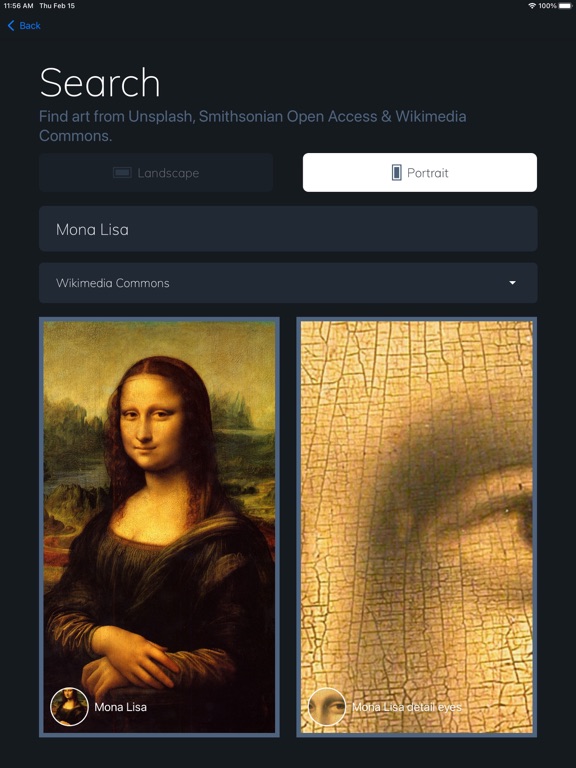
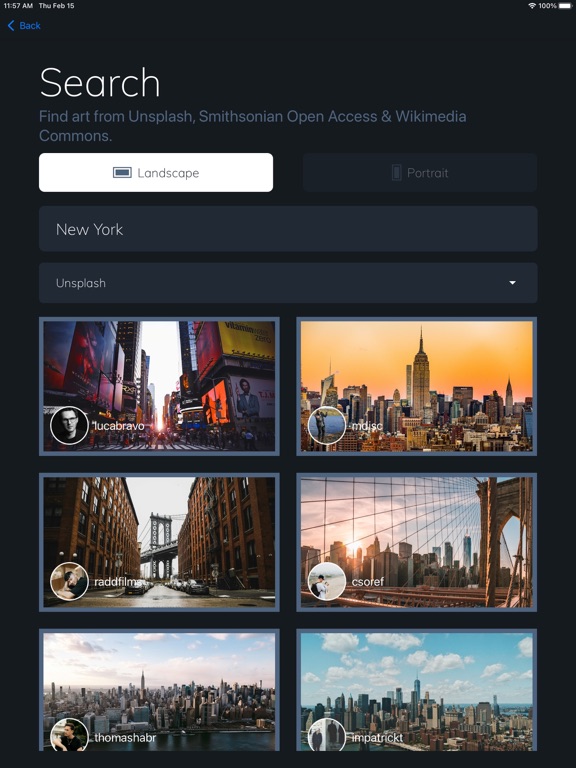
Are you a proud owner of a Samsung Frame TV or Hisense CanvasTV? If so, then you know how important it is to showcase artwork, photos, and paintings that perfectly complement your living space. Frame Crop is an innovative app designed to help you optimize and download stunning images tailored for these borderless, art-focused displays. While it doesn’t connect directly to your TV, it simplifies the process of preparing high-quality visuals that are ready to be displayed on your smart TV. This seamless experience allows you to browse an extensive library of art, including collections from Smithsonian, Unsplash, and Wikimedia Commons, making it easy to find and crop images to fit your aesthetic preferences. Whether you want to showcase travel landscapes, professional artwork, or personal photos, Frame Crop transforms your visual content into ready-to-display masterpieces. By supporting portrait-oriented and various image formats, this app ensures you can match your mood or home decor with ease. Enhance your TV’s artistic potential and create a personalized gallery that changes as often as you like. With features like high-resolution image support and intuitive cropping tools, Frame Crop makes managing your digital art effortless, providing a refined aesthetic for your living space.
Why Frame Crop is a Game-Changer for Your TV Art Display
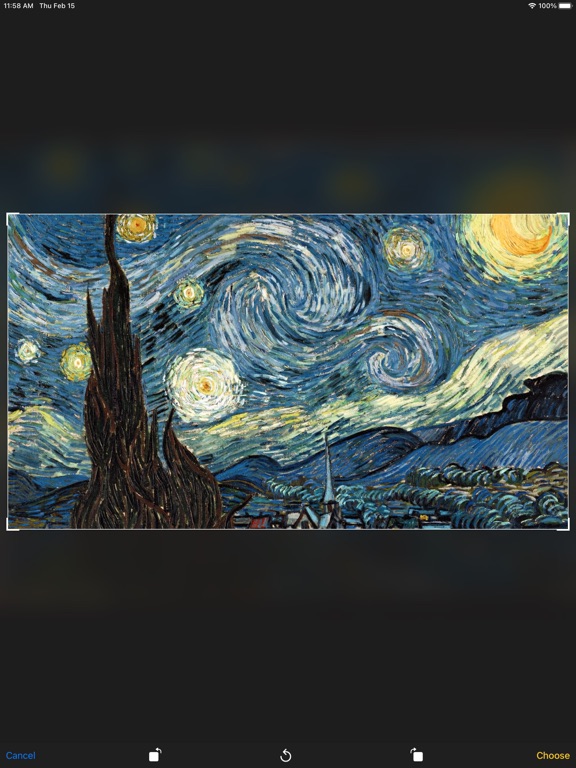
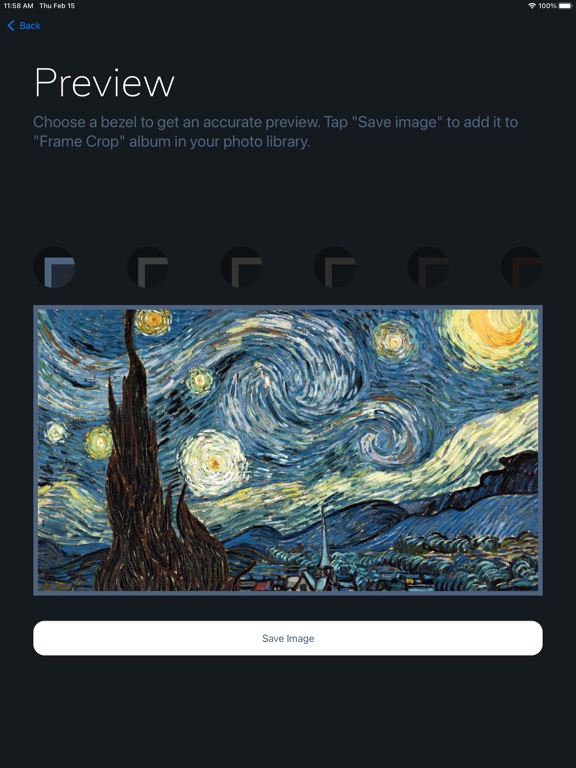
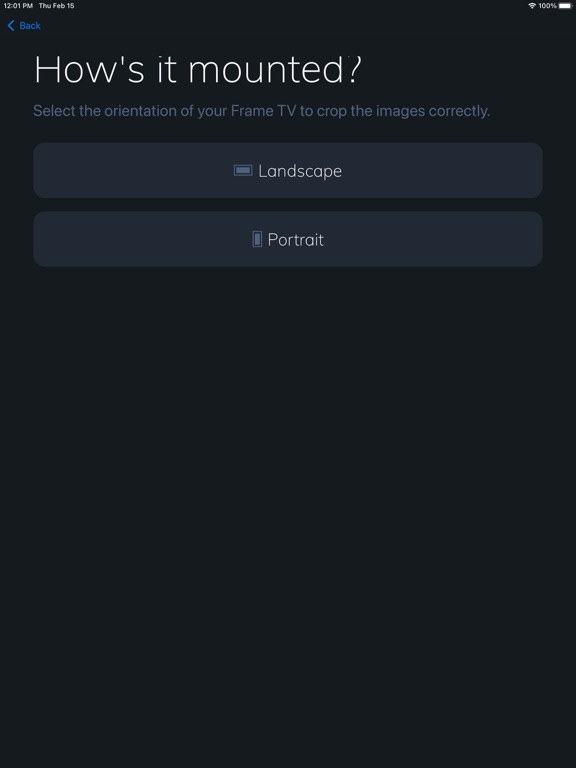
If you’ve recently acquired a Samsung Frame TV or Hisense CanvasTV, you might be wondering how to maximize its unique ability to serve as a digital art gallery. Frame Crop elevates this experience, empowering you to customize images that seamlessly fit the display’s borderless design. The app’s core function is straightforward: it allows users to crop and prepare images specifically tailored for their TV’s screen, eliminating awkward cropping or unsightly black bars. Instead, your images will look cohesive and full-screen, providing an immersive art experience.
Ease of Use and Creative Flexibility
One of the standout qualities of Frame Crop is its user-friendly interface. Even those without technical expertise will find it simple to navigate through the app’s features. Support for various photo formats means you can use images from your personal collection or from the integrated libraries with ease. The app offers editing tools such as brightness, contrast adjustments, and filters, allowing you to fine-tune your artwork for the perfect presentation. Save your finished images directly to your TV’s gallery, making it quick and easy to switch between different pieces of art whenever you desire. This flexibility encourages you to experiment with different styles and themes, turning your living room into a dynamic art gallery.
Enhance Your Living Space with Personalized Art
Why settle for static wallpaper when you can curate a rotating collection of beautiful images? Frame Crop enables you to turn your Samsung Frame TV into a personalized art showcase. Whether it’s landscapes from your travels, professional paintings, or family photographs, cropping images to fit your display perfectly ensures each piece looks polished and professional. The integration with popular image libraries like Smithsonian Open Access, Unsplash, and Wikimedia Commons provides endless inspiration and options. Plus, the ability to switch out artwork via the SmartThings app or similar tools makes maintaining your aesthetic effortless.
Final Thoughts: Transform Your TV into a Personal Art Gallery
In summary, Frame Crop is a vital tool for anyone looking to unlock the full potential of their Samsung Frame TV or Hisense CanvasTV. It offers a simple yet powerful way to curate, crop, and download high-resolution images that beautifully complement your decor. With intuitive editing tools and access to premium art sources, the app makes it easy to create a constantly evolving gallery that reflects your personality and taste. Whether you’re an art enthusiast or someone passionate about aesthetics, Frame Crop turns your smart TV into an inspiring centerpiece. Experience the freedom to showcase your favorite photos and professional artwork effortlessly and elevate your home’s visual appeal. Start using Frame Crop today and bring a new level of sophistication to your living space.
Pros
- User-friendly interface.
- Supports multiple video formats.
- Effective cropping tools.
- Produces high-quality output.
- Smooth integration with TV devices.
Cons
- Limited options for customization.
- Requires compatibility with Samsung TVs.
- May experience lag on older devices.
- No cloud storage support.
- Contains advertisements in the free version.











