
All Email Login: Your Ultimate Solution for Managing Multiple Email Accounts
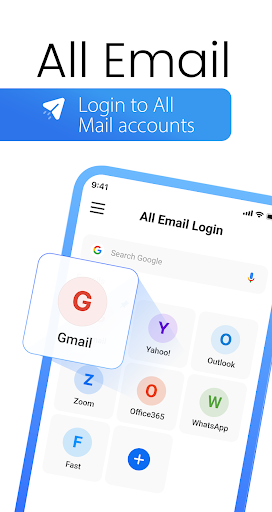
Are you tired of juggling multiple email applications for your personal, work, and subscription accounts? All Email Login offers a comprehensive solution to simplify your digital life. With this innovative app, you can effortlessly connect and manage all your email accounts—from Gmail and Outlook to Yahoo and beyond—within a single, user-friendly platform.
The app's main goal is to centralize your email management, helping you stay organized, save time, and reduce the clutter of multiple apps. Whether you're handling professional correspondence or keeping up with personal messages, All Email Login makes it easy to access, reply, and organize your emails all in one place.
Top Features of All Email Login
✨ All-in-One Email Access
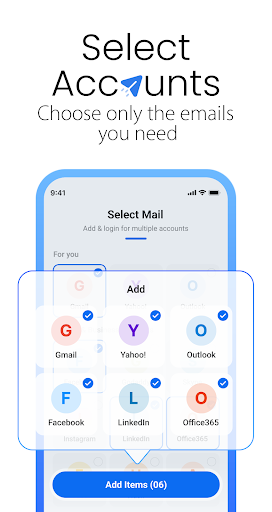
Connect various email service providers such as Gmail, Outlook, Yahoo, and others. The app supports multiple accounts, giving you a unified platform to manage everything seamlessly.
✨ Unified Inbox
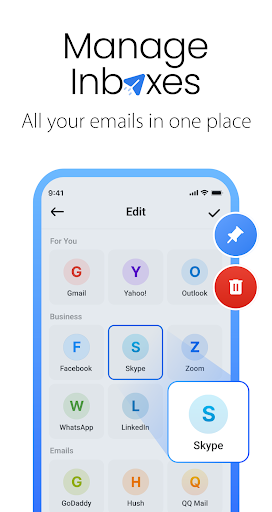
View and manage all your emails within a single inbox. No need to switch between different apps or accounts—everything is consolidated for your convenience.
✨ Save Device Space
This lightweight application replaces the need for multiple email apps, conserving precious storage space on your device.
✨ Secure Login
With advanced encryption and security measures like fingerprint and face recognition, your accounts remain protected at all times.
✨ Easy Access and Smart Tools
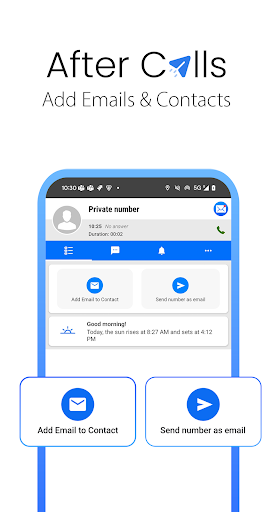
Quickly sort, reply, and delete emails with intuitive features designed to increase productivity. Plus, enjoy after-call access to emails, allowing you to respond immediately after important conversations.
Why Choose All Email Login?
Managing multiple email accounts can often feel overwhelming, especially when trying to keep personal and professional communications separate. All Email Login is designed to simplify your workflow by offering:
- Support for all major providers
- Inclusion of email templates for faster responses
- Quick access to your messages
- Ability to view and manage all emails in one convenient app
- Efficient storage management by reducing the number of installed apps
Designed for Everyday Use and Business Professionals
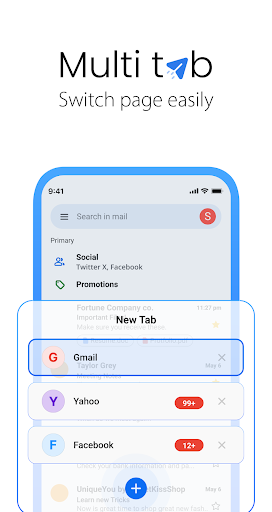
This app is perfect for individuals who rely heavily on email communication daily. Its clean and intuitive interface ensures smooth navigation, allowing you to switch between accounts effortlessly. For business users, managing multiple work email accounts becomes a breeze, thanks to features like separate folders and unified inbox. Stay up-to-date with important messages without the hassle of constant switching.
Optimize Your Email Workflow and Save Space
One of the biggest advantages of All Email Login is its ability to consolidate your email management and reduce storage consumption. Instead of installing multiple apps that take up space and clutter your device, you have a single lightweight solution that keeps your inboxes organized and accessible.
The after-call menu feature offers quick email access immediately following calls, making it easier to reply or follow up without interrupting your workflow. This ensures you're always just a tap away from your important messages.
Boost Your Productivity and Take Control of Your Inbox
Stop wasting time with multiple apps and complicated workflows. With All Email Login, you can read, reply, and organize your emails faster and more efficiently. Its smart tools and intuitive design are built to help you focus on what matters most, whether scheduling meetings, responding to urgent messages, or cleaning up your inbox.
Experience the convenience of having all your email accounts in one place and enjoy a streamlined, stress-free email management experience—make your digital communication simpler today.
Pros
- Supports multiple email providers.
- User-friendly interface.
- Customizable email notifications.
- Fast and reliable performance.
- Secure login options.
Cons
- Limited cloud storage space.
- Occasional sync issues.
- Ads in the free version.
- No offline mode.
- Lacks advanced filtering options.











