


Introduction to Everything Widgets
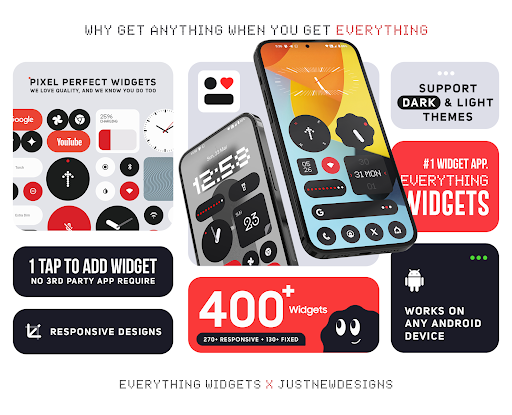
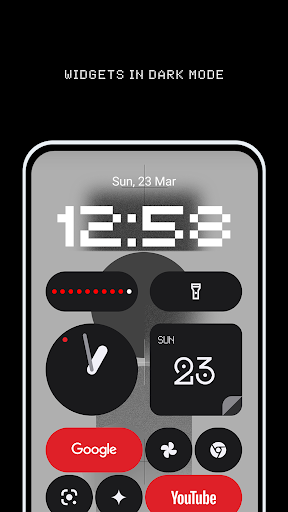
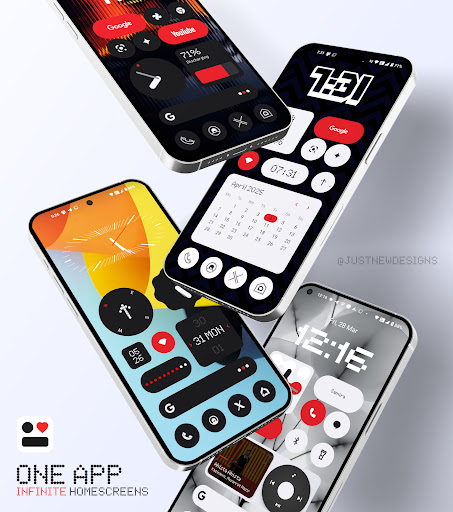
Discover the ultimate customization tool for your Android device with Everything Widgets. This innovative app offers over 500+ stunning One UI-style widgets designed to transform your home screen into a sleek, modern, and functional interface. Whether you aim for minimal elegance or a feature-rich layout, Everything Widgets provides an extensive collection of widgets that cater to every need, elevating your Android experience seamlessly.
Key Features of Everything Widgets
Stunning Collection of Widgets
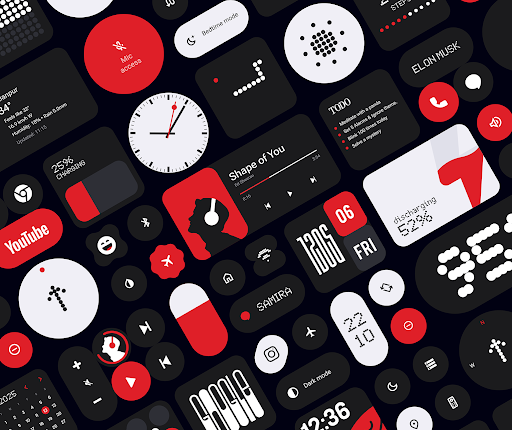
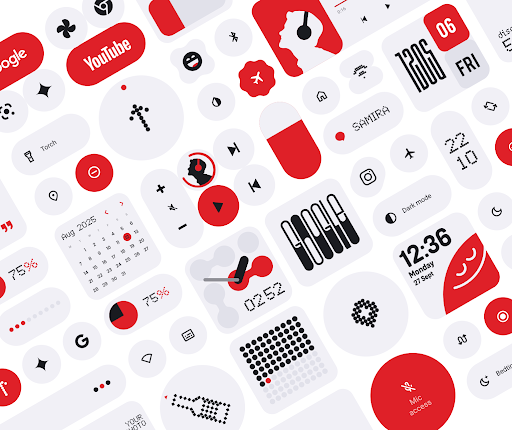
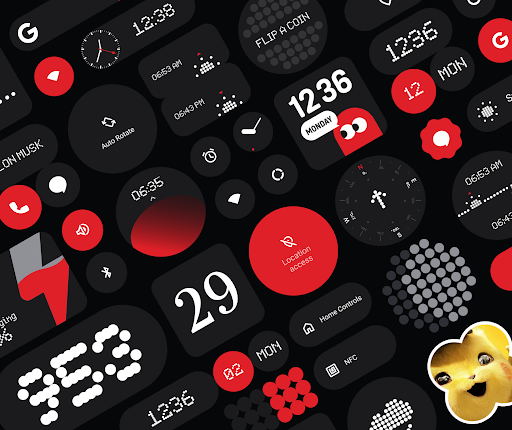
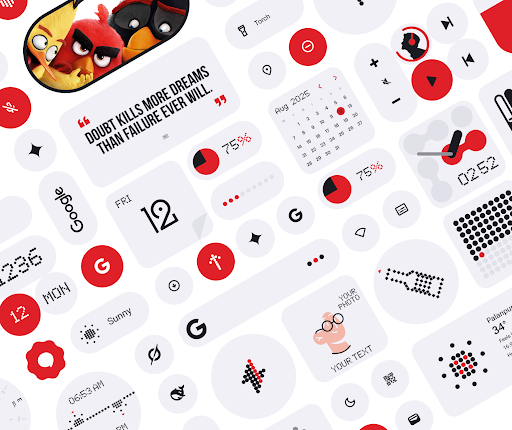
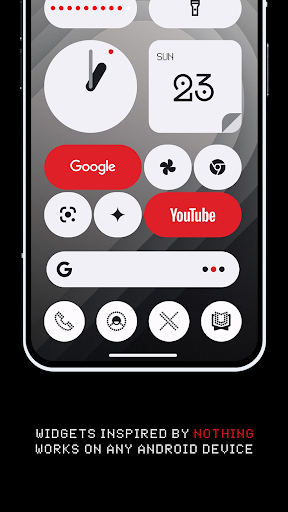
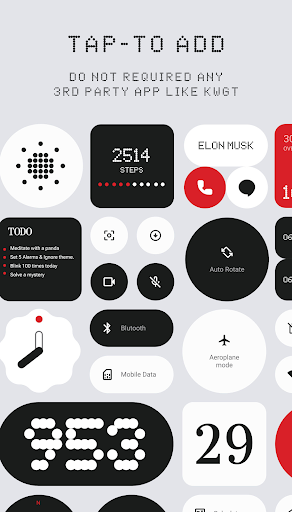
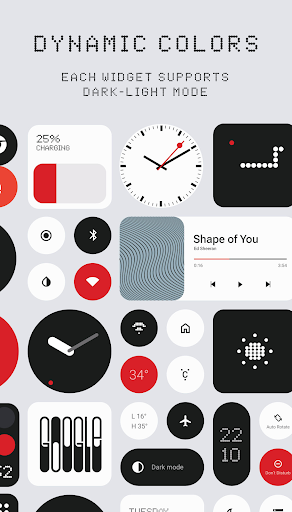
The app boasts over 500+ meticulously crafted widgets inspired by the popular One UI design language. These include essential tools like clock, weather, calendar, and battery widgets, as well as niche options such as step counters, quotes, and game widgets. Designed to provide a cohesive and elegant home screen, these widgets blend seamlessly into your preferred style.
Ease of Use – No Additional Apps Needed
Works Without KWGT. Simply install Everything Widgets and start customizing immediately—no need for complex configurations or third-party apps. This ensures a hassle-free experience suitable even for beginners.
Highly Customizable and Flexible
Adjust widget colors, sizes, and styles to match your personal home screen aesthetic. With comprehensive customization options, you can create a truly personalized Android interface that feels both modern and user-friendly.
Optimized for Performance and Battery Life
Each widget is designed for smooth performance and battery efficiency. The app maintains a lightweight footprint, ensuring your device remains responsive and lasts longer between charges while delivering reliable widget updates.
Regular Updates and Enhancements
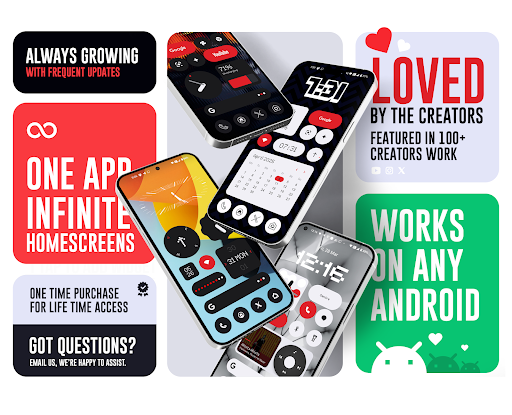
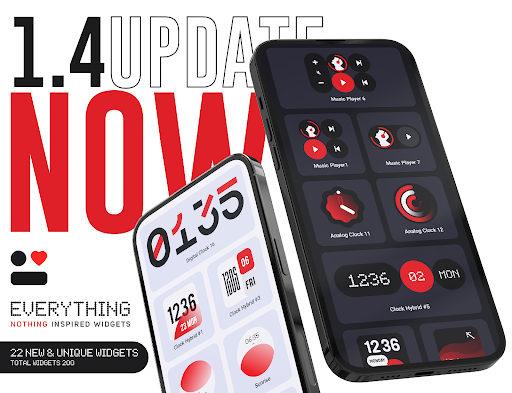
Enjoy new widgets and improvements through frequent updates. The developer’s commitment ensures that your home screen experience stays fresh, modern, and feature-rich.
Why Choose Everything Widgets?
- One UI-inspired design for a cohesive, modern look
- Over 500+ ready-to-use widgets
- No third-party dependencies required
- Highly customizable to suit your style
- Fast and smooth performance optimized for daily use
- Simple setup and intuitive user interface
If you love a clean, modern, and elegant home screen, Everything Widgets is the perfect choice. Its wide variety of widgets makes it easy to create an organized, aesthetic, and functional Android device environment tailored just for you.
Technical Aspects and Permissions
Foreground Service for Real-Time Updates
The app uses a foreground service to ensure your widgets stay up-to-date and responsive throughout the day. This keeps information like weather, calendar events, and photos current and reliable.
Use of Exact Alarms for Precision
To provide precise update timing, Everything Widgets utilizes the USE_EXACT_ALARM permission. This allows features such as:
- Weather updates at scheduled times
- Photo changes at user-set intervals
- Screen time and usage stats refreshes
- Calendar event updates
- Upcoming event notifications
This permission is only requested when strictly necessary, ensuring optimal performance and accuracy without compromising device security.
Support and Refund Policy
The app adheres to Google Play Store’s official refund policy. Customers can request refunds within 48 hours directly via Google Play or contact the support team with order details for assistance beyond that period.
Connect with Everything Widgets Developers
- X (Twitter): https://x.com/AppsLab_Co
- Telegram: https://t.me/AppsLab_Co
- Email: [email protected]
Pros
- User-friendly interface makes navigation easy.
- Offers a wide range of features to enhance user experience.
- Regular updates improve functionality and security.
- Excellent customer support available 24/7.
- Highly customizable to meet individual user needs.
Cons
- Some features require a premium subscription.
- Occasional app crashes reported by users.
- Battery consumption is higher compared to similar apps.
- Limited compatibility with older device versions.
- Learning curve for advanced features can be steep.










