

Enhance Your Mobile Experience with Phone Cleaner & Manager - Pure
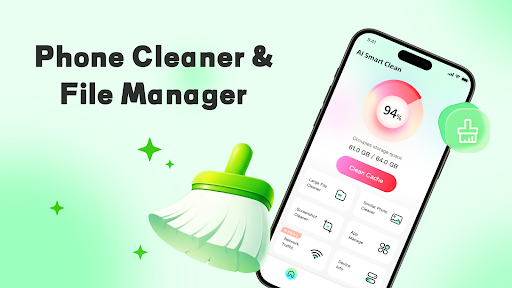
Is your phone's storage space becoming cluttered due to redundant files? Phone Cleaner & Manager - Pure is expertly designed to streamline efficient file organization and optimize storage management. With its intuitive and user-friendly tools, this application empowers you to easily organize your files and eliminate unnecessary content, ensuring your device runs smoothly and efficiently.
Key Features of Phone Cleaner & Manager - Pure
• Intelligent Classification Management
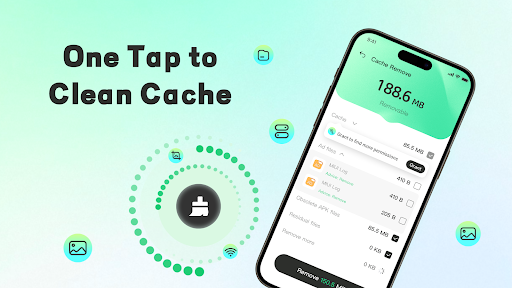
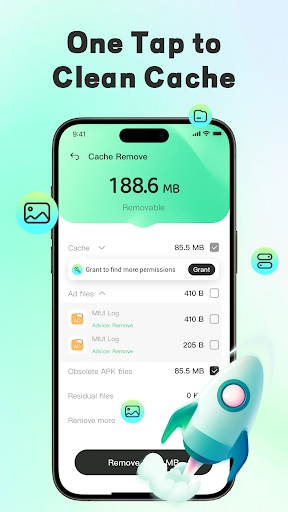
The app automatically identifies various content types such as images, videos, and documents. It organizes these in neatly categorized folders, making it straightforward to locate specific files. Additionally, it supports multi-condition sorting to quickly find large files and batch organize temporary remnants, similar content, and downloaded installation packages—saving you time and effort.
• Document Preview Support
View a wide range of document formats swiftly with rapid preview capabilities for PDFs, PowerPoint files, Word documents, and Excel sheets. This feature facilitates quick access to your files without needing to open them with external applications.
• Large File Processing
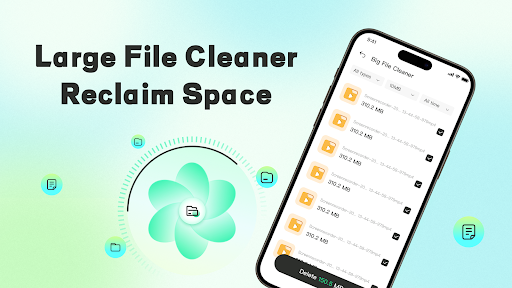
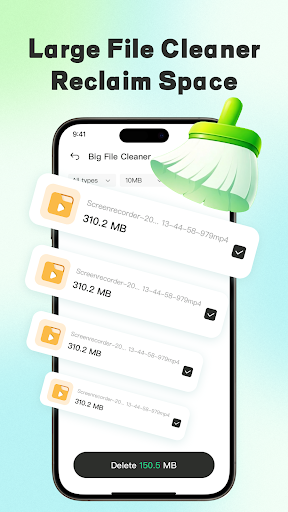
The app allows you to scan and identify large files, such as high-definition videos and sizable documents. It displays detailed file paths and enables you to manually select and batch delete unwanted large files, freeing up significant storage space.
• Similar Content Organization
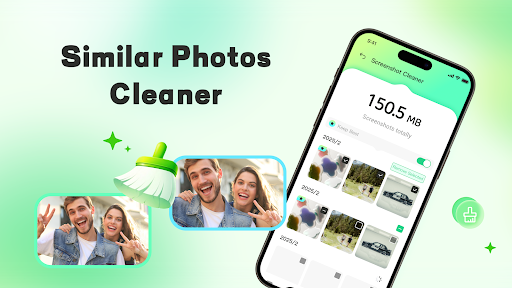
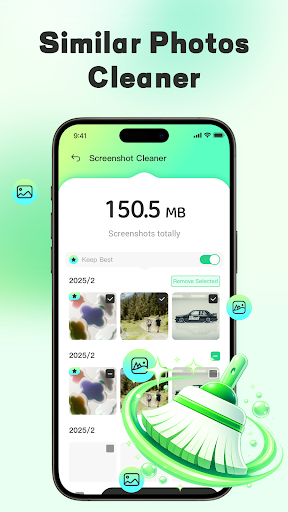
Using intelligent algorithms, Phone Cleaner & Manager - Pure detects similar images and screenshots. It assists you in viewing these duplicates and removing redundant content, helping to keep your photo albums tidy and clutter-free.
• Installed Application Management
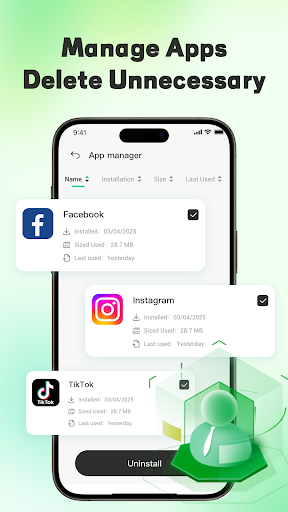
The app provides a comprehensive list of installed applications. This feature helps you identify unnecessary or unused programs, making it easier to uninstall them manually and optimize device performance.
• Data Security and Privacy Assurance
Phone Cleaner & Manager - Pure is committed to your privacy. It only requests the necessary permissions and processes all operations locally on your device. The app does not collect, upload, or share any of your files, ensuring your data remains safe and private.
Permission Details
To provide its core functionalities, the app requires certain permissions:
- MANAGE_EXTERNAL_STORAGE: Used solely for scanning, identifying, and managing redundant files on your device, analyzing storage structure, and organizing large files. All these operations happen entirely locally.
- FOREGROUND_SERVICE_SPECIAL_USE: Ensures that background tasks like scanning and batch organization run smoothly without interruption.
The developers strictly adhere to Google’s privacy policies, and all permissions are justified to enhance your storage management experience. By choosing Phone Cleaner & Manager - Pure, you're trusting an app dedicated to efficient, secure, and private device optimization.
Download and Start Improving Your Storage Today
Take control of your device’s storage space with Phone Cleaner & Manager - Pure. Download now to enjoy a cleaner, faster, and more organized phone experience. Trust this reliable tool for your file management needs and keep your device in impeccable condition.
For more information on privacy policies and terms of service, please visit:
Pros
- User-friendly interface making navigation intuitive
- High performance and quick response times
- Wide range of features suitable for various needs
- Active customer support and regular updates
- Seamless integration with other tools
Cons
- Some features may require additional payment
- Occasional glitches reported by users
- Steep learning curve for advanced functionalities
- Limited customization options in basic versions
- Requires substantial storage space











