
Introduction to the TV Remote - Universal Control App
Experience seamless control over your Smart TV with the TV Remote - Universal Control app, the ultimate solution for transforming your smartphone into a powerful remote. Designed to enhance your TV viewing experience, this intuitive application offers compatibility with a wide range of popular TV brands, including Samsung, Roku, LG, Sony, FireTV, AndroidTV, Vizio, and Hisense. Whether you're at home or somewhere else, take full command of your entertainment system, conveniently accessible with just a few taps on your mobile device.
Main Features of the TV Remote App
Smart Detection and Compatibility
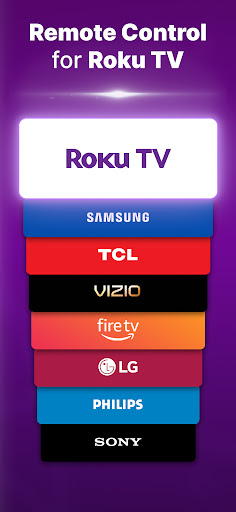
The app automatically detects Smart TVs connected to the same WIFI network, making setup quick and effortless. It supports most popular TV brands, including Roku, Samsung, LG, Fire TV, Android TV, Sony, TCL, Vizio, and Hisense. This extensive compatibility ensures that users can enjoy universal remote control features across multiple devices.
Easy-to-Use Interface
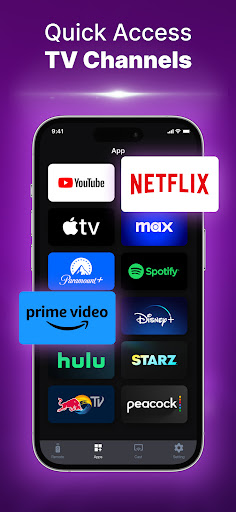
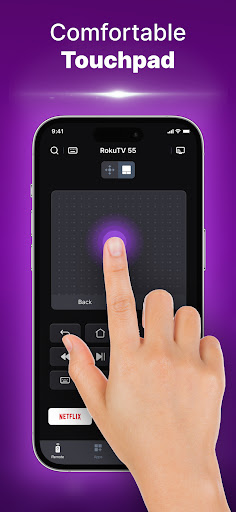
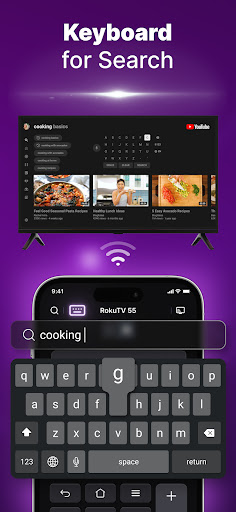
The application features a large, responsive touchpad designed for effortless navigation through menus and content. Launch channels directly from the app with ease, simplifying your access to entertainment options. The keyboard input is optimized for speed and simplicity for quick text entry, whether you're typing passwords or searching for content.
Hands-Free and Mirroring Features
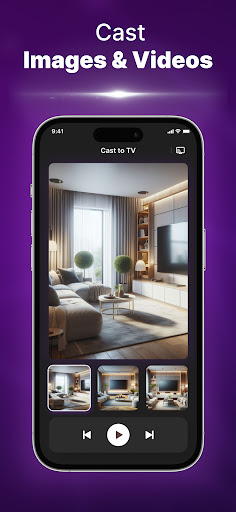
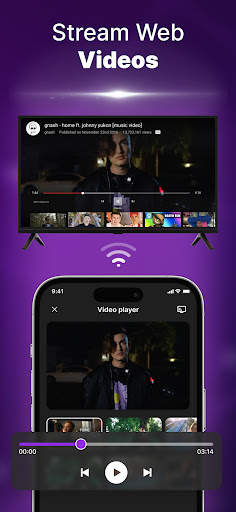
Enhance your viewing with the built-in voice search feature, enabling hands-free control over channels, volume, and more. Additionally, the app provides screen mirroring and video cast functionalities, allowing you to share content from your phone directly onto the big screen effortlessly.
Why Choose the TV Remote - Universal Control?
Our app redefines the way you interact with your television. By connecting through a simple WIFI link, users can enjoy comprehensive control, including managing volume, switching channels, changing input sources, and launching specific apps or channels directly from their device. The clean and intuitive interface makes it suitable for users of all ages, offering a seamless remote experience without the need for traditional physical controllers.
Enhanced User Experience
The application ensures quick response times and reliable operation across different models, making your entertainment setup more flexible and user-friendly. Whether you're streaming movies, playing games, or browsing content, this remote offers a dependable solution for your TV control needs.
Security and Compatibility Note
Please note that we are not affiliated with any TV brands mentioned. Although the app has been tested on numerous models, compatibility cannot be guaranteed for every individual device. We recommend checking your TV model's support for remote control apps to ensure the best experience.
Conclusion
Discover a new level of convenience with the TV Remote - Universal Control app, the perfect companion for smart TV users. Its broad compatibility, user-friendly interface, and advanced features like voice search and screen mirroring make it an essential tool for enhancing entertainment. Whether you're controlling your TV at home or managing multiple devices, this app simplifies your remote control experience and adds versatility to your smart home setup. Try it today and enjoy the freedom of managing your TV entertainment from your mobile device!
Pros
- User-friendly interface that simplifies navigation and usage
- Supports a wide range of features to enhance user experience
- Provides reliable performance with minimal downtime
- Regular updates improve functionality and security
- Excellent customer support available for troubleshooting
Cons
- Occasional bugs that may affect stability
- Limited customization options for advanced users
- Higher cost compared to similar applications
- Requires a stable internet connection for optimal performance
- Learning curve for new users to fully utilize all features











