
Discover the Power of the PDF Reader App
Are you searching for a robust and user-friendly PDF reader? Look no further than our PDF Reader application. This comprehensive tool is designed to help you effortlessly view, manage, and share all your PDF files while on the move. Whether you're a student, professional, or casual user, this app offers the features you need to handle your documents with ease.
Elegant and Intuitive Interface
Our PDF reader boasts a sleek and intuitive interface that makes navigation a breeze. Finding and opening your desired PDFs is quick and simple, thanks to a well-organized layout and smart search features. This seamless experience ensures you spend less time searching and more time reviewing your documents.
Key Features of the PDF Reader
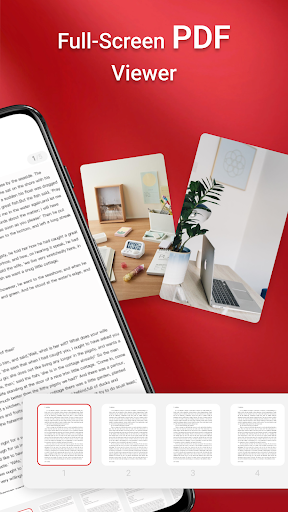
One-Click PDF Reading
With just a single click, you can open your PDF files directly from your device. This fast access makes it convenient to start reading immediately without navigating through complex menus.
Access All PDF Files on Your Device
The app allows you to easily access and browse all PDF files stored on your device. Whether they are saved in internal storage, SD cards, or other locations, you can find and open your documents with minimal effort.
Supported Document Types
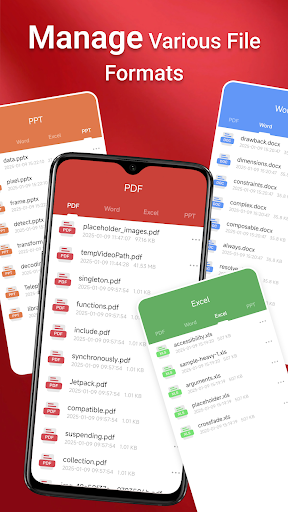
Not just limited to PDFs, this app also supports various document formats, including Doc, PPT, and Excel. This versatility makes it a comprehensive document management solution for different types of files.
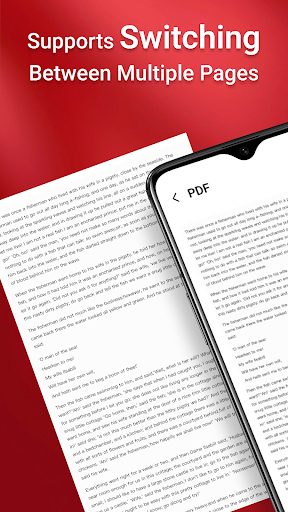
Quick Page Navigation
Navigating through lengthy PDF documents is made simple with quick page navigation tools. Jump between pages effortlessly to find the information you need without hassle.
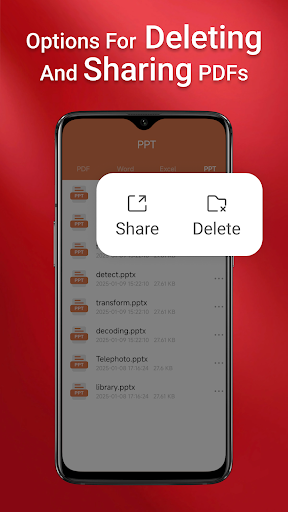
Seamless Sharing and Accessibility
Beyond viewing, the PDF Reader enables seamless sharing of your PDFs with colleagues, friends, or clients. Share documents directly from the app via email or messaging platforms, ensuring your important files are always within reach.
Note on Permissions for Android 11 and Later
To provide full functionality, especially when working with files stored across different folders, the app requires the MANAGE_EXTERNAL_STORAGE permission on Android 11 and newer versions. This permission is crucial because Android's access restrictions limit certain operations unless explicitly granted. It supports essential features such as:
- Performing operations across folders without user interaction
- Accessing and editing files on SD cards or in non-standard locations
- Managing documents in the background or offline reliably
Experience Convenience and Flexibility
Download PDF Reader today to enjoy a versatile and efficient way to manage your PDF files. Whether you're at home, in the office, or on the go, this app provides the flexibility to access your documents anytime, anywhere. Simplify your workflow with a PDF reader that combines power, ease of use, and comprehensive features.
Pros
- Provides a seamless user experience with intuitive navigation.
- Offers a comprehensive set of features that meet user needs.
- Ensures high performance and quick response times.
- Maintains robust security and privacy protections.
- Supports cross-platform compatibility for versatility.
Cons
- Has a steep learning curve for new users.
- Occasionally experiences bugs and stability issues.
- Requires frequent updates which may disrupt usage.
- Potentially high resource consumption impacting device performance.
- Limited customization options compared to competitors.











