

Introduction to Easy Mail - Email Launcher
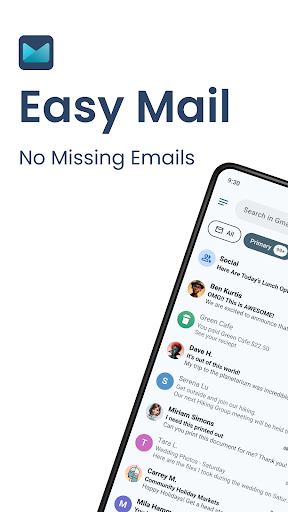
Are you tired of missing out on important emails or spending countless hours managing your inbox? Easy Mail – Email Launcher is designed to simplify your email experience, making it more focused, productive, and clutter-free. This innovative app reorganizes how you handle emails by integrating your inbox directly into your homescreen, providing instant access to your messages without the hassle of navigating through multiple apps or accounts. With a user-centric approach, Easy Mail transforms your smartphone into a powerhouse of email productivity while helping you reduce screen time and avoid email overload.
Key Features of Easy Mail
Easy Homescreen
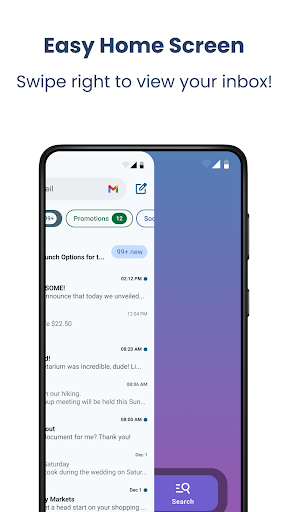
One of the standout features of Easy Mail is its easy homescreen setup, which offers a clean, minimalistic interface focused solely on mail and productivity tools. Say goodbye to cluttered screens and hello to efficient email management at a glance.
Unlimited Email Accounts
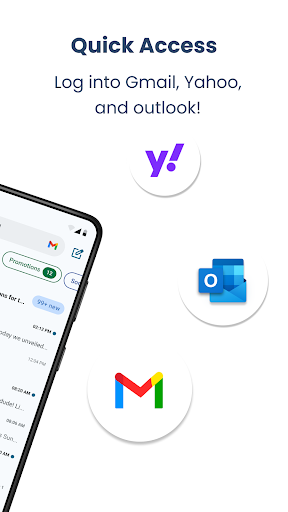
Whether you use Gmail, Outlook, Yahoo, Hotmail, AOL, or any other provider, Easy Mail allows you to connect and manage unlimited email accounts. View all your emails in one unified inbox or switch between separate accounts seamlessly with a single tap. This flexibility makes it ideal for professionals and personal users alike.
AI Email Assistance
The app includes integrated AI-powered email assistance features that simplify composing and editing messages. Instantly rephrase, shorten, or polish your emails while maintaining your natural tone, saving you time and making your communication more impactful.
Privacy-First Approach
Security is a top priority with Easy Mail. Your email data remains private and local; the app never reads or stores your mail, ensuring that your information stays safe and secure.
Launcher Essentials
The app provides all the basic launcher essentials, including an organized homescreen, quick access to your email inbox, an app drawer, widget support, and trending content. Everything is designed to facilitate effortless mail management and quick navigation.
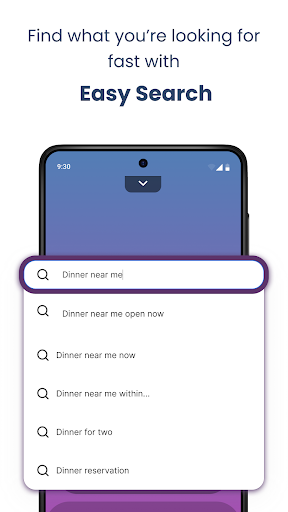
Easy Web Search
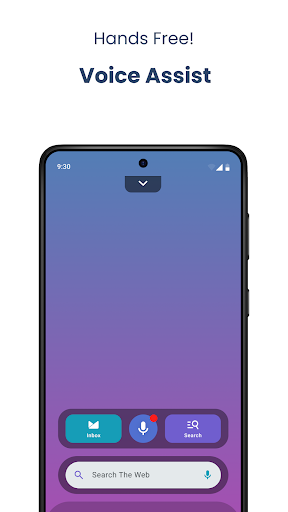
Need to look something up without leaving your email? Easy Mail integrates easy web search directly from your homescreen, powered by Yahoo Search. With autocomplete and trending suggestions, finding answers or information becomes faster and more convenient.
How Easy Mail Works
1. Access Your Inbox
Swipe right from your homescreen to instantly open your email inbox. You can add as many accounts as you like and view all messages in a single, easy-to-navigate feed.
2. Manage Your Apps
Swipe up to access your app drawer. Drag your favorite apps back onto the homescreen for quick and easy access whenever you need them.
3. Stay Updated with Content Feed
Pull down on your homescreen to view news, entertainment, and trending content alongside your emails, helping you stay informed without switching apps.
Additional Support and Resources
Inside Easy Mail, you'll find a comprehensive FAQ section which includes video tutorials and answers to common questions—ensuring you make the most of your email experience and discover new tips for efficiency.
Conclusion
With Easy Mail – Email Launcher, managing your emails becomes effortless. This app is perfect for those looking to reduce screen time, enhance productivity, and enjoy a clutter-free, focused homescreen. Whether you’re handling multiple accounts or just want a quicker way to access your messages, Easy Mail offers an innovative solution that makes email management truly easy and integrated into your daily workflow.
Discover the convenience and productivity benefits of Easy Mail today and transform your email experience for the better!
Learn More
For more information, visit our FAQ page where you can find detailed guides, helpful videos, and answers to your questions about Easy Mail.
Pros
- Effective tools for enhancing productivity and workflow.
- User-friendly interface that is easy to navigate.
- Provides useful features that meet user needs.
- Offers good scalability for different user requirements.
Cons
- Limited customization options for advanced users.
- Occasional bugs that affect stability.
- Requires a learning curve for new users.
- Lacks some advanced features found in competitors.










