
Explore a Smart and Convenient PDF Reading Experience
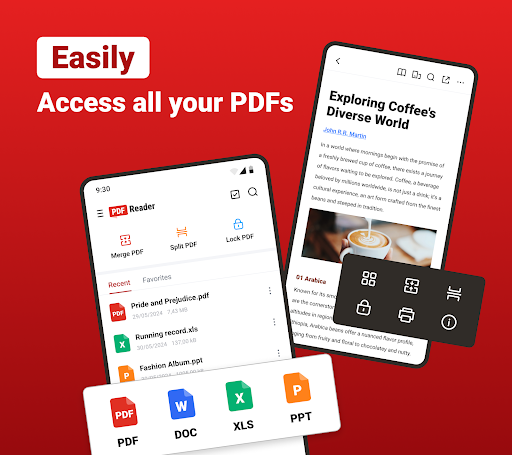
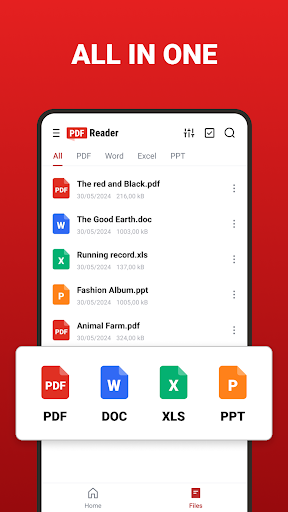
Welcome to PDF Reader – a free, user-friendly application designed to meet all your PDF management needs. This powerful tool allows you to effortlessly organize, access, and read a wide range of document formats such as PDF, DOC, DOCX, XLS, XLSX, PPT, and EPUB. With its smart features, you can automate the scanning process, generate organized lists, and find your files quickly, making your digital document experience seamless and efficient.
Comprehensive PDF Viewing and Annotation Features
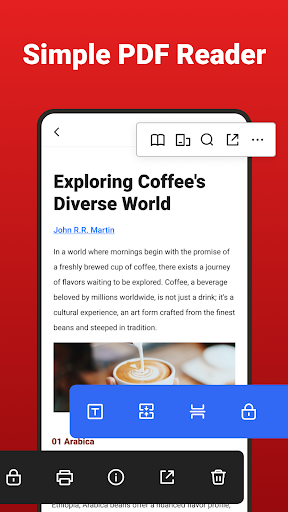
The PDF Reader app offers a smooth and versatile reading experience. Open and navigate your PDFs with ease, jump directly to desired pages, and choose from multiple reading modes catering to your preference. The app also supports annotation tools such as highlight, underline, and strikethrough to emphasize key points. Easily search within your files, and quickly access recent documents for efficient referencing. Additionally, renaming, deleting, and sharing files is just a tap away, ensuring smooth workflows whether for professional or personal use.
Support for Office and eBook Formats
Beyond PDFs, this app also caters to your office document needs with Word (DOC/DOCX), Excel (XLS/XLSX), and PowerPoint (PPT/PPTX) viewers for fast and efficient document access. For eBook enthusiasts, the EPUB Viewer ensures a smooth, immersive reading experience, making it ideal for reading digital publications in various formats anytime and anywhere.
Powerful PDF Management and Conversion Tools
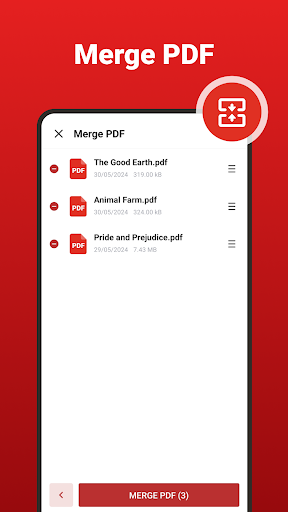
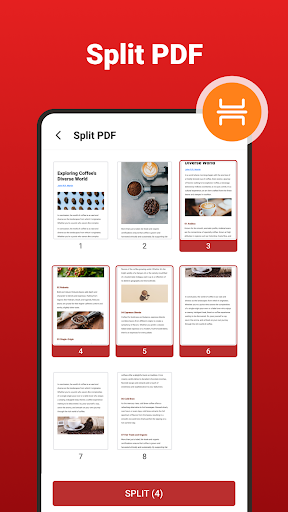
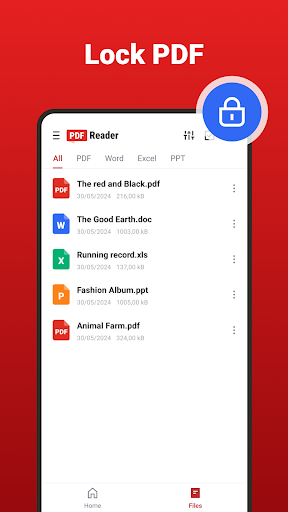
The app boasts robust document management capabilities. Effortlessly merge multiple PDFs into one, or split large files into smaller, manageable sections. Keep your documents secure with password protection using the lock feature. Compress PDFs to save storage space without compromising quality, and convert images directly into PDFs or extract images from PDFs to your gallery with ease. You can also convert PDFs into high-quality images such as JPG or PNG, or create PDFs from your images, streamlining your workflow.
Enhance Productivity with AI-Powered Features
Leverage the advanced capabilities of AI Scan to quickly recognize and enhance physical documents like receipts, business cards, or paper files, transforming them into polished PDFs automatically. The AI Summary feature allows for one-tap analysis of lengthy documents, providing concise summaries to help you grasp essential information faster. This integration of artificial intelligence significantly boosts productivity, whether for academic, professional, or personal tasks.
Practical Editing and Signature Tools
Edit your documents effortlessly with a suite of practical tools. Highlight, underline, or strike through important content, or copy snippets of text for quick reference. Sign electronic documents directly using your finger or stylus, perfect for finalizing contracts or invoices. You can also fill out and insert text into PDF forms without any hassle, saving time and streamlining your document workflows. These editing features make PDF Reader a versatile solution for comprehensive PDF editing and management.
Start Your PDF Management Journey Today
Whether you're busy in the office or working on academic projects, PDF Reader is your reliable mobile office companion. With all these features available for free, you can experience streamlined PDF reading, editing, and management anytime, anywhere. Download now and unlock a new level of document handling efficiency!
Pros
- User-friendly interface that is easy to navigate
- Provides a wide range of features to enhance user experience
- Regular updates and improvements based on user feedback
- Excellent customer support with prompt assistance
Cons
- Occasional bugs that may affect performance
- Some features might require a learning curve to master
- Limited customization options for advanced users
- Higher subscription costs compared to competitors











