
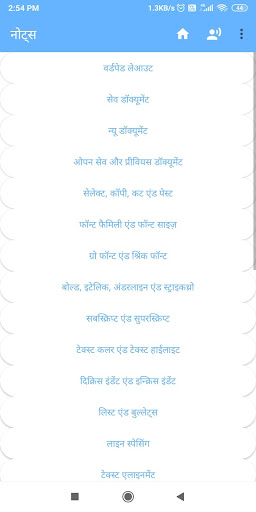
WordPad - Easy To Learn
Welcome to the comprehensive guide on WordPad, a widely used and versatile text editor that simplifies document creation and editing for users of all levels. Whether you're a beginner aiming to understand the basics or an experienced user looking to enhance your skills, WordPad offers an intuitive interface and a rich set of features to meet your needs.
Why Choose WordPad?
WordPad is known for its accessibility and ease of use, making it a popular choice among users who want a straightforward editing tool without the complexity of more advanced word processors. This app enables users to learn WordPad quickly, thanks to its user-friendly layout and step-by-step tutorials that guide you through each feature.
In this WordPad learning resource, you'll discover how to leverage its core functionalities, such as creating, formatting, and saving documents. The platform is designed to help both novices and seasoned users understand how to maximize productivity with WordPad.
Features of WordPad
Intuitive Interface
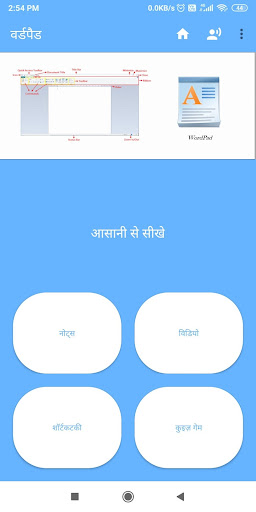
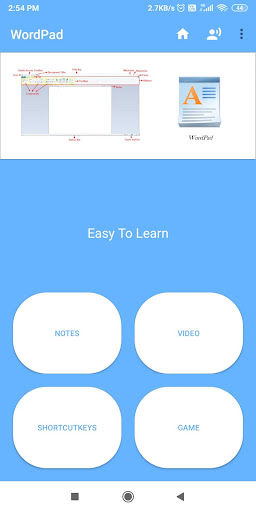
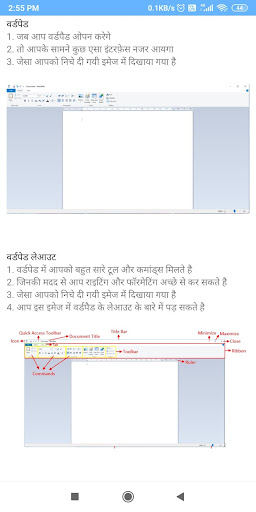
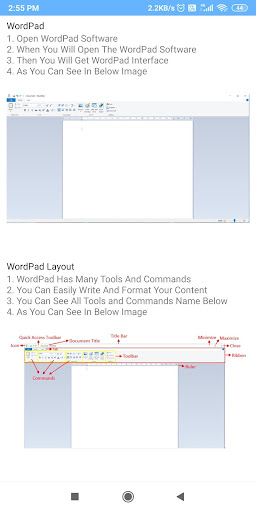
The WordPad graphical interface is simple and easy to navigate, ensuring users can find tools and options without hassle. This design helps new learners grasp basic operations rapidly.
Rich Formatting Options
With WordPad, you can apply various text styles, including bold, italic, underline, as well as adjusting font size and color easily. These features allow you to create professional-looking documents with minimal effort.
Smart Content Management
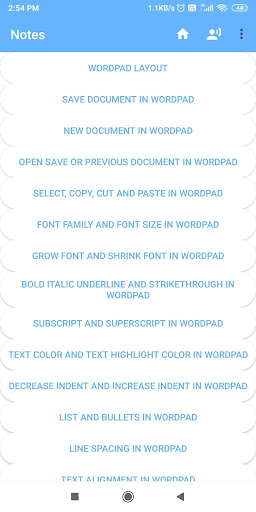
Learn how to efficiently manage your content, insert images, and organize your text with bullet points or numbered lists. The step-by-step tutorials make mastering these features straightforward.
How to Learn WordPad Step-by-Step
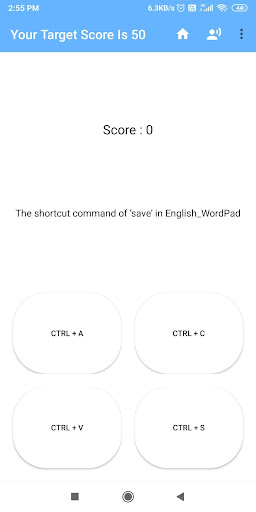
This platform provides easy-to-follow content that guides you through each process involved in using WordPad. You can learn WordPad very quickly by practicing the step-by-step instructions, which cover everything from opening a new document to saving and printing your work.
Whether you're exploring basic editing or more advanced formatting techniques, the structured content ensures that you can learn at your own pace. The goal is to make understanding WordPad accessible for everyone, regardless of prior experience.
Conclusion
In summary, WordPad is an excellent choice for anyone looking to learn a simple yet powerful text editing tool. Its user-friendly interface, combined with detailed tutorials and extensive features, makes it easy to master. Whether for personal use, educational purposes, or professional documentation, mastering WordPad can significantly enhance your productivity and document management skills. Start learning today and experience how easy it is to become proficient with WordPad.
Pros
- User-friendly interface that is easy to navigate
- Offers a wide range of features to enhance productivity
- Regular updates improve functionality and security
- Supports multiple devices and platforms
- Provides excellent customer support
Cons
- Some features require a steep learning curve
- Occasional bugs may affect user experience
- Premium features are behind a paywall
- Battery consumption can be high on mobile devices
- Limited customization options for advanced users











