


Introduction to Step Tracker Launcher
Step Tracker Launcher simplifies the way you stay active by providing real-time step counting, distance, and calorie tracking directly from your home screen. Designed to motivate and help you build healthier habits, this app allows you to monitor your fitness progress effortlessly. Track your daily steps, review detailed weekly and monthly stats, and set personalized walking goals to challenge yourself. As you stay consistent, you can celebrate milestones along your fitness journey, making activity tracking engaging and rewarding.
Key Features of Step Tracker Launcher
Real-Time Step & Activity Tracking
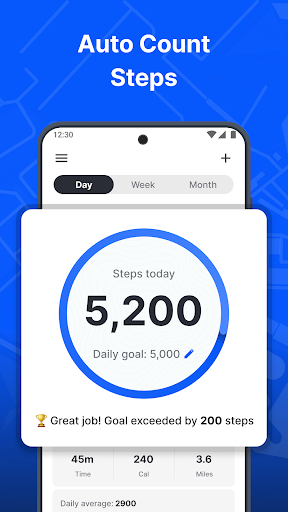
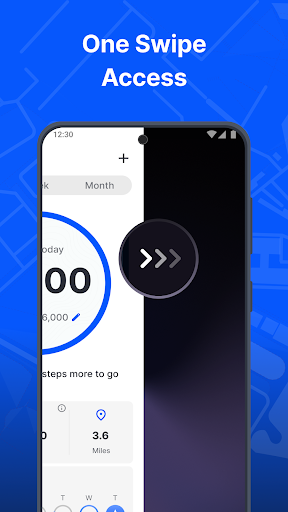
Stay informed with instant updates on your daily step count. See your progress in real time and get motivated to move more throughout the day. With just a quick swipe from your home screen, you can access your step data without opening multiple apps, making fitness tracking seamless.
Distance & Calorie Monitoring
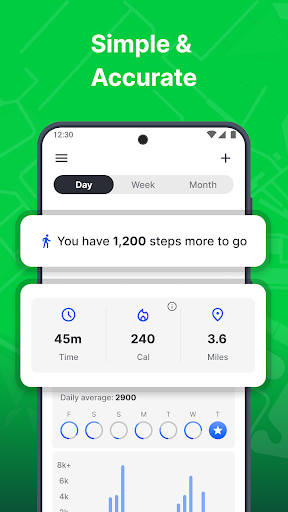
Track how far you've walked and the calories you've burned, providing you with essential insights to support your health goals. Staying aware of these metrics encourages you to maintain an active lifestyle and hit your fitness targets consistently.
Personalized Goals & Milestones
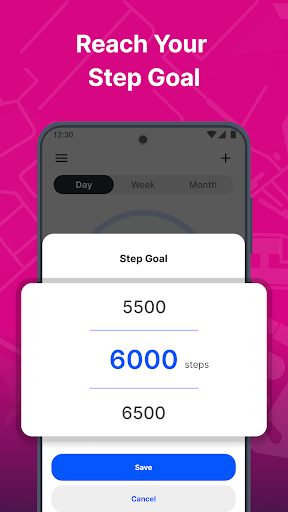
Set customizable daily step goals that suit your fitness level. As you progress, you can achieve new milestones and watch your improvements over time. Celebrating these achievements keeps you motivated and committed to your health routine.
Weekly & Monthly Progress Review
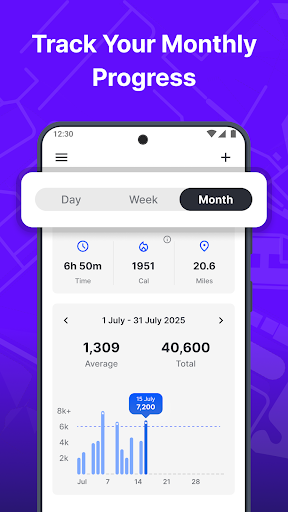
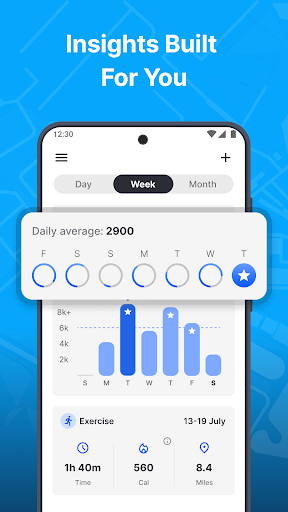
View detailed statistics on your activity patterns over different timeframes, helping you identify trends and stay on track. Tracking progress over weeks and months gives you a broader perspective on your fitness evolution.
Home Screen Widgets & Personalization
The app offers a home screen widget that lets you see the time, weather, and your activity stats at a glance. Personalize your device’s appearance with a wide selection of beautiful themed wallpapers for your home or lock screen, adding a personal touch to your device.
Multi-Point Search
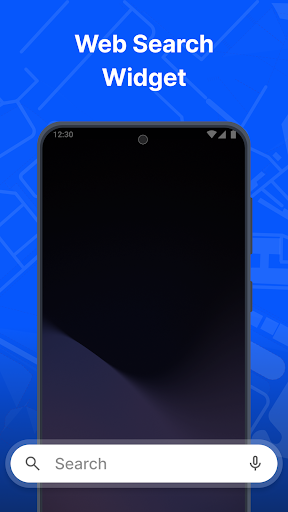
Easily search for installed apps or browse the web effortlessly using our multi-touchpoint search, powered by Yahoo, directly from your home screen.
Benefits of Using Step Tracker Launcher
Implementing this launcher app enhances your ability to stay active throughout the day. The one-swipe access feature makes it easy to check your activity metrics, encouraging you to move more and stay motivated. The app promotes a healthy routine by providing real-time updates and encouraging consistent efforts through visual progress and milestone celebrations.
By integrating this app into your daily life, you gain a comprehensive overview of your mobility patterns, set targeted goals, and witness your improvements over time. This holistic approach fosters sustainable healthy habits and encourages an active lifestyle that aligns with your personal fitness aspirations.
Whether you’re looking to lose weight, improve cardiovascular health, or simply stay more active, Step Tracker Launcher is a free and easy-to-use tool that helps you track your activity effortlessly right from your home screen. It’s your trusted partner in fitness, making every step count and keeping you motivated to reach new heights in your health journey.
Getting Started & Additional Information
Download Step Tracker Launcher from the Google Play™ Store and start monitoring your activity with ease. Remember, you can uninstall at any time if you choose. To learn more, visit our FAQ section for detailed guidance.
If you have questions, feedback, or suggestions for new features, feel free to contact us through our contact form. Your input helps us improve the app and provide a better experience tailored to your needs.
Please note: By clicking the install button, you agree to the Terms of Service and Privacy Policy. The use of Google Play™ and related trademarks is subject to Google LLC's terms, and their inclusion does not imply endorsement by Google.
Pros
- User-friendly interface that is easy to navigate
- Provides a wide range of features and functionalities
- Reliable performance with minimal glitches
- Effective customer support and assistance
- Regular updates that enhance usability
Cons
- Limited compatibility with older devices
- Some features require a steep learning curve
- Occasional bugs that need fixing
- Higher subscription costs compared to similar apps
- Privacy concerns regarding data collection











