
Candy Race Launcher: Transform Your Android Home Screen
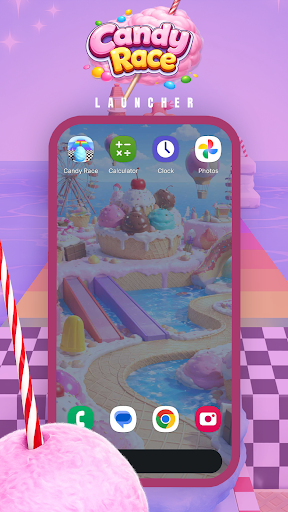
Discover the exciting world of Candy Race Launcher, a vibrant and dynamic way to personalize your Android device's home screen. Designed to bring a burst of color and energy to your device, Candy Race Launcher transforms the typical home screen into an immersive racing adventure where fun and customization go hand in hand.
Introducing the Candy Race Experience
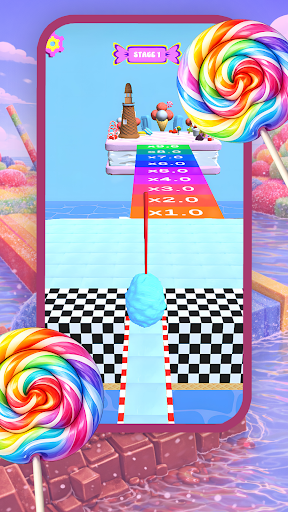
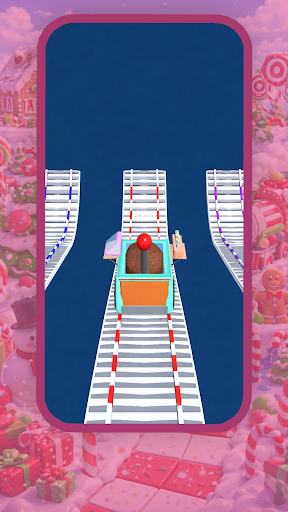
Candy Race is a fast-paced, colorful racing game-inspired launcher that offers a unique way to interact with your device. Imagine competing to reach the finish line in a lively candy-themed world—collect rewards, unlock thrilling new levels, and showcase your skills to become the ultimate candy champion. Whether you're a gaming enthusiast or someone who loves personalized customization, Candy Race Launcher blends entertainment with practical features to enhance your user experience.
Key Features of Candy Race Launcher
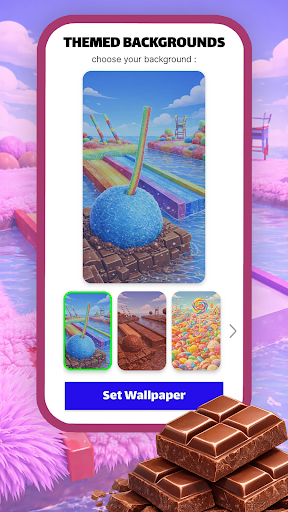
Themed Backgrounds
Bring the energy of the game directly to your home screen with beautifully crafted Themed Backgrounds. These backgrounds reflect the vibrant and playful style of Candy Race, making your device visually appealing and lively.
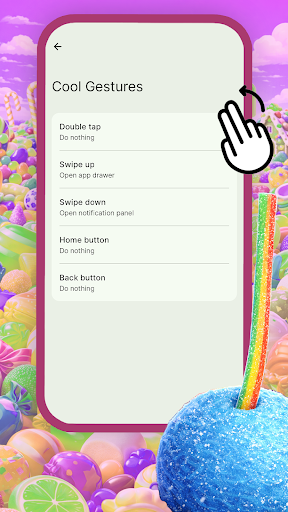
Cool Gestures for Quick Navigation
Enhance your navigation experience with Cool Gestures. Assign swipes, taps, and double taps to specific apps, shortcuts, or actions. This feature makes accessing your favorite apps faster and more intuitive, reducing the need to browse through menus. To set up these gesture controls, simply press and hold an empty area of your home screen to open the launcher menu and customize your preferences.
Adjustable Themes and Icon Shapes
Personalize your device further with adjustable themes. Switch between bright and dark modes to match your mood or environment. Additionally, customize icon shapes by accessing the icon shapes panel and choosing from various styles—giving your home screen a unique look tailored to your aesthetic preferences.
To access these theme and icon shape options, press and hold on an empty space and then click on Home Settings. Switching to the Candy Race Launcher may refresh your layout, and you can revert to your previous setup through your device’s default home app settings at any time.
Getting Started with Candy Race Launcher
Changing to Candy Race Launcher is simple and adds a fun, colorful dimension to your device. Once installed, you can easily switch between Candy Race and your default home screen. Ready to unleash a more lively and engaging user interface? Explore the customization options and enjoy a personalized Android experience that combines the thrill of racing with practical launcher features.
Pros
- Offers a user-friendly interface that simplifies navigation and usability.
- Provides a wide range of features to meet diverse user needs.
- Ensures secure data protection and privacy for users.
- Regular updates improve performance and add new functionalities.
- Supports multiple devices and platforms for versatile use.
Cons
- Some features may have a steep learning curve for new users.
- Occasional bugs or glitches could affect the user experience.
- Limited customization options in certain areas.
- May require substantial storage space on devices.
- Advanced features might necessitate additional subscriptions or payments.











