
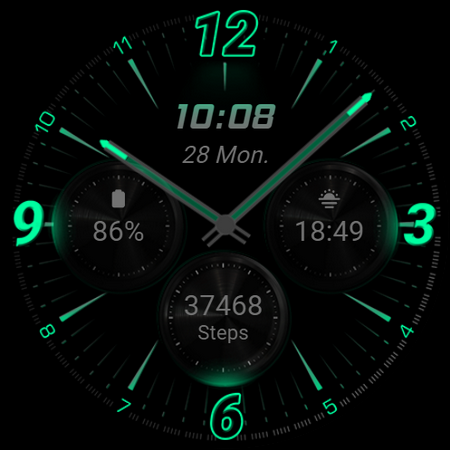
RE59 - Neon Analogue: A Modern Neon-Inspired Watch Face for Wear OS
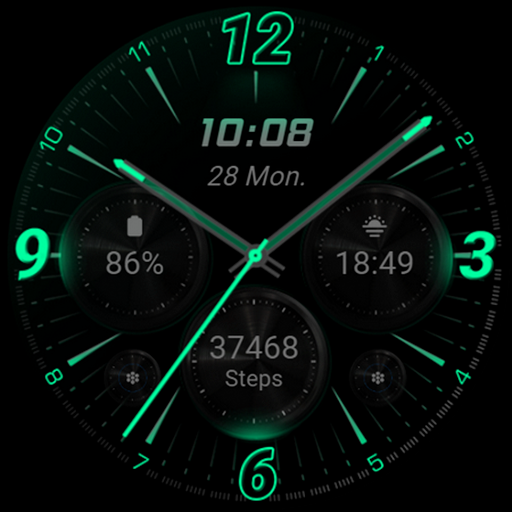
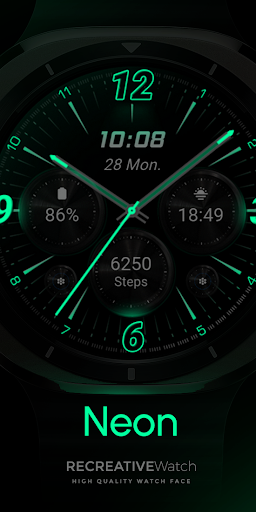
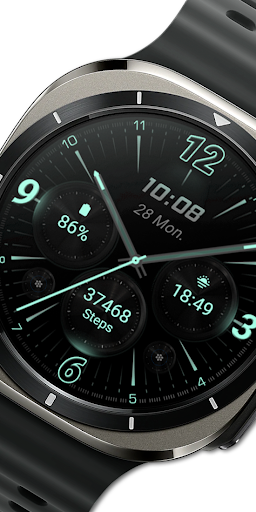
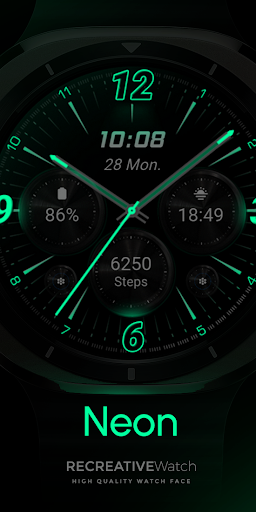
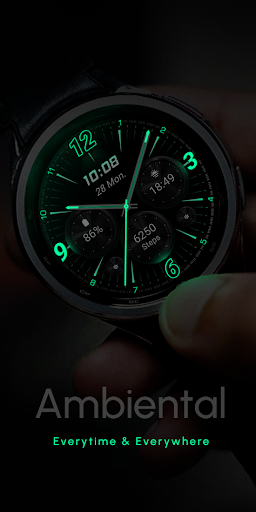
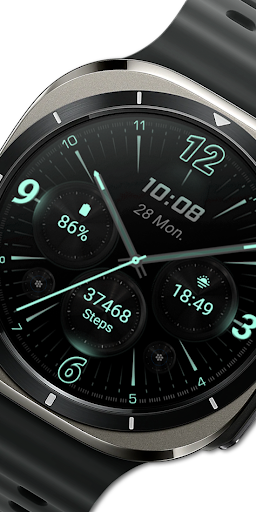
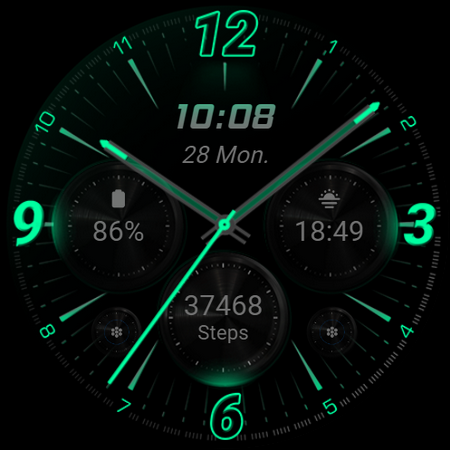
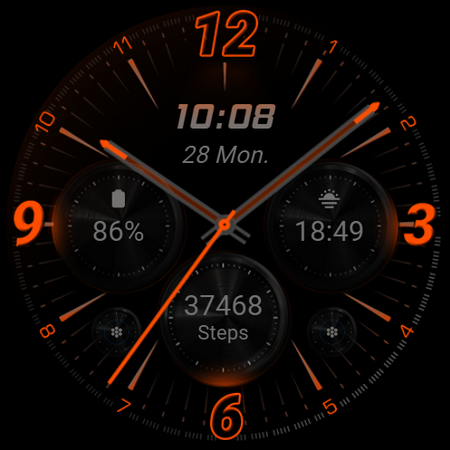
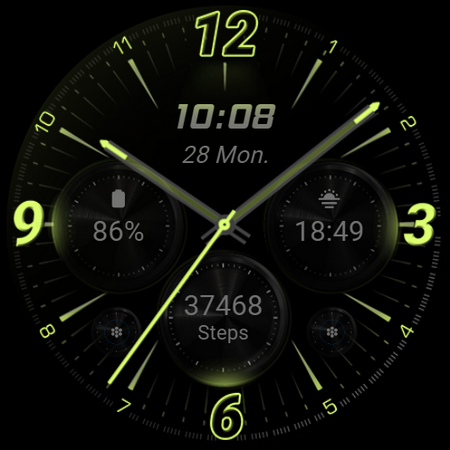
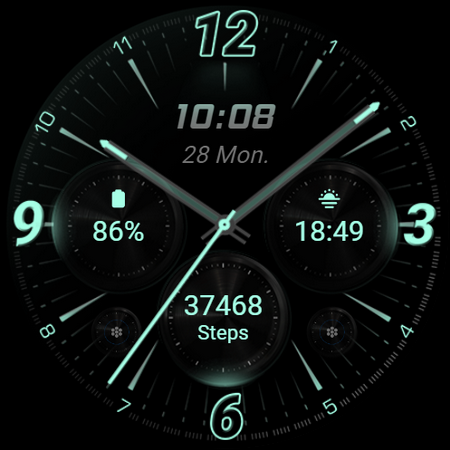
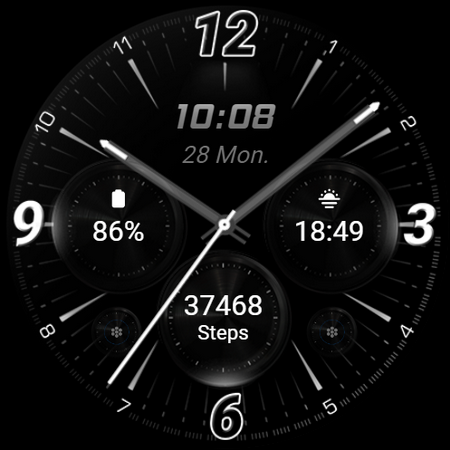
Experience a sleek and contemporary style on your wrist with the RE59 - Neon Analogue watch face, specifically designed for Wear OS devices. This watch face features a mesmerizing neon-inspired aesthetic, creating a dynamic, eye-catching display that stands out with realistic effects and a true black background. Whether you're aiming for a minimalist look or a bold statement piece, this watch face delivers a perfect blend of functionality and futuristic design.
The key to its striking appearance lies in its neon elements, which pop vividly against the true black backdrop, making the watch face ideal for those who love a modern, stylish look. Its design is not only visually appealing but also optimized for practicality, including features like digital time display, customizable shortcuts, and complications that enhance your smartwatch's usability.
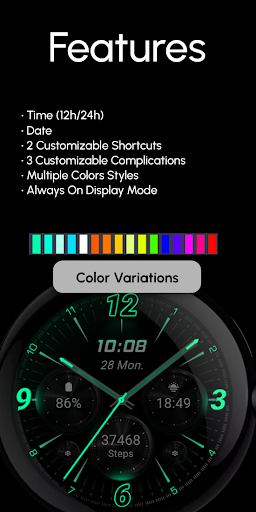
Features of RE59 - Neon Analogue Watch Face
- Powerful Watch Face Format compatible with Wear OS
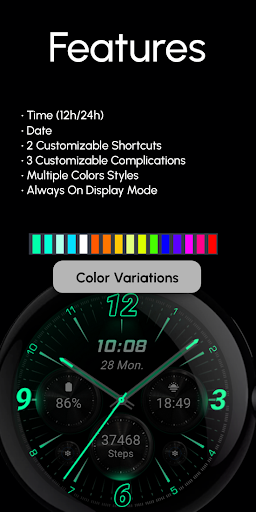
- Digital Time Display: Choose between 12-hour or 24-hour formats
- Customizable Shortcuts: 2 shortcuts allowing quick access to your favorite functions
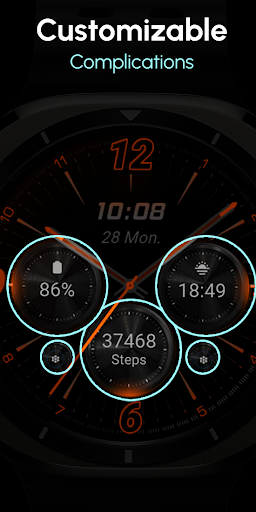
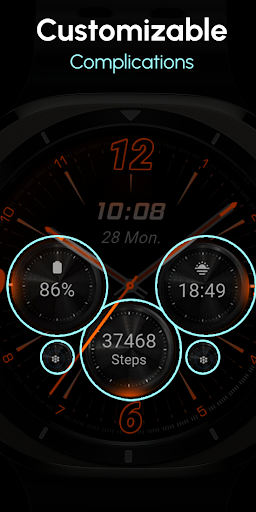
- Complications: 3 customizable data fields for added information
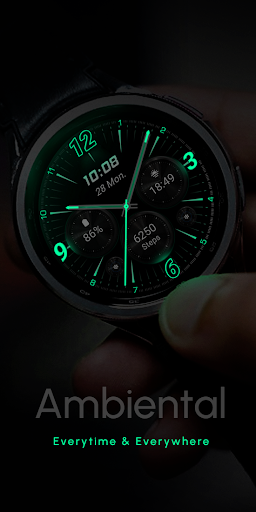
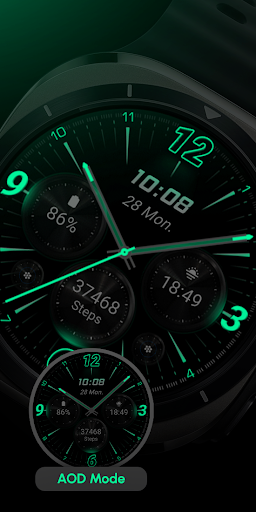
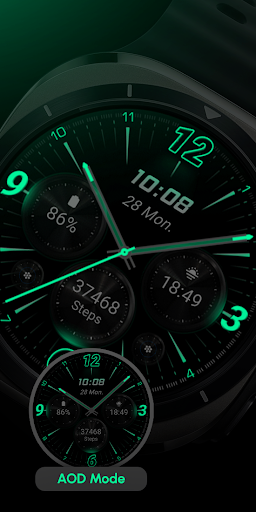
- Always ON Display: Keep the watch face visible at all times (recommend disabling for battery savings)
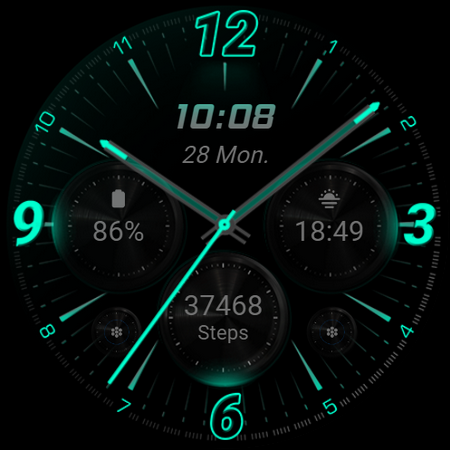
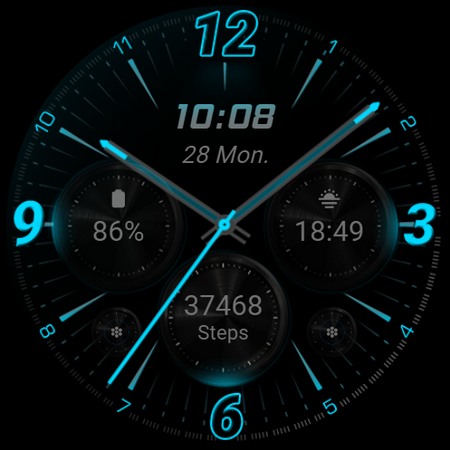
- Color Variations: Multiple color schemes to match your style
Customization Options
Personalize your watch face easily by simply:
- Touching and holding the display to access customization mode
- Tapping on the 'Customize' option for further personalization
In customization mode, you can adjust each field, including data displays and complications, to suit your preferences.
Battery Optimization
To enhance your smartwatch's battery life, it is recommended to disable the Always On Display mode when not needed. This helps conserve power while keeping the watch face accessible when necessary.
Compatibility
This watch face is compatible with devices running API level 33+, including popular models like Google Pixel, Galaxy Watch 4, Galaxy Watch 5, Galaxy Watch 6, and other Wear OS devices. Ensure your device meets these specifications for optimal performance.
Installation and Troubleshooting
To install the RE59 - Neon Analogue watch face, follow the instructions available here. Please note that after installation, the watch face does not automatically apply. You must manually select it on your watch's screen to activate it.
If you encounter any issues or need assistance, feel free to contact [email protected].
Pros
- User-friendly interface making navigation simple and intuitive
- Offers a wide range of features to enhance user experience
- Regular updates improve functionality and security
- Excellent customer support available to assist users
- Highly customizable options to suit individual preferences
Cons
- Some features may require a steep learning curve for new users
- Occasional bugs reported affecting performance
- Limited compatibility with older devices or operating systems
- Premium features are locked behind a paywall
- Data privacy concerns due to extensive data collection practices











