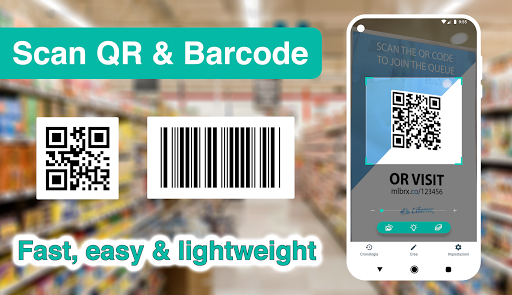
Introducing the Ultimate QR Code & Barcode Scanner for Android
Developed by a professional engineering team, QR Code & Barcode Scanner stands out as one of the most lightweight, fast, and feature-rich scanning applications available on the Google Play Store. Designed with user experience and efficiency in mind, this app offers a seamless way to scan a wide variety of QR codes and barcodes, making it an essential tool for everyday use on any Android device.
Core Features & Functionality
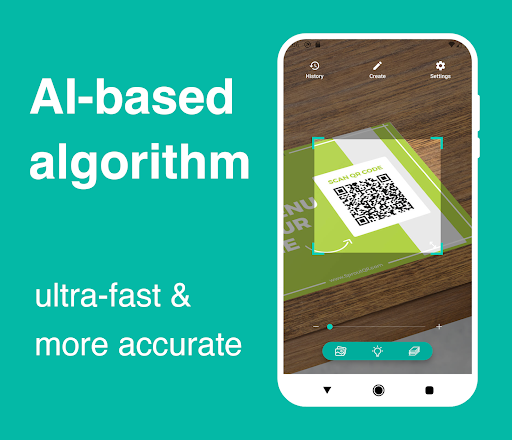
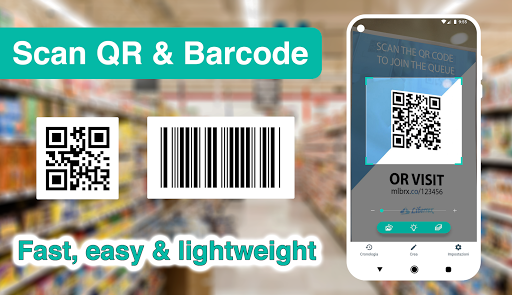
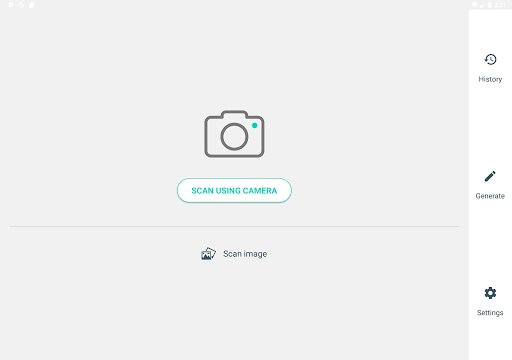
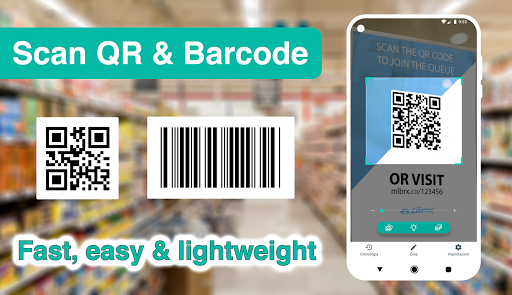
This highly user-friendly QR code and barcode scanner focuses on the core features needed to quickly and accurately decode commonly used QR and barcode types. Its super **fast speed** and intuitive interface ensure that users can access information instantly. Simply point your phone’s camera at a QR code or barcode, and the app instantly reads and displays the content, enabling you to perform relevant actions with ease.
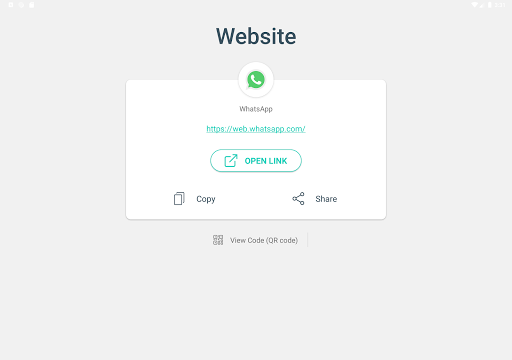
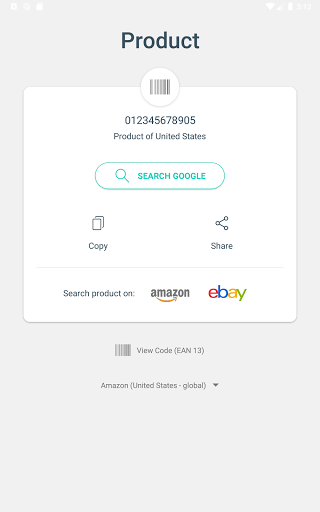
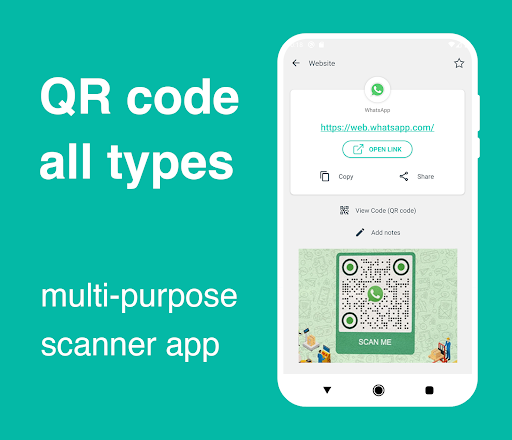
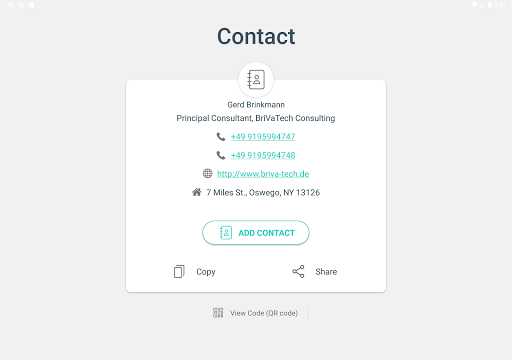
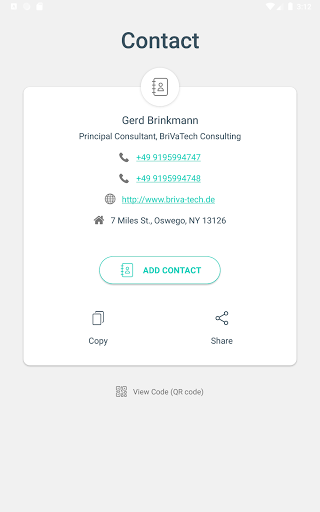
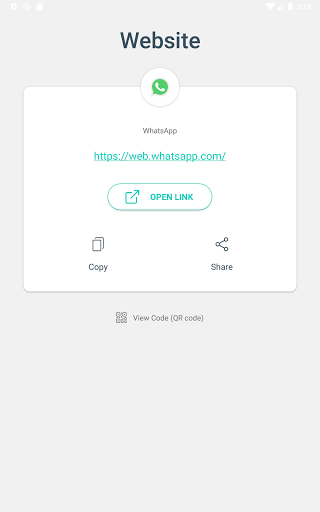
The app supports a comprehensive range of QR code and barcode types, including Contact Info, Phone, Email, Website, Product, Text, SMS, WiFi, Map Location, Calendar Event, and more. This versatility helps users access vital information effortlessly and makes the app ideal for both personal and professional use.
Additional Capabilities
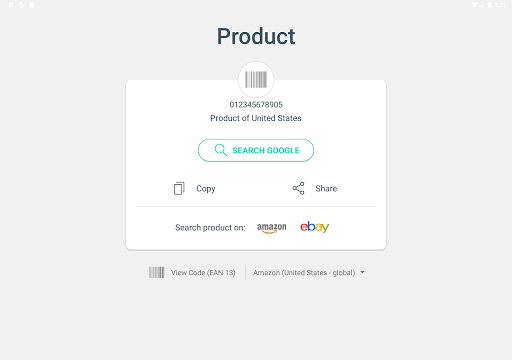
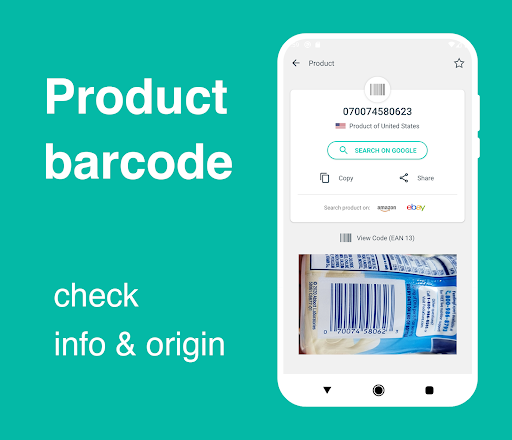
Beyond simple scanning, the QR Code & Barcode Scanner app offers insightful features such as examining the country of origin and product details of barcodes, helping users avoid low-quality or unknown origin products before making purchases. It’s an intelligent tool that promotes informed buying decisions.
Privacy is a top priority. The app does not request any special permissions and guarantees that it does not collect personal data or access your device's storage or contacts. It’s designed purely as a QR code reader to scan codes quickly and safely anywhere, anytime.
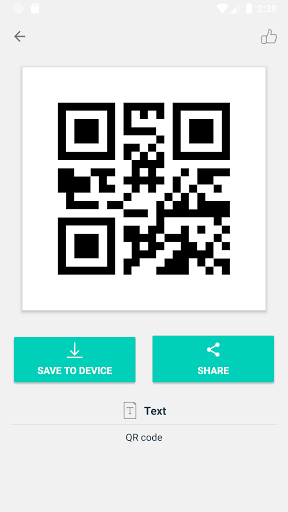
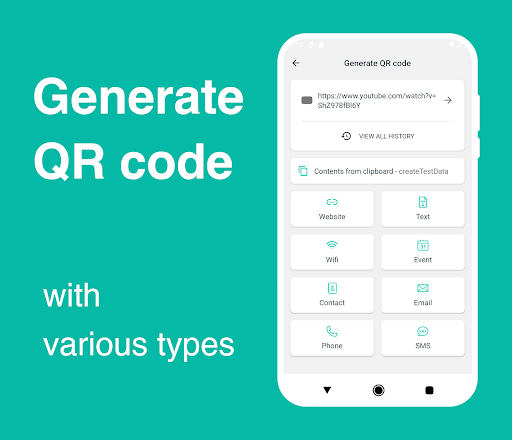
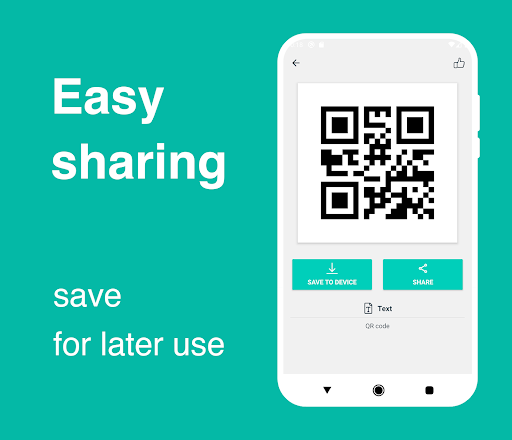
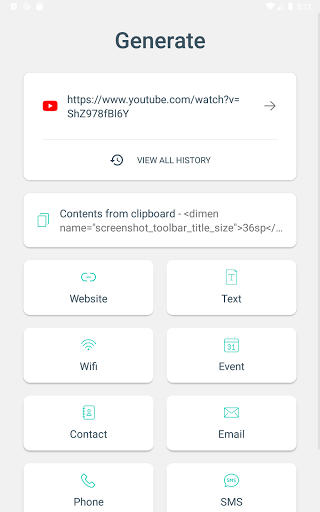
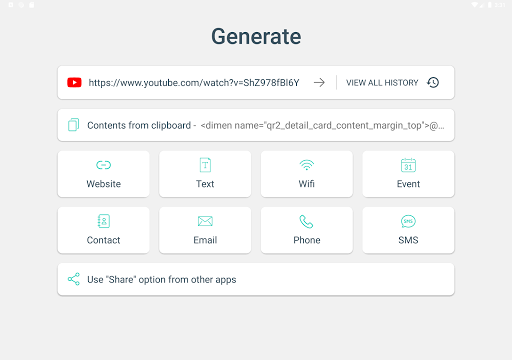
The app also includes a QR generator feature, enabling you to create your own QR codes for URLs, contact details, WiFi configurations, or notes. This adds to the utility, making the app a comprehensive solution for managing QR codes on your Android device.
Enhanced User Experience & Customization
Enjoy a super-lightweight and efficient app that’s tailored to your needs through various advanced settings. The app supports batch scanning mode, allowing users to scan multiple QR codes or barcodes simultaneously — perfect for quick data collection.
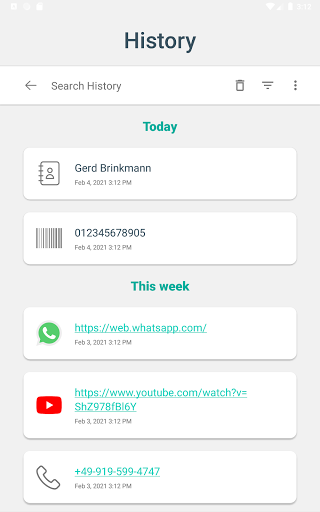
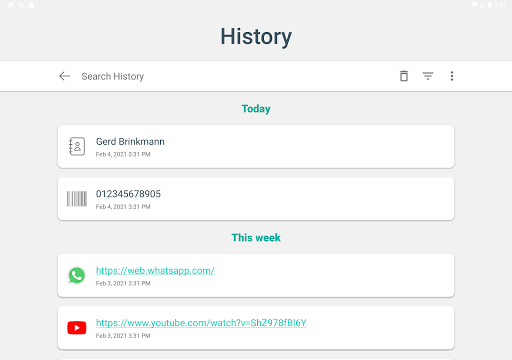
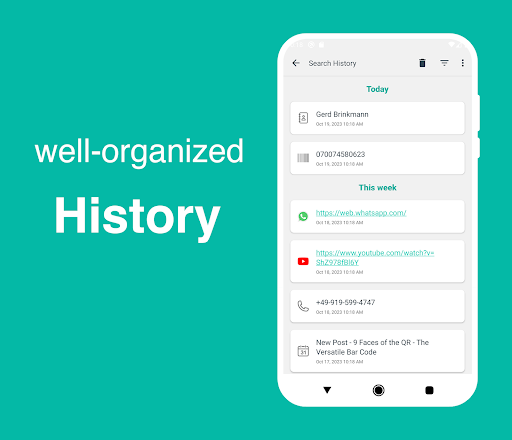
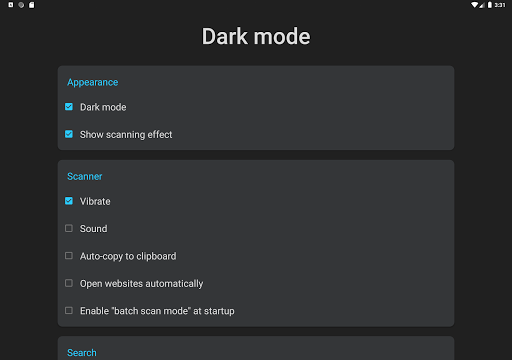
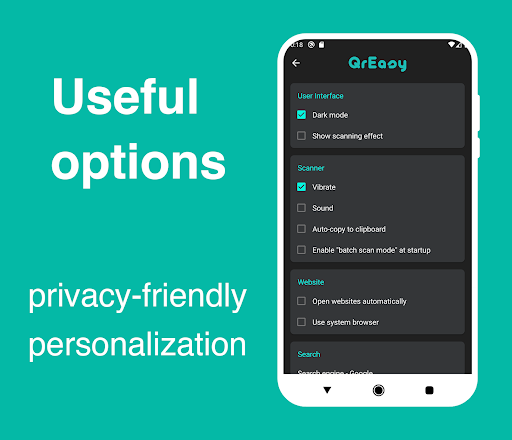
Additional features include dark mode for comfortable night-time scanning and a history section that organizes all scanned codes with search and filter options. You can also add notes to each scan, making it easier to manage and reference your data later.
How to Use
Using the QR Code & Barcode Scanner app is straightforward:
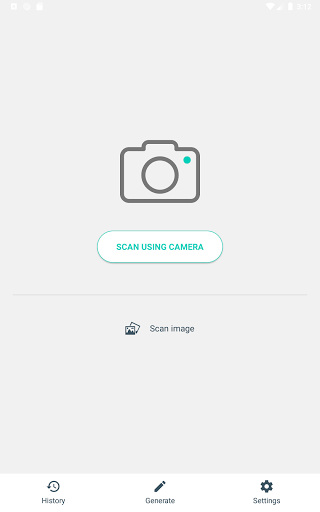
- Open the app, point your camera at a QR code or barcode, and it will automatically decode the information in seconds.
- To scan images from your gallery or shared content, select the "Share" option in Android, then choose "Scan Image" with the app.
- To generate a QR code, tap on "Generate" from the bottom menu, select your preferred content type (such as URL, text, contact info, or WiFi), and customize as needed. You can save or share newly created codes easily.
All scanned data is stored in an organized history for easy access and management.
Design & User Preferences
The app allows extensive customization through its settings menu, enabling users to optimize performance for their specific device camera and personal preferences. Whether you prefer single or batch scanning, dark mode, or custom actions, this app adapts effortlessly to your workflow.
Why Choose This QR & Barcode Scanner?
Thanks to its efficient performance and rich feature set, this app is suitable for everyday users, professionals, and businesses seeking a reliable QR code and barcode scanning solution. Its ability to accurately decode numerous code types quickly, generate custom QR codes, and organize your scanned data makes it a versatile and indispensable app on Android smartphones.
Pros
- User-friendly interface that simplifies navigation
- Offers a wide range of features to enhance user experience
- Reliable performance with minimal downtime
- Regular updates and improvements based on user feedback
- Excellent customer support and assistance
Cons
- Some features may be complex for beginners to understand
- Limited customization options in certain areas
- Occasional technical glitches reported by users
- Higher subscription costs compared to similar apps
- Requires a stable internet connection for optimal use