Introduction to Messages - All in One Chat App
Messages is a versatile instant messaging application designed for Android devices. It stands out as a comprehensive messaging app that simplifies communication by offering users a reliable and safe platform to send and receive messages effortlessly. Whether you're connecting with friends, family, or colleagues, this free messenger provides an easy-to-use interface for both texting and chatting.
Key Features of Messages App
Seamless Texting and Chatting
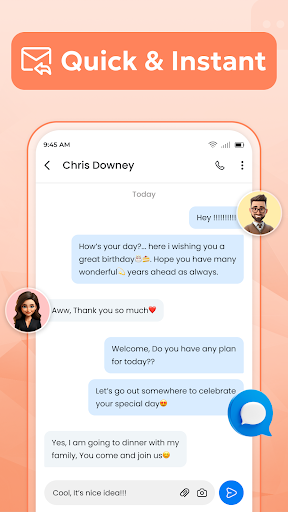
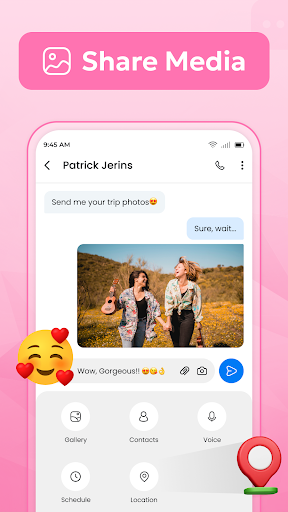
The Messages app allows you to stay connected with loved ones from anywhere, thanks to its dependable texting capabilities. It supports SMS as well as multimedia messaging (MMS), making it straightforward to share pictures, GIFs, emojis, and stickers during conversations.
Rich Media Sharing
Enjoy the fun and expressiveness with an extensive collection of emojis, GIFs, and stickers. These features enhance messaging, making conversations more lively and engaging.
Group Messaging
Sending group texts is easy, enabling you to communicate with multiple contacts simultaneously. This feature is ideal for coordinating plans or sharing updates with a group of friends or colleagues.
Quick Response and Management
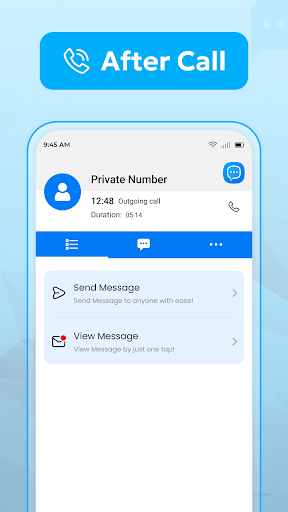
After each call, you can swiftly send a quick message or create new conversations directly from the call screen. The app organizes messages chronologically for effortless search and retrieval, helping you manage all your texts efficiently.
Enhanced User Experience
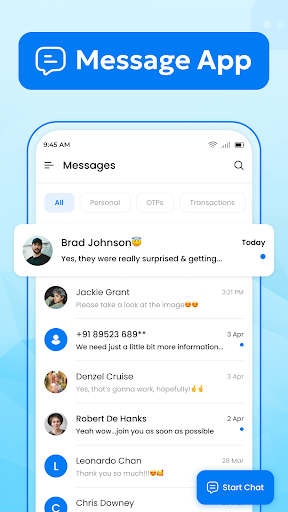
The Messages interface functions as an instant messenger, with a user-friendly design that organizes messages in a clear and chronological manner. This organization ensures you can easily find previous conversations and keep track of ongoing chats.
Managing all your SMS and MMS texts on your device is seamless with Messages. The app provides a unified hub for messaging, making it an excellent choice for users who want to handle all their texts within a single app.
This application supports both individual and group messaging, offering a flexible and feature-rich experience for all texting needs. Whether you prefer traditional SMS or multimedia messaging, Messages has you covered.
Benefits of Choosing Messages - All in One Chat App
One of the standout advantages is that this free messaging app does not require an internet connection to send text messages, ensuring reliable communication even in areas with poor or no internet access. It’s perfect for staying in touch without consuming data or depending on Wi-Fi.
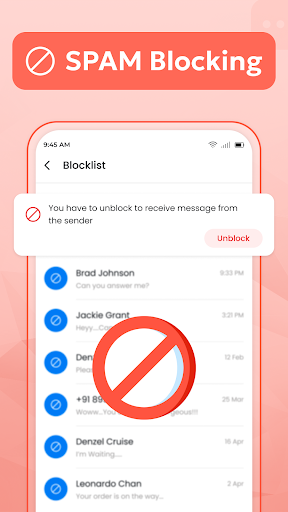
The app is designed to replace traditional messaging tools like Messenger Lite and enhance your experience with features like Messaging+. Its intuitive controls for sending, blocking, and managing messages make it an excellent choice for everyday communication.
Whether you need a SMS app for simple texts or a comprehensive messaging platform for sharing multimedia content, Messages offers a robust solution that is easy to navigate and packed with useful features.
Overall, Messages – all in one chat app combines reliability, ease of use, and rich features to create a top-tier messaging experience. It's a perfect tool for users looking to manage all their SMS and MMS messages in one convenient application.
Pros
- User-friendly interface that is easy to navigate
- Offers a wide range of features to enhance user experience
- Highly customizable to suit individual preferences
- Reliable performance with minimal downtime
- Excellent customer support available 24/7
Cons
- Premium features require additional payment
- Some functionalities may have a learning curve for new users
- Limited integration options with third-party services
- Occasional bugs or glitches reported by users
- Requires a stable internet connection for optimal use