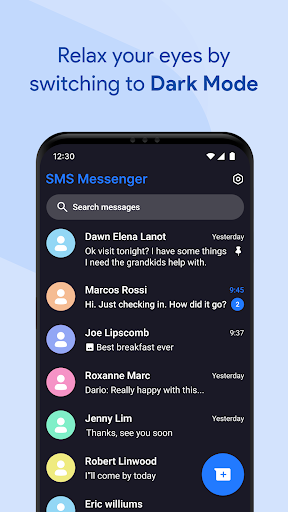
Introduction to Messages for Android
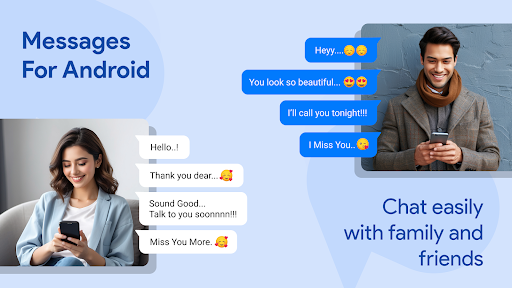
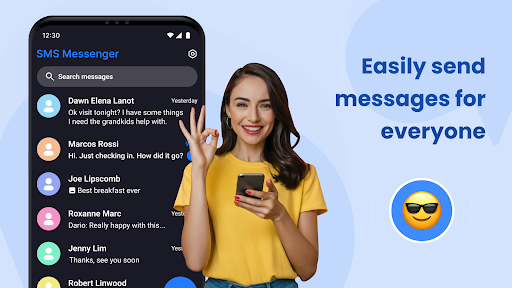
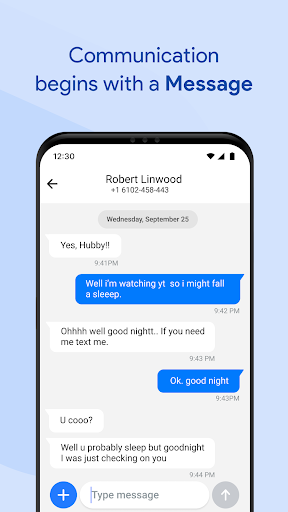
Stay connected effortlessly with Messages for Android, a powerful messaging application designed for simplicity, speed, and modern communication. Whether you're sending a quick text message, managing a group chat, or organizing your work and personal conversations, this chat app delivers everything you need in one streamlined platform.
Popular among Android smartphone users, Messages can be set as your default SMS/MMS app and combines a clean, intuitive interface with advanced features suitable for both casual and professional use. From offline texting to secure messaging, Messages ensures your communication remains simple, effective, and reliable.
Core Messaging Features
SMS & MMS Support
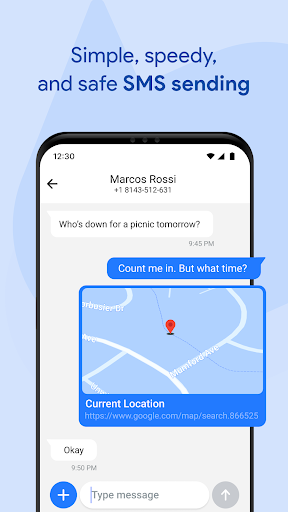
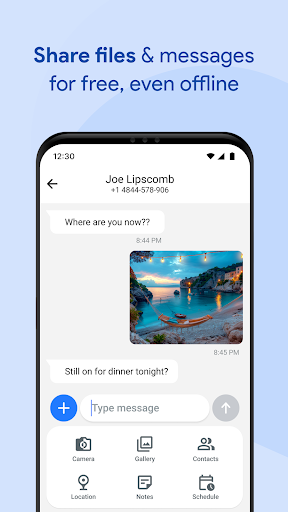
This app enables you to send and receive various media including images, videos, audio, documents, and even location data, all with ease.
Group Messaging
Stay connected with family, friends, or colleagues through powerful group chats and conversations.
After-Call Features
Enhance your communication with built-in after call reminders and text follow-up options (requires user permission). Immediately after ending a call, you can:
- Send a quick follow-up SMS
- Set a reminder to message later
This functionality is perfect for staying on top of tasks, contacts, and follow-ups.
Performance & Reliability
Optimized for all Android devices, from lightweight models to premium smartphones. Enjoy fast messaging and delivery, even in power-saving mode. The app is battery-friendly, with efficient memory usage and instant notifications, even when your device is locked. Its lightweight design ensures smooth performance without consuming excessive system resources.
Advanced Features
Smart Search
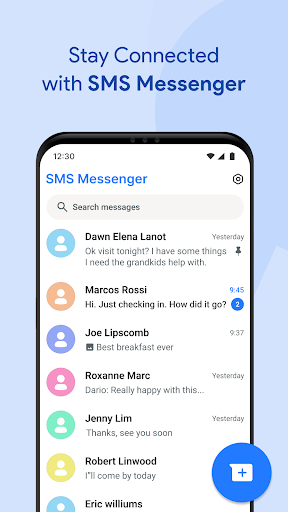
Quickly locate conversations and contacts using advanced message search.
Quick Replies
Respond promptly with preset responses for fast messaging.
Spam Protection & Filtering
Reduce unwanted texts with built-in spam filters, block spam messages, and enjoy a cleaner inbox.
Pin Conversations
Prioritize key chats using the pin chat and conversation pin features.
Message Organizer
Stay organized with smart folders and message archive tools.
Customizable User Experience
Personalize your messaging experience by customizing notification tones and chat backgrounds. The app boasts a clean, modern UI that makes navigating your messages effortless. Support for multiple languages ensures a global user experience.
Privacy & Security
Feel confident using secure SMS with robust privacy measures. Your personal data remains protected with message privacy features. Easily backup and restore your messages when switching devices, thanks to SMS backup and chat transfer tools. The chat sync capabilities allow you to switch phones without losing your chat history.
Why Choose Messages for Android?
This modern messaging app offers seamless integration with Android features and SMS. It operates reliably offline, making sure you can stay connected anytime, anywhere. Supporting group messaging, delivery receipts, and multi-language messaging, Messages provides a stylish, simple, and intuitive communication experience. Designed for smarter, faster, and safer communication, this app is your ideal tool for both personal and professional messaging.
Conclusion
Upgrade your messaging experience with Messages for Android. It combines powerful features such as offline texting, secure messaging, advanced search, and personalization in one easy-to-use app. Whether for everyday chats or professional communication, this app simplifies and enhances your ability to stay connected. Download Messages for Android now and enjoy a more efficient, secure, and customizable messaging experience today.
Pros
- Offers a user-friendly interface that makes navigation easy.
- Provides a wide range of features to meet diverse user needs.
- Delivers fast and reliable performance under various conditions.
- Regular updates enhance functionality and security.
Cons
- Occasional bugs or stability issues may disrupt user experience.
- Some features may require a steep learning curve for new users.
- Limited customization options compared to competitors.
- In-app advertisements can be distracting and reduce usability.