Introduction to Coloring for Kids: Drawing 2-6
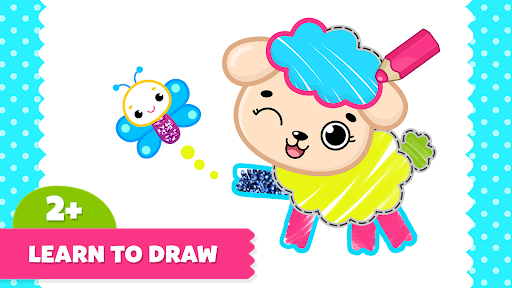
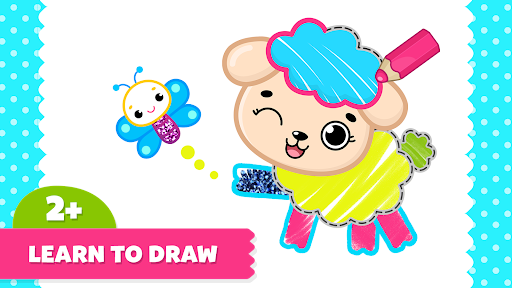
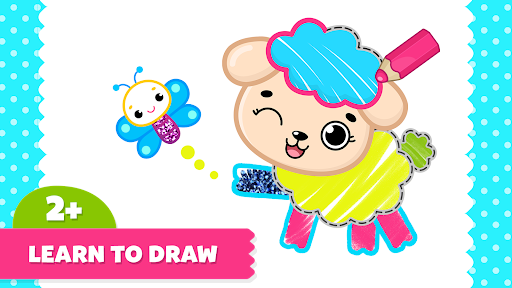
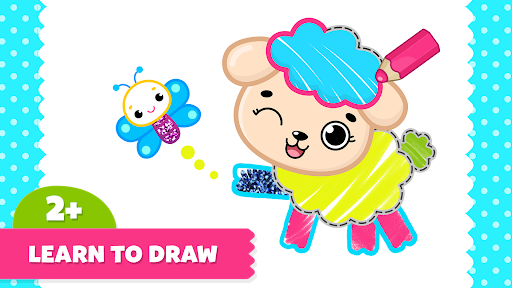
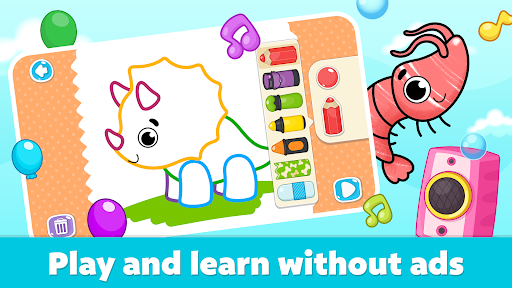
Kids love painting and coloring, making the Coloring for Kids: Drawing 2-6 app one of the best ad-free options for children to explore their creativity through drawing and coloring activities. Designed specifically for children aged 2 to 6, this interactive drawing app provides a safe, engaging environment for little artists to learn how to create beautiful pictures by tracing dotted lines, coloring, and bringing their artwork to life. Parents can have peace of mind knowing that all content has been developed by preschool education experts, ensuring a secure and enriching experience for young learners.
Key Features of the Drawing App for Kids
Engaging Visuals and Sounds
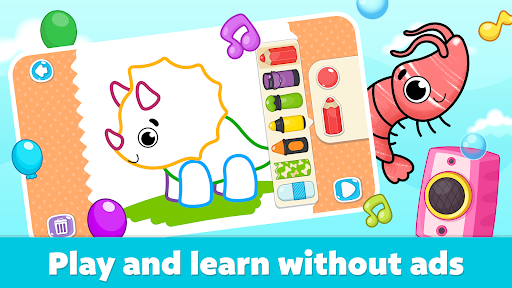
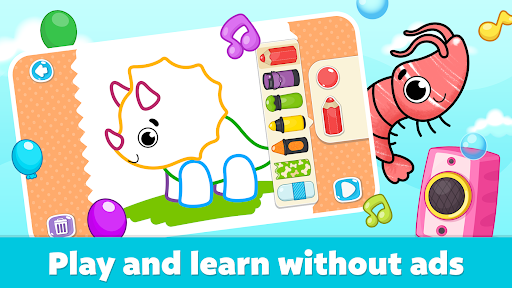
The app features animated pictures that assist toddlers in creating stunning drawings with cute animations and funny sounds. These colorful visuals keep children interested and motivated to practice their drawing skills.
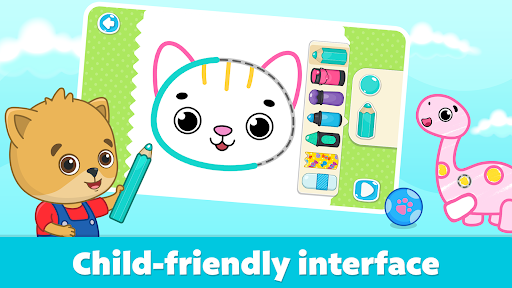
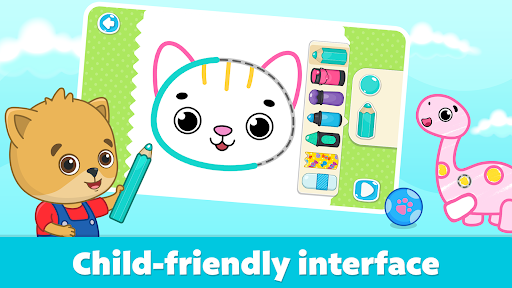
Simple and User-Friendly Interface
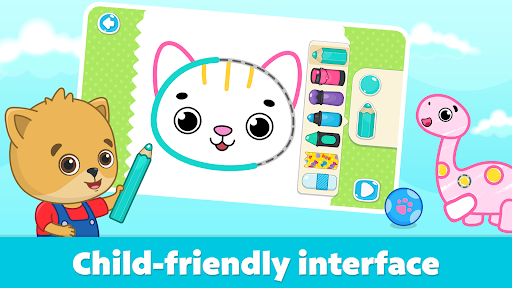
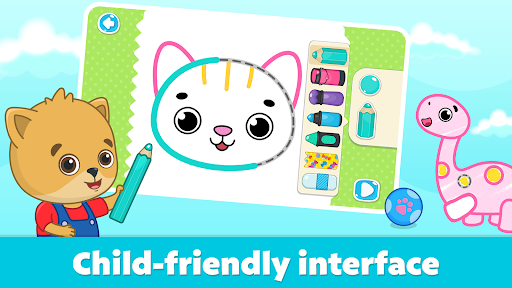
A straightforward interface allows children to easily navigate and draw by tracing outlines, making it accessible for even the youngest users without requiring prior experience.
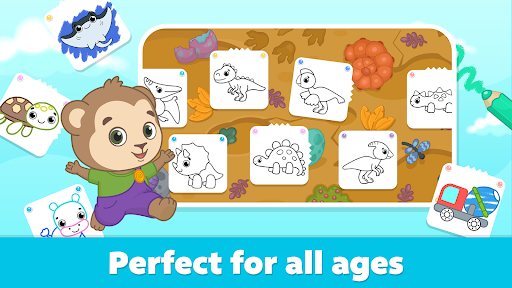
Variety of Drawing Pages and Topics
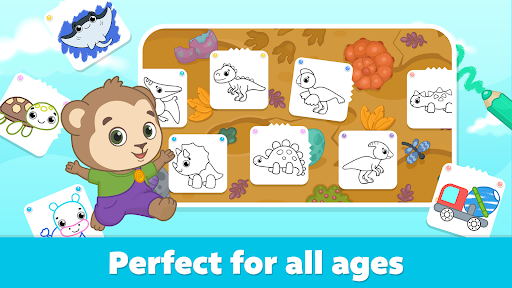
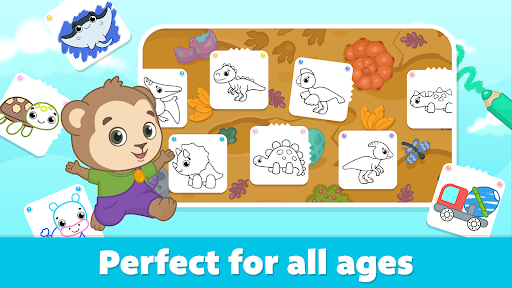
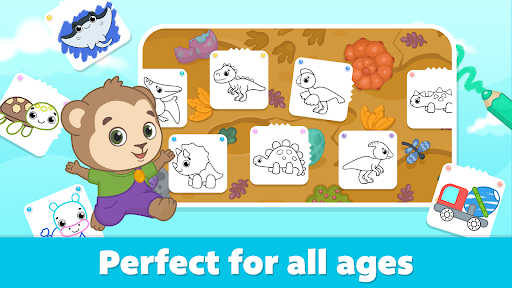
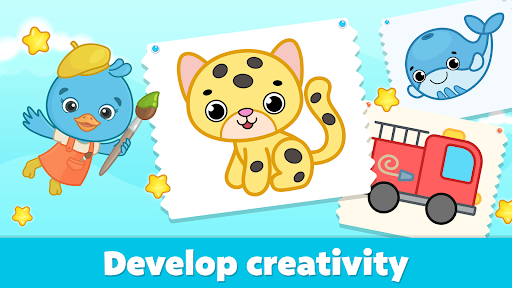
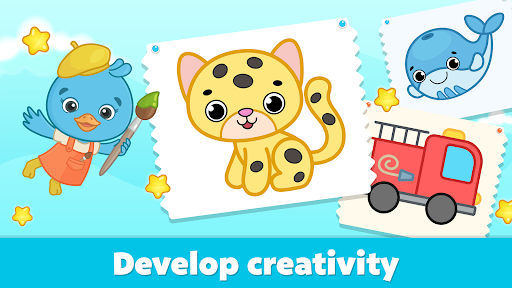
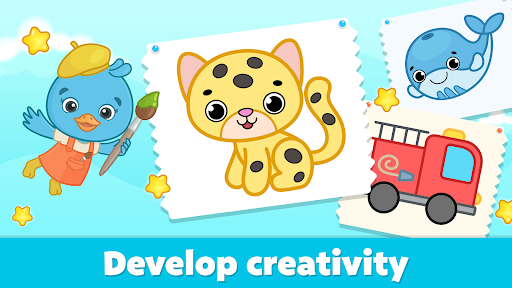
The app offers an extensive coloring book comprising pages on different themes such as animals, dinosaurs, cars, and ocean life, among others. This diversity helps broaden children’s interests and stimulates their imagination.
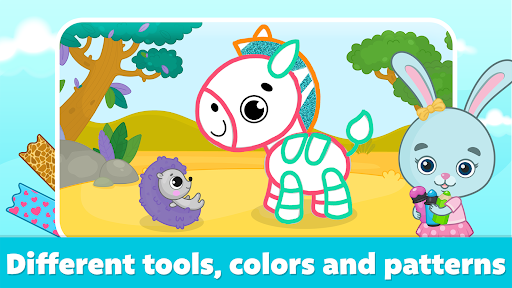
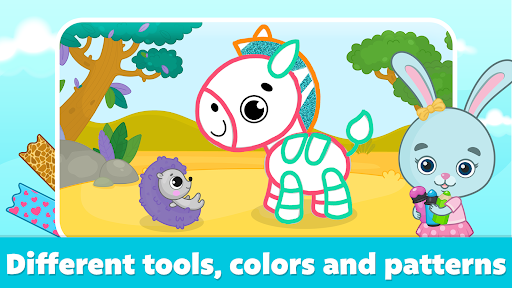
Rich Palette and Painting Tools
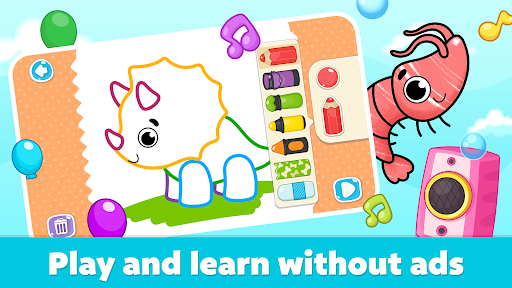
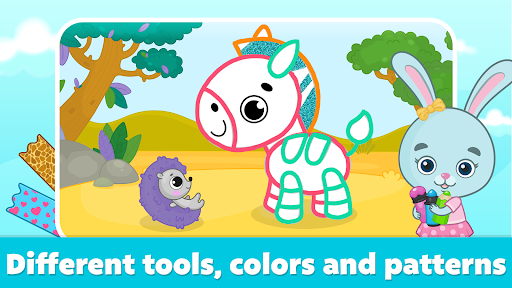
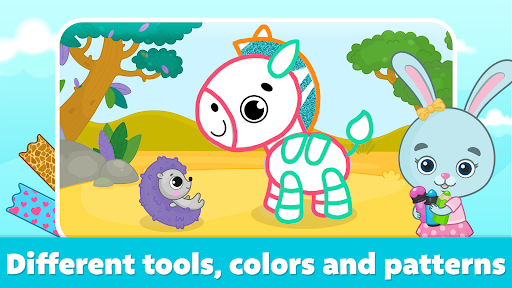
Children can experiment with many fun colors and an array of painting tools, making each artwork unique. The app includes exciting creative modes like outline coloring, freeform sketching, kaleidoscopic mirror effects, neon-glitter magic, and more—plus new surprises in future updates.
Safe Offline Experience
Designed with safety in mind, the app contains no ads or external links, ensuring children can play independently without exposure to inappropriate content. It also works offline, allowing usage without an internet connection.
Subscription and Membership Details
Drawing for Kids offers two subscription options: monthly and yearly. Subscriptions automatically renew unless auto-renew is turned off at least 24 hours before the current period ends. Users can manage and cancel subscriptions in their account settings, giving parents control over their child's access.
Educational Benefits and Goals
Bimi Boo Kids is dedicated to creating quality safety apps that foster development and lifelong learning. This learning to draw game not only entertains children but also promotes essential skills. By engaging in drawing and coloring activities with this app, children will:
- Learn to draw and color pictures effortlessly
- Create beautiful artworks using various coloring tools
- Express themselves creatively through art games for toddlers
- Develop imagination, creativity, and fine motor skills through painting and doodling
Why Choose This Drawing and Coloring App?
Designed specifically for preschool and kindergarten kids, this app provides an ideal platform for early artistic development. It combines fun and learning seamlessly, encouraging children to explore their artistic talents in a safe environment. The app's regular updates introduce new features and artistic surprises, ensuring ongoing engagement and educational value. Parents who value quality, safety, and educational content will find this app to be an excellent choice for nurturing their child's curiosity and creativity.
Conclusion
Thank you for supporting your child's education through engaging and safe drawing games. The Coloring for Kids: Drawing 2-6 app by Bimi Boo Kids stands out as a fantastic tool to inspire artistic expression and learning among young children. Its rich features, safe environment, and educational focus make it an outstanding choice for developing creativity, imagination, and motor skills. We continuously strive to enhance your child's experience and look forward to your feedback to improve our offerings further.
Pros
- Offers a variety of features that enhance user experience
- Provides a user-friendly interface for easy navigation
- Supports multiple devices and platforms for versatile use
- Regular updates improve performance and add new functionalities
Cons
- Some features may require a steep learning curve for new users
- Occasional bugs can disrupt smooth operation
- Limited customization options in certain areas
- Requires a stable internet connection for optimal performance