


Feature-Rich Steam Mobile App for Gaming on the Go
The Steam Mobile App offers gamers the ultimate convenience by bringing the world of PC gaming directly to your fingertips. Whether you're browsing the extensive Steam catalog of games, staying updated with the latest game news, or managing your account, this free app makes it easier than ever to stay connected to your gaming library and the vibrant Steam community. Designed for seamless access and enhanced security, the Steam Mobile App empowers users to shop, explore, and protect their accounts effortlessly.
Shop and Explore the Steam Catalog Anywhere
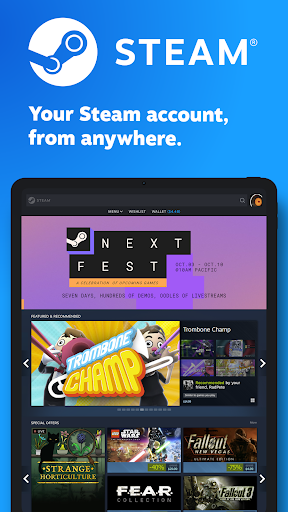
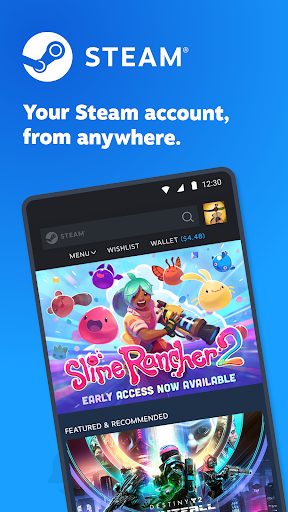
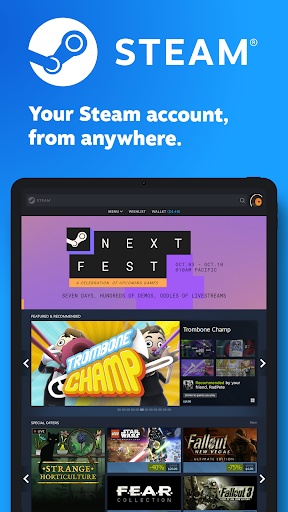
With the Steam Mobile App, you can browse the comprehensive Steam catalog of PC games from your smartphone. This feature allows you to discover new titles, read reviews, and explore recommendations based on your Library and preferences. Never miss a sale again—whether it's a seasonal discount or a flash deal, the app notifies you so you can take advantage of limited-time offers directly from your device. Shopping on Steam is now more convenient, making it easier to expand your game library anytime and anywhere.
Enhanced Security with Steam Guard
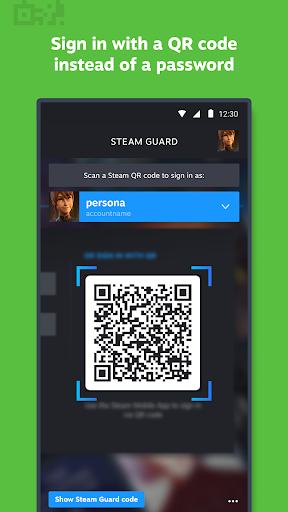
Your Steam account security is a top priority with the built-in Steam Guard feature. This two-factor authentication system ensures that only you can access your account, protecting your valuable games and personal information. The app supports quick and simple login methods such as QR code sign-in, which allows you to scan a code and log in without entering your password. Additionally, sign-in confirmation prompts streamline the process, enabling you to approve or deny login attempts with a single tap—adding an extra layer of protection to your account.
Manage Your Library and Downloads Remotely
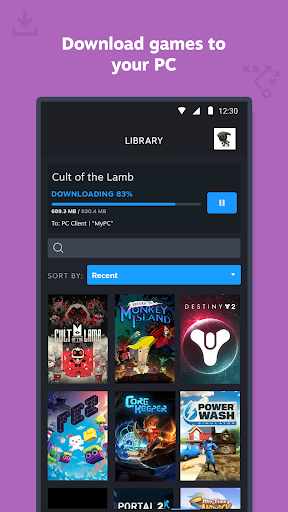
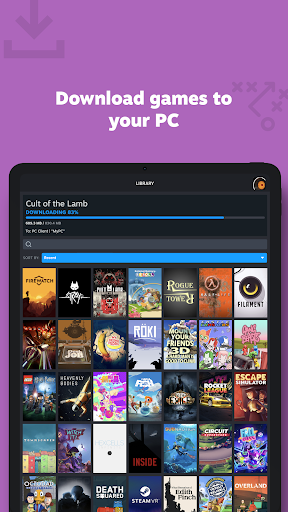
The updated Library view provides an intuitive interface to access game content, discussions, guides, support, and more. From your smartphone, you can manage game downloads and updates directly to your PC, ensuring your games are up-to-date and ready to play without needing to be at your desk. This remote management feature makes it effortless to keep track of your gaming progress and maintain your library on the go.
Quick Confirmations for Trades and Market
Streamline your trading activities with Trade and Market Confirmations. Use your phone to swiftly approve item trades and sales within the Steam Marketplace, saving time and reducing delays. This feature is particularly useful for collectors and traders who frequently exchange in-game items, as it allows for fast, secure transaction approvals.
Personalized News and Notifications
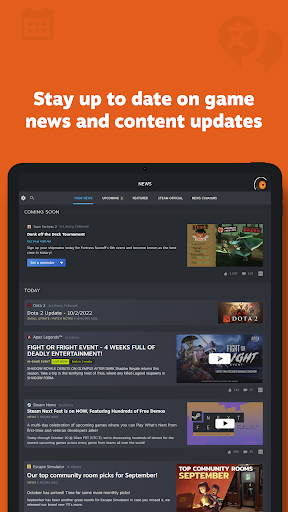
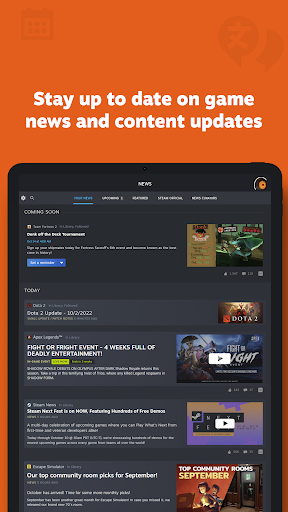
Stay informed with a personalized news feed tailored to your game Library. Receive latest news, upcoming events, and content updates directly from publishers and developers. Additionally, the app offers customizable notifications for wishlist items, sales, comments, trades, discussions, friend requests, and more, ensuring you never miss important updates or opportunities to engage with your network.
Community Access and Social Features
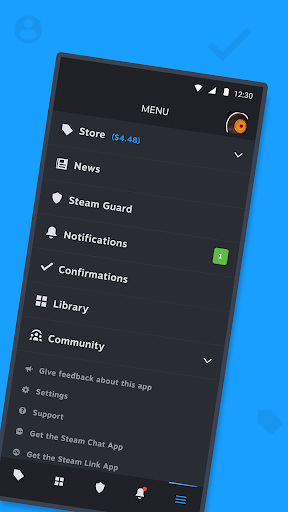
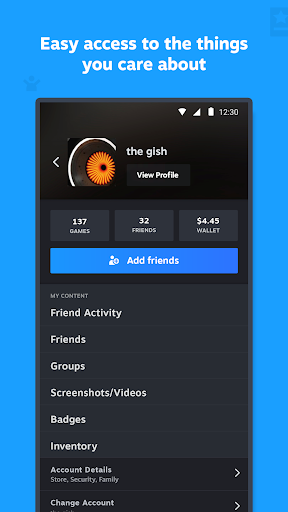
The Steam community is at your fingertips with easy access to discussions, groups, guides, the Market, Workshop, and broadcasts. Connect with friends, view their activity, share screenshots, manage your inventory, or check your wallet—all within a single app. Manage authorized devices that have signed into your account and control who has access, providing peace of mind while enjoying the social aspects of Steam.
User Experience and Multi-Account Support
The Steam Mobile App offers an improved browsing experience optimized for mobile screens. It also supports multiple Steam accounts, enabling users to switch between profiles seamlessly. Customizable main tabs allow you to prioritize features such as your Library, Store, or Community, tailoring the app to fit your gaming habits and preferences.
Conclusion
The Steam Mobile App is an essential tool for modern gamers who want to stay connected, secure, and in control of their gaming experience wherever they go. From shopping for new titles and managing downloads to participating in the community and safeguarding your account, this free app consolidates all the key features of Steam into a compact, user-friendly mobile platform. This makes it easier than ever to enjoy your favorite PC games and stay engaged with the vibrant Steam ecosystem—anytime, anywhere.
Pros
- Offers a seamless user experience with an intuitive interface.
- Provides quick access to essential features and functions.
- Regularly updated with new features and improvements.
- Supports integration with various third-party services.
- Ensures robust security and data privacy measures.
Cons
- Some features require a steep learning curve for new users.
- Limited customization options compared to competitors.
- Occasional performance issues under high load.
- Requires a stable internet connection for optimal use.
- Customer support response times can be slow at times.