
Photo Recover Deep
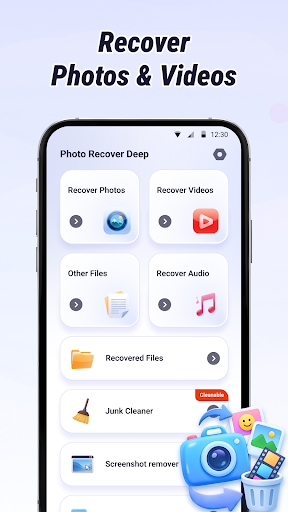
Welcome to Photo Recover Deep, an innovative app designed to help you effortlessly recover lost photos, videos, audio files, and documents. Whether you've accidentally deleted files or experienced data loss, this powerful tool offers a comprehensive solution to restore your valuable media with ease. With features tailored for efficiency and privacy, Photo Recover Deep is your go-to application for all your data recovery needs.
Key Features
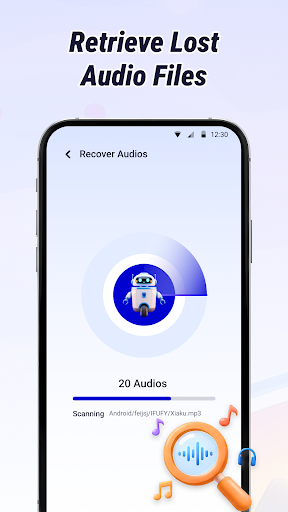
🔍 Scan & Recovery
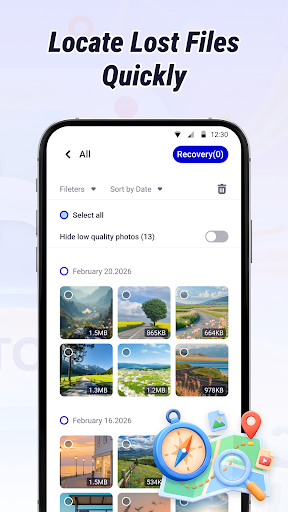
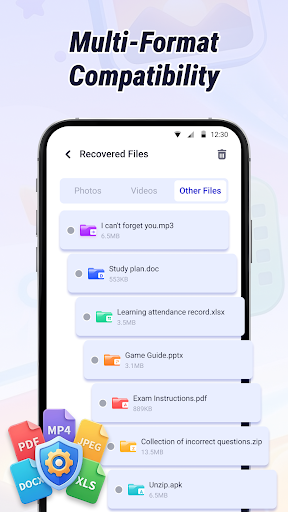
Quickly locate recently deleted photos, videos, audio, and documents. The app supports multiple file formats to ensure comprehensive recovery options, making it easy to find and restore your essential files.
📂 Smart Sorting & Filtering
Efficiently sort and filter files by deletion date and file type. This helps you quickly identify and access your target content, saving you valuable time during the recovery process.
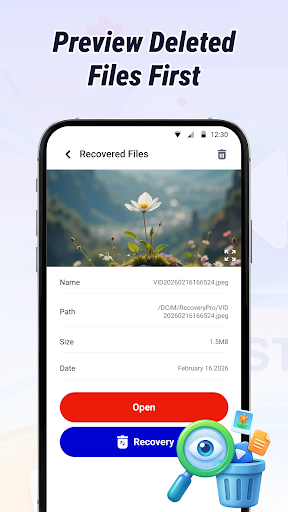
🖼 Preview Before Recovery
Preview your files prior to restoring them to ensure you're recovering the correct content. This feature helps avoid restoring unwanted or incorrect files, streamlining your data management.
🧹 Junk Removal
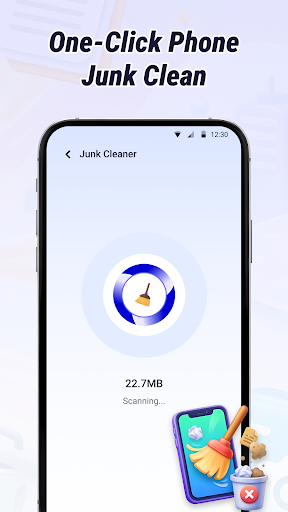
Scan and remove unnecessary cache files, residual data, and other junk files cluttering your device’s storage. This keeps your device clean and optimizes performance.
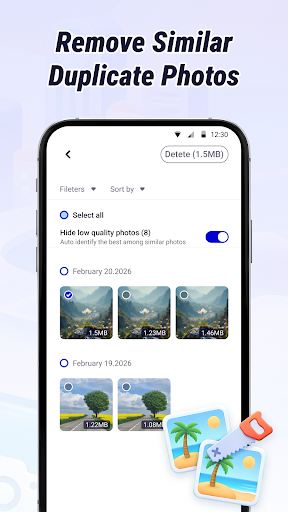
🖇️ Similar Photo Management
Automatically identify and group similar photos, allowing you to easily spot and eliminate duplicate content, thus saving storage space.
🖼️ Screenshot Management
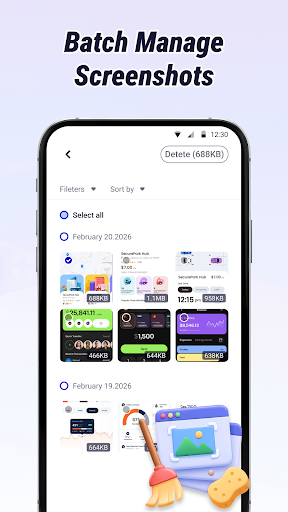
Gather all screenshots on your device and support batch removal, making it simple to organize and control your screenshot library.
⚡ Batch Processing
Support for batch recovery of multiple files and batch management of photos enhances your workflow, allowing you to restore or organize large amounts of data efficiently.
How to Use
- Launch Photo Recover Deep, select your desired function, and tap Start Scan.
- After scanning completes, review the files available for recovery or identify redundant data to remove, then finalize the process with a single tap.
Permission Notice
The core recovery and management features of Photo Recover Deep require full storage access permission to scan cache and residual directories. These permissions are solely used to scan deleted files, restore data, and delete unnecessary files. All processes are executed locally on your device, ensuring complete privacy. No personal files, contacts, messages, or other sensitive information are uploaded or accessed during operation. Your privacy remains fully protected.
Important Note
The success of data recovery depends on your specific device model and current storage conditions. For optimal results, use Photo Recover Deep as soon as possible after deleting files to improve the chances of recovering non-overwritten data.
Contact Us
If you encounter any issues or have suggestions for improving the app, please feel free to reach out via email at developertrung@gmail.com. We value your feedback and aim to enhance your experience with Photo Recover Deep.
Pros
- Intuitive and user-friendly interface, making navigation simple
- Provides a wide range of features to enhance user experience
- Offers reliable performance with minimal downtime
- Regular updates and improvements based on user feedback
Cons
- Limited customization options for advanced users
- Occasional bugs that require fixes through updates
- Many features may have a learning curve for new users
- Some functionalities are available only via premium subscription