Introduction to TickTick: The Ultimate Productivity App
TickTick has established itself as a leading to-do list app praised by major tech publications and satisfied users worldwide. Recognized as the best to-do app for Android by The Verge and making headlines as the top task manager in 2020 according to Wirecutter, a New York Times company, TickTick delivers an all-in-one productivity solution that seamlessly integrates your tasks, schedules, and reminders.
Immortally acclaimed as MKBHD's favorite productivity tool, TickTick is designed to boost efficiency and streamline your daily life. Whether you're managing personal goals, work projects, or collaborative endeavors, this versatile app helps you stay organized and focused, no matter where you are, at home, in the office, or on the move.
Key Features of TickTick
All-in-One Task Management
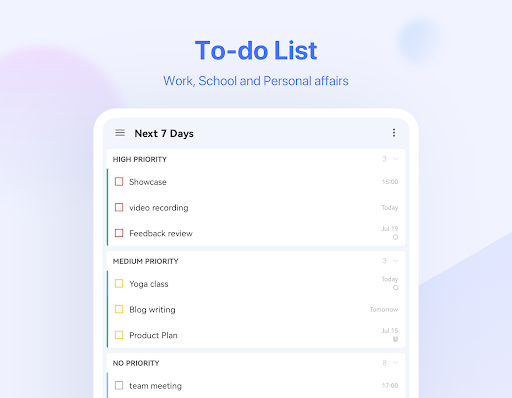
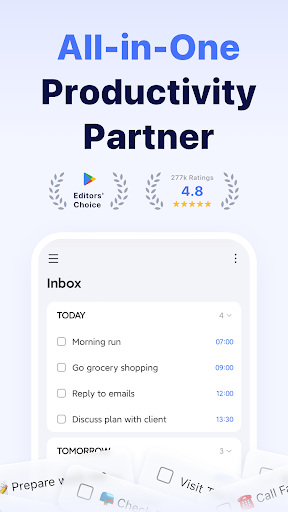
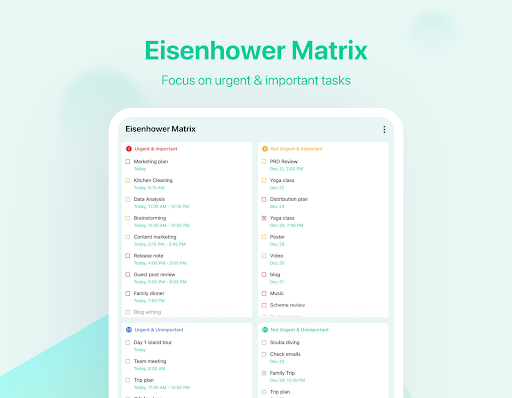
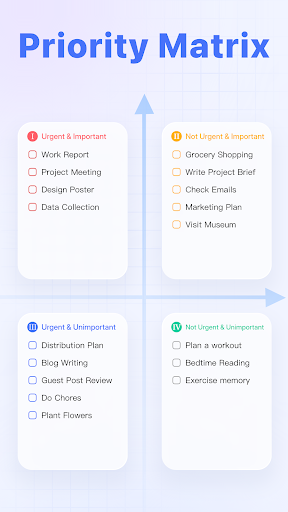
TickTick combines your to-do lists, calendar events, and reminders into a single intuitive platform. It helps you capture ideas, set personal goals, track habits, and share shopping lists with family effortlessly. Its comprehensive productivity planner caters to a wide range of needs, from daily chores to complex project collaboration.
Ease of Use & Personalization
With an intuitive design, TickTick makes task entry quick and effortless. Add tasks and reminders in seconds, allowing you to focus on what truly matters. Customizable features ensure the app adapts to your workflow, making task management simple and personalized.
Stay Focused with Pomodoro Timer
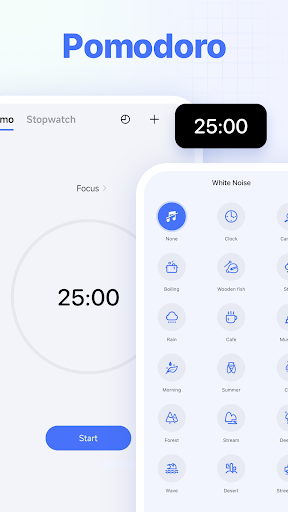
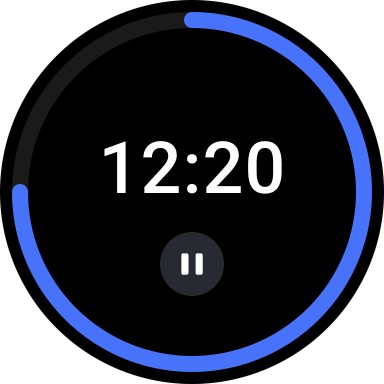
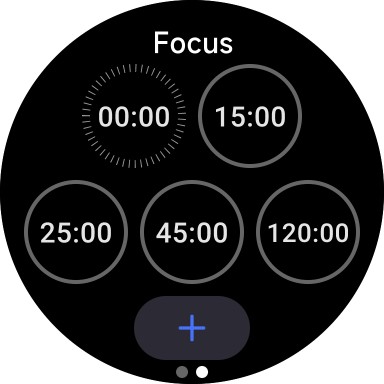
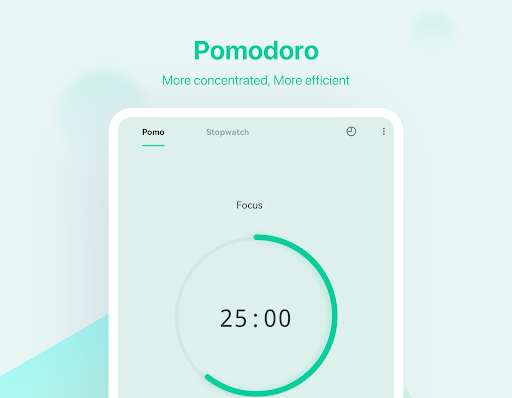
Boost concentration using the built-in Pomodoro Timer. It logs distractions to help you analyze and improve your focus hours. Enhance your productivity further with the white noise feature that creates an ideal environment for deep work.
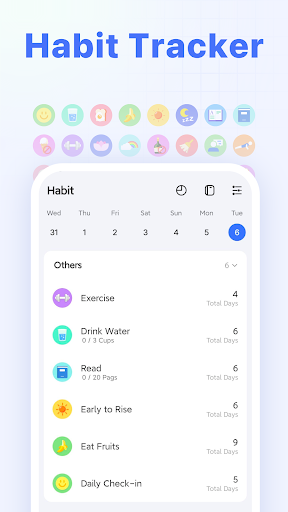
Habit Tracker for Better Lifestyle
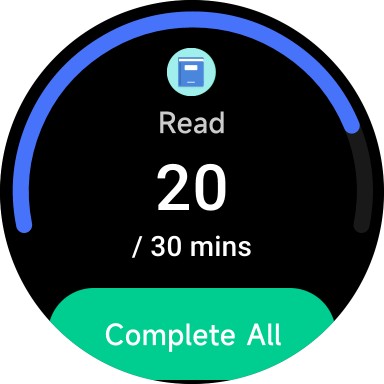
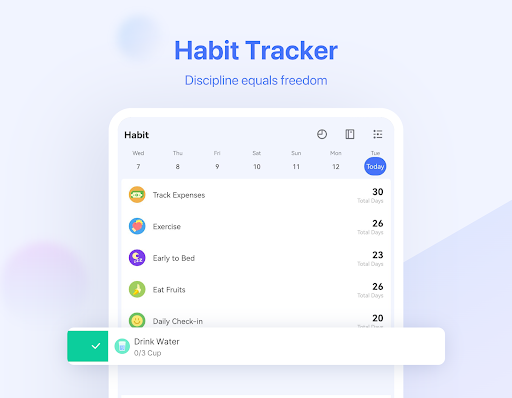
Build healthy routines by enabling the Habit Tracker in the tab bar. Set goals for meditation, exercise, reading, and more. Tracking your habits scientifically allows for more precise progress monitoring and personal development.
Cross-Platform Syncing
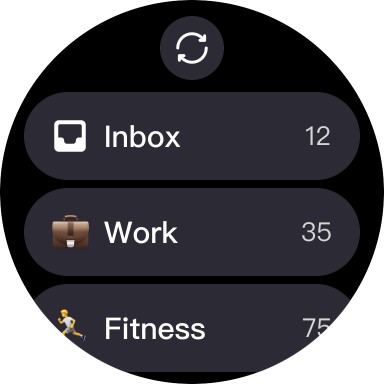
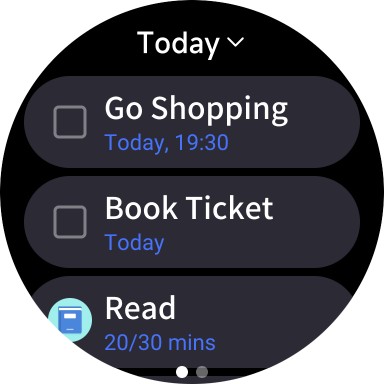
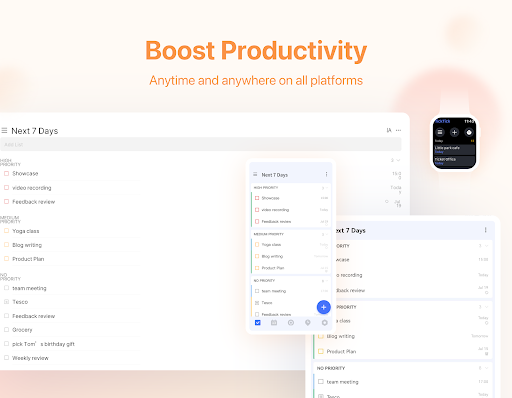
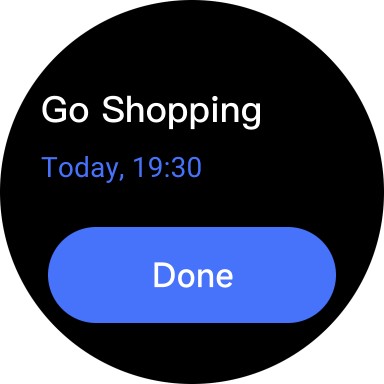
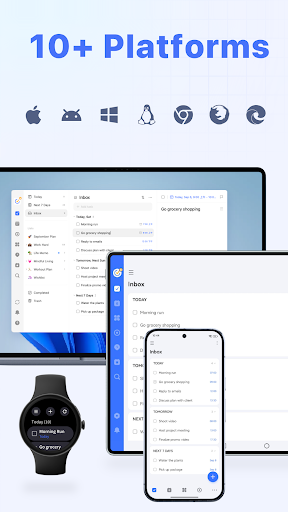
Access and manage your tasks across multiple devices including Web, Android, Wear OS, iOS, Mac, and PC. Syncing ensures your productivity stays uninterrupted whether at work or on the go.
Efficient Task Creation & Smart Scheduling
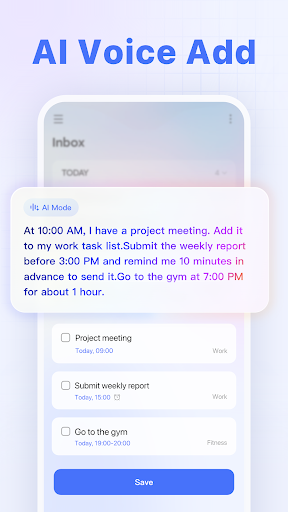
Create tasks and notes swiftly through typing or voice input. The Smart Date Parsing feature automatically sets due dates and alarms based on your input, saving time and increasing productivity.
Timely Reminders & Notifications
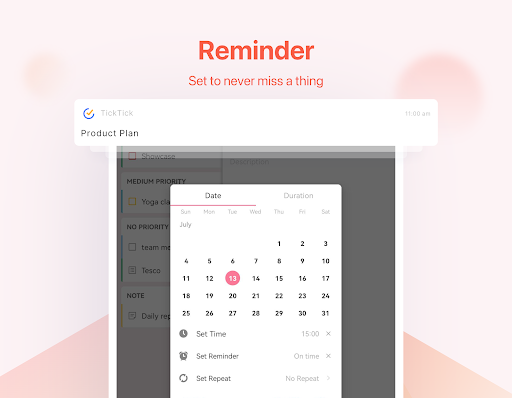
Never miss a deadline with instant reminders. TickTick records all your tasks and provides multiple alerts to keep you on track, acting like a personal assistant for your daily schedule.
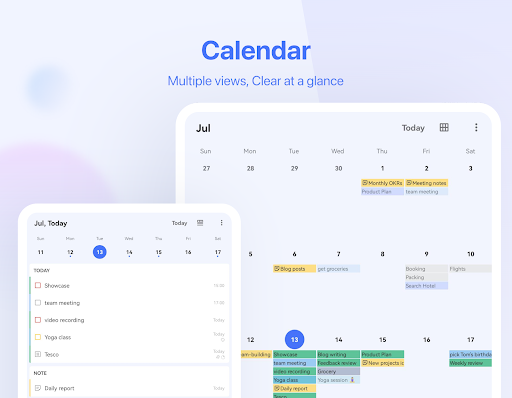
Intuitive Calendar & Integration
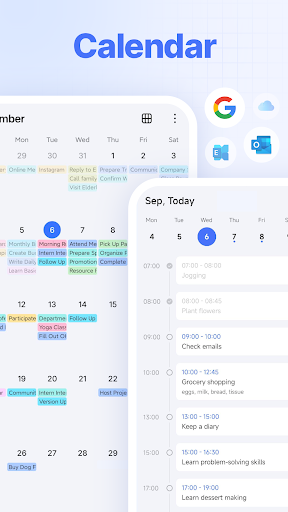
Enjoy a clutter-free, visual calendar that enables you to plan weeks or months ahead. The app supports integration with third-party calendars like Google Calendar and Outlook, ensuring all your schedules are in sync for maximum efficiency.
Widgets for Quick Access
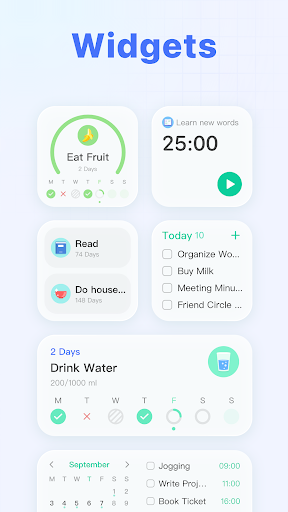
Place handy home screen widgets to instantly view your tasks and notes without opening the app, enhancing your quick productivity actions.
Recurring Tasks & Collaboration
Schedule recurring tasks effortlessly, whether daily, weekly, or monthly. Share lists and assign specific tasks to family, friends, or colleagues, reducing reliance on emails and meetings while improving teamwork productivity.
Advantages of TickTick Premium
- Enjoy a variety of beautiful themes to personalize your workspace
- View your business calendar in a convenient grid format, better than many competing apps
- Manage up to 299 lists, each containing 999 tasks, with up to 199 subtasks per task
- Add up to 5 reminders to each task for comprehensive alerts
- Share task lists with up to 29 members for collaborative planning
- Use checklist format and include detailed descriptions within tasks
- Subscribe to third-party calendars and day planners within TickTick
Premium features elevate your productivity experience, offering extensive customization and control to turn TickTick into your ultimate to-do list companion for personal and professional use.
Conclusion: Why Choose TickTick?
With its user-friendly interface, comprehensive feature set, and cross-platform synchronization, TickTick is an ideal productivity tool for anyone looking to stay organized and accomplish more every day. Its ability to integrate task management, habit tracking, calendar scheduling, and collaboration into a seamless ecosystem makes it stand out among other time management apps.
Whether you aim to boost your personal productivity, coordinate team projects, or develop healthier habits, TickTick provides all the tools necessary to make your goals a reality. Discover more about this powerful task manager by visiting ticktick.com and join a thriving community committed to smarter organization and time management.
Pros
- User-friendly interface enhances ease of navigation.
- Offers a wide range of features to meet diverse needs.
- Regular updates improve performance and add new functionalities.
- Strong security measures protect user data.
- Provides excellent customer support for users.
Cons
- Some features may require additional purchases or subscriptions.
- Occasional bugs can affect user experience.
- Performance may vary on older devices.
- Limited customization options compared to alternatives.
- Learning curve for new users can be moderate.