Discover the Ultimate PDF Reader – Your All-in-One Document & Editor Companion
In today’s fast-paced digital world, managing and editing documents efficiently is essential whether you're a student, professional, or casual user. The PDF Reader isn’t just a basic viewer; it’s a comprehensive document productivity suite designed to streamline your workflow and enhance your productivity. With a wide array of features, this app transforms the way you access, annotate, scan, and manage your documents on-the-go.
Why Choose PDF Reader?
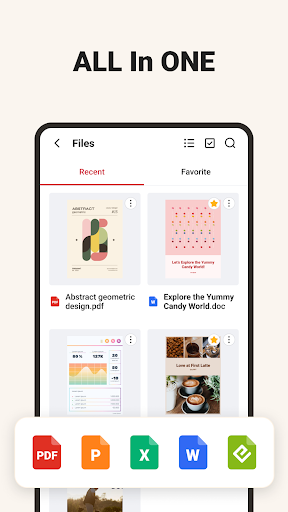
Multi-Format Document Viewer
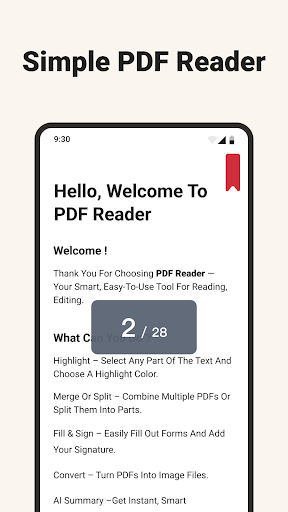
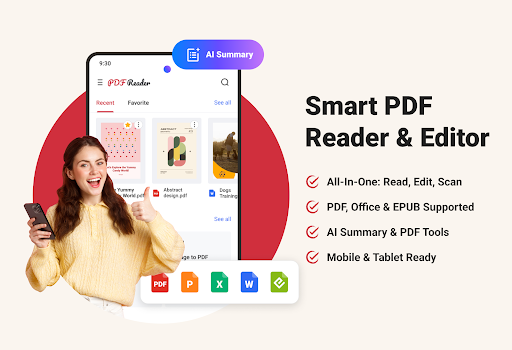
One of the standout features of PDF Reader is its ability to open and view multiple file formats seamlessly. Whether you need to review a PDF, Word document, Excel spreadsheet, PowerPoint presentation, or EPUB e-book, this app has got you covered—all in one platform. This versatility makes it an essential tool for students, researchers, and professionals who frequently work with varying document types.
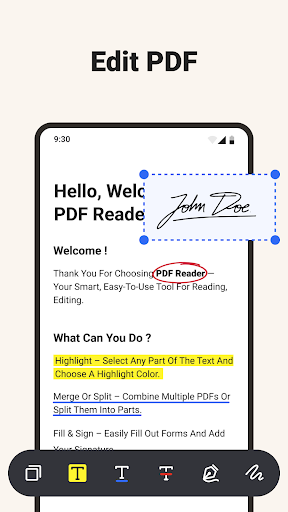
Advanced Editing & Annotation Tools
Enhance your review process with powerful annotation features. Highlight important text, underline key points, add comments, or even handwritten notes directly onto your documents. Need to sign a contract or approval form? Simply sign digitally and make your PDFs fully editable to suit your needs. These editing tools help you collaborate more effectively and streamline document reviews.
Instant Scan to PDF
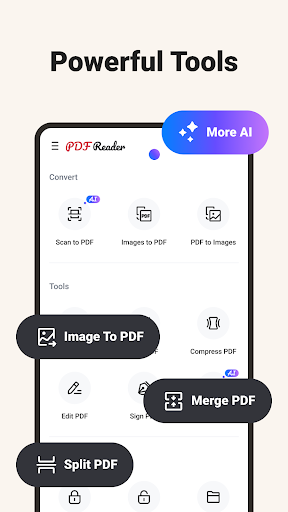
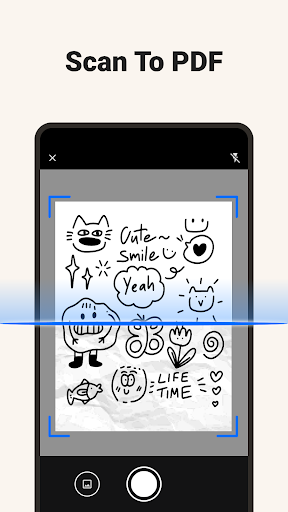
Turn your mobile device into a portable scanner. Capture receipts, forms, textbooks, IDs, and more with clarity and precision—then instantly save them as high-quality PDF files. This feature is perfect for keeping digital backups and maintaining organized records without the need for bulky scanners.
Powerful PDF Tools at Your Fingertips
- Page to JPG: Convert specific PDF pages into high-resolution images.
- Image Extraction: Extract embedded images easily from your documents.
- Additional tools include merge, split, compress, encrypt, and more—all packed in a single app. This extensive suite ensures you're equipped for any document editing or management task.
AI-Powered Summaries for Faster Insights
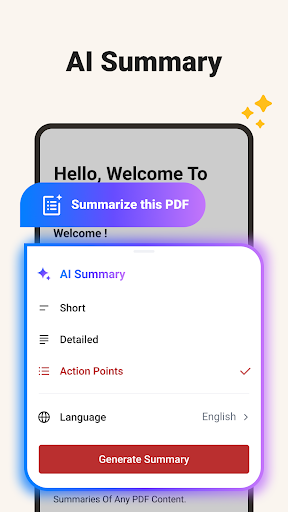
Leverage the built-in AI capabilities to quickly analyze your documents. Whether you need a brief one-sentence overview, a detailed content summary, or actionable bullet points for meetings or decision-making, the AI feature extracts key insights efficiently. This feature saves you time and helps you focus on what matters most.
Organized & Efficient File Management
Keep your digital workspace tidy with robust file organization tools. Create folders, rename files, search quickly, and sort documents to find what you need effortlessly. Import files from other sources and store them locally to maintain a clean, structured library. Additionally, built-in compression options help free up storage space, keeping your device optimized.
Optimized for Mobile & Tablets
Designed for all device types, PDF Reader offers smooth performance across smartphones and tablets. Open large files, switch between tools, and scroll through content effortlessly—making document management flexible and accessible anytime, anywhere.
Who Can Benefit from PDF Reader?
- Students: Take detailed notes, scan handouts or lecture materials, and generate concise summaries to enhance learning.
- Professionals: Efficiently view, edit, annotate, and share critical business documents on the go.
- Every User: Easily scan, manage, and convert various file types, simplifying your daily tasks and boosting productivity.
Experience a Smarter Way to Handle Documents
Download PDF Reader today and elevate your document management experience. Whether you're reviewing research papers, managing work reports, or scanning receipts, this app offers the perfect blend of power and simplicity—making your workflow faster, more organized, and more efficient.
Pros
- User-friendly interface that is easy to navigate
- Provides a wide range of features to enhance user experience
- Fast performance with minimal loading times
- Regular updates and improvements based on user feedback
- Strong community support and active user forums
Cons
- Occasional bugs that may affect functionality
- Limited customization options for advanced users
- Higher subscription costs compared to similar apps
- Requires consistent internet connection for optimal use
- Some features are only available in premium versions