Overview of Clone Master - Multi Dual Space
Unlock the full potential of your Android device with Cloner Master, the premier app cloning tool designed specifically for the latest Android 15 ecosystem. This innovative application empowers users to create and manage multiple copies of their existing apps, transforming the way you use your smartphone.
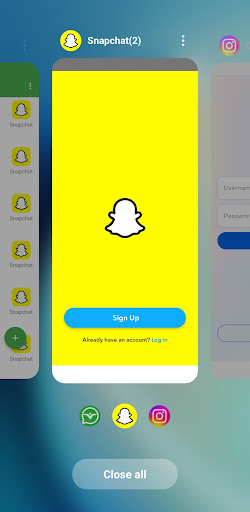
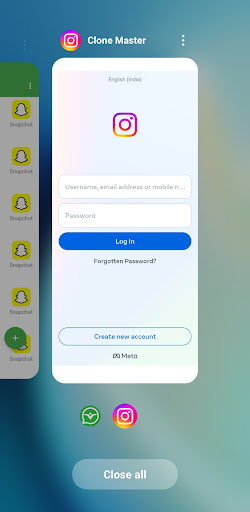
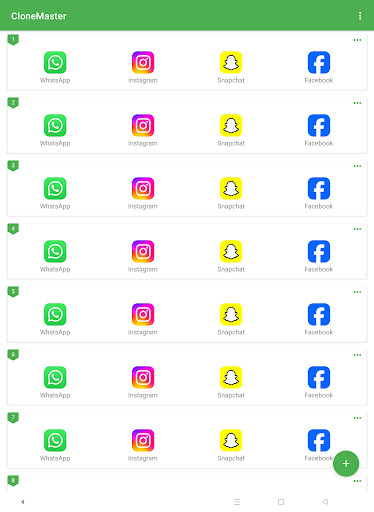
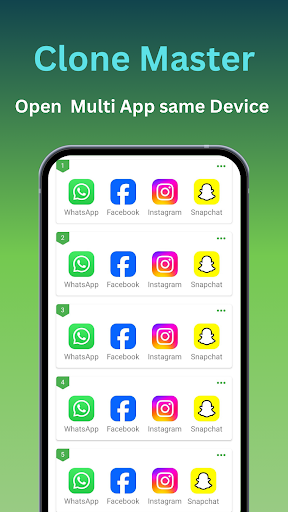
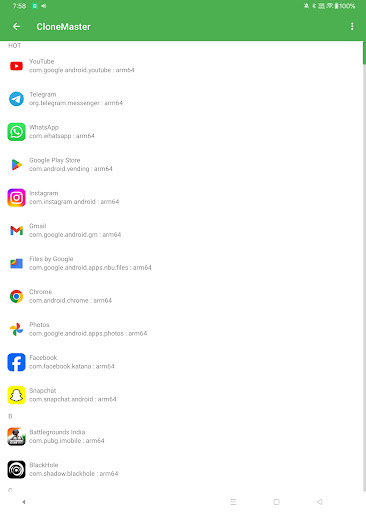
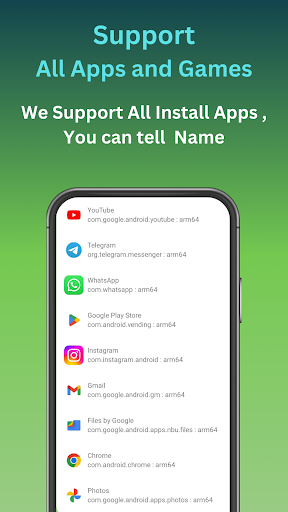
With Cloner Master, you can clone all your favorite applications simultaneously, enabling dual-app functionalities. Whether it’s social media, messaging, gaming, or streaming platforms, this app allows you to run multiple accounts on a single device, streamlining your digital life efficiently.
Enjoy seamless operation with popular apps like WhatsApp, Facebook, Instagram, Line, Signal, Telegram, Imo, and Snapchat. Additionally, you can manage multiple streaming platforms such as Hotstar, Netflix, Tango, Mika, and Elo Elo. For work and productivity, clone numerous Google services including Google Play Store, Google Workspace accounts, Google Sheets, and Google Meet.
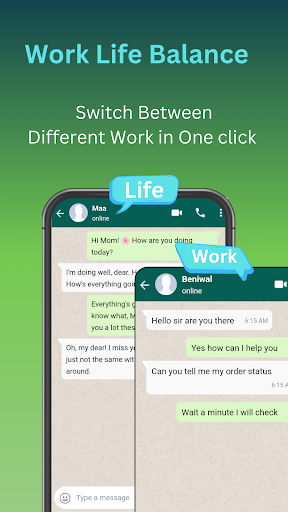
If you're looking to create both personal and professional workspace environments on a single device, Cloner Master is your ideal solution, offering versatility and efficiency.
Why Choose Clone Master?
Android 15 Compatibility: Cloner Master is engineered to leverage the advanced features of Android 15, ensuring smooth operation, optimized battery usage, and enhanced performance across all cloned apps.
Seamless App Cloning: Whether for social media, gaming, or productivity, cloning your favorite apps is effortless, enabling you to operate multiple accounts simultaneously.
Customized User Experience: Personalize each cloned app by customizing names, icons, and permissions, creating a truly unique and tailored smartphone experience.
Enhanced Privacy Features: Protect your data with privacy-focused features like incognito login for cloned apps and the ability to separate personal and work data, ensuring your information remains secure.
User-Friendly Interface: The intuitive design makes app cloning accessible for everyone, allowing you to clone, manage, and switch between apps with just a few taps.
Regular Updates: Stay ahead with updates that introduce new features, improve compatibility, and enhance security, ensuring your cloned apps perform flawlessly on the latest Android OS.
Key Features of Cloner Master
Multiple Account Management: Effortlessly clone apps to manage multiple accounts on one device, perfect for social media, messaging, and gaming.
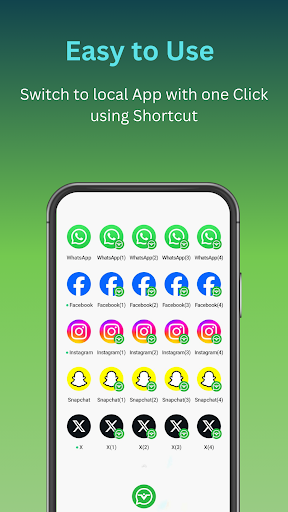
Customizable Clones: Modify each cloned app with unique icons and names to easily distinguish accounts.
Data Separation: Maintain independent data for each cloned account, safeguarding your privacy and organization.
Privacy Protection: Built-in privacy features ensure your information stays secure within each cloned app.
Update Support: Regular updates enhance compatibility with new app versions and improve overall stability.
No Root Required: Benefit from advanced cloning technology without the need to root your device.
Customer Support and Feedback
We value our users' feedback and suggestions. For questions, ideas, or support, please contact us at clonemaster.help@gmail.com.
Conclusion
Cloner Master stands out as a powerful tool for Android users seeking to enhance their device capability through efficient app cloning. Its compatibility with Android 15 ensures it harnesses the latest features for optimal performance. Whether for managing multiple social media accounts, streamlining work-related apps, or running multiple streaming services, this app simplifies multitasking and improves device utility.
Emphasizing privacy, customization, and user-friendly experience, Cloner Master is the ideal choice for anyone aiming to maximize their Android device's potential with ease and security.
Pros
- Offers a seamless user experience with intuitive navigation.
- Provides a wide range of features catering to diverse user needs.
- Regular updates improve functionality and security.
- Supports multiple devices and operating systems for flexibility.
- Has a user-friendly interface that is easy to understand and use.
Cons
- Occasionally experiences performance issues under heavy load.
- Some features may require additional in-app purchases.
- Limited customization options for advanced users.
- Initial setup can be time-consuming for new users.
- Requires frequent internet connection for optimal performance.