
Mechanics Bank Mobile Banking App Overview
Experience the convenience and security of managing your finances on the go with the Mechanics Bank Mobile Banking app. Designed to provide fast and seamless access to your accounts, the app offers a range of features that simplify your banking experience from anywhere at any time.
Key Features of the Mechanics Bank Mobile Banking App
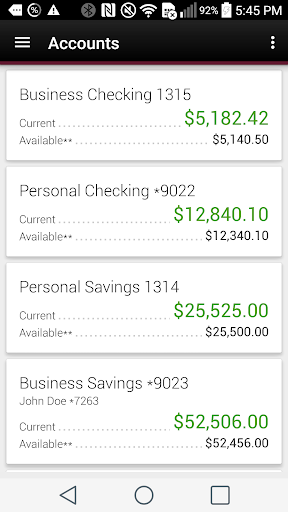
Account Management
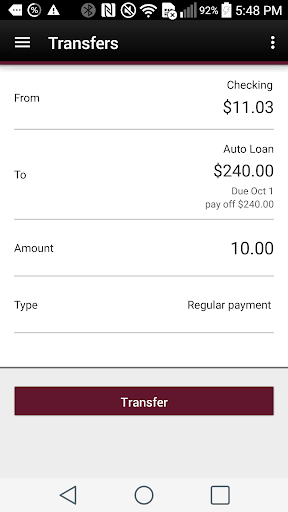
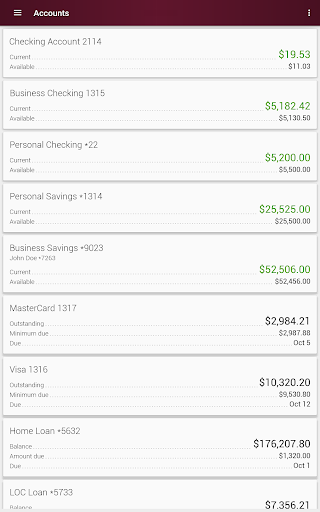
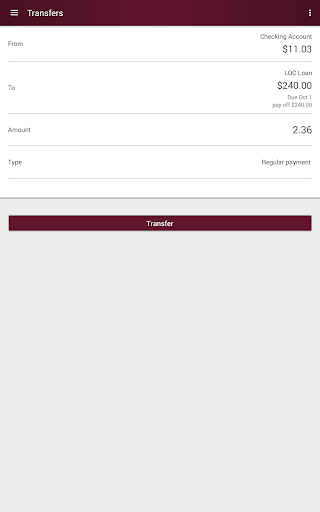
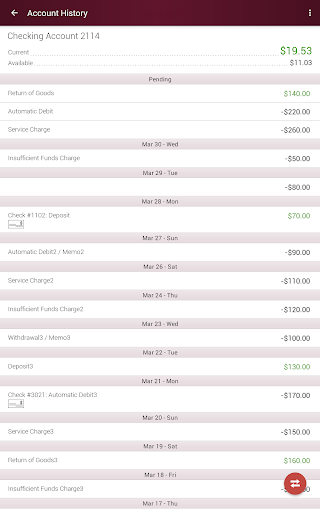
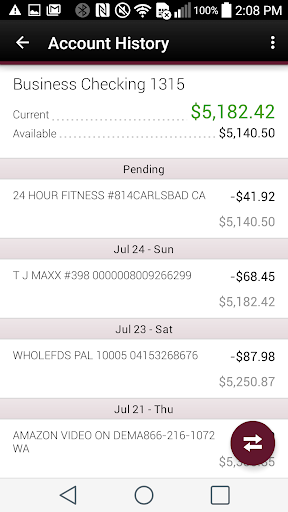
With the app, you can easily check account balances instantly, giving you real-time insights into your financial status. Additionally, you can perform transactions such as transferring funds between Mechanics Bank accounts directly from your mobile device.
Mobile Check Deposit
Conveniently deposit checks using mobile deposit, eliminating the need to visit a branch. The app allows you to simply take a picture of your check to add funds to your personal checking or savings accounts. Please note that certain deposit limits and eligibility restrictions apply.
Secure Login Options
For enhanced security, you can login with your fingerprint on supported devices. This feature helps protect your account while providing quick access, although it may not be available on all mobile devices.
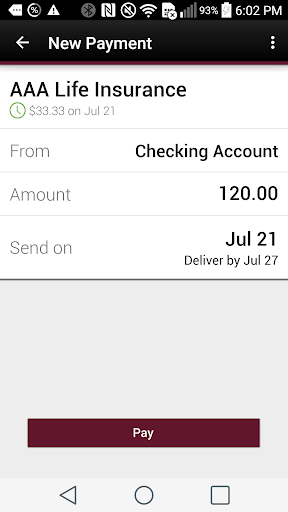
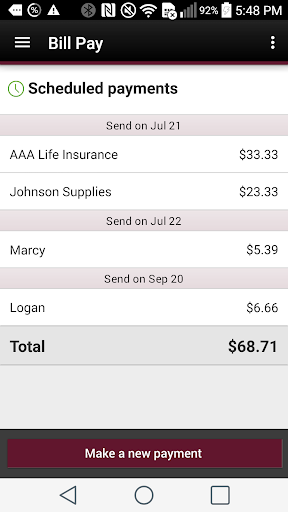
Bill Payments and Rewards
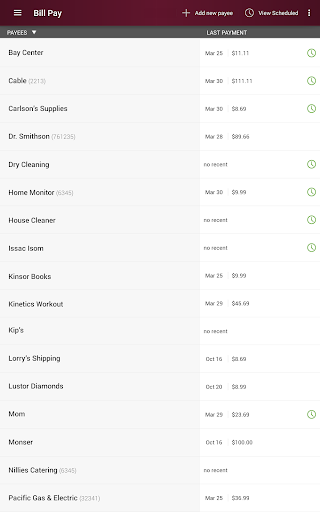
Pay your bills effortlessly through the app and add or view purchase rewards, helping you maximize your spending benefits.
Branch and ATM Locator
Find the nearest branch or ATM with ease, ensuring you have access to banking services whenever you need them.
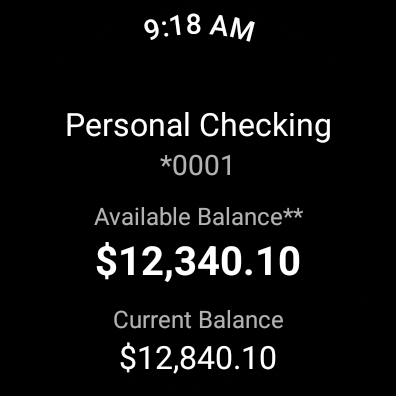
Additional Access via Wear OS
For quick balance checks on your wearable device, our Wear OS app provides a convenient and fast solution. Simply download the app, launch it, and sign in with your Online Banking User ID and Password.
Getting Started with Mechanics Bank Mobile Banking
To begin, download the Mechanics Bank Mobile Banking app from your device’s app store and launch it. Use your Mechanics Bank Online Banking User ID and Password to sign in. If you are not yet registered for Online Banking, visit https://www.mechanicsbank.com/online-enrollment/ to enroll today.
If you forget your credentials, simply contact Online Services at 800.797.6324 for assistance.
Additional Information and Fees
Mechanics Bank Mobile Banking is offered as a free service to our clients. However, please be aware that certain fees may apply for specific banking transactions. Additional data services provided through your wireless carrier might also incur charges.
The mobile deposit service is available exclusively for personal checking or savings accounts and is subject to eligibility, including limits on deposits and other restrictions.
Safety and Security
Mechanics Bank prioritizes the security of your accounts. Using features like fingerprint login adds an extra layer of protection, and all transactions are safeguarded with encryption and security protocols to ensure your financial data remains private.
Legal and Contact Information
Mechanics Bank, Member FDIC. © 2018 Mechanics Bank. All Rights Reserved.
For more details or assistance, please consult your banker or contact our support team.
Pros
- User-friendly interface making navigation easy
- Fast load times ensure smooth experience
- Extensive feature set meets diverse user needs
- Regular updates improve functionality and security
- Reliable performance with minimal crashes
Cons
- Limited customization options for interface
- Occasional bugs that require fixes
- High battery consumption during intensive use
- Lack of comprehensive customer support services
- Some features are restricted in free version