Emoji Battery Widget: Add a Splash of Cute to Your Home Screen
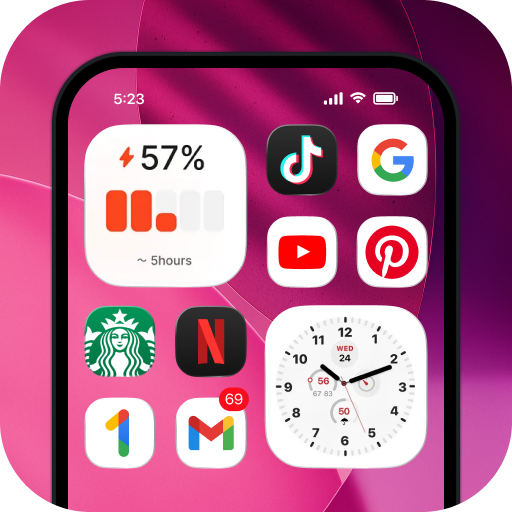
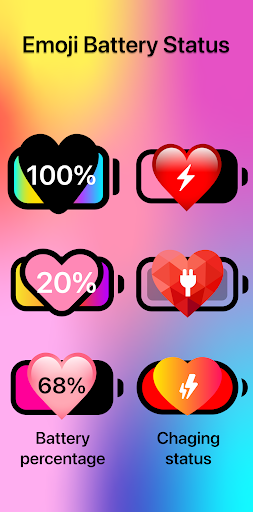
Your smartphone’s battery indicator is something you glance at dozens of times each day. Often, it’s a bland, boring bar at the top of your screen. With the Emoji Battery Widget, you can transform that everyday necessity into a delightful, expressive experience. This innovative app lets you add a beautiful and so cute emoji battery directly to your phone’s home screen, turning a mundane status check into a moment of joy.
Imagine glancing at your device and seeing a playful smiley, a cool dude with shades, or a blushing face representing your remaining power. The Emoji Battery Widget brings a unique personality to your device that standard battery icons simply can’t match. It’s not just about function; it’s about adding a touch of charm and whimsy to your daily tech interactions. Whether you’re a fan of minimalistic design or love expressive graphics, this widget offers a versatile way to keep an eye on your battery life.
Unmatched Customization for Your Emoji Battery
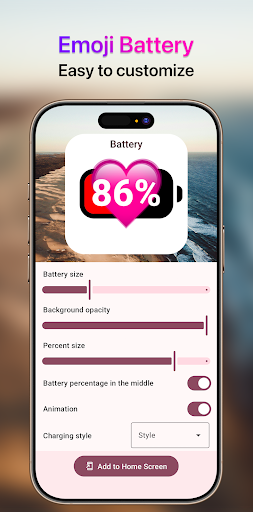
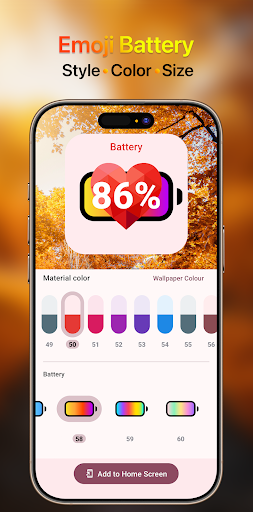
One of the standout features of this app is the incredible level of control you have over your battery display. The Emoji Battery Widget isn’t a one-size-fits-all solution. It’s fully customizable to suit your personal style and screen layout. You can adjust the size of your emoji battery widget to be a subtle addition or a bold statement piece on your home screen. Whether you prefer it tucked away in a corner or as a central widget, the choice is yours.
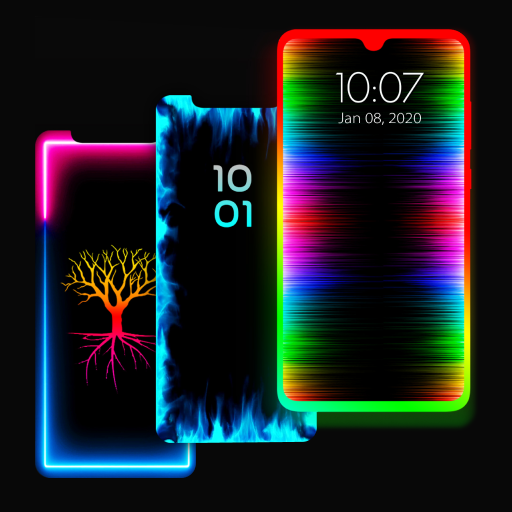
Beyond size, this brilliant little tool offers a broad spectrum of colors. Match the widget to your wallpaper, your phone case, or simply choose a hue that makes you smile every time you unlock your device. The flexible color options ensure that the widget integrates seamlessly with your phone’s aesthetic, enhancing your home screen rather than clashing with it.
Style That Speaks to You
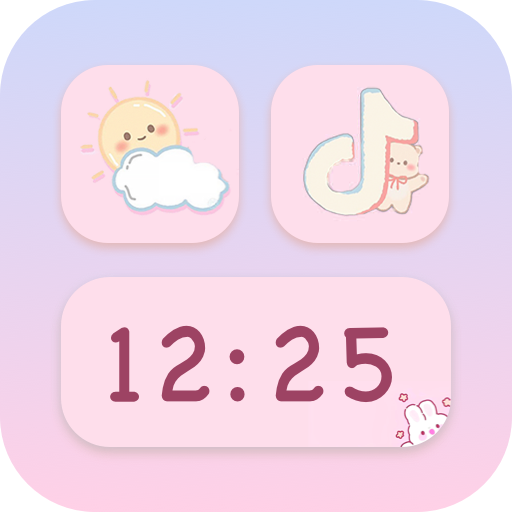
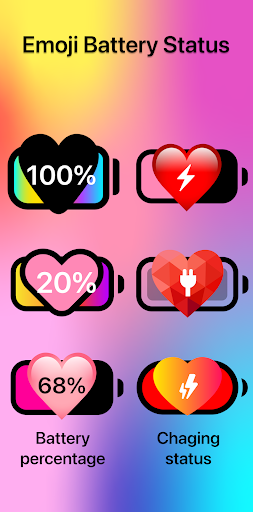
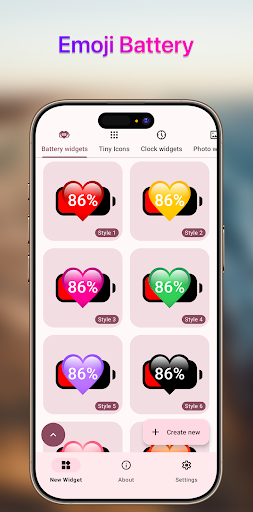
Perhaps the most exciting customization option is the range of styles available. The app offers a diverse library of emojis, each with its own unique flair. From classic yellow smileys to quirky, expressive faces, you can select a style that perfectly captures your mood. This cute battery widget allows you to express yourself every day. You can even change the emoji based on your mood or the season, keeping your phone feeling fresh and personal.
Whether you want a simple, clean look or a vibrant, colorful display, the customizable emoji battery adapts to your needs. It’s an ideal tool for those who love personalizing their gadgets. This isn't just a battery tracker; it’s a fashion accessory for your device. The app’s user-friendly interface makes it incredibly easy to tweak these settings, ensuring that anyone can achieve their perfect look in just a few taps.
Why You’ll Love This Cute Battery Widget
In a world where we are constantly connected to our phones, it’s the little details that make a big difference. The Emoji Battery Widget adds a layer of personality that standard widgets lack. It turns a potential source of anxiety (a low battery warning) into a cute, friendly reminder. This widget is perfect for anyone who loves emojis, enjoys customizing their tech, or simply wants to add a bit of fun to their daily routine.
It’s more than just a tool; it’s a way to make your phone feel truly yours. So why settle for a boring battery bar when you can have a cheerful and expressive emoji battery widget on your home screen? Download it today and let your battery’s personality shine through. This charming utility is sure to become your favorite new addition to your smartphone, offering both practical utility and daily delight. With its easy customization and adorable aesthetics, it’s a simple upgrade that makes a huge impact on how you see your device.
Pros
- Adds a fun and expressive way to monitor battery life using emojis
- Provides quick access to battery status directly from the home screen
- Customization options allow users to choose different emoji styles and themes
- Lightweight app that does not consume significant system resources
- Works well with most Android launchers and devices
- User-friendly interface suitable for all ages
Cons
- Limited functionality beyond battery display, lacking advanced battery management features
- May not show precise battery percentages on all devices
- Notification or widget updates might occasionally lag
- Requires persistent background access, which may affect battery performance slightly
- Some users may find emoji style less professional for work environments
- Free version may include advertisements or in-app purchase prompts