



Explore the Nostalgic World of GBA Gaming with John GBA
Introducing John GBA: Your Portable GBA Console
Outstanding Features of John GBA
Authentic Rendering and Graphics
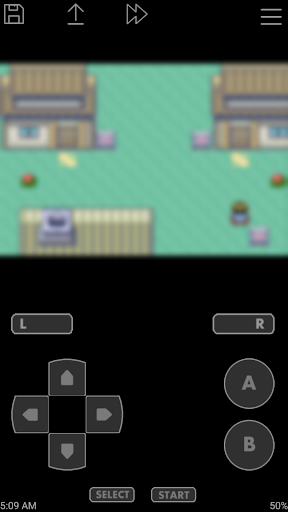
The original GBA engine at the core of the emulator ensures that game visuals stay true to their original appearance. High-quality rendering powered by OpenGL guarantees vibrant, smooth graphics that enhance gameplay, especially during intense battles or detailed scenes.
Customizable and User-Friendly Controls
Adjust the virtual on-screen keypad layout to fit your playing style. For those who prefer external controllers, popular options like Bluetooth and MOGA controllers are supported, providing a console-like experience close to original handheld gaming.
Enhanced Gameplay Features
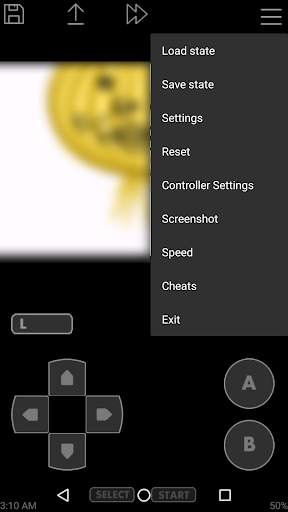
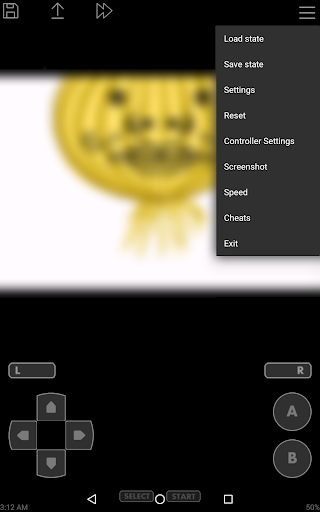
Save your game progress with save states that include previews, allowing you to pick up right where you left off. The emulator also offers cheats support (including Raw, GameShark, and CodeBreaker) to spice up your gameplay.
Convenience and Compatibility
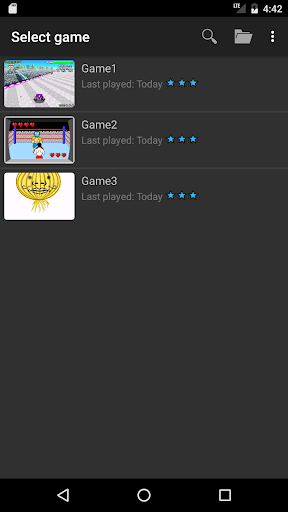
Search for game files effortlessly within your SDCard or Internal Storage. Support for zipped files makes organizing your game library simple. Additional features include screenshot capability, fast forward / slow down modes (x0.25 - x16), and Dropbox integration via John DataSync for backup and sync.
Ad-Free Experience
The app is designed without ads and does not require an internet connection, offering uninterrupted gaming sessions. If you prefer, a paid version is available to eliminate any advertisements entirely.
Hardware Requirements for Optimal Play
- CPU: 1.0GHz Dual-core
- RAM: 1GB
Experience the Magic of Retro Gaming with John GBA
Pros
- High-quality graphics enhance gameplay.
- Supports customizable on-screen controls.
- Includes fast forward and slow motion features.
- Compatible with cheat codes.
- Supports external controllers.
Cons
- Requires a powerful device for smooth performance.
- Limited features in the free version.
- Occasional ads can be disruptive.
- Does not support cloud save functionality.
- Full features require in-app purchases.











